GuidesGrand Theft Auto VI

Where Are the Aim Settings in GTA 6?

Quick answer

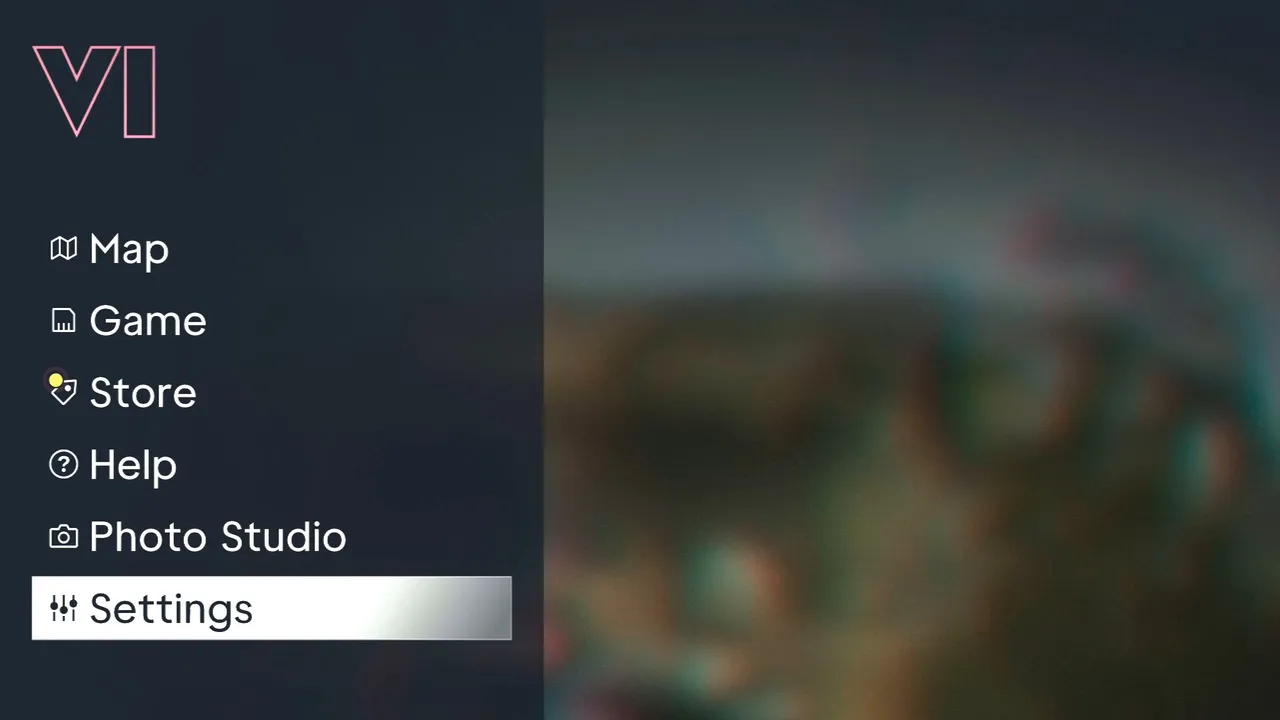
On Xbox, open Settings from the pause menu.
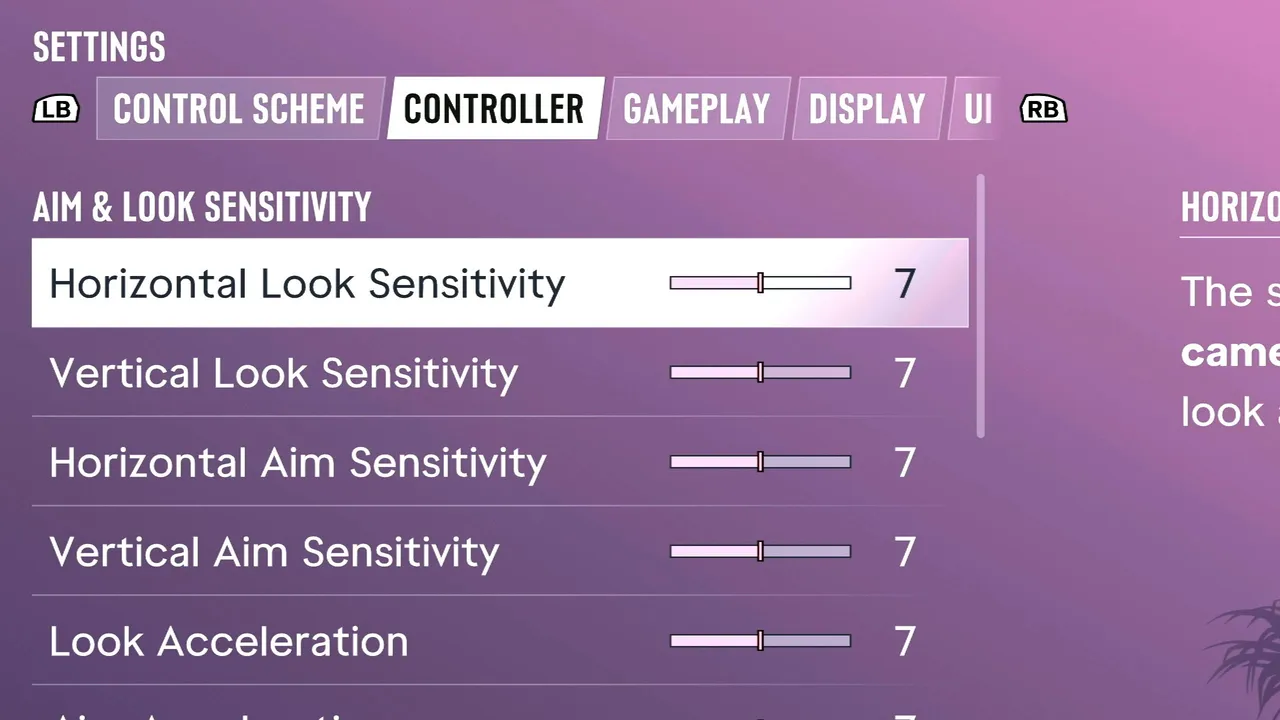
Settings, Controller tab, Aim & Look Sensitivity: horizontal and vertical look and aim sliders, each at 7.
Controller > Aim & Look Sensitivity.
Pause menu: Map, Game, Store, Help, Photo Studio, with Settings highlighted.
Settings is the last item in the pause menu.

Where to look

  • Controller > Aim & Look Sensitivity has separate sliders for looking and for aiming.

    Settings, Controller tab, Aim & Look Sensitivity: horizontal and vertical look and aim sliders, each at 7.
    Controller > Aim & Look Sensitivity.
  • Gameplay > Combat sets targeting and aim assist strength, alongside shooting assist and drive-by assist.
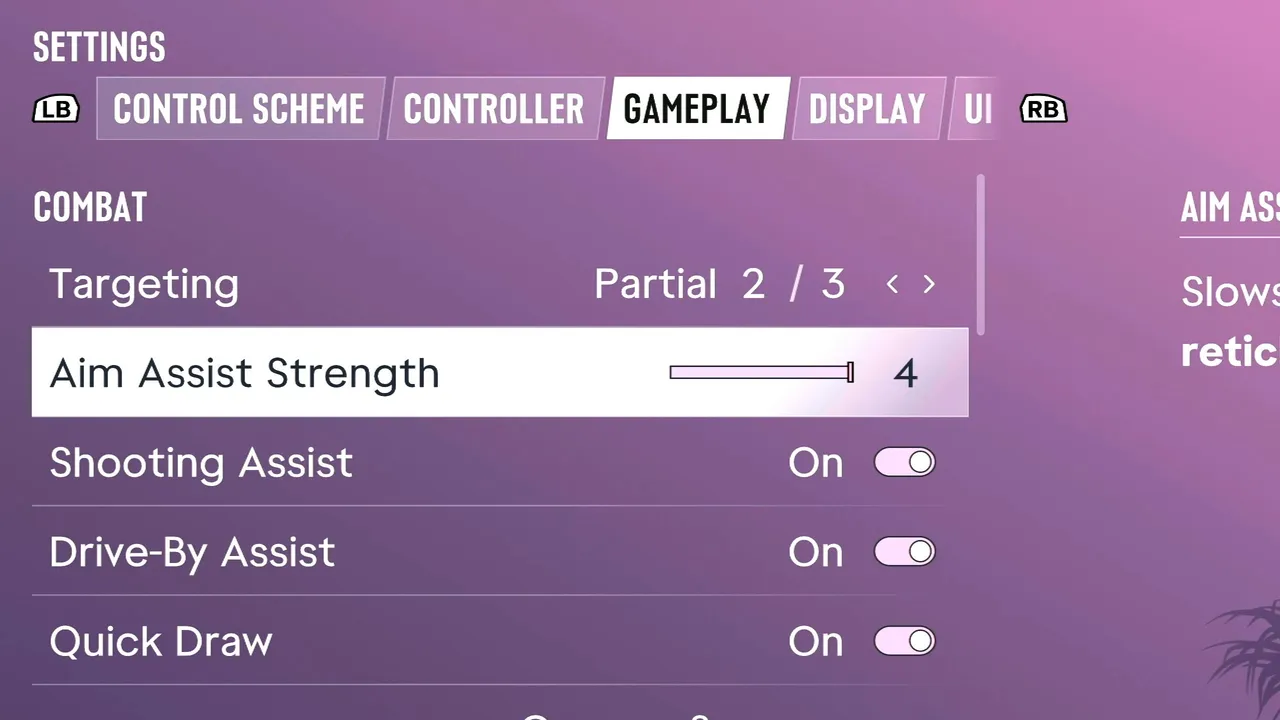
    Settings, Gameplay tab, Combat: Targeting Partial, Aim Assist Strength 4, Shooting Assist, Drive-By Assist and Quick Draw on.
    Gameplay > Combat.

Credits

Gameplay captured by StreamerHouse. Narrated with an AI voice.