Is There a First-Person Mode in GTA 6? Aiming, Phone and Driving
None of the 24 Camera options turns on a permanent first-person view. Certain optics give you a first-person view while aiming. Taking out your phone can also switch the view to first person.
How to get first person while aiming
-
At a gun shop, open the Optics attachments for your weapon. The Flexor 3× Fixed Zoom for the Hillinger M306 costs $815.
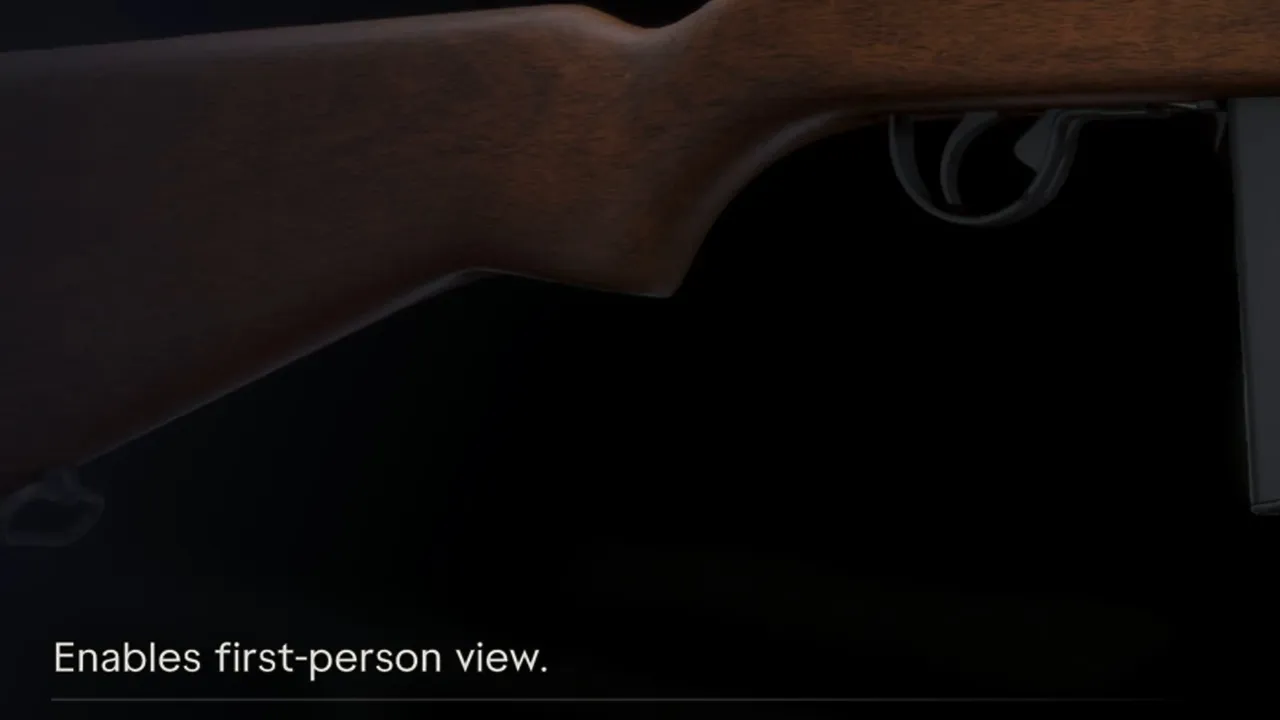
The optic's entry says Enables first-person view. -
Buy an optic whose entry says Enables first-person view. Its card says to toggle the view with the right stick while aiming.
-
Aim, then press the right stick to switch to the first-person view.
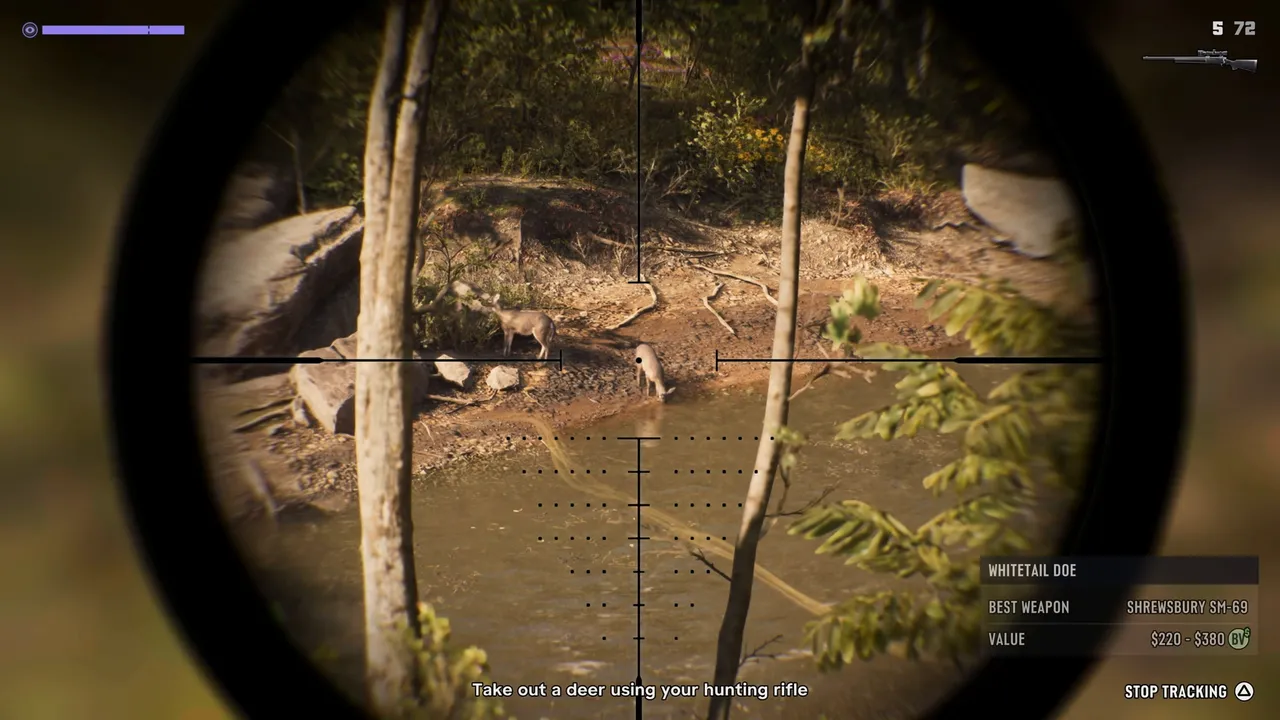
Through a hunting rifle’s scope, the whole screen is the scope view.
Other first-person moments
-
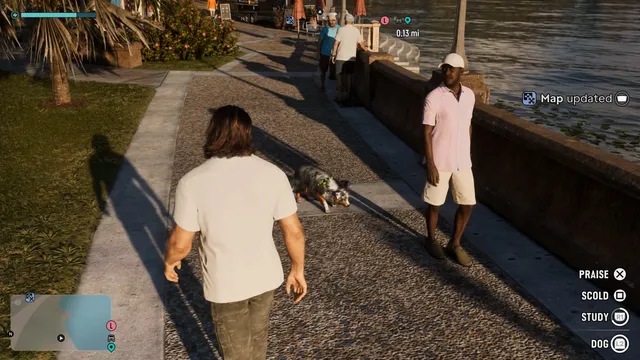
The phone can switch the viewpoint to first person. Jason’s view switched when he opened the fitness app.
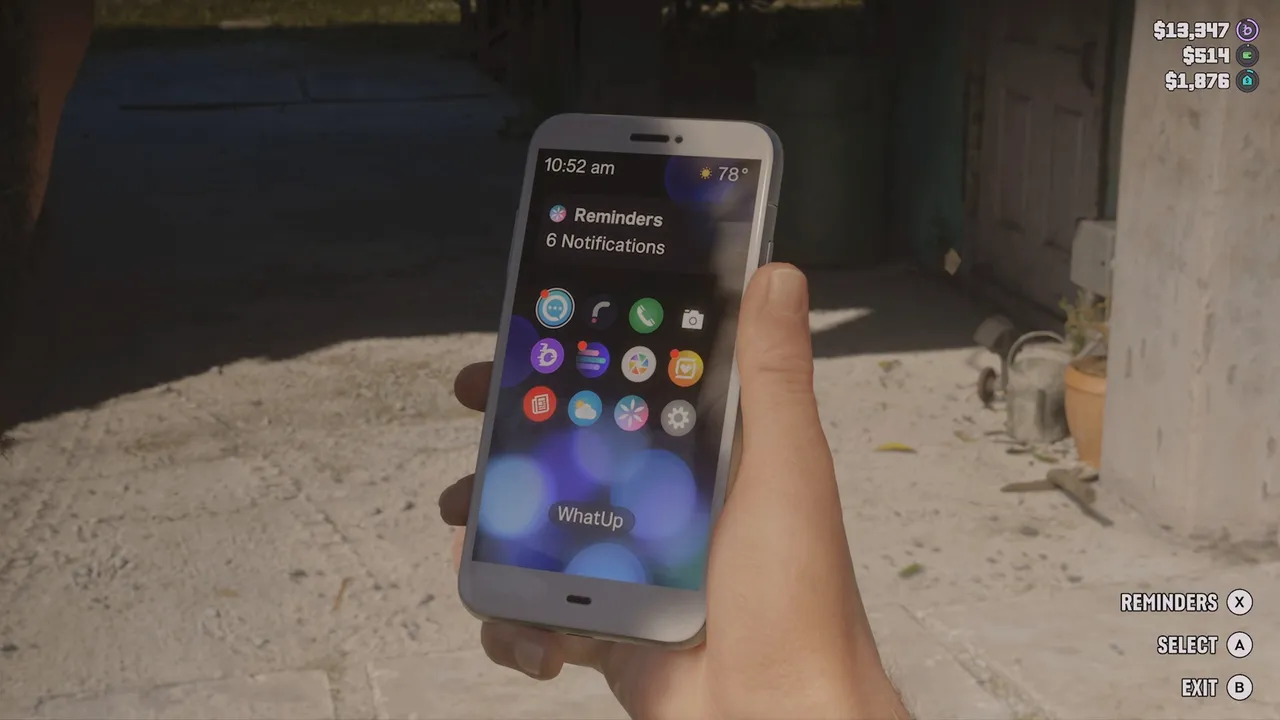
The phone can switch to first person.
Can you drive in first person?
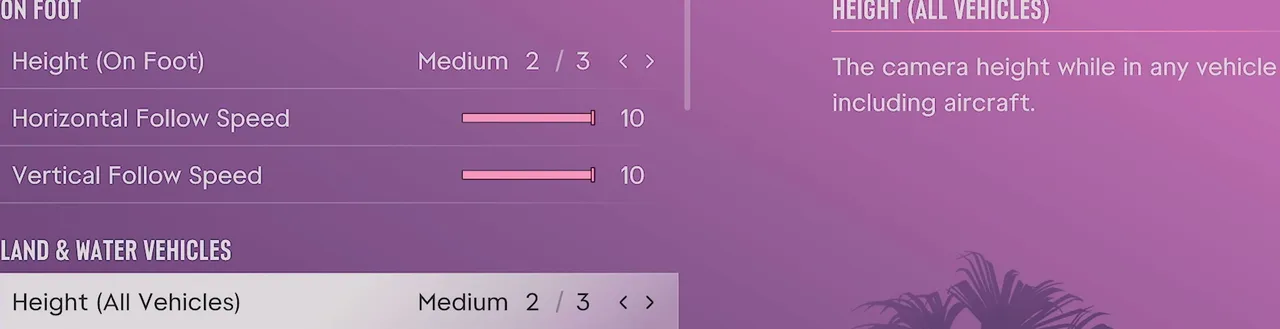
The Land & Water Vehicles camera settings have no first-person toggle. Under Settings, Camera, that section has seven options: Height (All Vehicles), plus Horizontal Follow Speed, Vertical Follow Speed and Follow Delay for the driver and for a passenger.
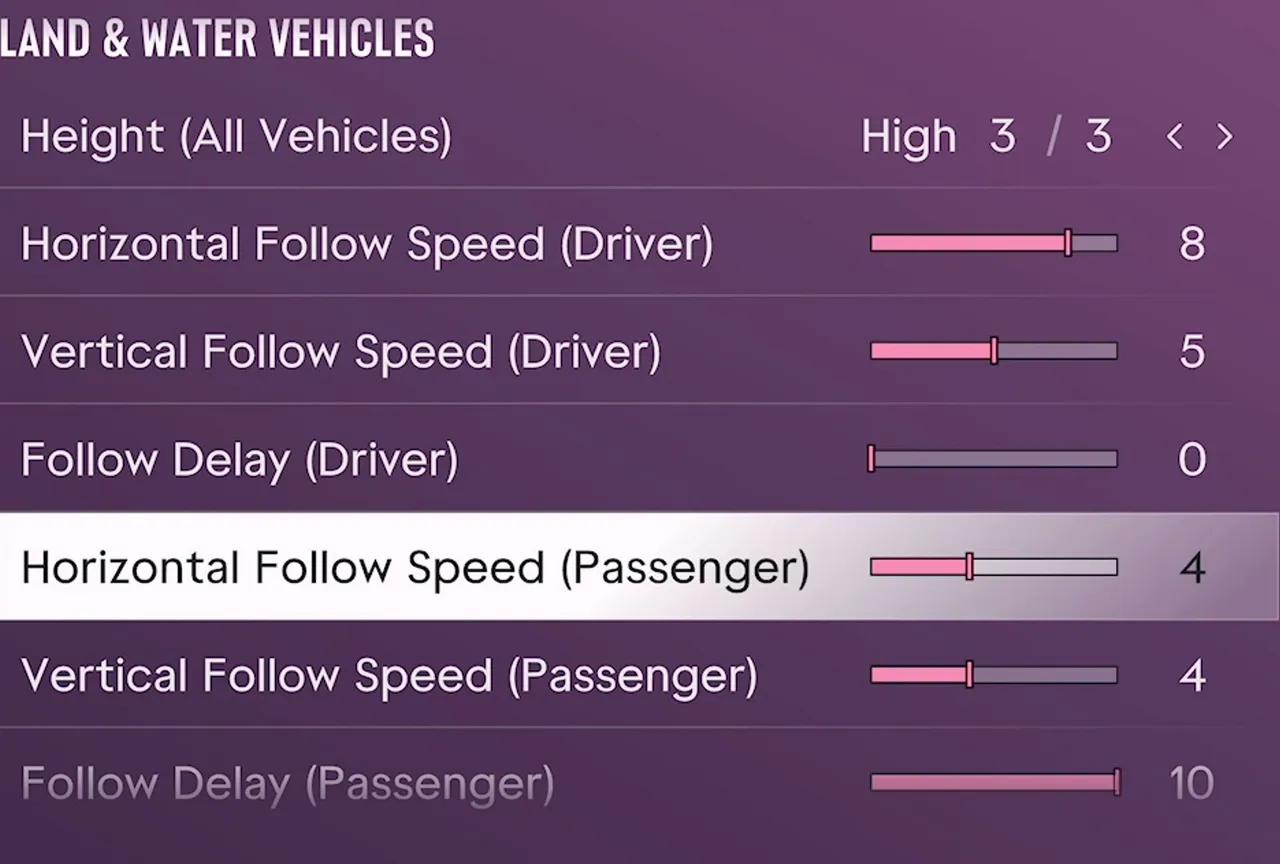
Height (All Vehicles) sets the camera height in any vehicle, including aircraft, and has three settings.
Two ways to see the driver’s-seat view:
-
Your phone. Taking out your phone can move the camera into the driver’s seat while you’re driving. Put the phone away and the view goes back behind the car.
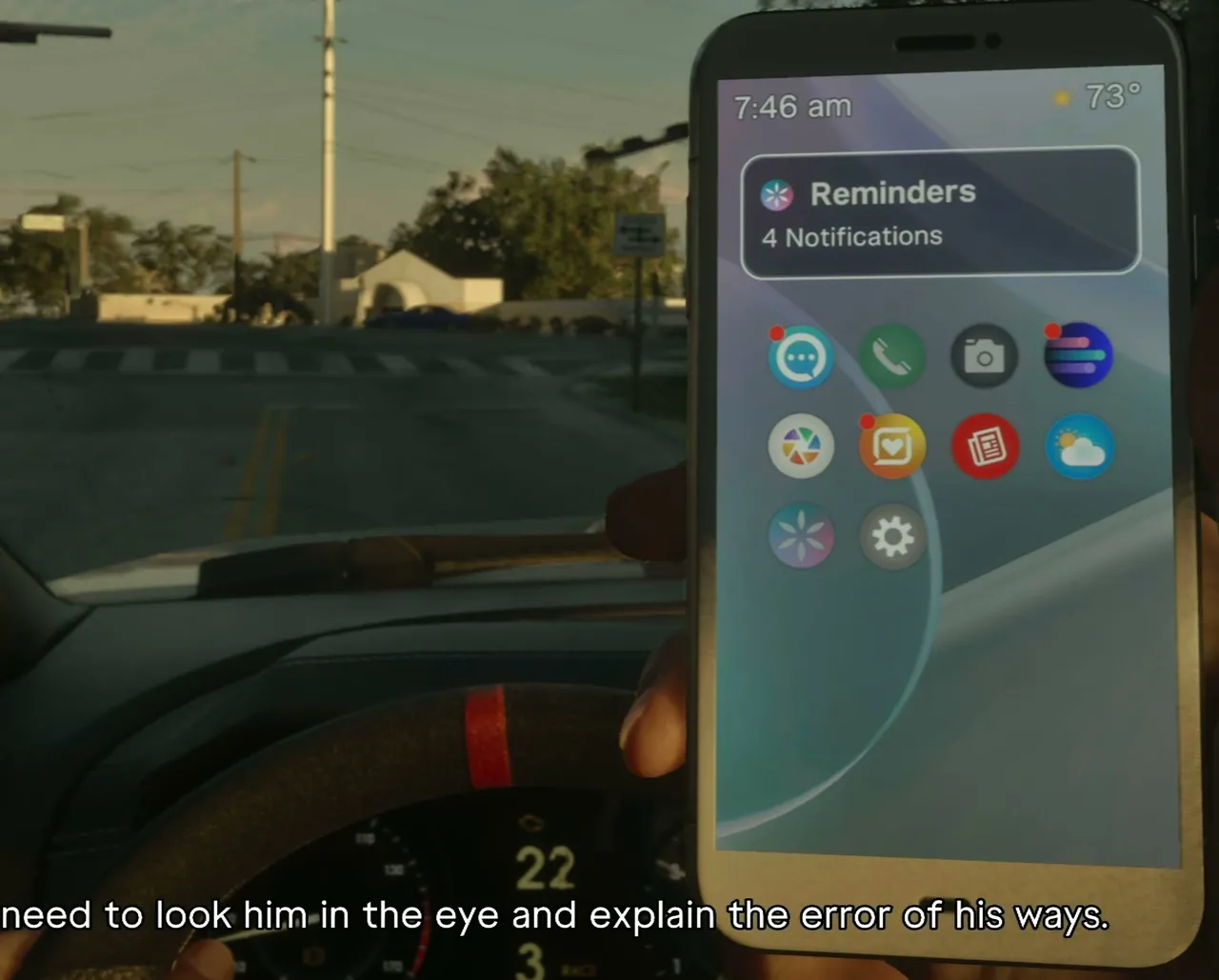
Phone out while driving: the view moves to the driver's seat. -
Slam Dunk. Slam Dunk puts you in the driver’s seat when “Drive to the office” appears.
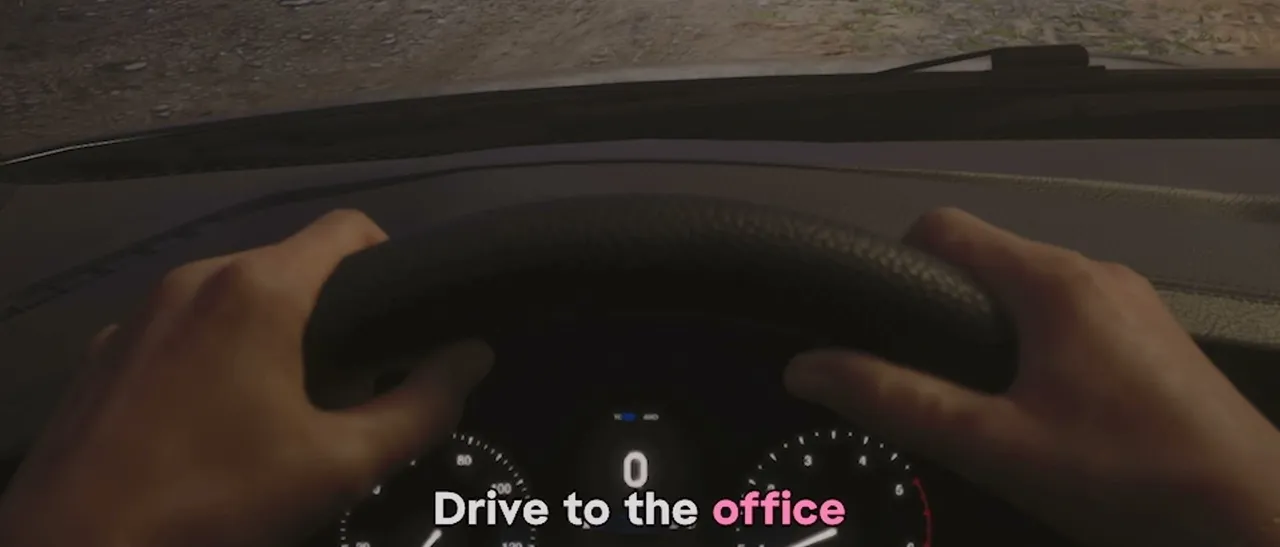
Slam Dunk's drive from the driver's seat.
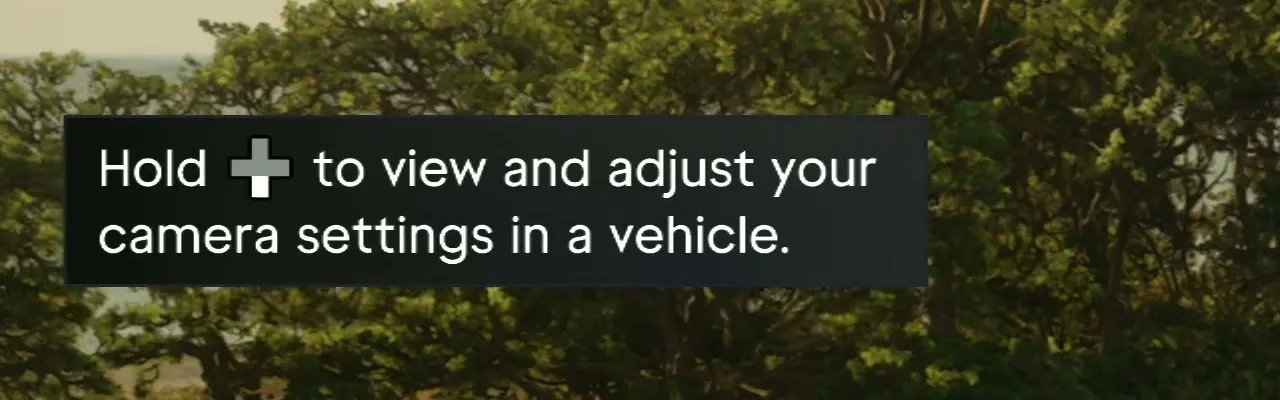
Hold down on the D-pad to view and adjust camera settings in a vehicle.
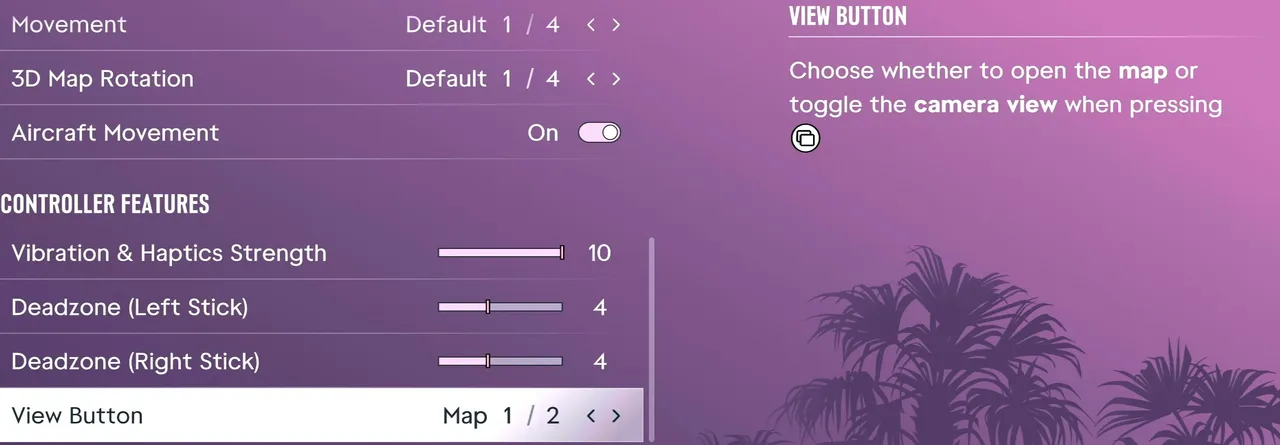
On Xbox, go to Settings > Controller > View Button to choose whether the View button opens the map or switches camera views.
Credits
Gameplay captured by StreamerHouse. Narrated with an AI voice.
More in Getting started