GTA 6 Phone Camera and Snapmatic: Selfies, Poses, Filters and Photo Storage
To take photos, open the phone and pick Camera. The camera has 17 filters, zoom, a selfie option and a 32-photo gallery.
Open the camera
Open the phone and select Camera.
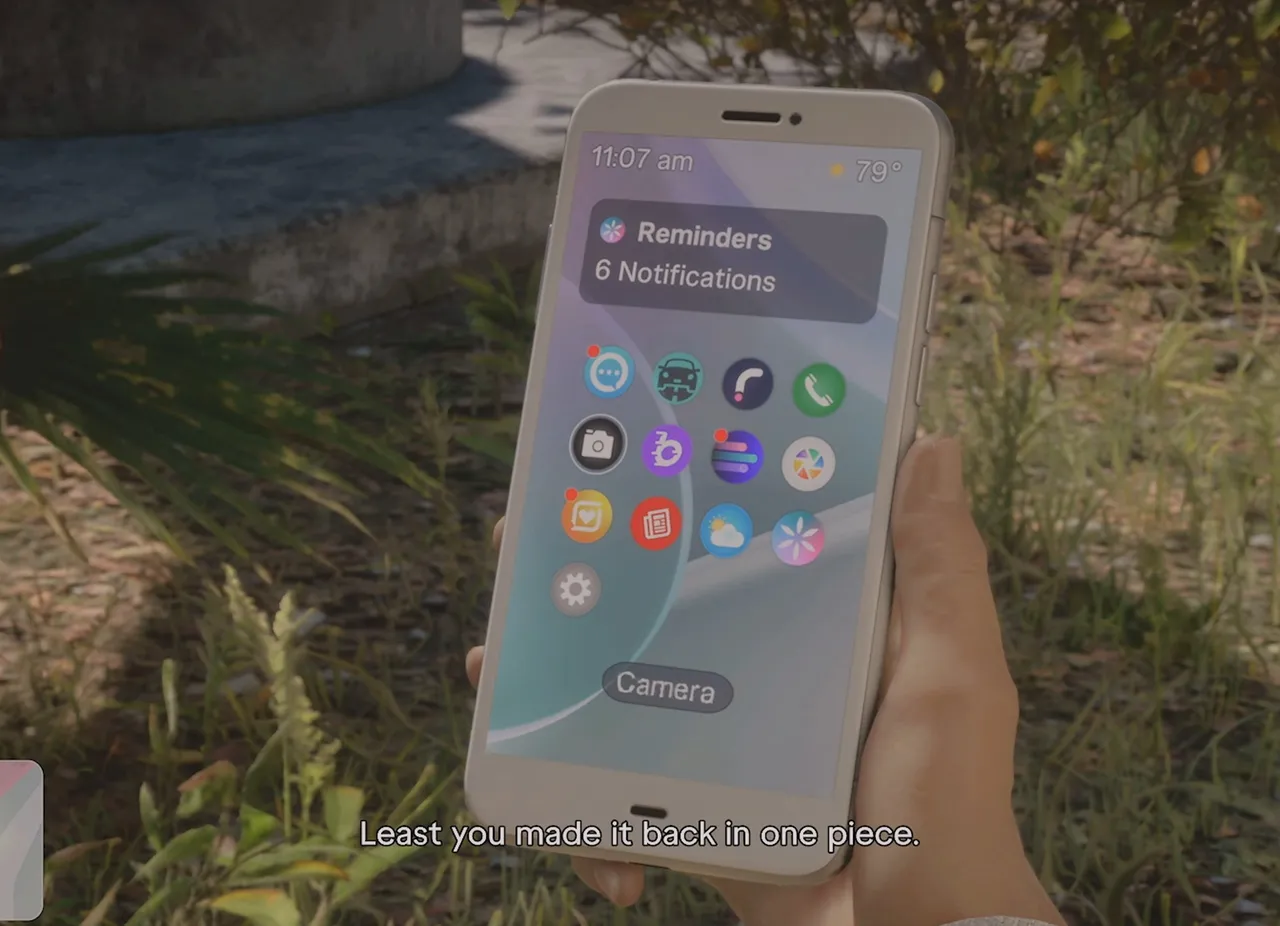
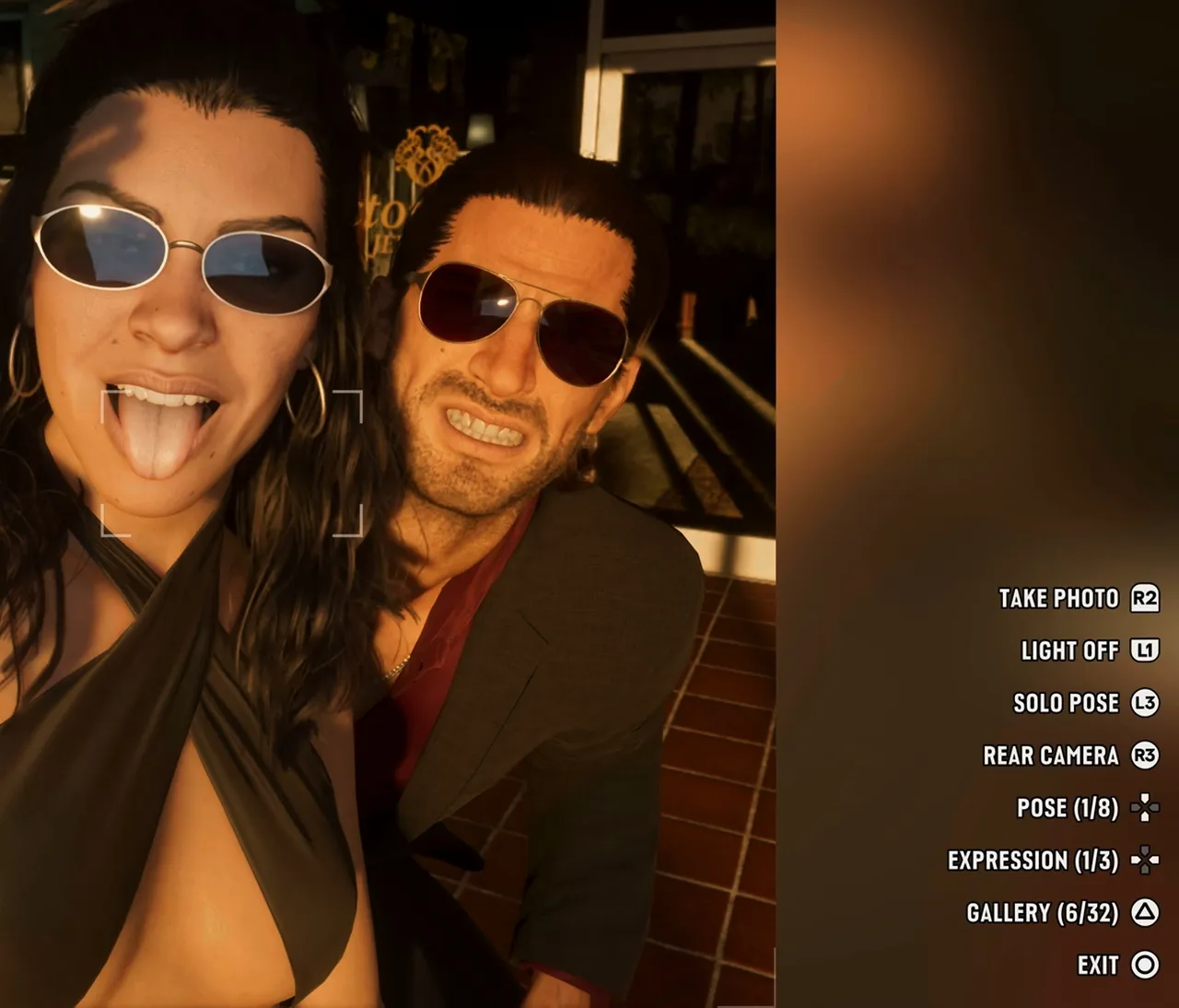
The controls shown are TAKE PHOTO, LIGHT OFF, SHOW GRID, SELFIE, ZOOM, FILTER, GALLERY and EXIT. On PS5, press R2 to take a photo or Triangle to open the Gallery.
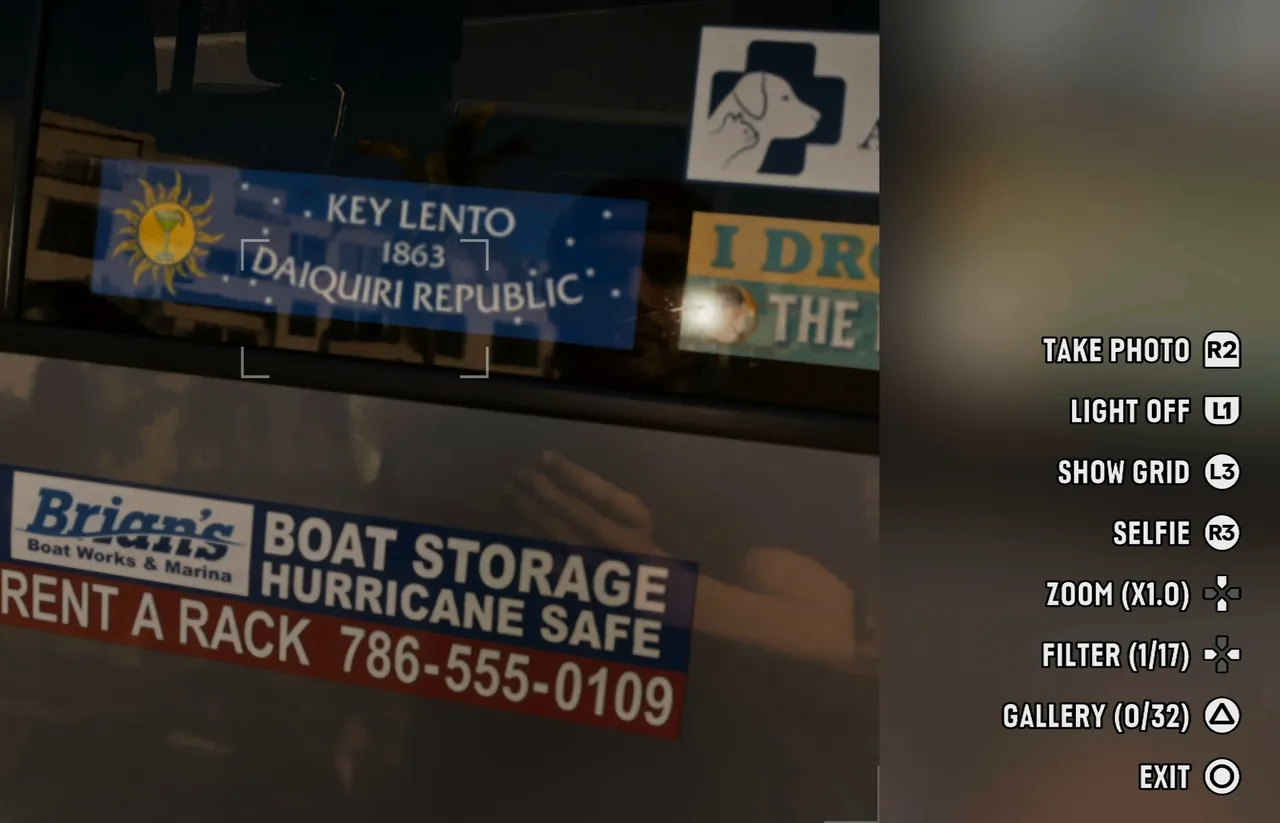
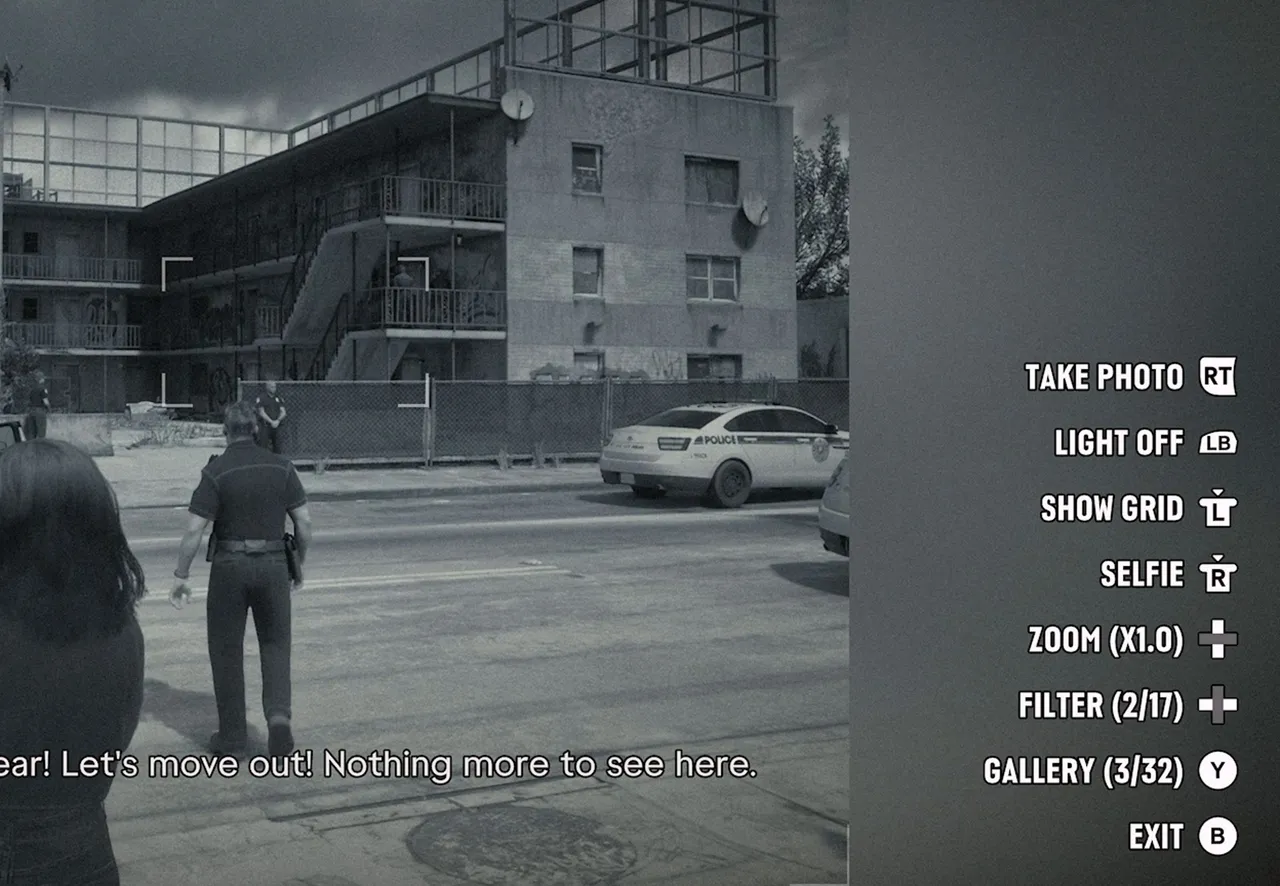
On Xbox, press RT to take a photo or Y to open the Gallery. The phone camera zoom goes from 1× to 5×. The phone camera has 17 filter settings. Choose filter 2 for a cool monochrome look.
Selfies, poses and expressions
In selfie mode, the camera faces your character. Select REAR CAMERA to switch back. Solo selfies offer six poses and seven expressions.
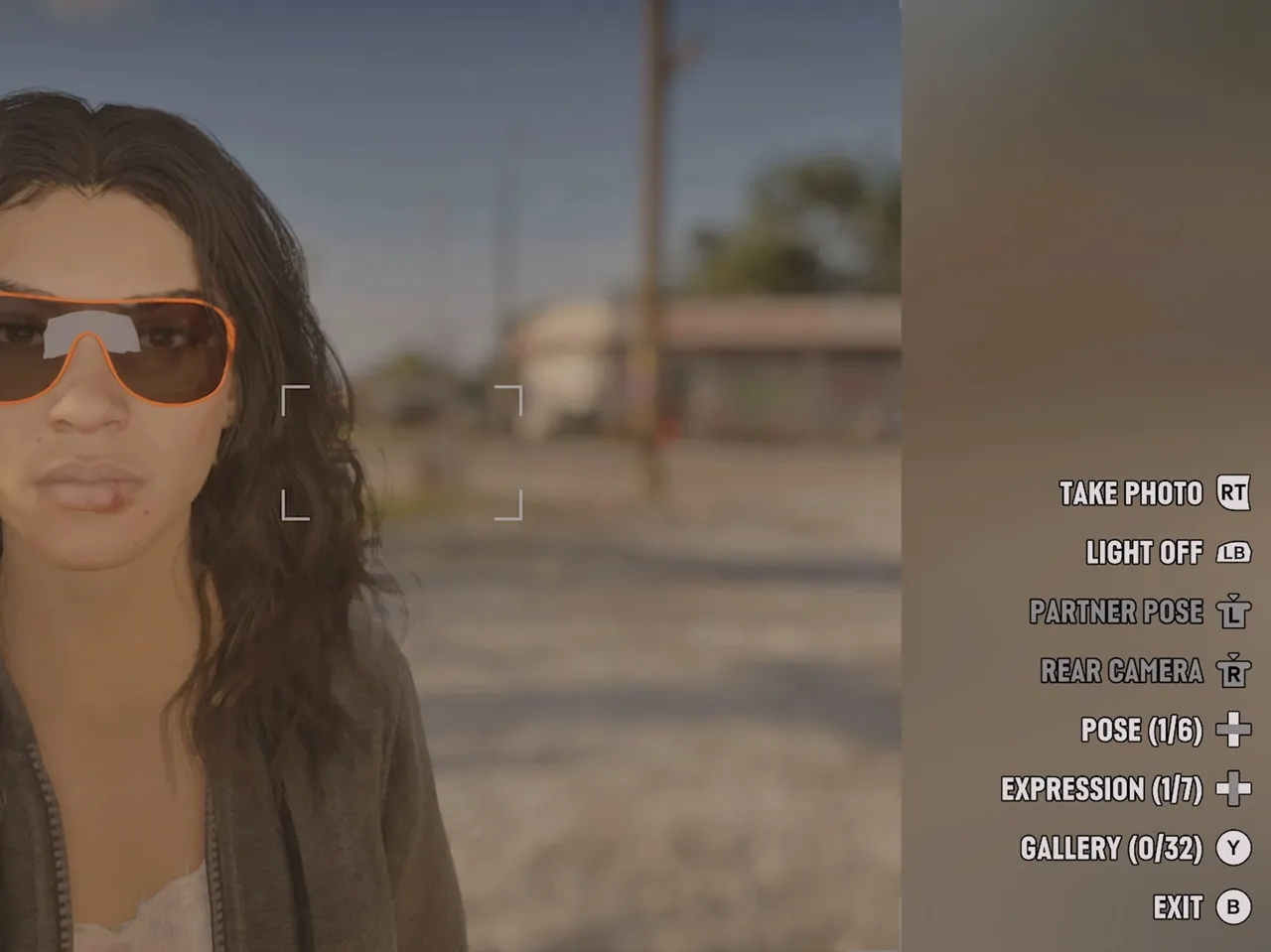
With your partner nearby, select PARTNER POSE to pose together. The menu then offers SOLO POSE to switch back.
In partner selfie mode, the menu showed eight poses in one session and seven in another, with three expressions in both.
Taking a picture for tourists
A tourist at Wonder Whale Artist Village asks, “Ay, can you take a pic of all of us?”
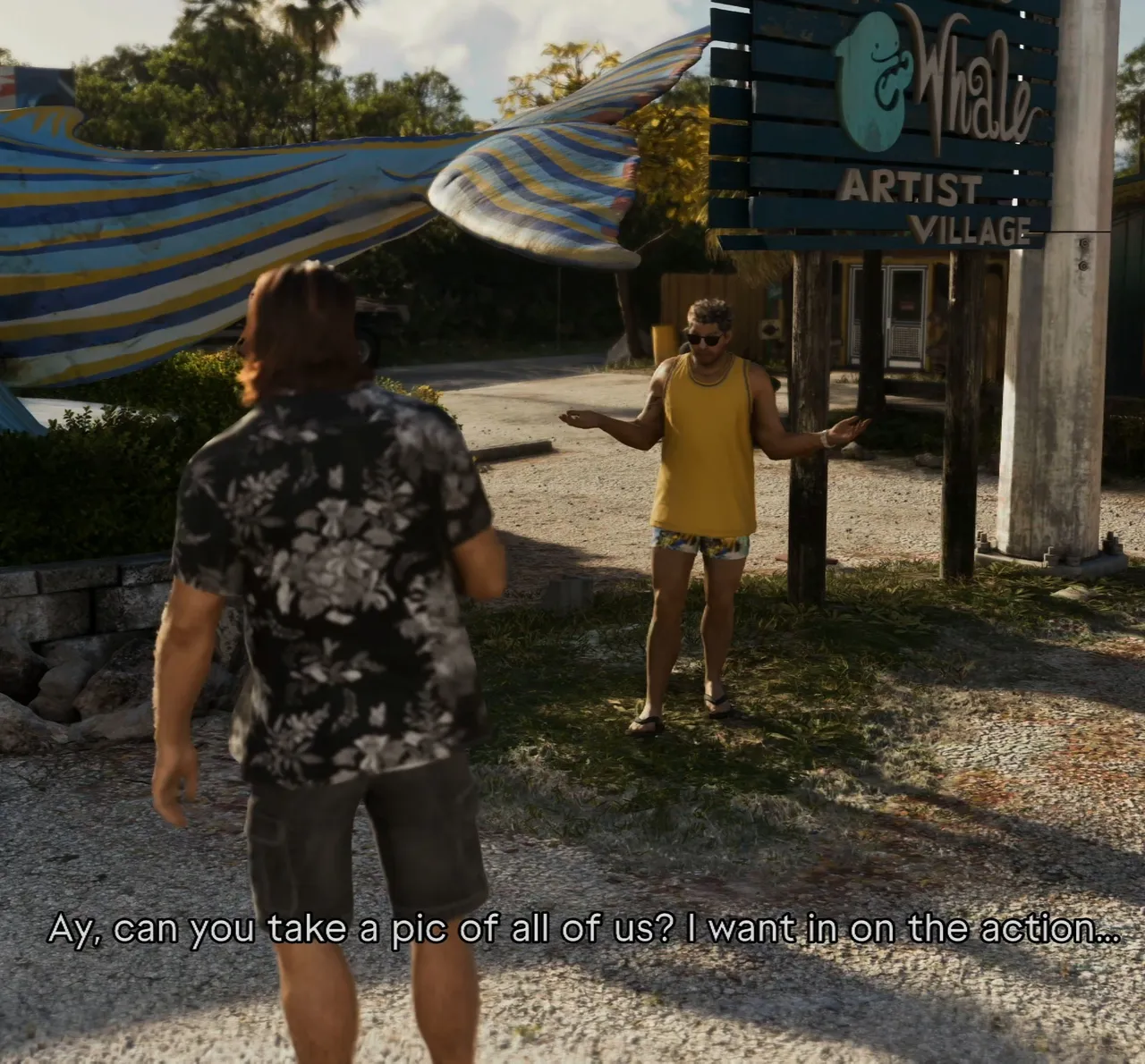
The next line was “Snap a couple and then send ’em over or whatever.”
Gallery and photo storage
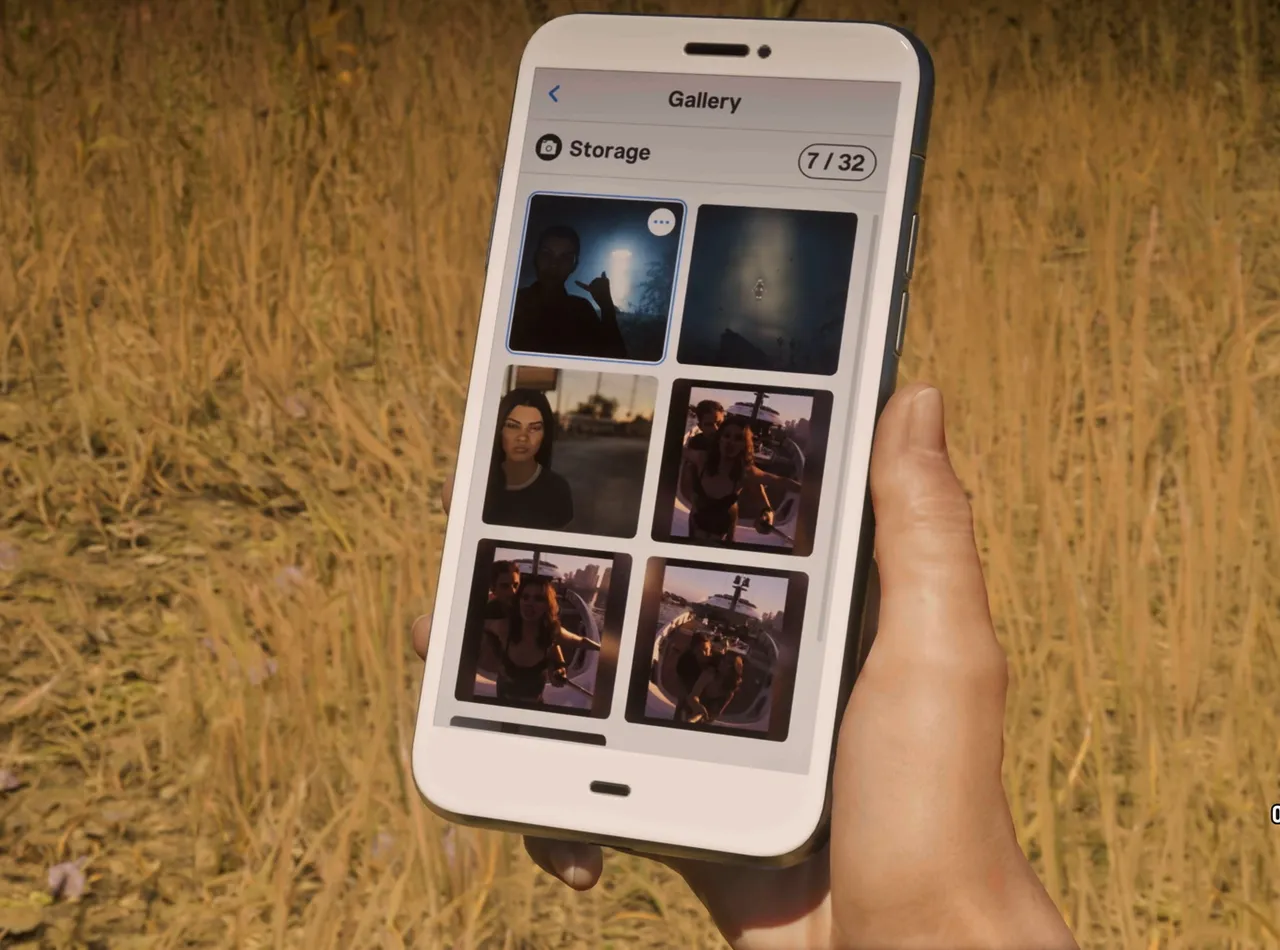
Open the Gallery app and choose My Photos to see your pictures. The Storage counter shows how many of the 32 slots you’ve used.
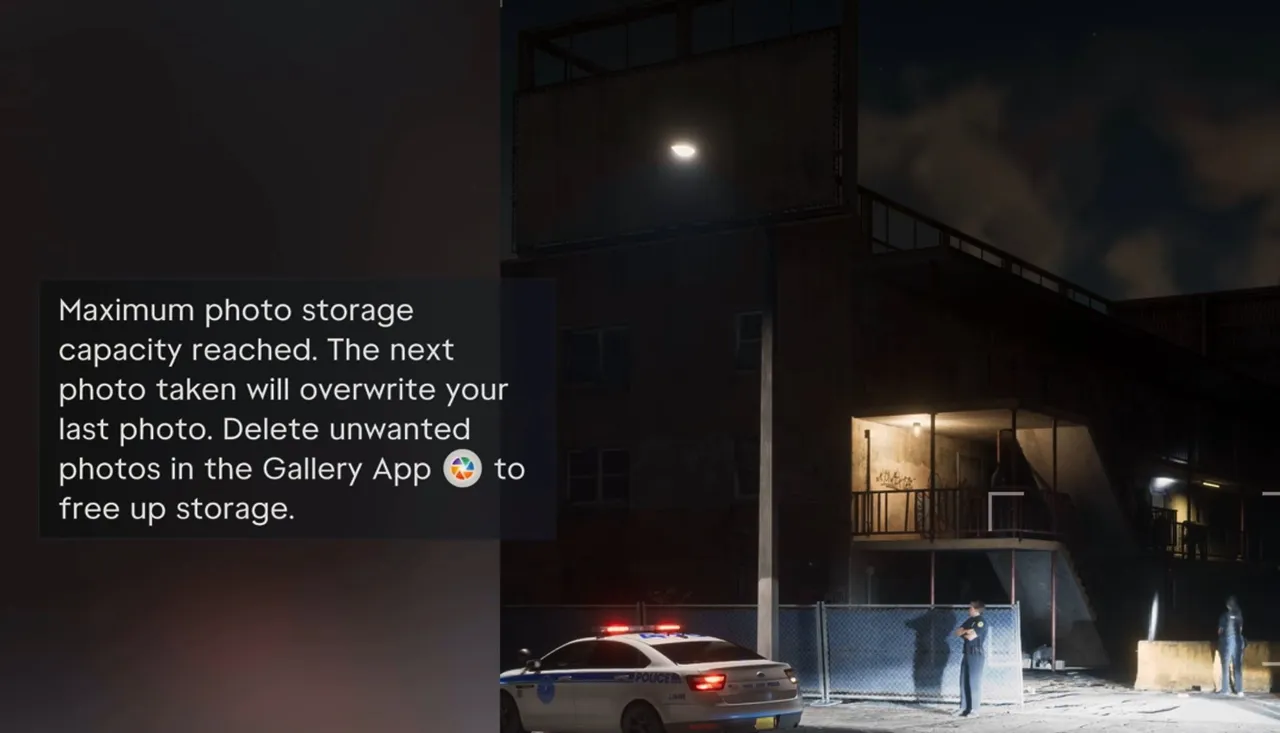
When the Gallery reaches 32 photos, the camera warns that your next shot will overwrite your last photo. Delete unwanted photos in the Gallery app to make room.
Snapmatic
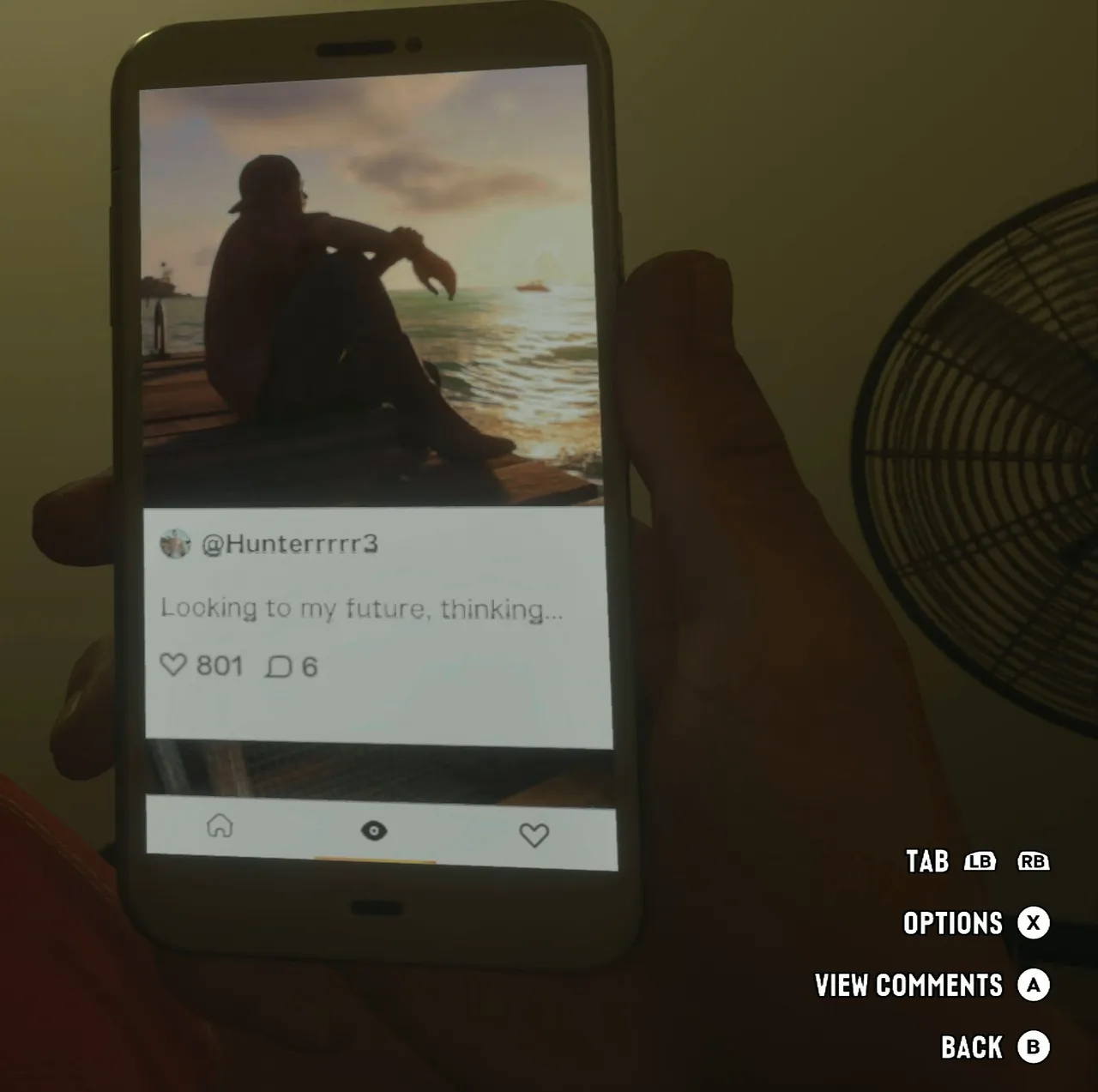
Open Snapmatic from its icon on the phone’s home screen. Snapmatic opens to a feed where you can see a post’s likes and comments. The controls include TAB, OPTIONS, VIEW COMMENTS and BACK.
In Contacts, selecting Brian brings up Call, Open WhatUp and Open Snapmatic.
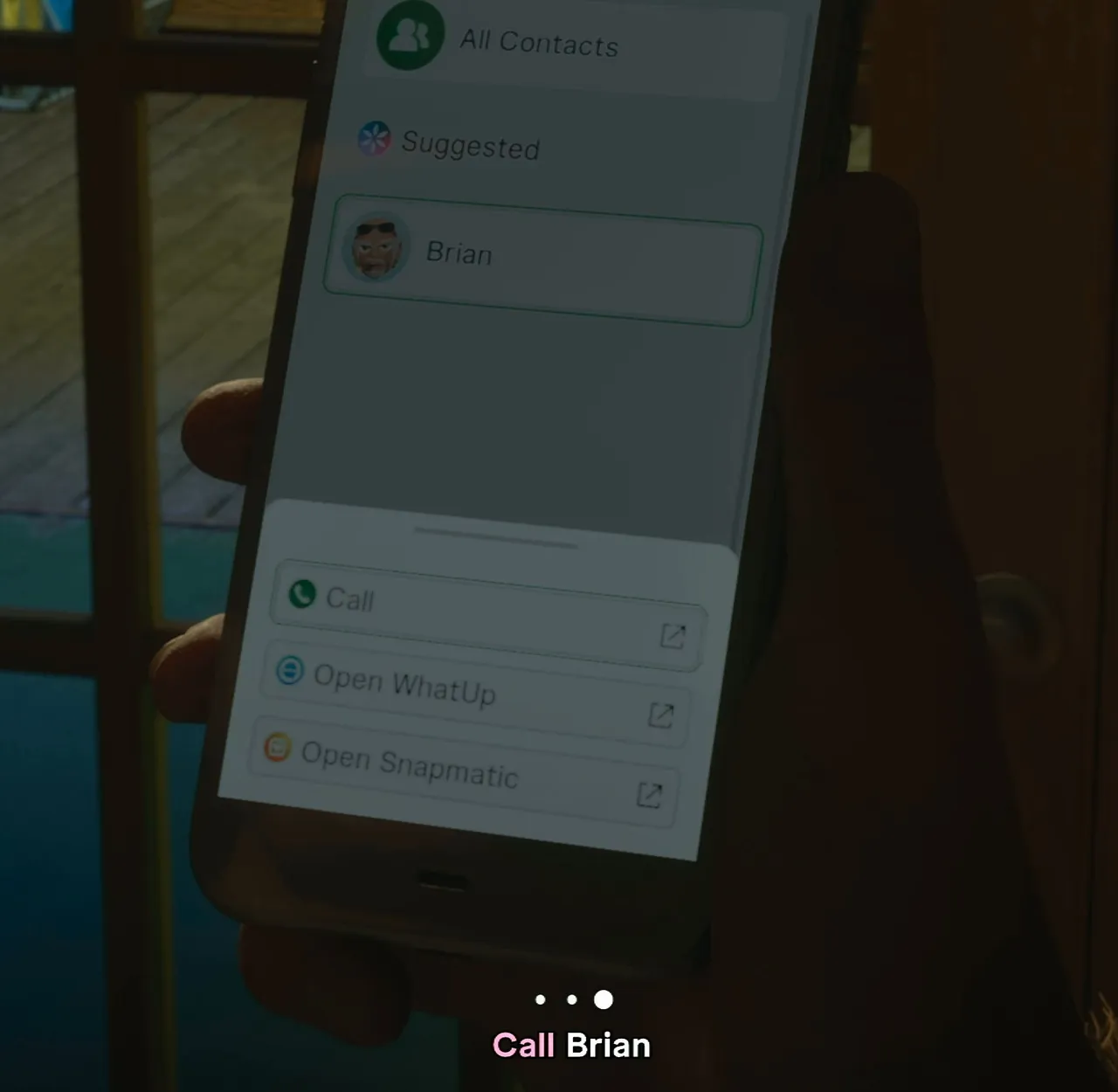
Photo Studio
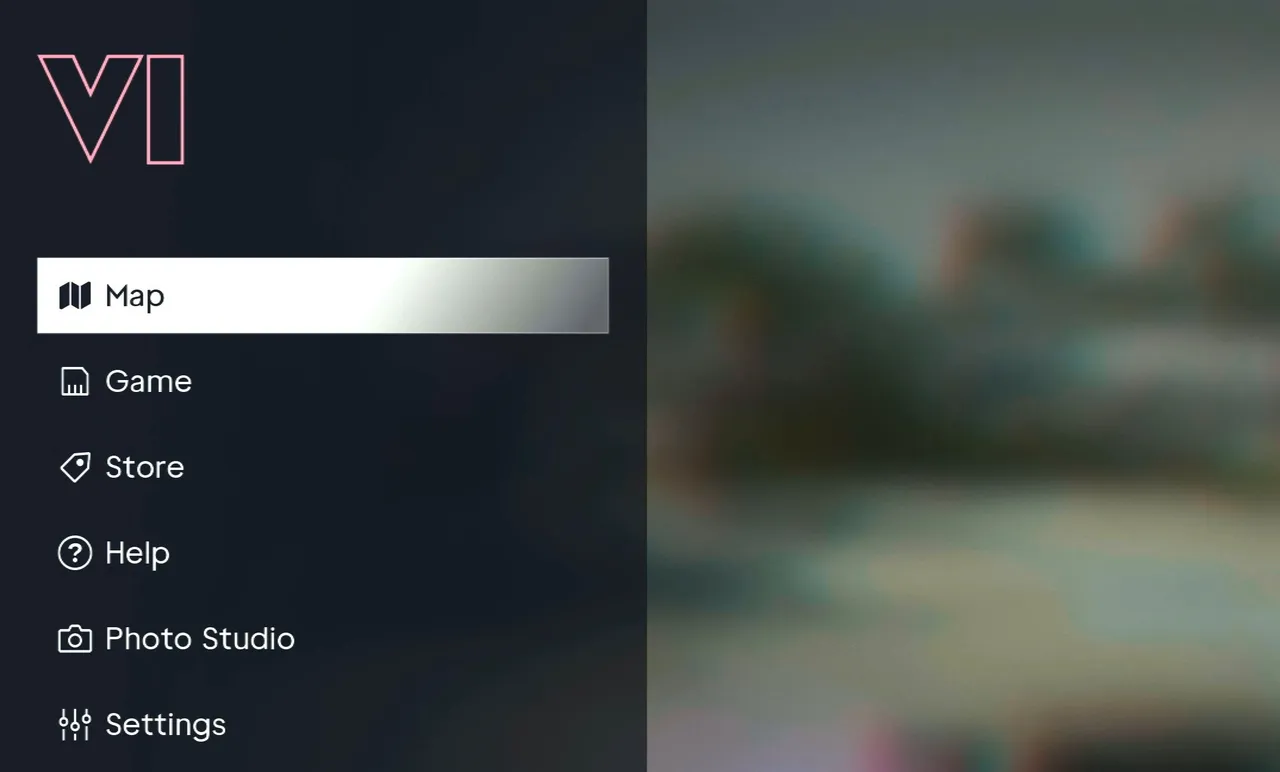
Photo Studio has its own entry in the pause menu, between Help and Settings.
Related
Some missions ask you to take photos: see the Day Release walkthrough and the Bring Out the Chimp walkthrough. Messages, Contacts and BuckMe are in Phone apps in GTA 6.
Credits
Gameplay captured by StreamerHouse.
More in Getting started