How to Use a Drive-Thru in GTA 6: Ordering Food at Taco Bomb
Quick answer
Drive up to the speaker to order from a drive-thru.
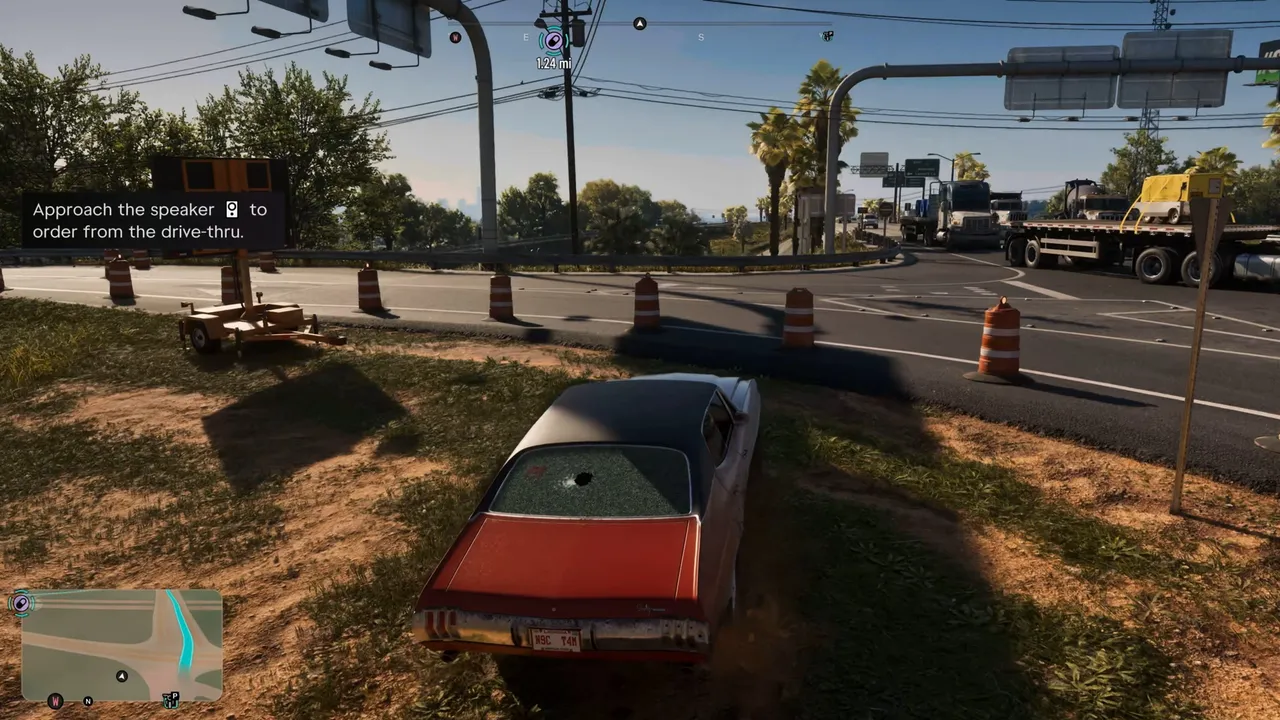
Order at the speaker
The Taco Bomb shown has a drive-thru lane marked by a “Drive Thru” sign. Stop at the speaker and choose Order.
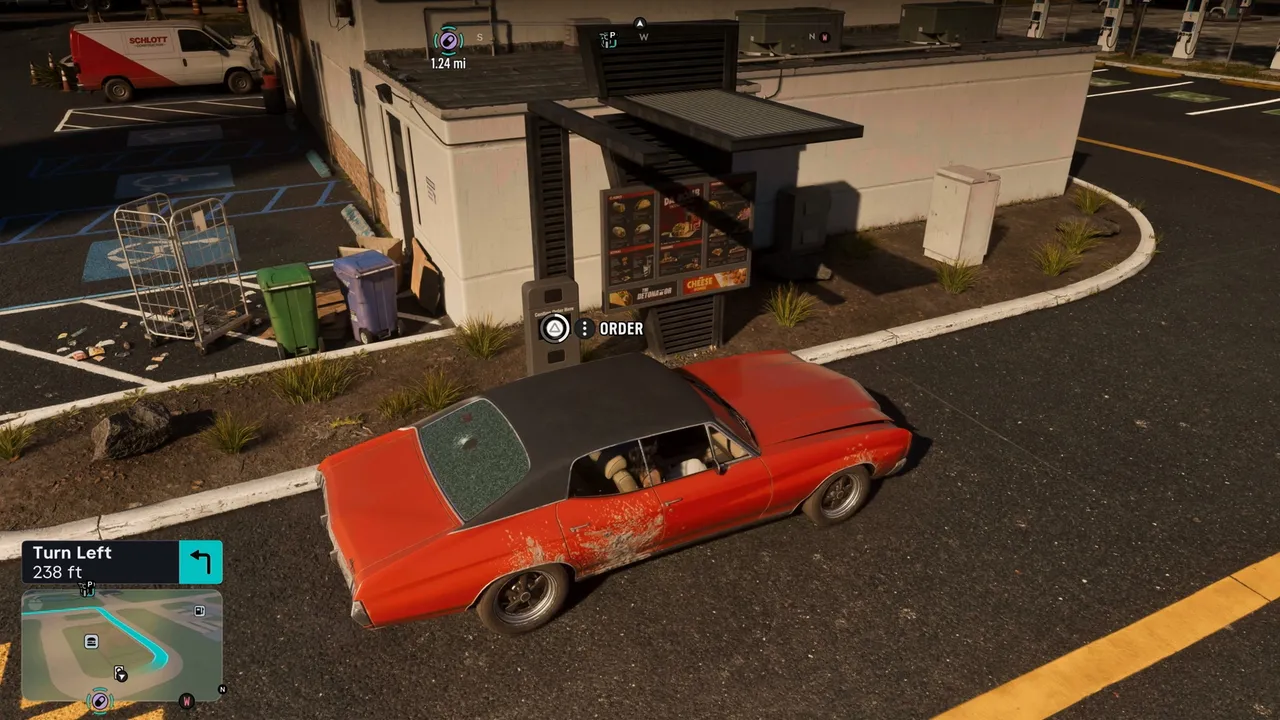
Collect your order
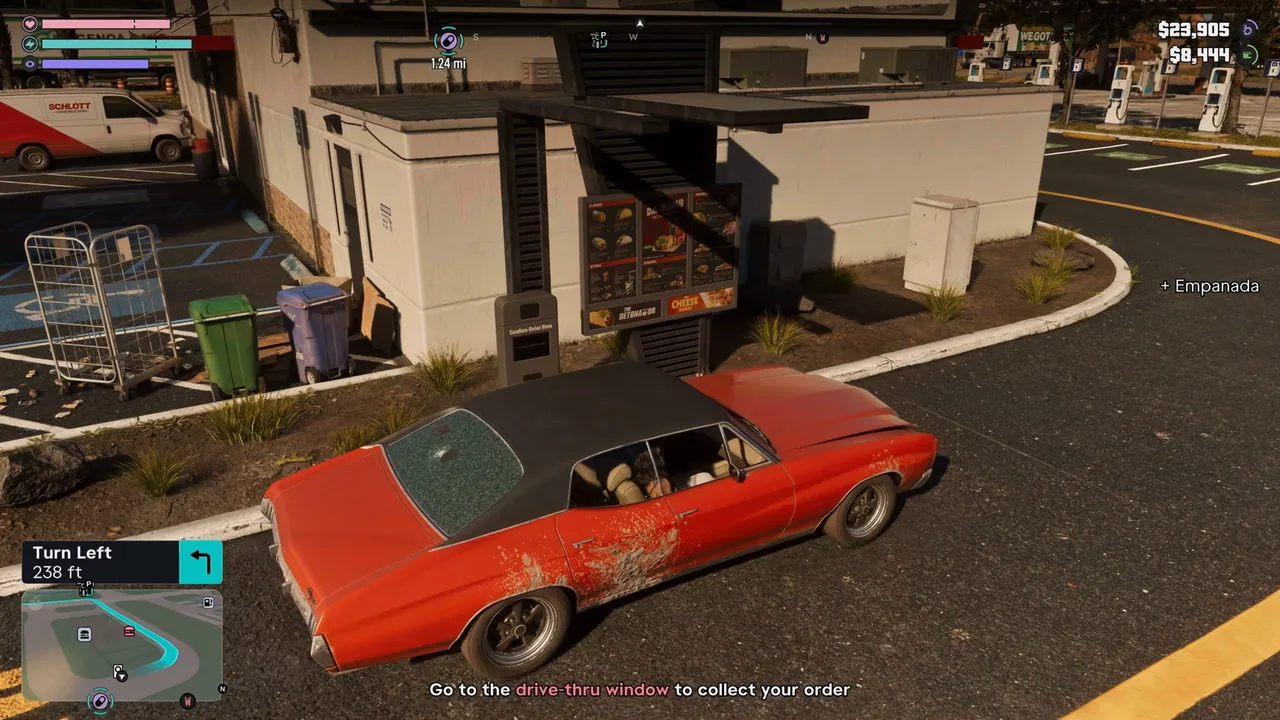
After ordering, follow the objective “Go to the drive-thru window to collect your order.” After you pick up your food, the game lists Eat, Throw and Put Away.
See fast-food and café locations, food and drink prices, or where to find a bar.
Motorcycles and the counter
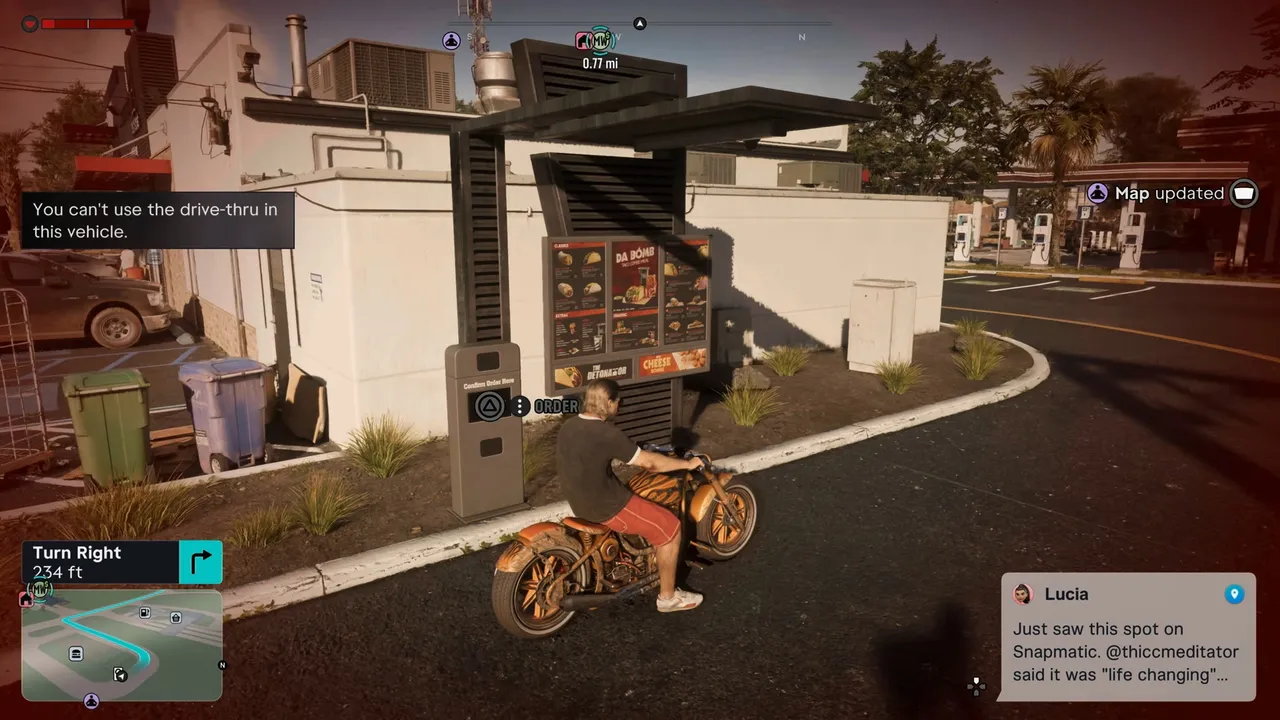
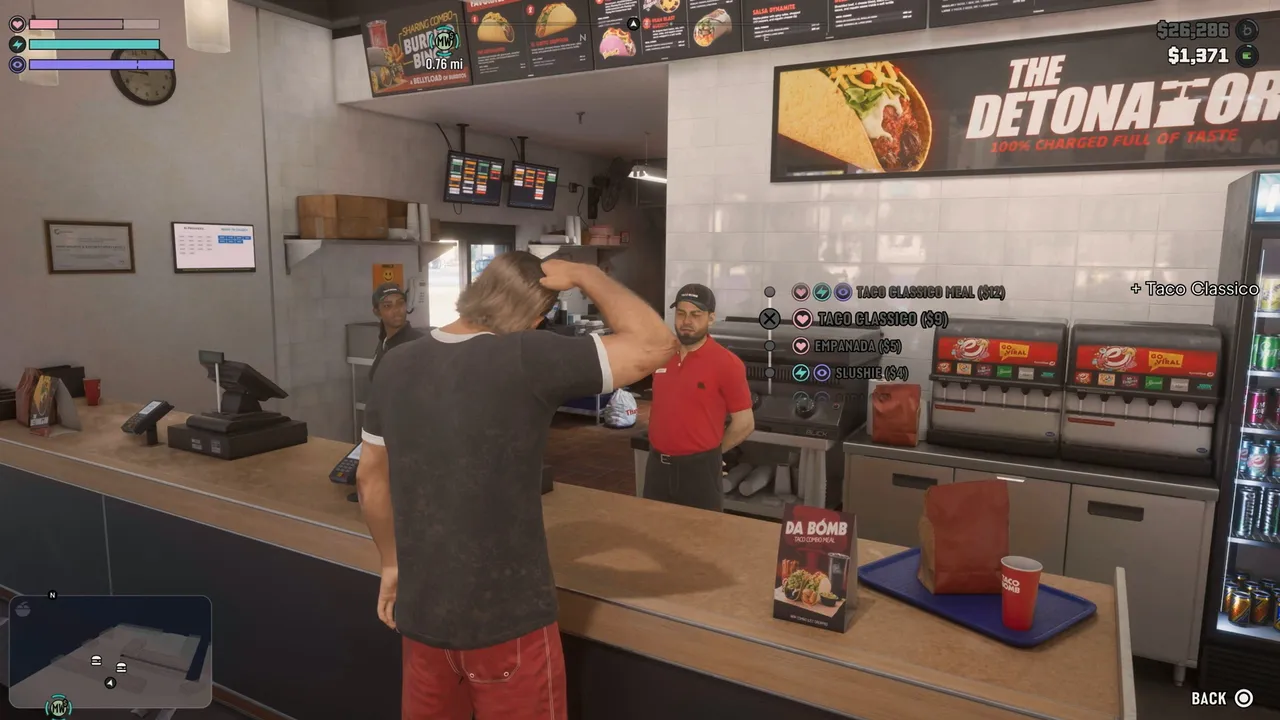
At the Taco Bomb drive-thru, the game showed “You can’t use the drive-thru in this vehicle” when approached on a motorcycle. Taco Bomb’s counter menu lists the Taco Classico Meal for $12, Taco Classico for $9, Empanada for $5 and Slushie for $4.
More in Getting started