GTA 6 Phone: Home Screen Apps, WhatUp Messages and App Notifications
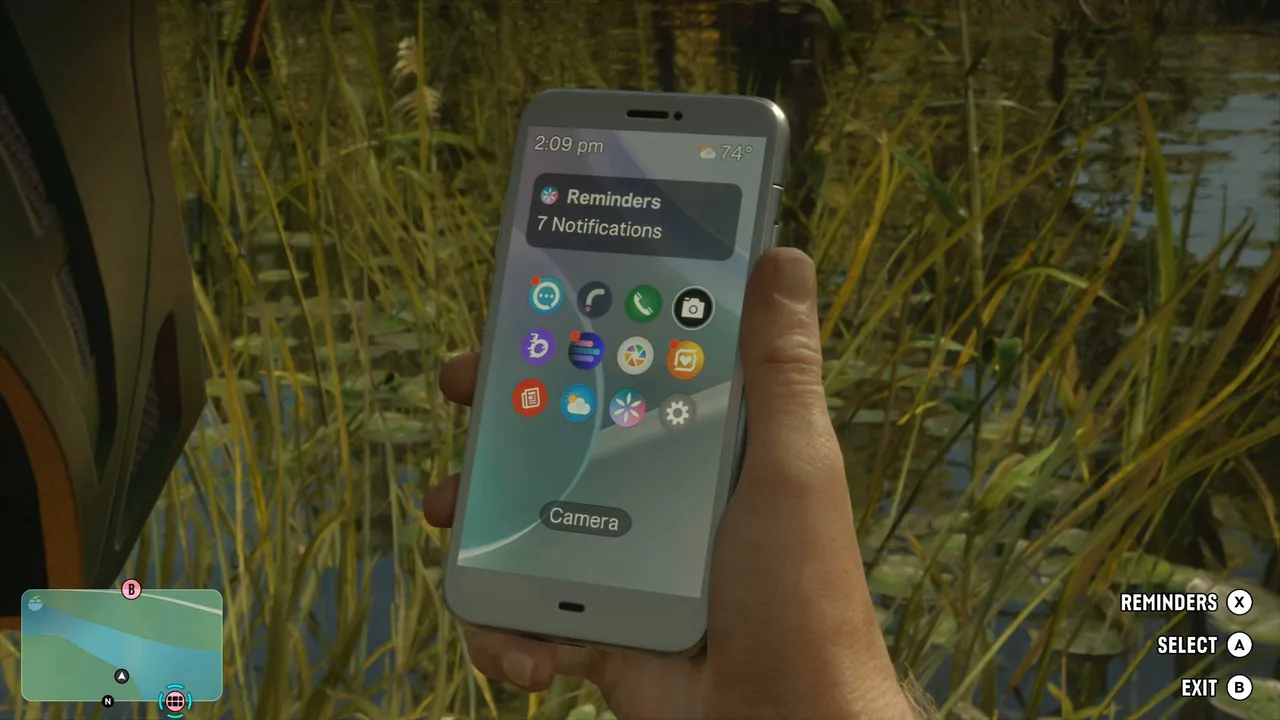
The phone’s home screen shows the time, temperature and a Reminders widget above the app icons, and the highlighted app’s name appears below them.
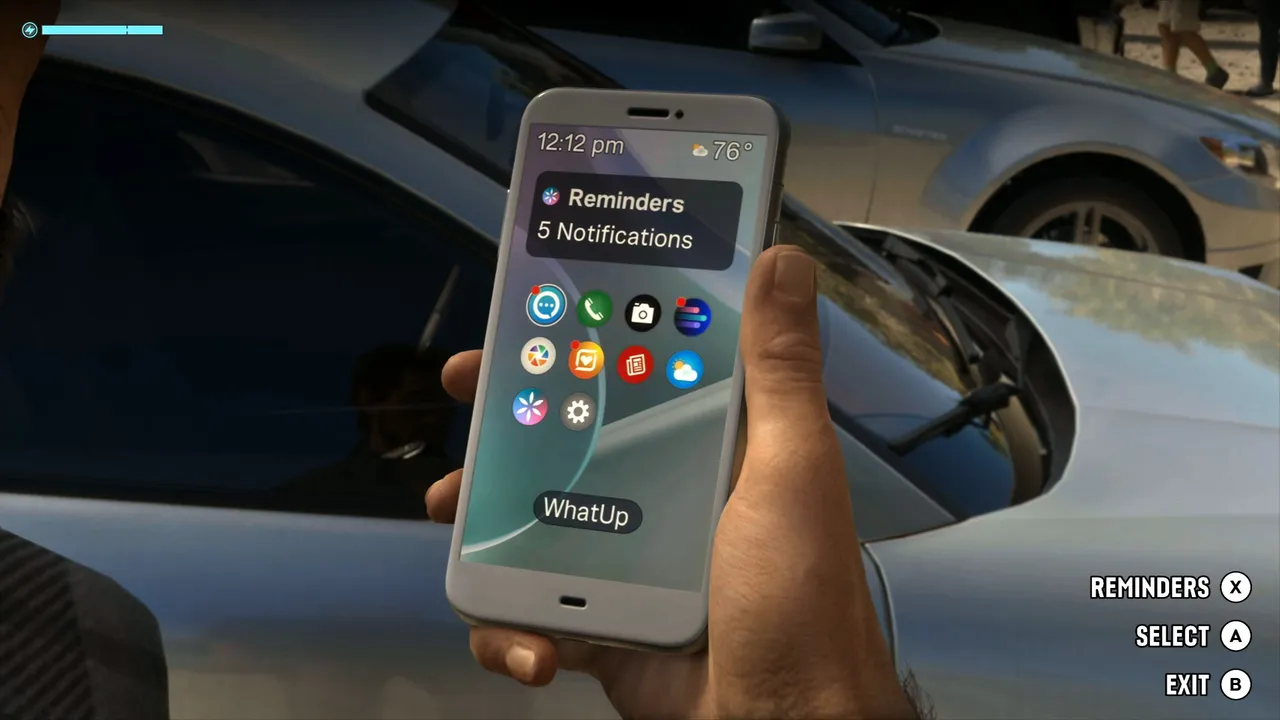
Home screen apps
Highlight an app icon to see its name beneath the grid.
- WhatUp is one of the apps on the phone’s home screen.
- Camera is one of the apps on the phone’s home screen.
- Gallery is one of the apps on the phone’s home screen.
- Contacts is one of the apps on the phone’s home screen.
- News is one of the apps on the phone’s home screen.
WhatUp messages
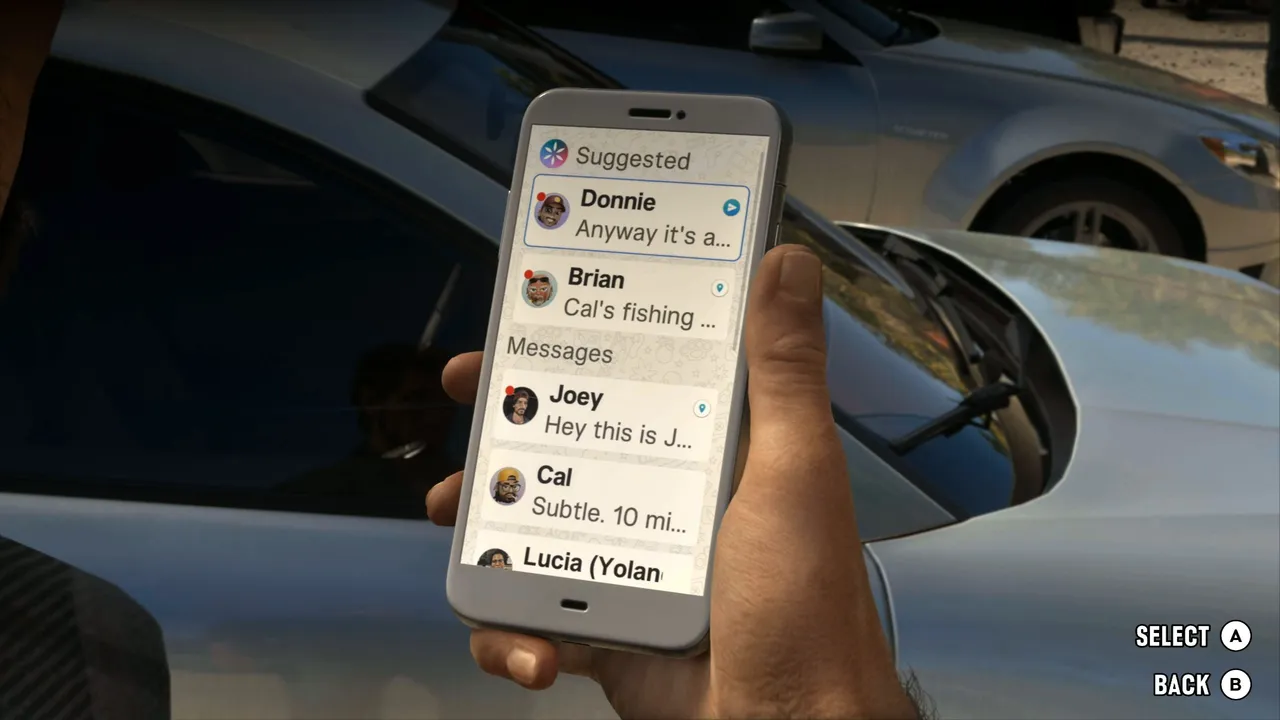
WhatUp shows Suggested conversations at the top, with other conversations under Messages.
App notifications
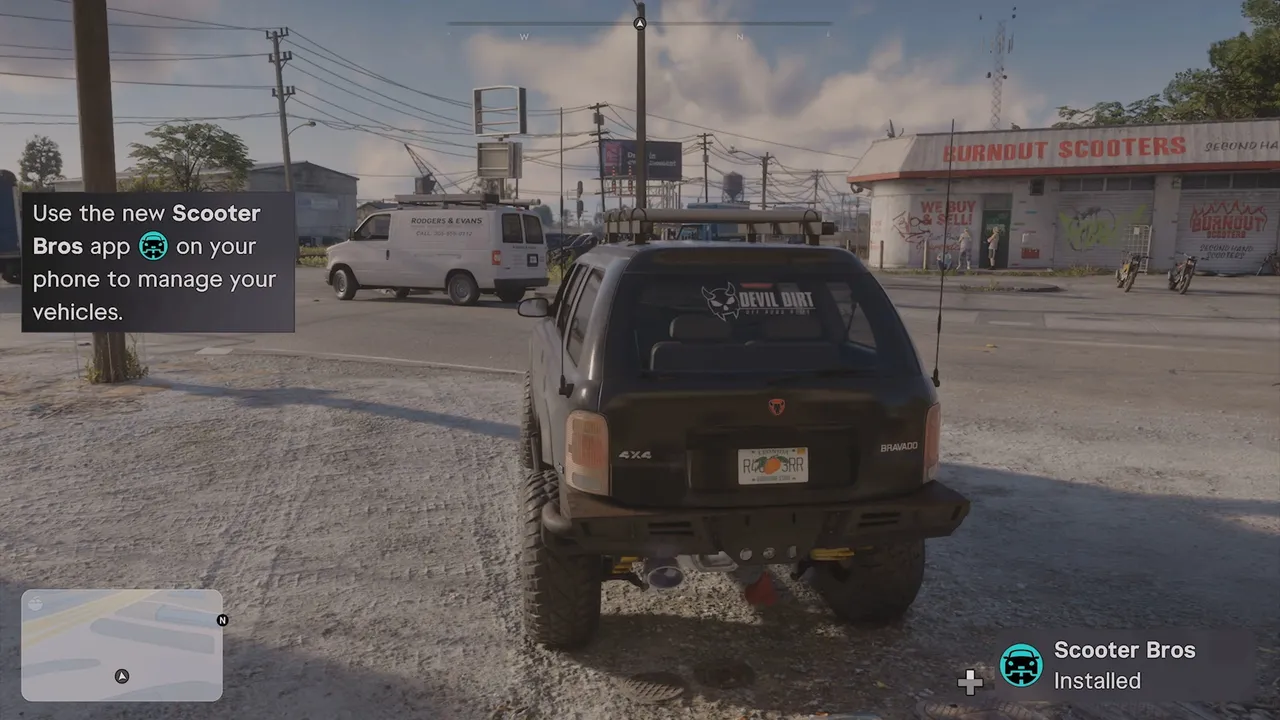
Adding an app can trigger an Installed notification, as it does for Scooter Bros. Vice City Real Estate also shows an Installed notification when the app is added. WAiNK shows a Nearby Scan Detected notification when a scan is nearby. The Fitness app can send a notification that protein reduced your recovery time. BuckMe displays a welcome notification that describes it as a payment app.
BuckMe Family Savings
In GTA 6, open BuckMe, select your checking account, choose Buck Yourself, set the amount for Family Savings, and confirm. The app warns that you cannot withdraw the money once transferred. The phone’s banking app shows a $100 transfer to Family Savings. After confirmation, the app shows $100 in Family Savings and $0 in Checking. The phone’s home screen then shows nine Reminders notifications.
More in Getting started