How to Play Pool in GTA 6: Controls, Break Shot and Winning
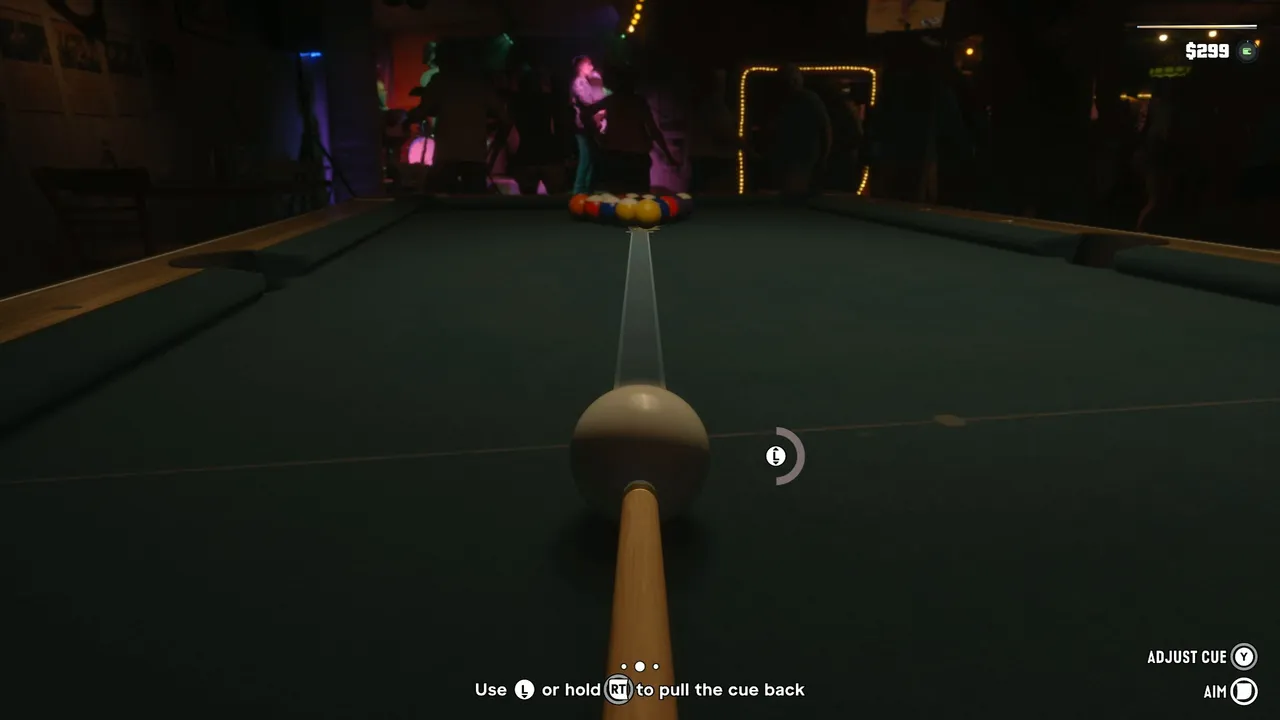
Pick up a pool cue to start a game of pool. On Xbox, hold LT to aim, pull the left stick down or hold RT to draw the cue back, then push the left stick up to shoot.
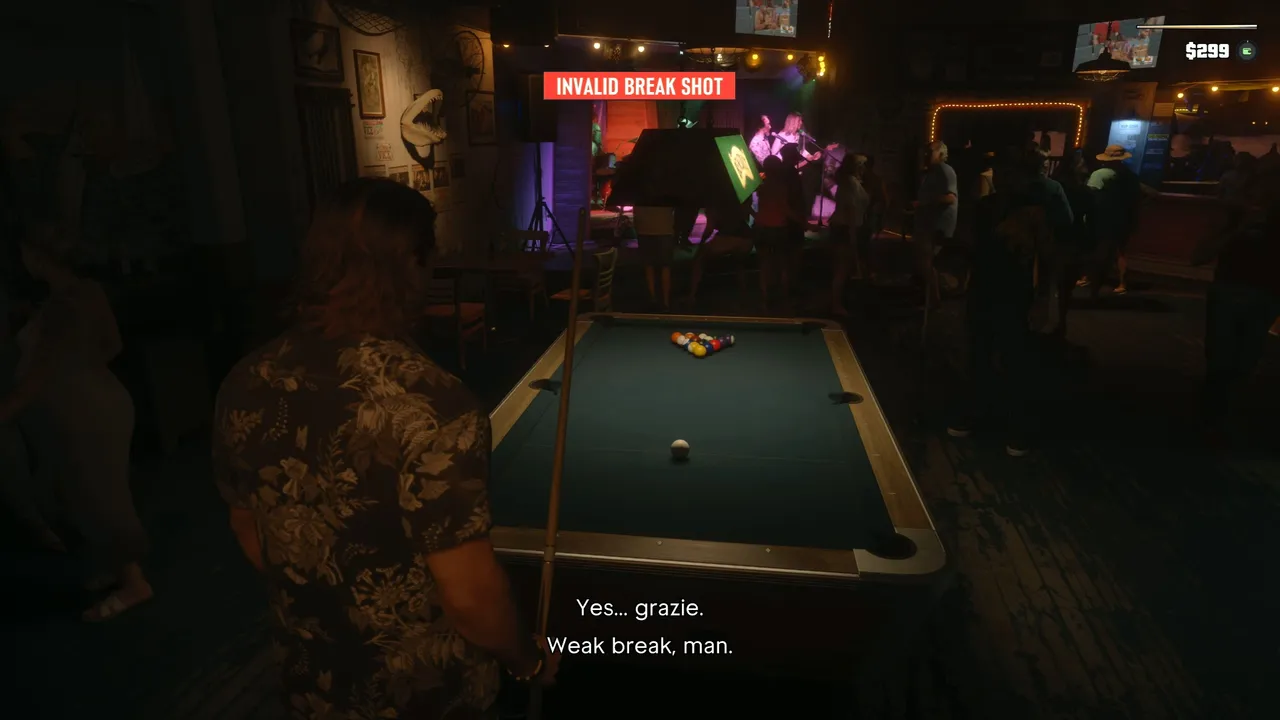
The break
The next objective is “Take your break shot.” Before the break, choose Move Cue Ball to reposition it and Place Cue Ball to confirm its position. A weak break can trigger the “Invalid Break Shot” banner.
Controls
On Xbox, hold LT to aim, pull the left stick down or hold RT to draw the cue back, then push the left stick up to shoot. While aiming, the on-screen prompts can include Adjust Cue, Remove Spin and Aim.
Playing a frame
The game shows “Solid pocketed” when a solid is potted and “Stripe pocketed” when a stripe is potted. While your opponent shoots, the objective reads “Wait your turn.” A winning 8-ball shot shows “8-Ball Pocketed” and “You Won,” with Scoreboard and Retry ($0) options.
More in Getting started