How to Clear Outfit Heat in GTA 6
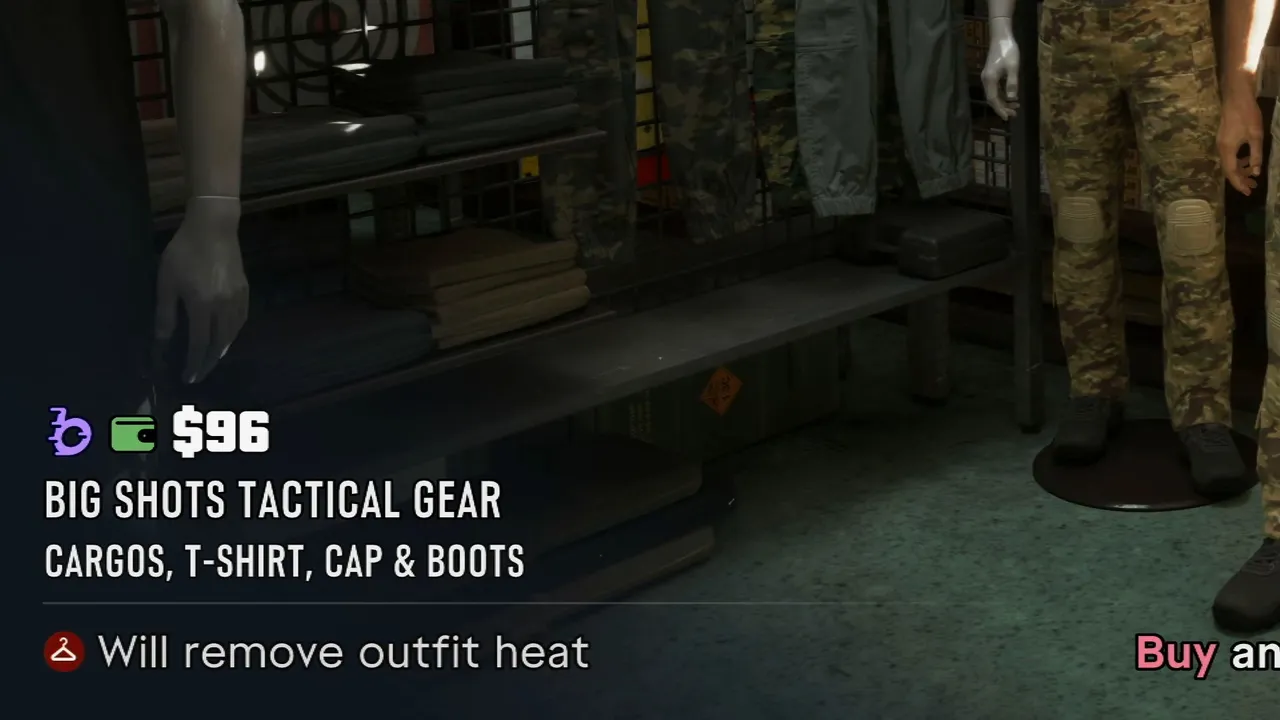
To clear outfit heat in GTA 6, buy and wear an outfit marked Will remove outfit heat on a clothes shop’s buy screen. On our run the outfit badge under the wanted stars was gone the moment we paid, but the two stars stayed up.
See the GTA 6 heat and recognition guide for how wanted levels, recognition and area heat interact.
Steps
-
Go into a clothes shop and browse the outfits.
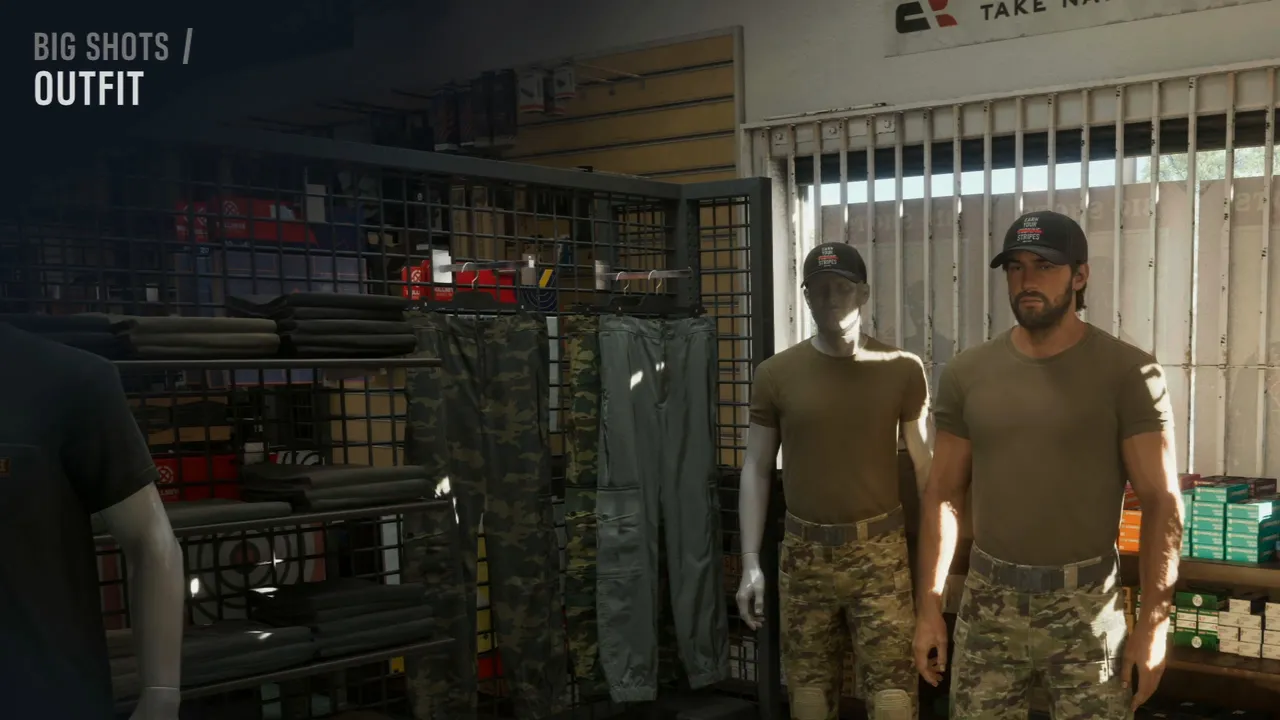
A clothes shop's outfit screen. -
Look for the line Will remove outfit heat on the buy screen.
The line to look for: Will remove outfit heat. -
Choose Buy & Wear. The outfit badge (the hanger) under the stars goes when you pay.
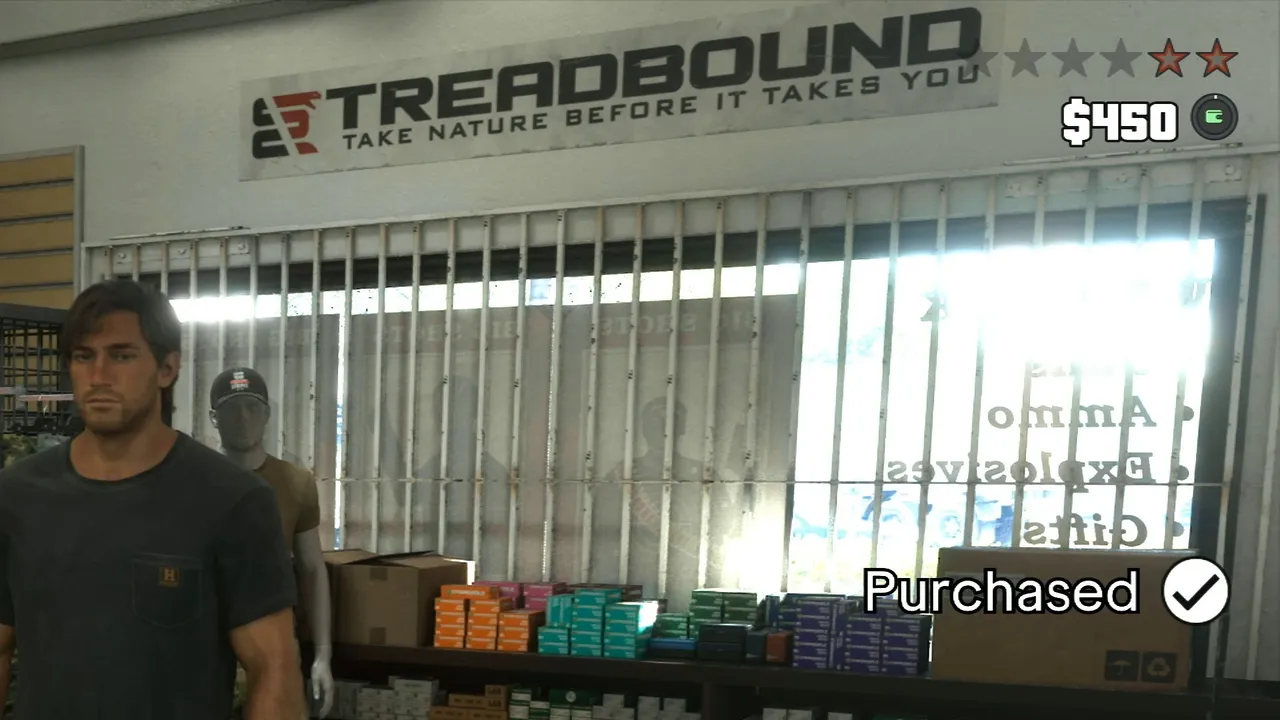
Purchased: the wanted stars stayed up on that run. -
Changing outfits did not clear the two wanted stars on that run.
Good to know
-
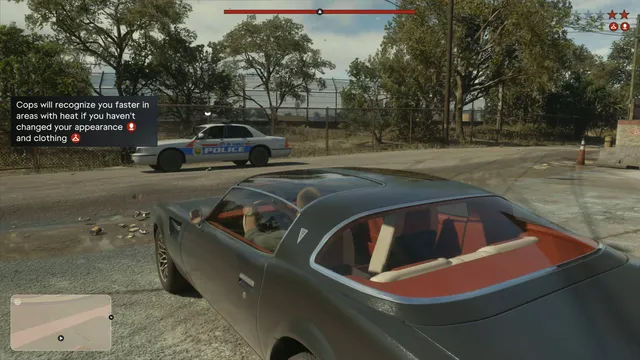
The red badges under the stars show what the police know about you, such as your clothes or your car.
-
The game’s hint: “If recognition is cleared, cops can’t ID you.”
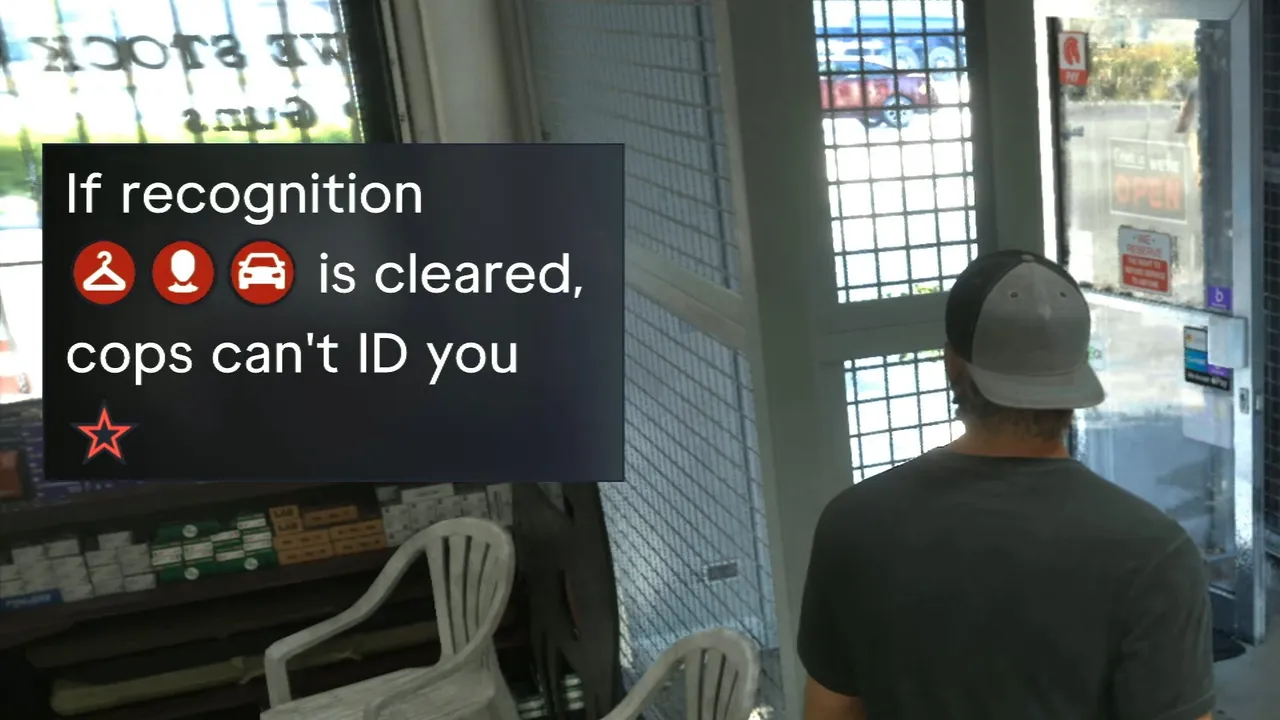
The game's hint about recognition. -
In another chase, the stars flashed after the police lost sight of us, then went out.
Credits
Gameplay captured by StreamerHouse. Narrated with an AI voice.
More in Police & heat