Pay 'n' Spray in GTA 6: How to Clear Vehicle Heat
Quick answer
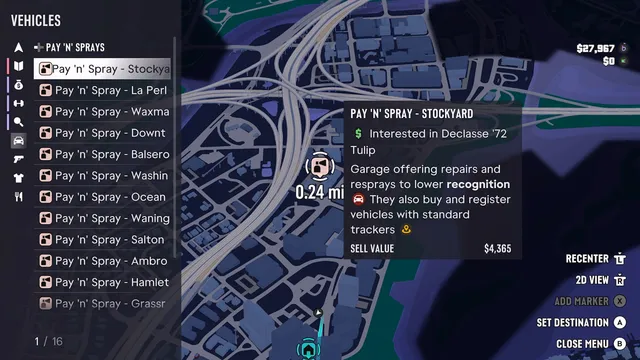
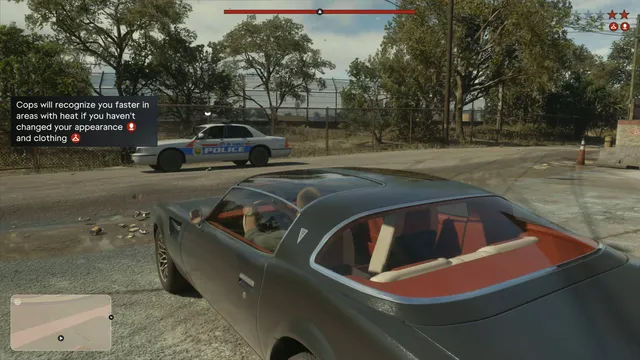
When the cops know your car in GTA 6, the game tells you to get it resprayed: “Pay ‘n’ Sprays can respray vehicles so the cops can’t recognize them.” On one PS5 run, a respray at a Pay ‘n’ Spray cleared the car’s vehicle heat.
See the GTA 6 heat and recognition guide for how wanted levels, recognition and area heat interact.
Steps
-
Drive the car the cops know to a Pay ‘n’ Spray.
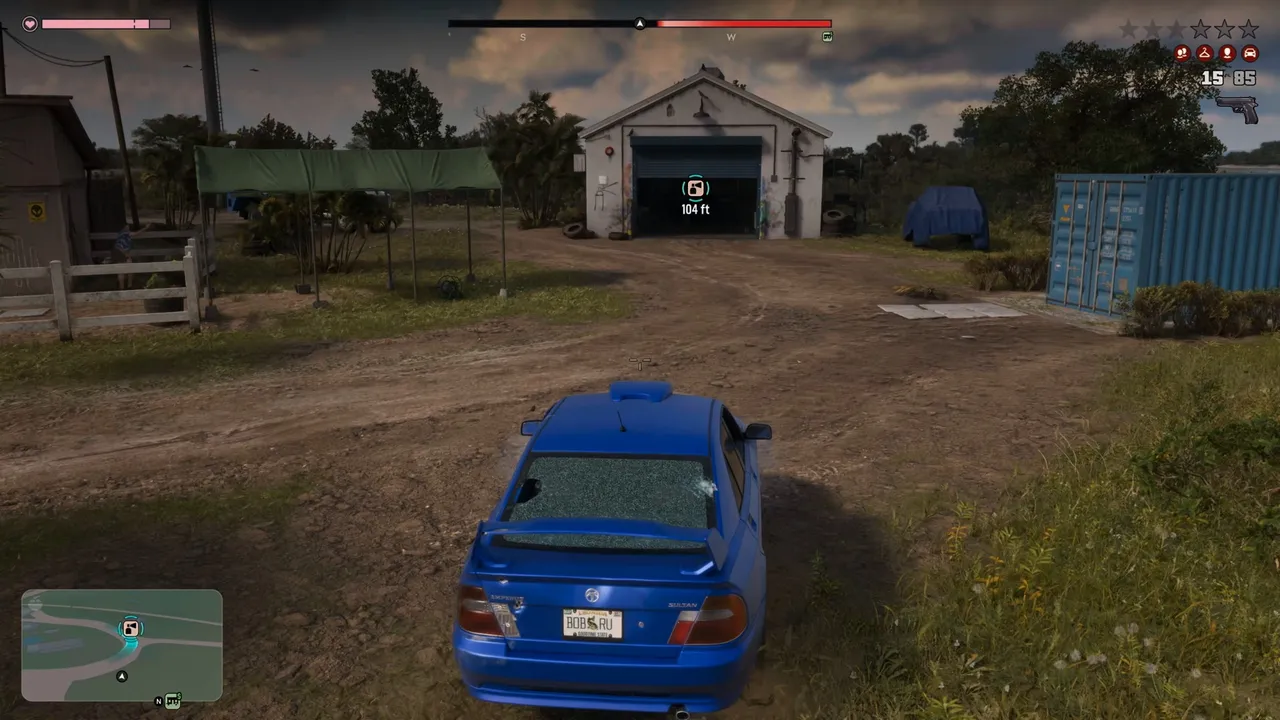
Drive the car the cops know to a Pay 'n' Spray. -
Pick Respray in the shop menu and choose a new colour. We chose red.
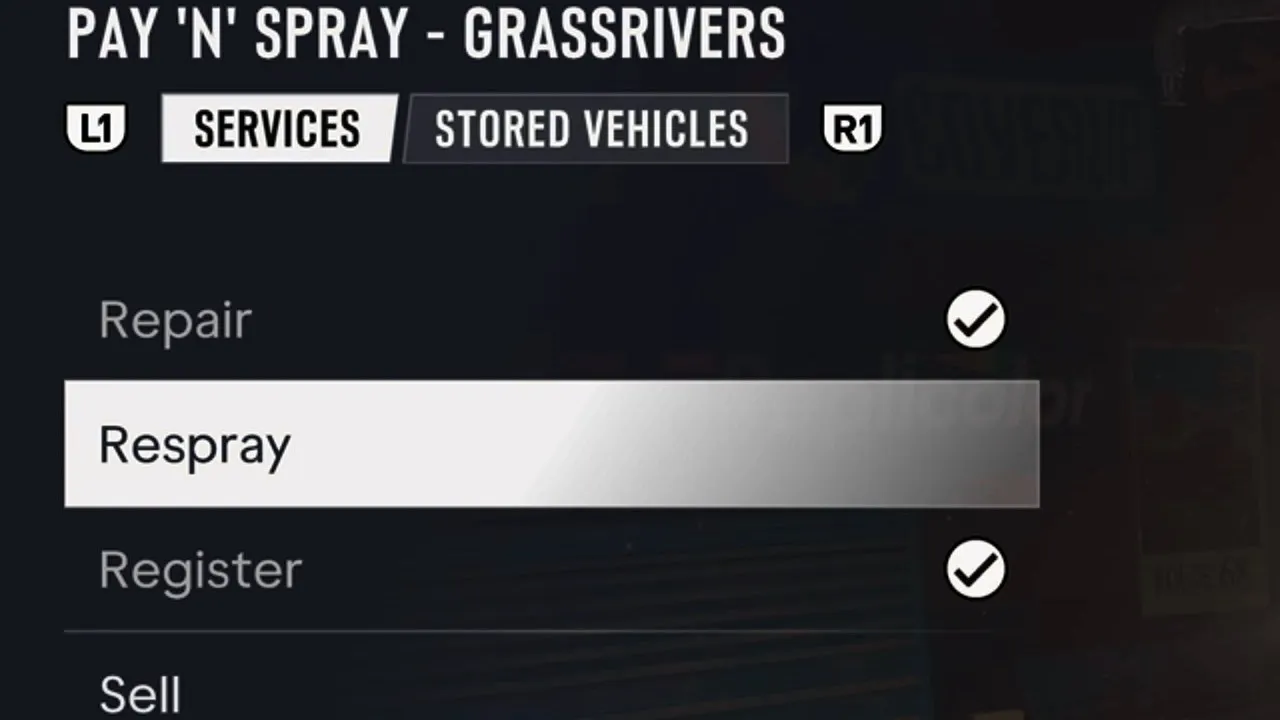
Pick Respray in the shop menu. -
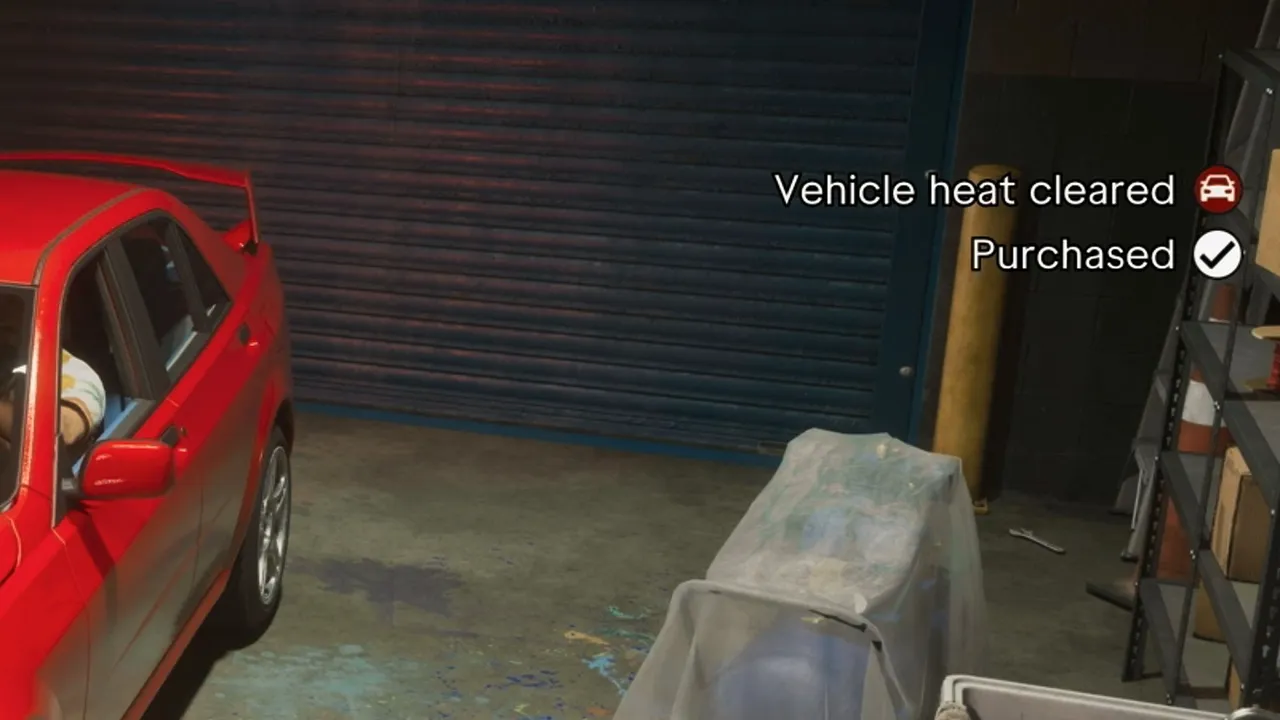
Watch for the notice Vehicle heat cleared.
The notice to watch for: Vehicle heat cleared. -
Drive out. On our run the car left with no stars on screen.
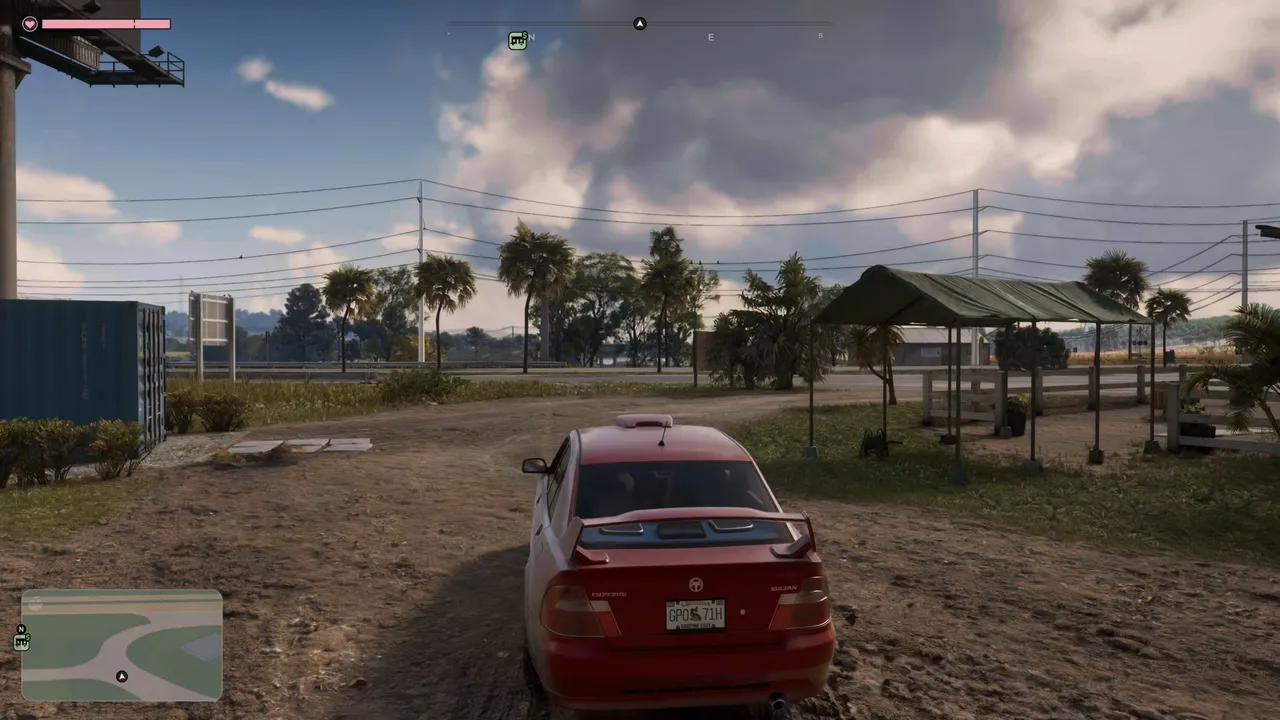
On our run the car left with no stars on screen.
Good to know
- On our run the blue car arrived with three stars searching for it.
- The menu also showed Appearance heat cleared on our run, before anything was paid for, so we do not say which purchase cleared it.
- The red badges under the wanted stars show what the police know about you, such as your car or your clothes.
Related guides
Use the Pay ’n’ Spray locations checklist to find a garage.
Credits
Gameplay captured by StreamerHouse. Narrated with an AI voice.
More in Police & heat