Gone Fishing Walkthrough: Every Objective in GTA 6
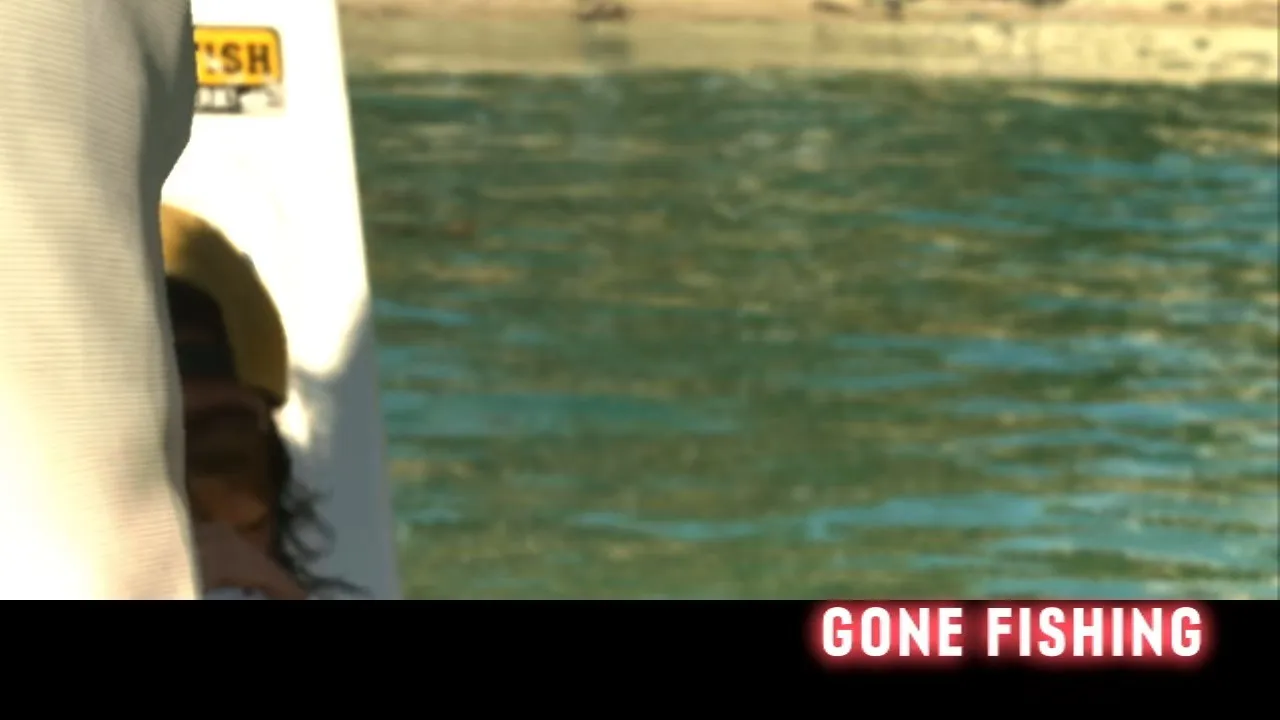
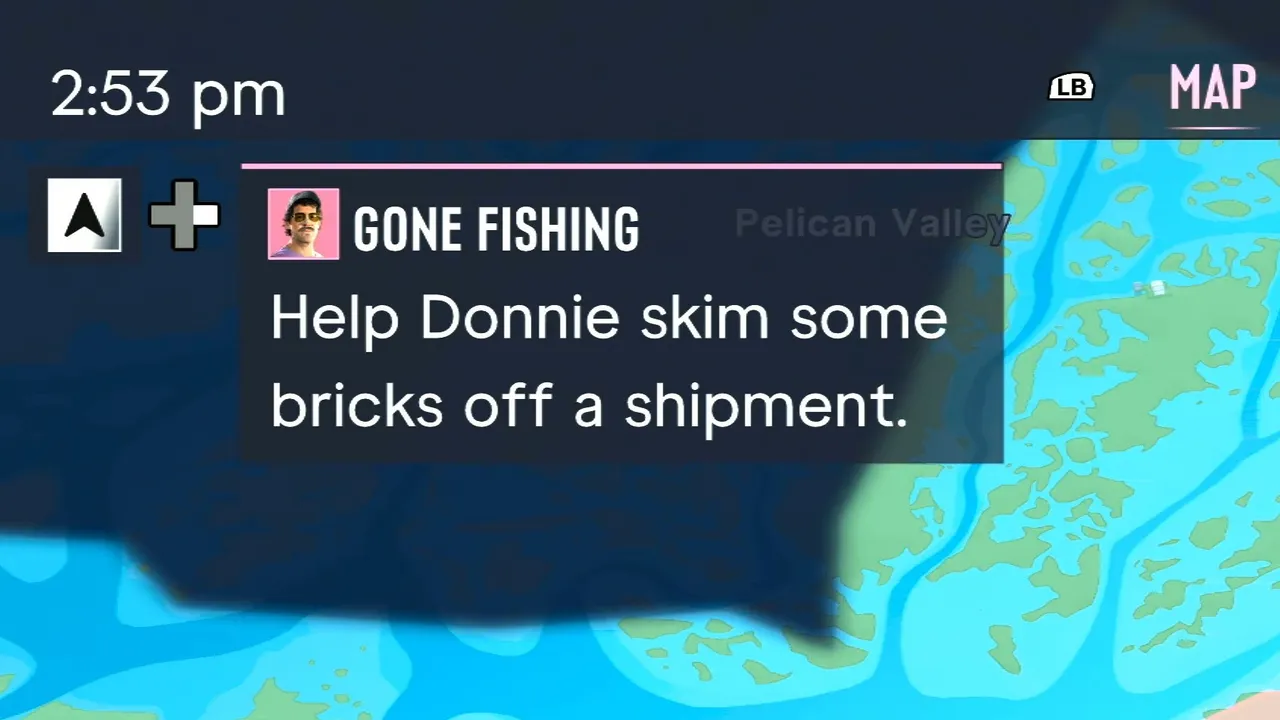
Gone Fishing opens Chapter 1, Just Like Paradise, with a boat cutscene. You play as Jason. On the pause map, Gone Fishing is described as “Help Donnie skim some bricks off a shipment.” Gone Fishing starts with “Follow the plane” and ends with “Enter your house” when Jason returns home at night.
- Chapter
- Chapter 1
- Next mission
- Unwanted Attention
Follow the plane
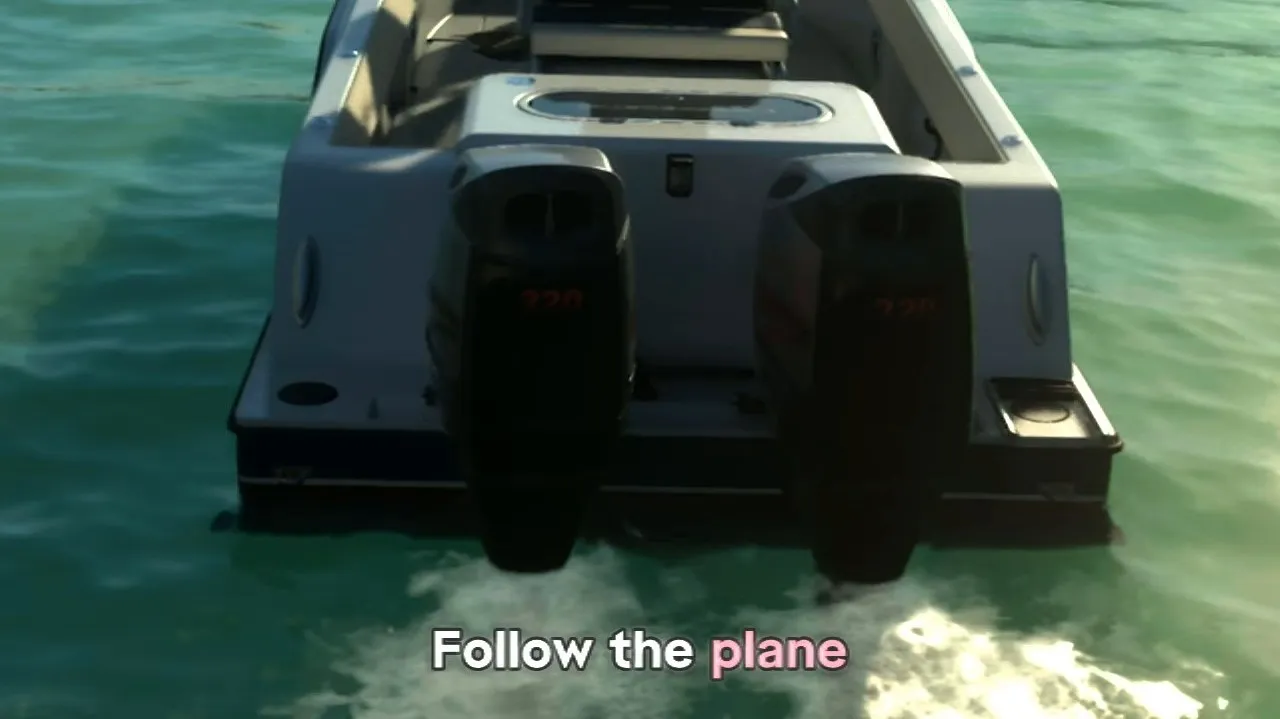
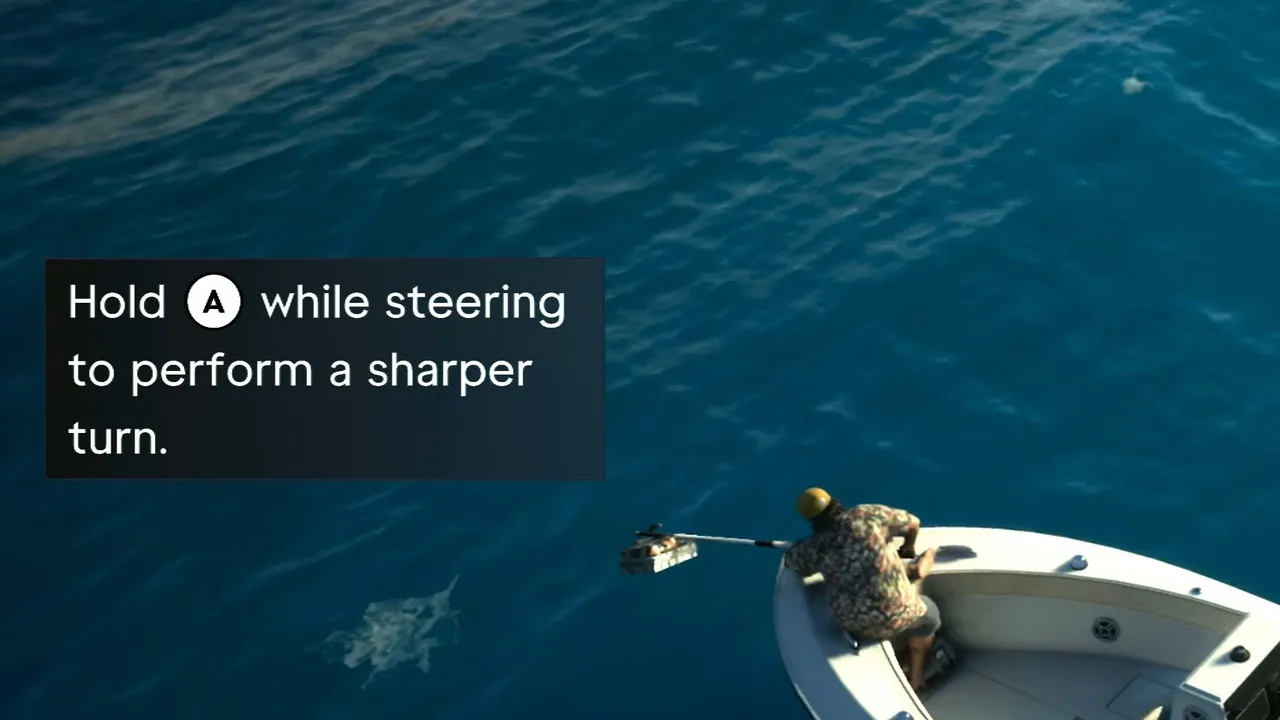
After the opening cutscene, drive Jason’s motorboat toward the long bridge and follow the small plane across the bay. The plane flies low ahead of the boat as you follow it through the bay. Press down on the D-pad to reveal the HUD and your current objective. Hold A on Xbox or Cross on PlayStation while steering to make a sharper turn. Hold down on the D-pad to bring up the camera options.
If the plane gets away
If the boat falls behind, the objective can change to “Catch up to the plane.” The focus view shows the distance to the objective and offers Set Destination, Markers and Camera options.
Collect the package
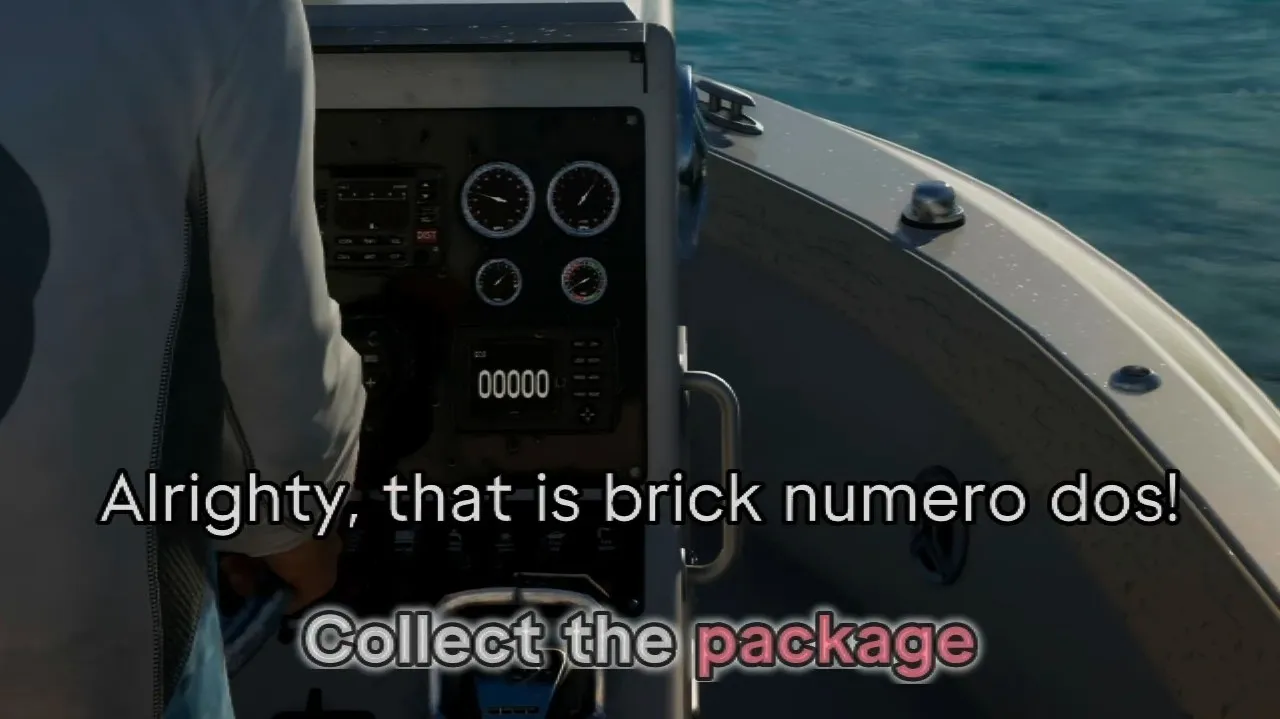
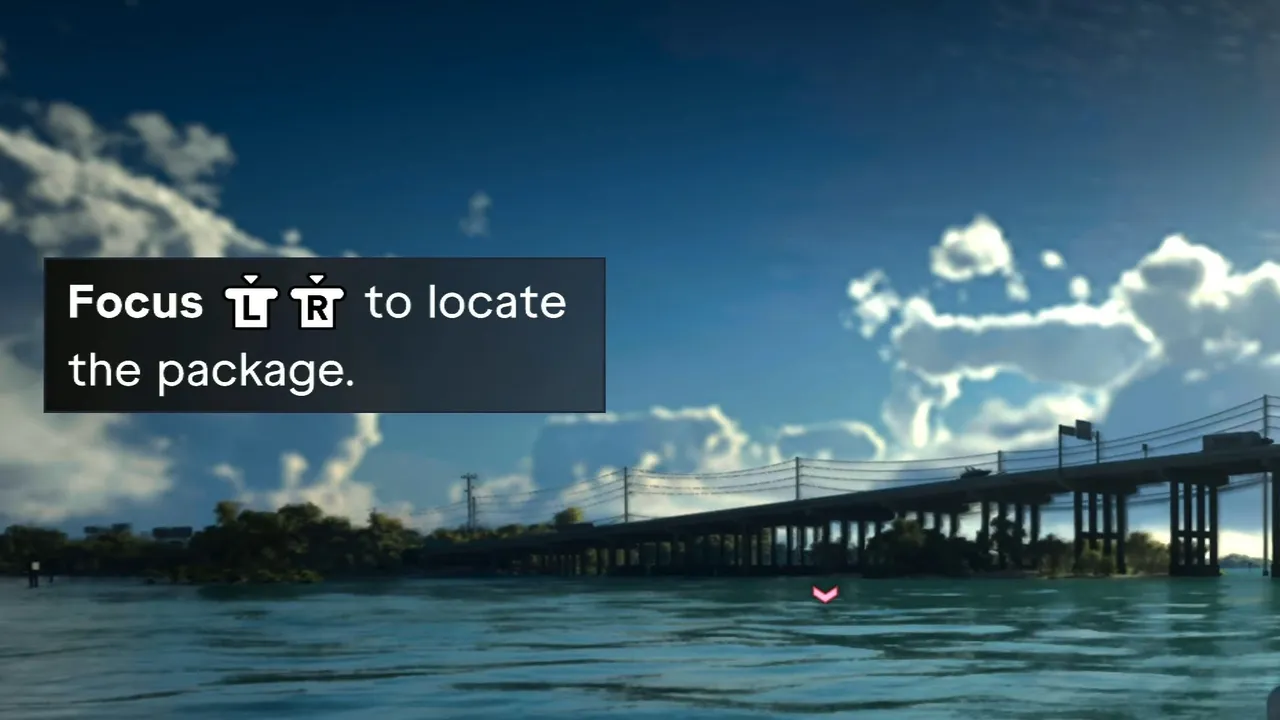
When “Collect the package” appears, steer alongside the package so the passenger can hook it with a pole. Between package pickups, the objective switches back to “Follow the plane.” Press both sticks in to focus and locate the package.
Hold LB to open your loadout
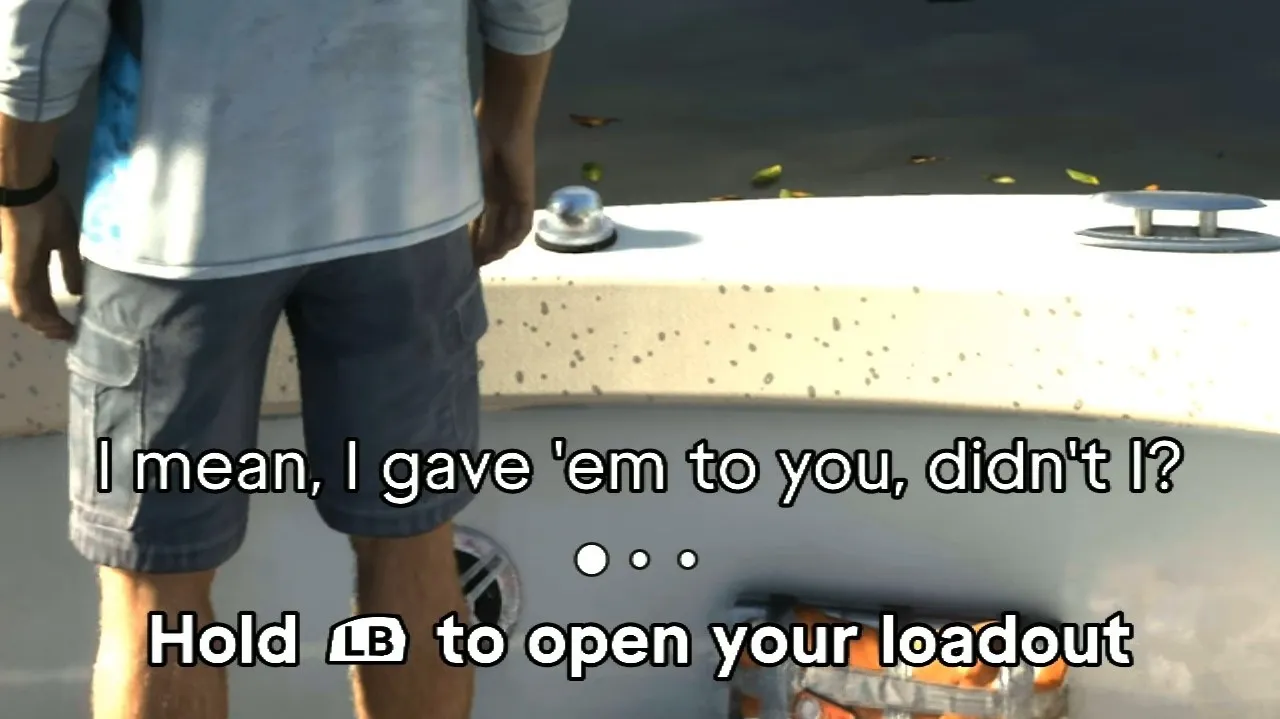
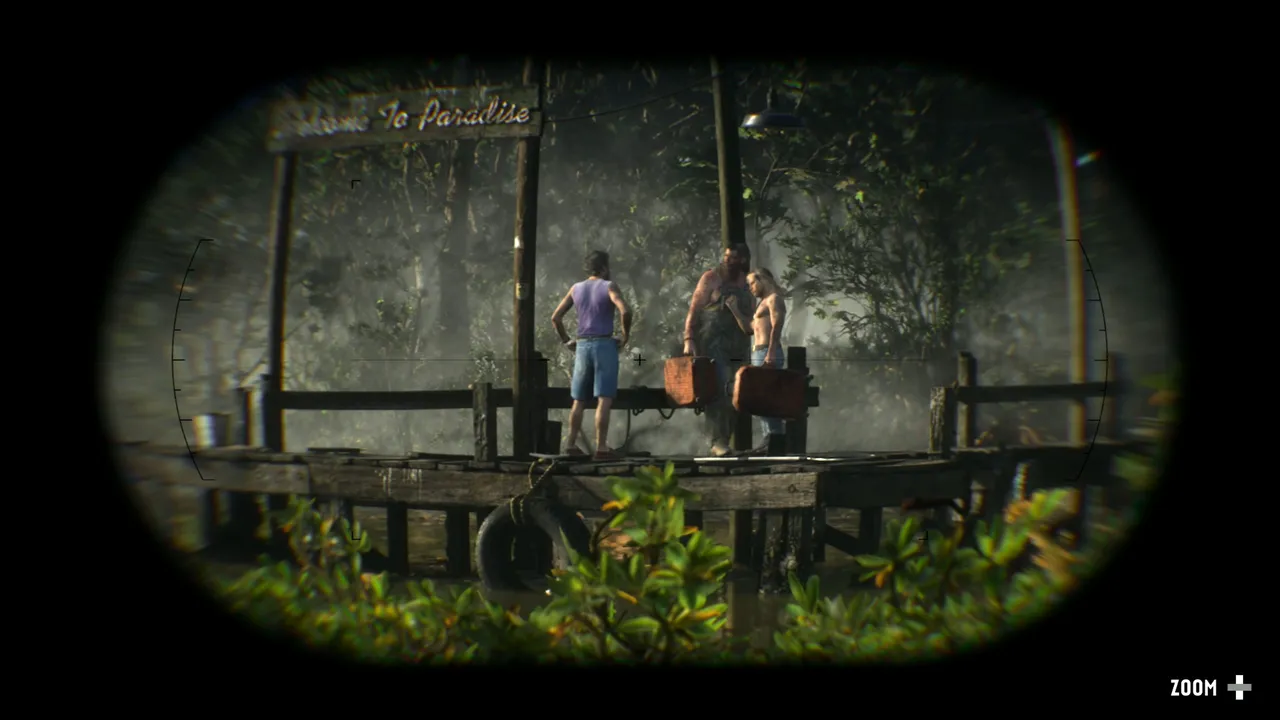
Once the boat is stopped near the camp, hold LB on Xbox to open your loadout. In the loadout, use the right stick to select the binoculars. With the binoculars equipped, press LT on Xbox or L2 on PlayStation to scope out the deal. Look through the binoculars at the men on the pier beneath the sign ending in “to Paradise.” The Zoom prompt is in the lower right.
Remain in the boat
Stay in the boat while your partner steers through the mangroves toward the camp. The boat’s nameplate reads “Lure Predator L35P.” Jason goes ashore on the boardwalk by the Sunrise RV Park sign.
Search the camp for Donnie
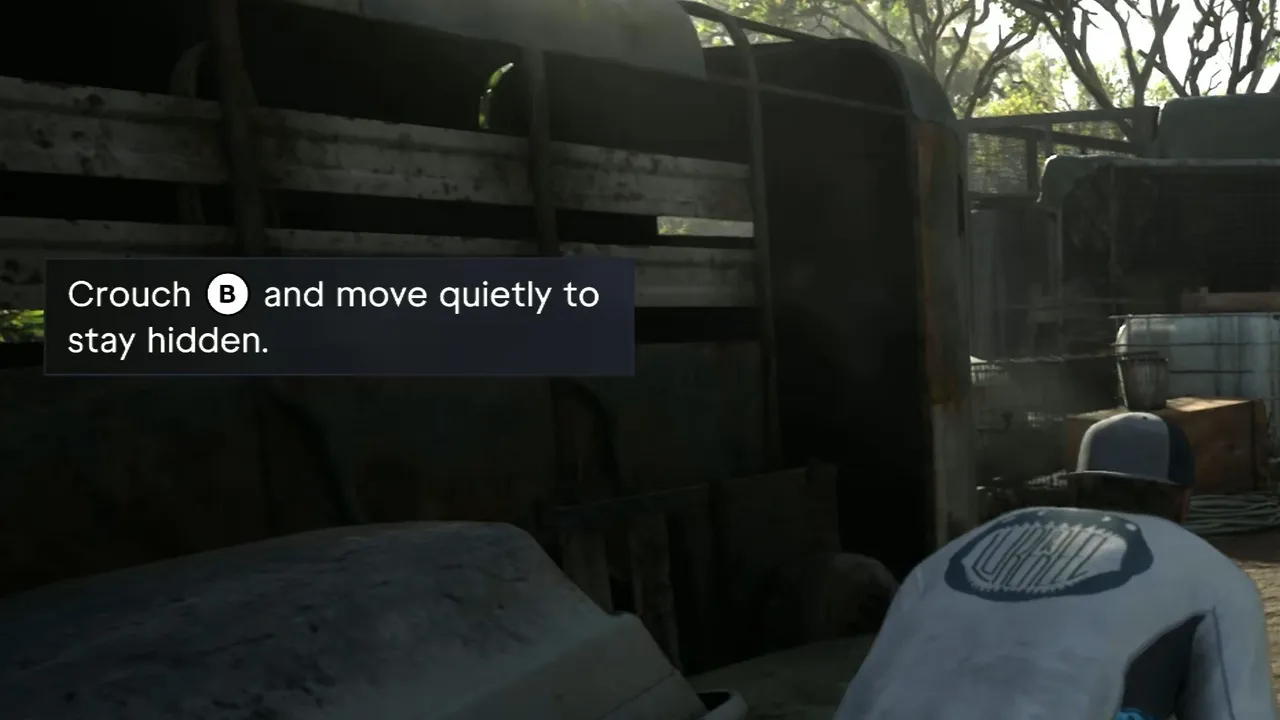
When “Search the camp for Donnie” appears, crouch with B on Xbox or Circle on PlayStation and move quietly to stay hidden. Crouch behind a guard until the Grab prompt appears. On Xbox it shows RT. Use the Loot prompt to search a downed guard. A W-14 Rifle pickup is also available here with LB on Xbox or L1 on PlayStation. The pause map highlights the camp search area and shows “Search the camp for Donnie” along the bottom. The map lists Recenter, 2D View, Add Marker, Set Destination and Exit. After picking up the W-14 Rifle, you can select it from the loadout alongside the pistol and equipment.
Staying hidden
Three runs used crouching and guard takedowns on the approach to the shack. Approach the guard from behind for the Grab prompt. After the takedown, the guard is on the ground and can be looted.
Getting spotted
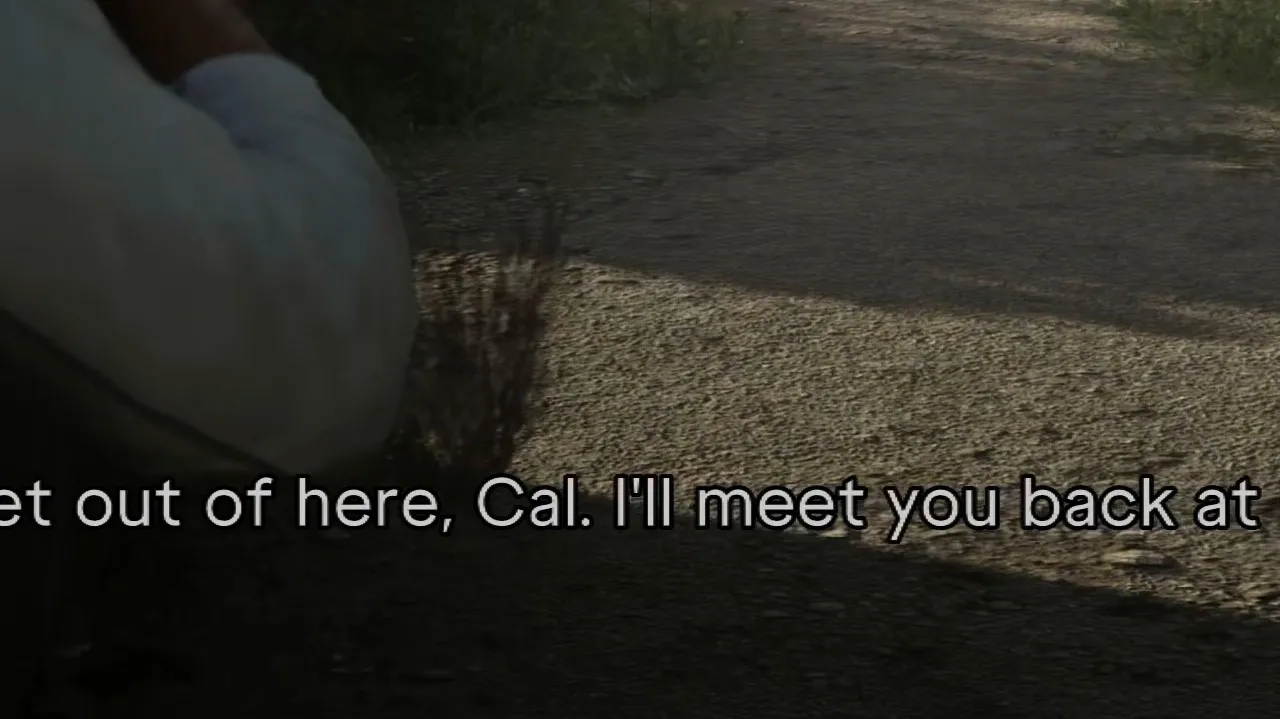
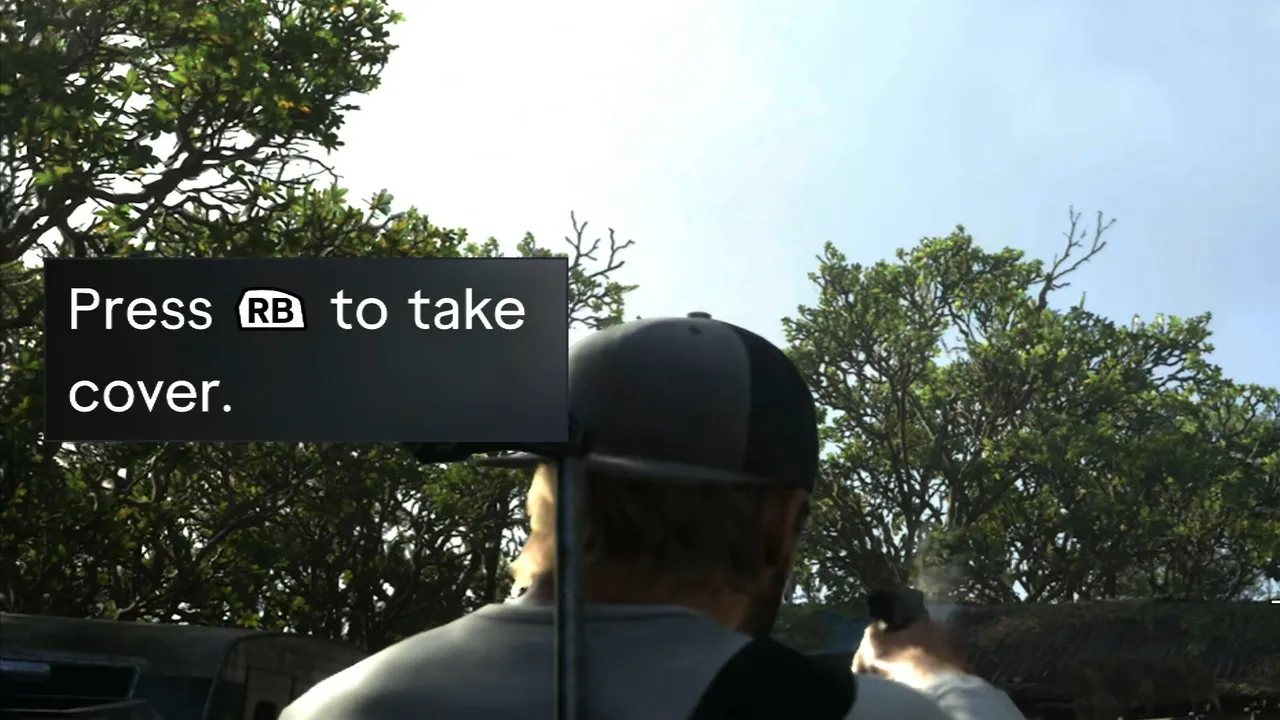
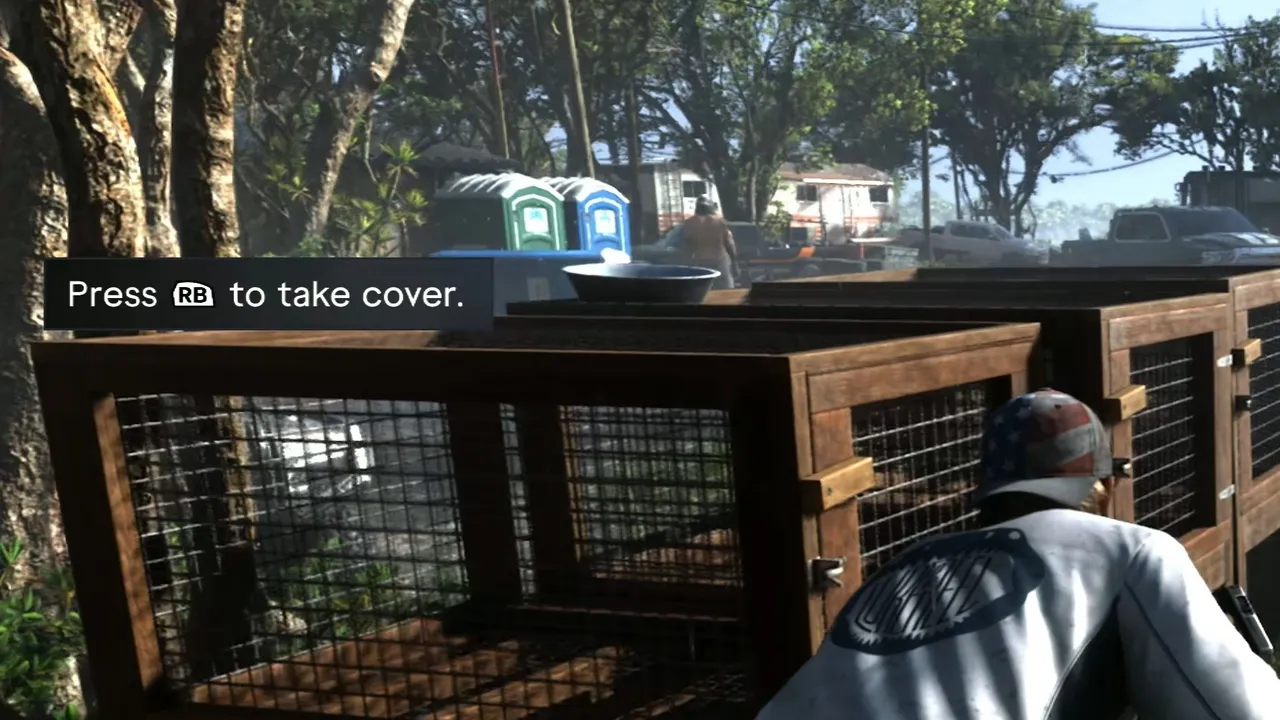
In two runs, the search turned into a gunfight at the camp. When the camp is alerted, Jason tells Cal to leave and meet back at Brian’s. Tap LB on Xbox or L1 on PlayStation to equip or holster your gun. Press RB on Xbox or R1 on PlayStation to take cover.
Search near the turbine
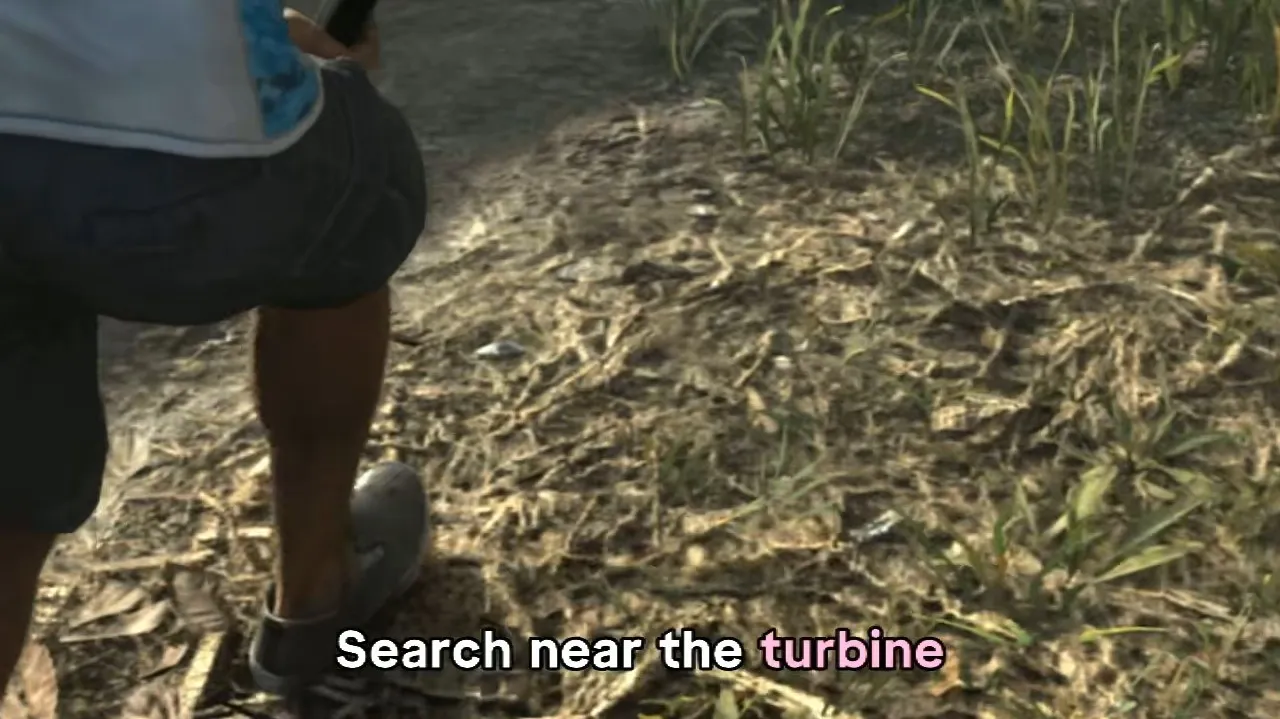
When the objective changes to “Search near the turbine,” look for the wind turbine in the camp. Click the right stick to look at the turbine. The Turbine prompt appears in the lower right.
Find a way into the shack
Next, the objective changes to “Find a way into the shack.” As the objective appears, a subtitle reads “Cal, I got Donnie.”
Going in quietly
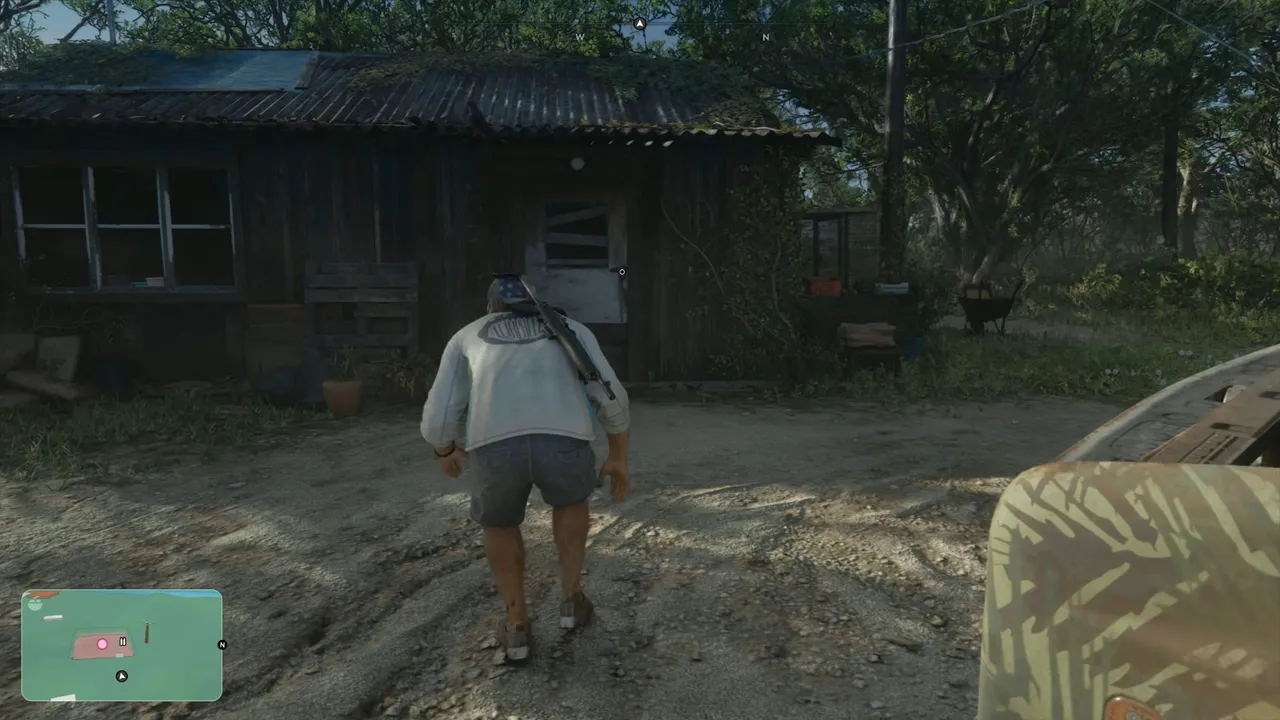
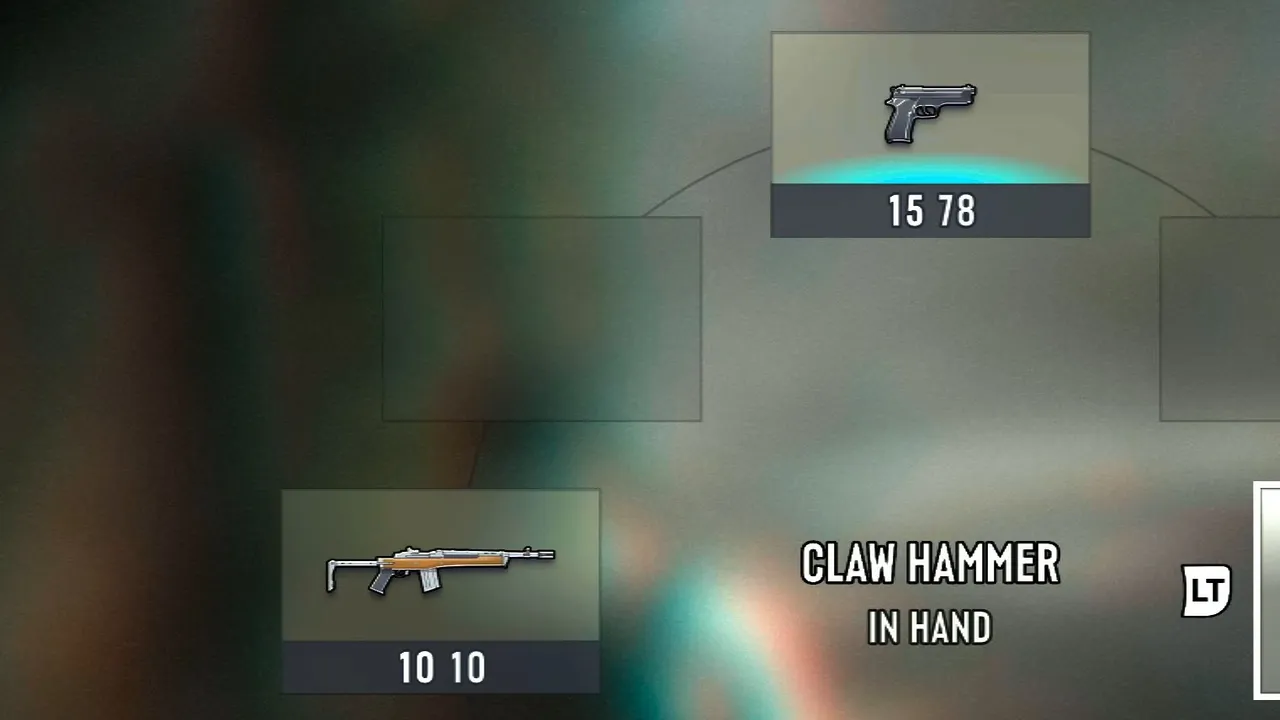
In three quiet approaches, Jason crouched on the way to the shack and entered through the door with the boarded window. One quiet approach used a claw hammer before entering the shack. The loadout marks it “In Hand.”
Untie Donnie
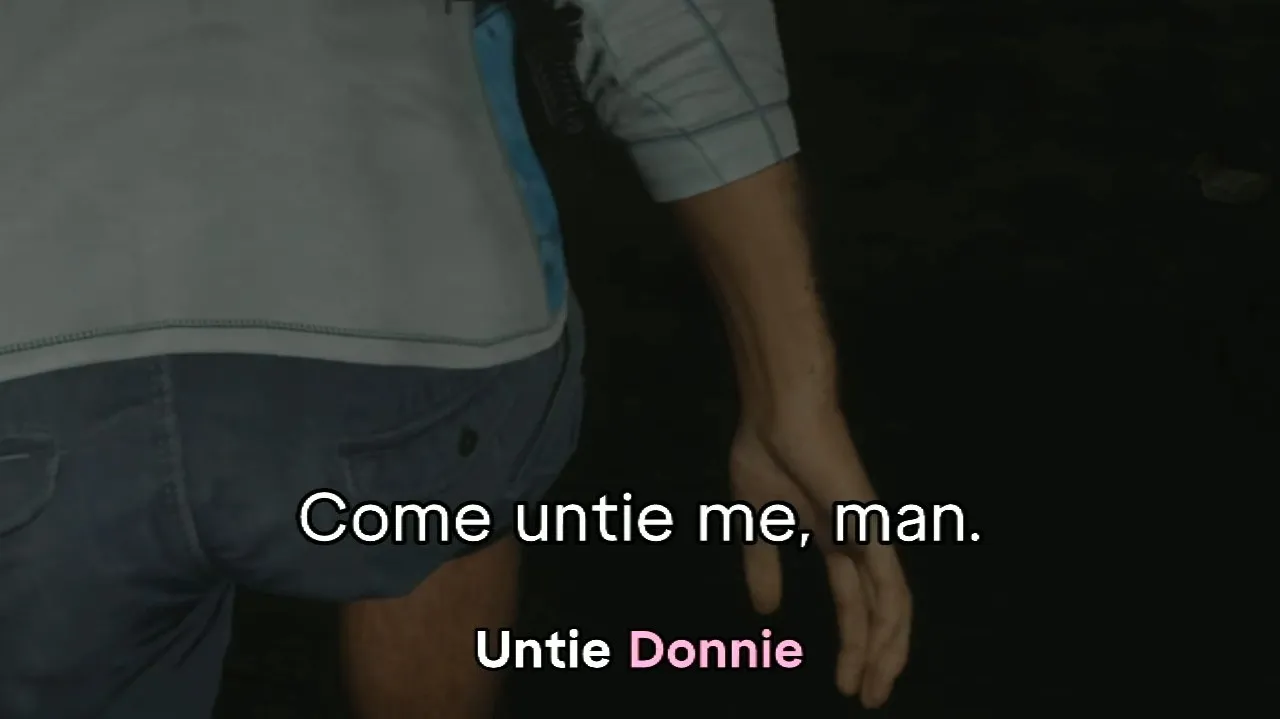
Inside the shack, the objective changes to “Untie Donnie.” Approach Donnie and use the Untie prompt. In the two runs that turned into a gunfight, the objective changed to “Save Donnie.” The game can show “Undetected” as you start untying Donnie. A bearded man in overalls attacks Jason with his fists inside the shack. When the fistfight starts inside the shack, press X on Xbox or Square on PlayStation to fight.
Get the Zombix
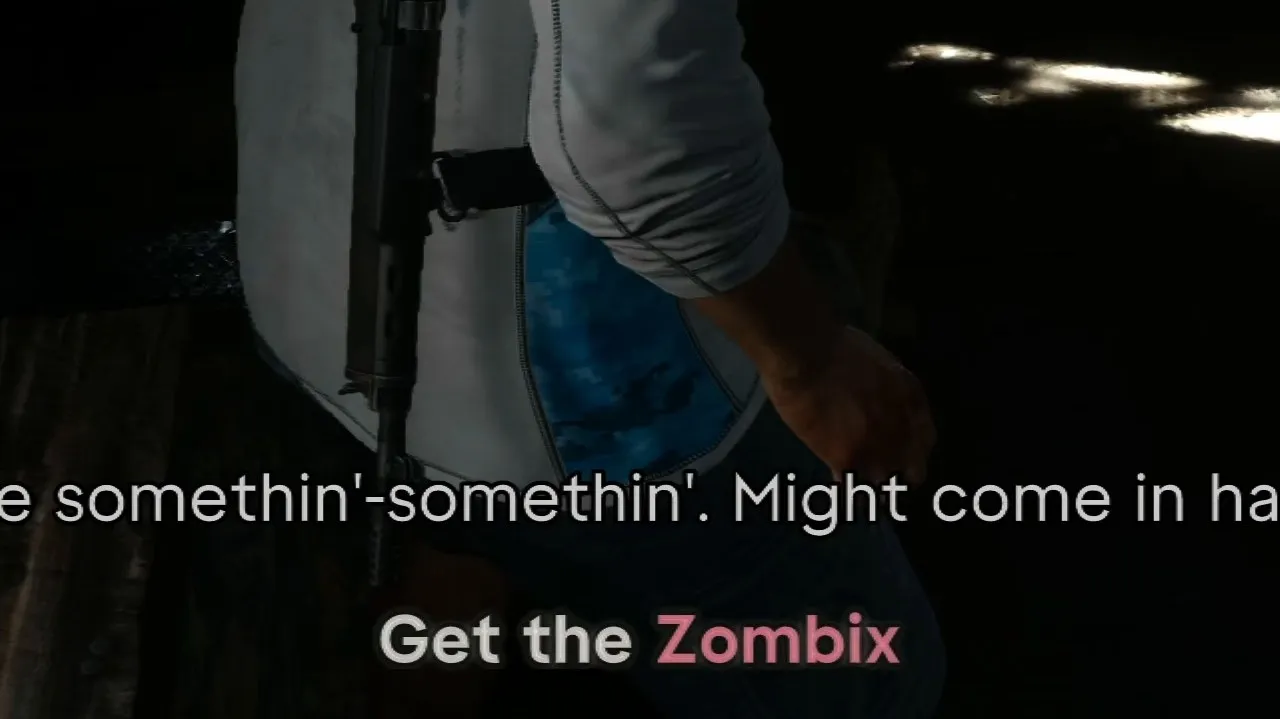
When “Get the Zombix” appears, pick it up in the shack using the Zombix prompt. Look for the Zombix prompt by the glass tanks in the shack. After you pick it up, the HUD shows “+ Zombix.” On PlayStation, hold L1 and press Square to heal.
Head for the plane
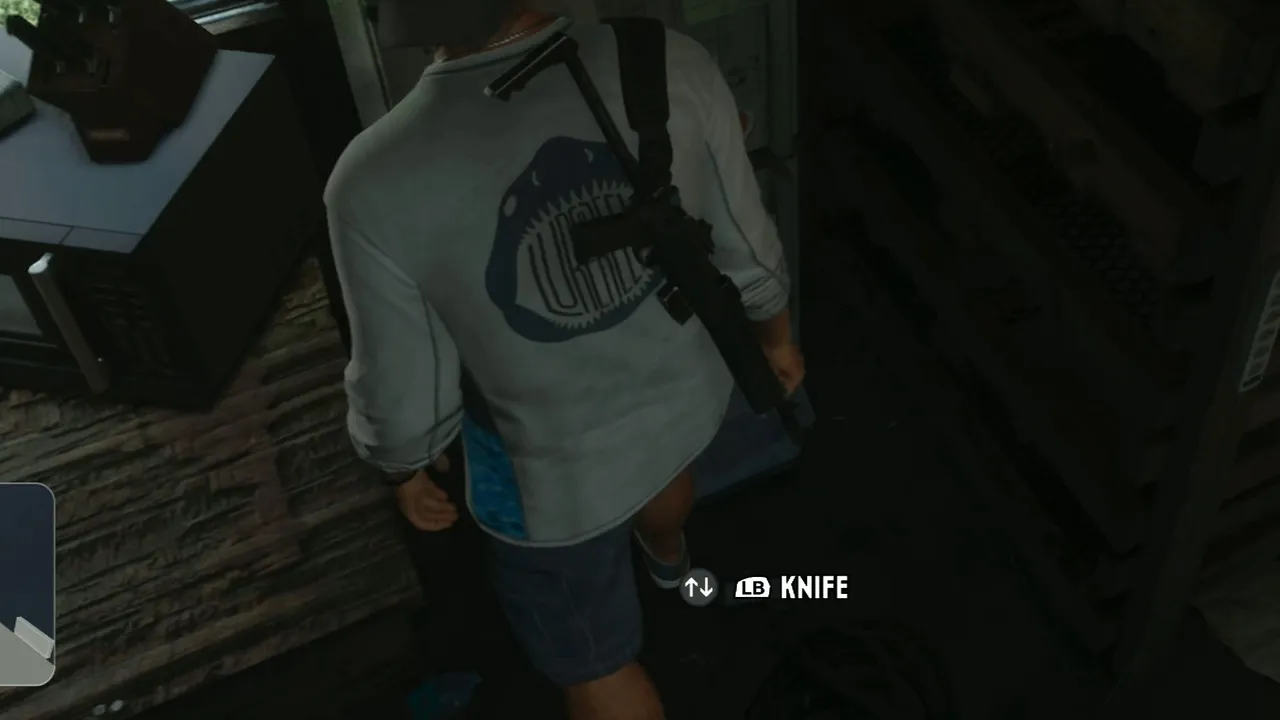
Once Donnie is free, follow “Head for the plane” and expect gunfire as you make your way out of the camp toward the dock. Press LB on Xbox or L1 on PlayStation to quickly equip or holster your gun, and RB on Xbox or R1 on PlayStation to take cover. A tip reads “Incapacitating targets with non-lethal shots will take them out without killing them.” At the wooden exit, press Square when “Break Open” appears on PlayStation. Look for the Knife pickup by the shack counter. The Xbox footage shows an LB prompt, and the HUD shows Throw with the knife equipped.
Optional: the cash in the trailer
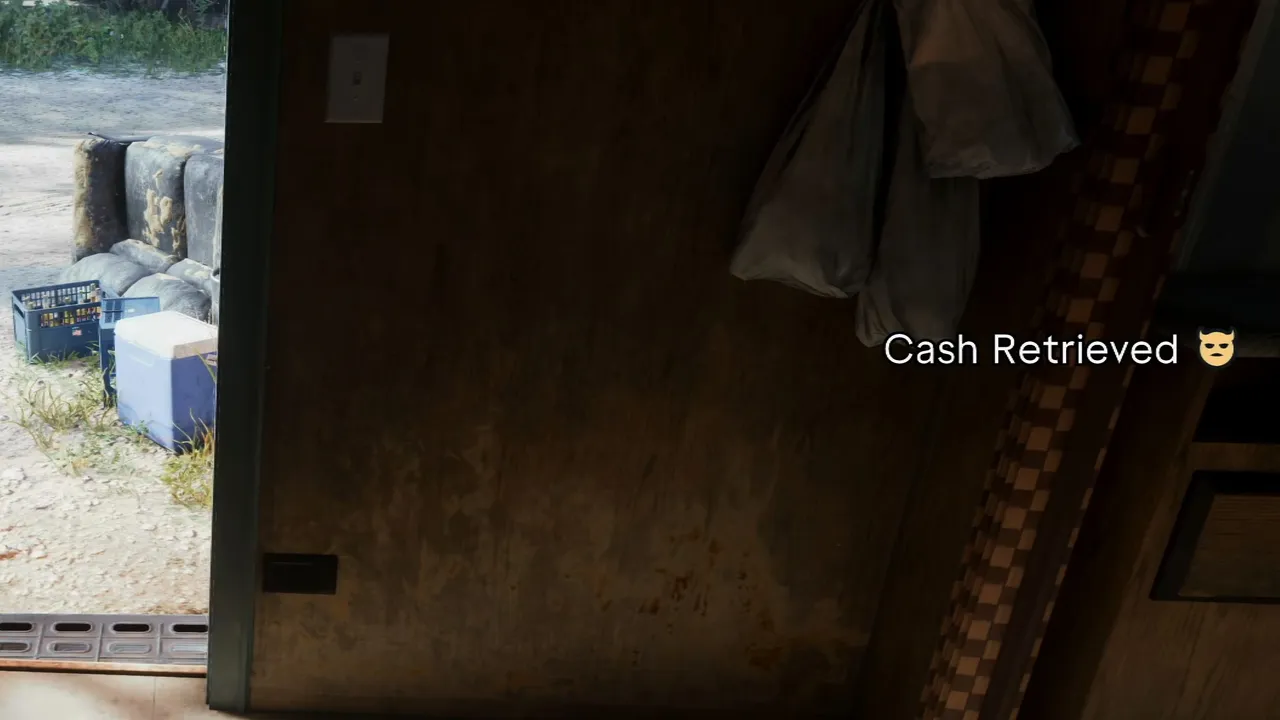
On the way out, the dialogue mentions the shipment cash and says it is locked in one of the trailers. The dialogue points out a nearby trailer with cash inside. You can detour into the trailer to collect the cash. The game shows “Cash Retrieved” when you pick it up. In one run, the player picked up the trailer cash but lingered inside, and the game showed “Failed” and “Donnie died.”
If you fail here
The Chapter 1 Gone Fishing pause menu offers “Retry Checkpoint” and “Restart Mission”. After Jason was killed in one run and Donnie died in another, both runs resumed inside the shack with Donnie beside Jason. The HUD in the first retry reads “Get the Zombix”.
Get in the sea plane
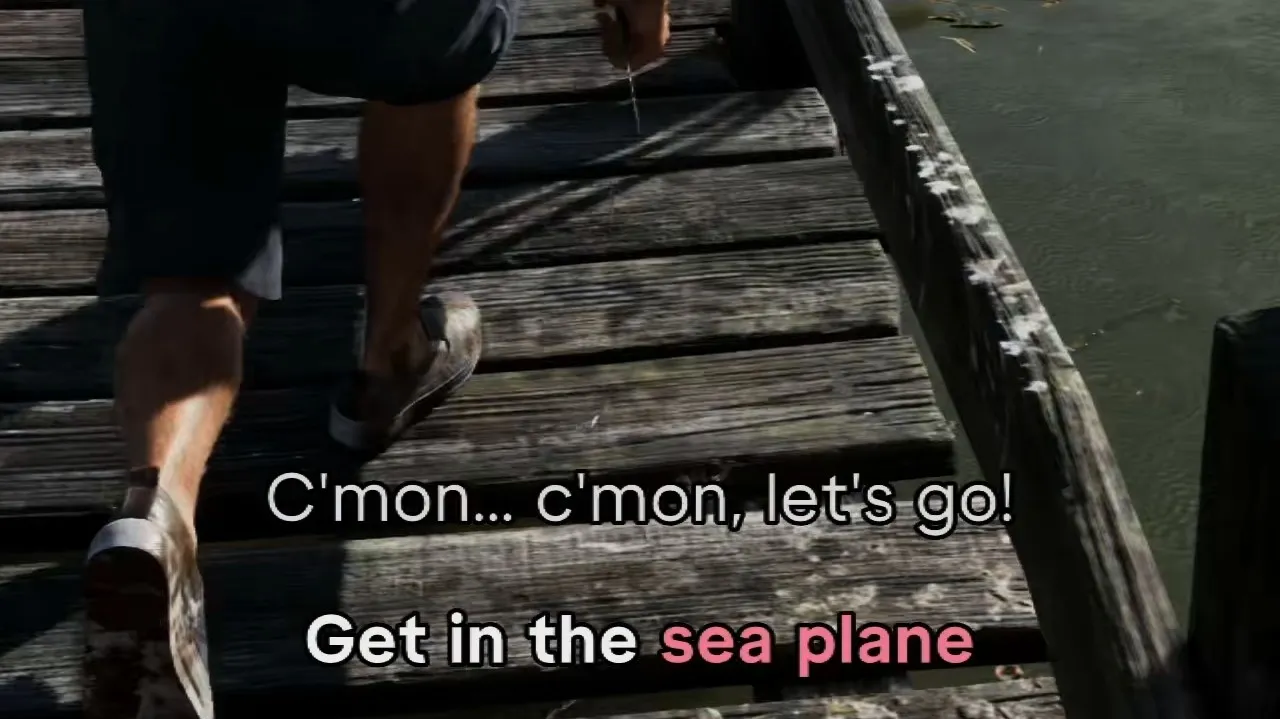
Follow the wooden dock to the moored seaplane when the objective says “Get in the sea plane”.
If you fail here
In one run Jason was killed twice near the dock. Both retries returned him to the dock approach with “Get in the sea plane” still active. During one attempt to reach the seaplane, Jason stayed near the dock trading shots, and the game showed “Failed” and “Donnie died.”
Wait for Donnie
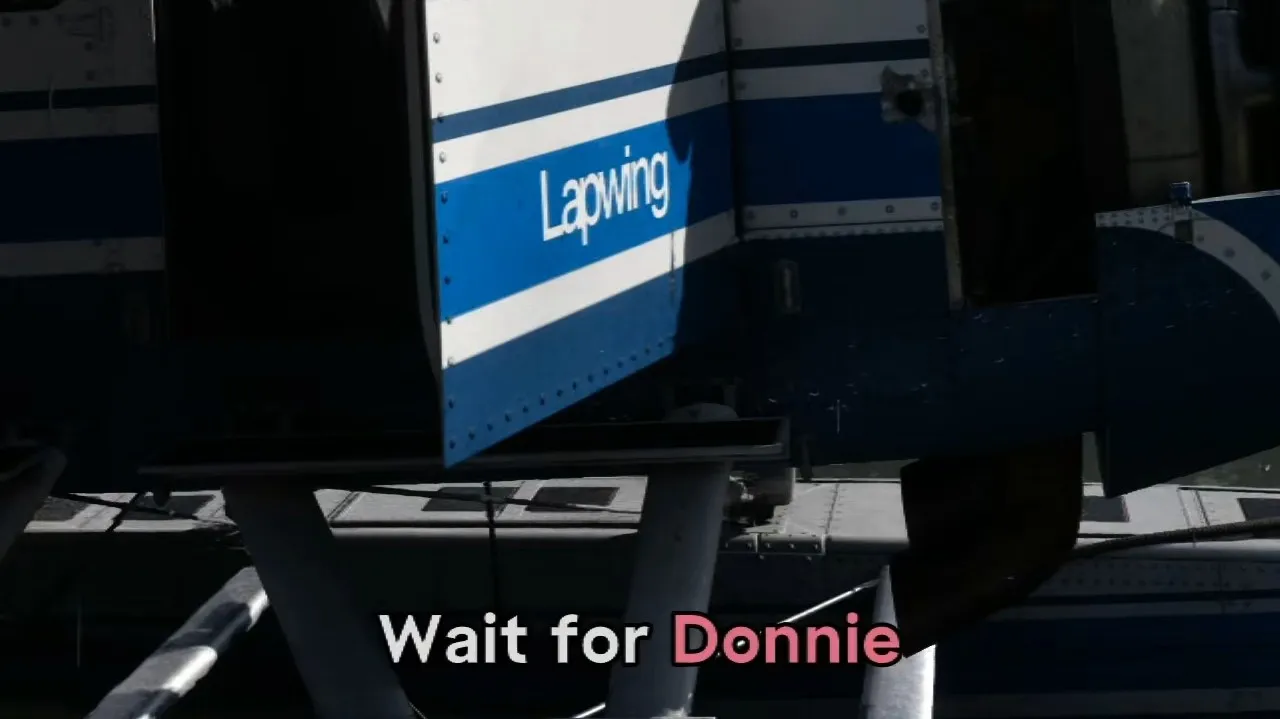
After boarding, wait for the “Wait for Donnie” objective to clear. The vehicle HUD names the seaplane “Mammoth Brian’s Dodo”.
Escape the camp
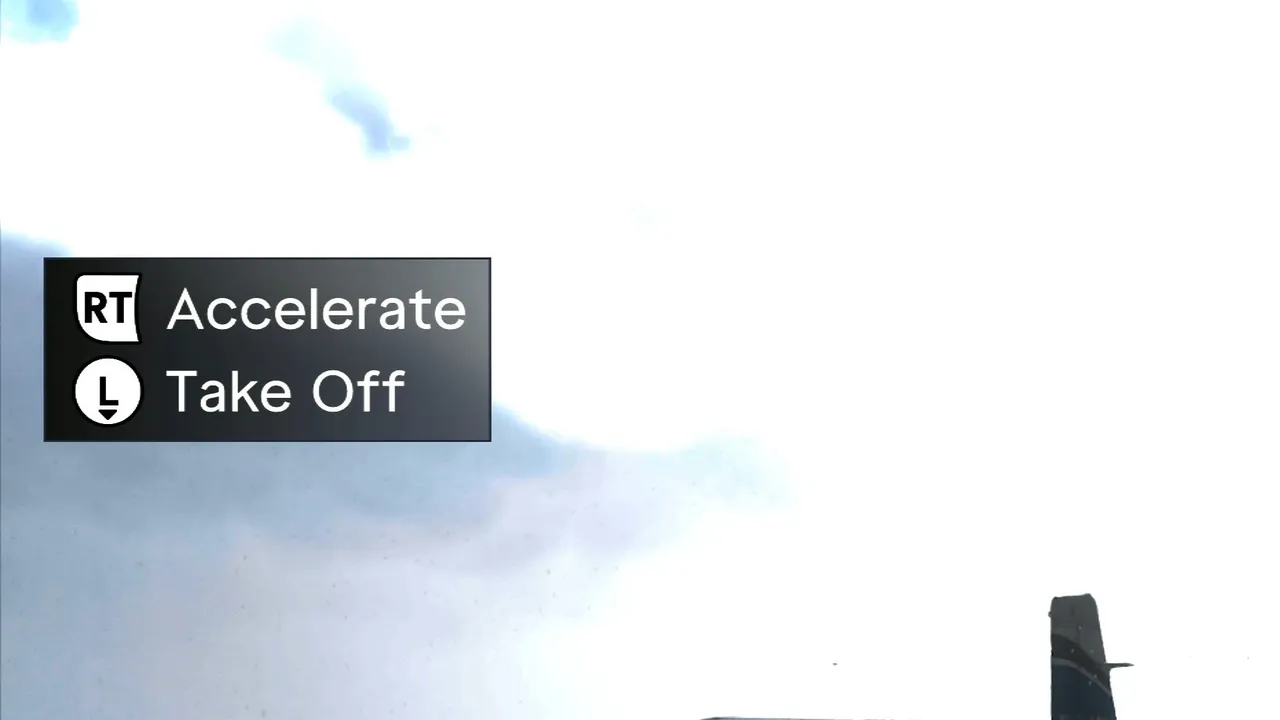
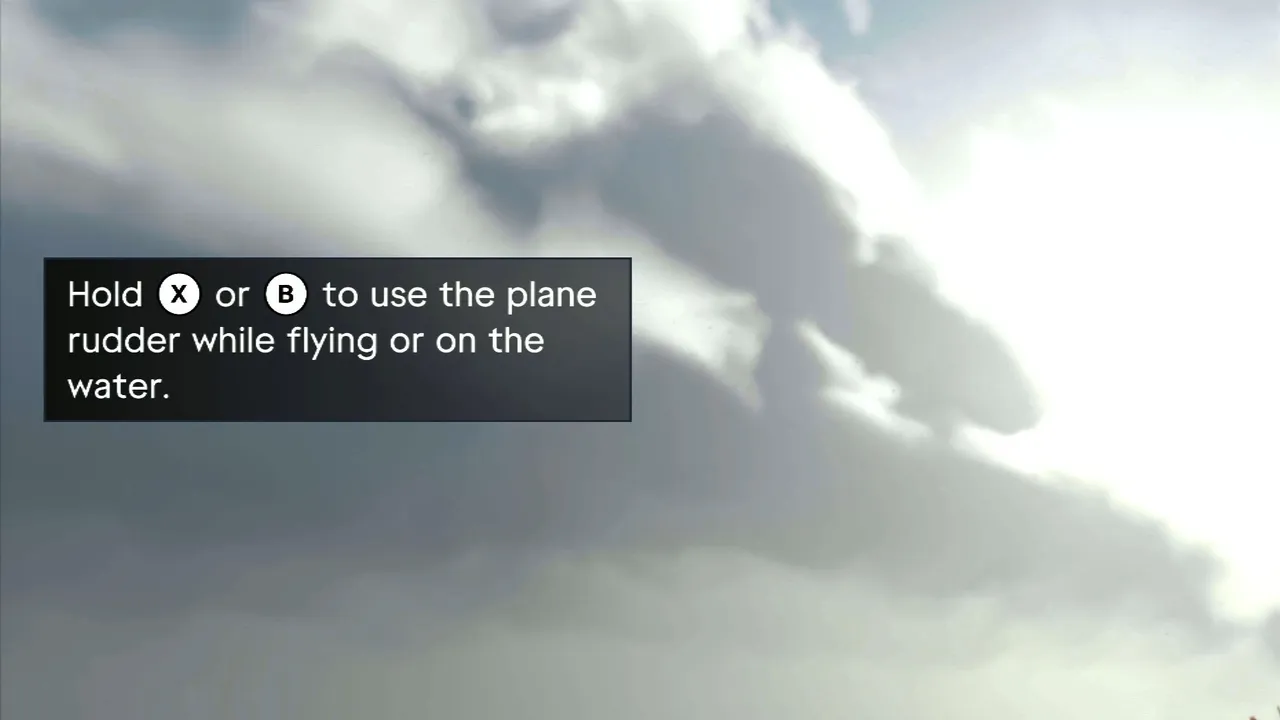
When the objective changes to “Escape the camp”, use RT on Xbox or R2 on PlayStation to accelerate, then pull down on the left stick to take off. Hold X or B on Xbox, or Square or Circle on PlayStation, to use the rudder in the air or on the water. In one escape, the plane kept flying after taking hits.
Fly back to Brian’s marina
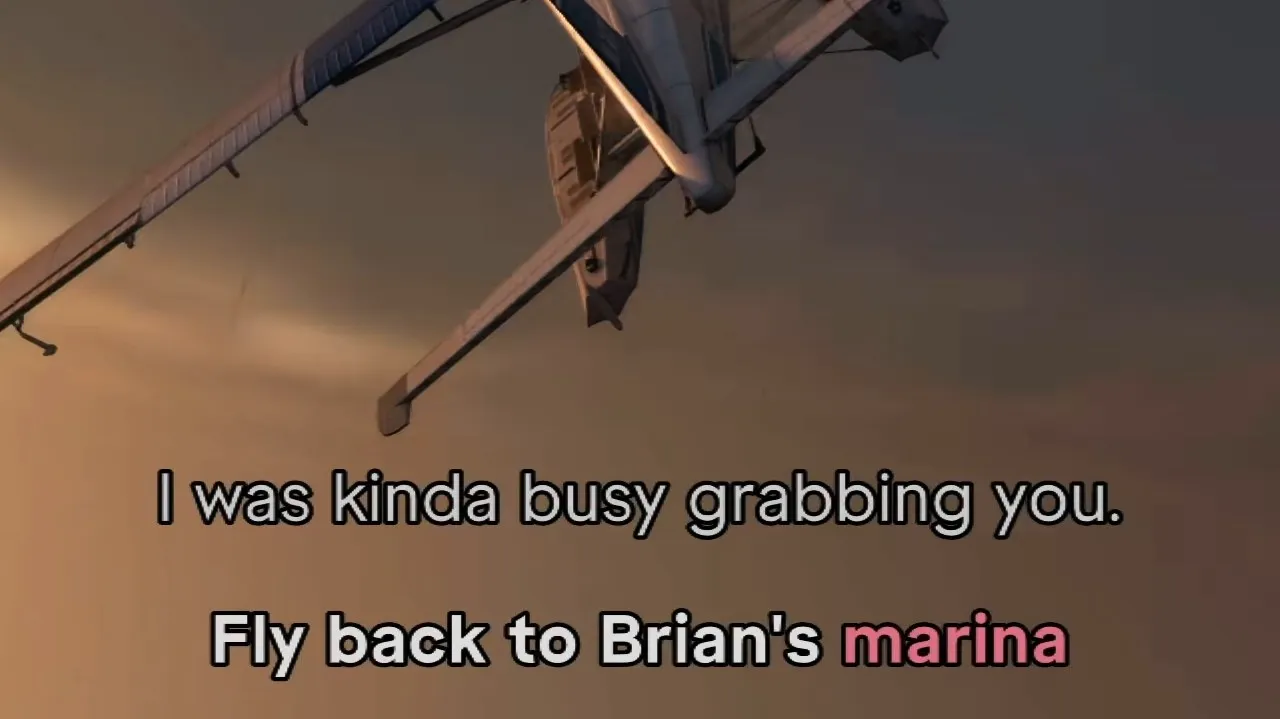
Once you are clear of the camp, follow “Fly back to Brian’s marina”.
Land near the docks
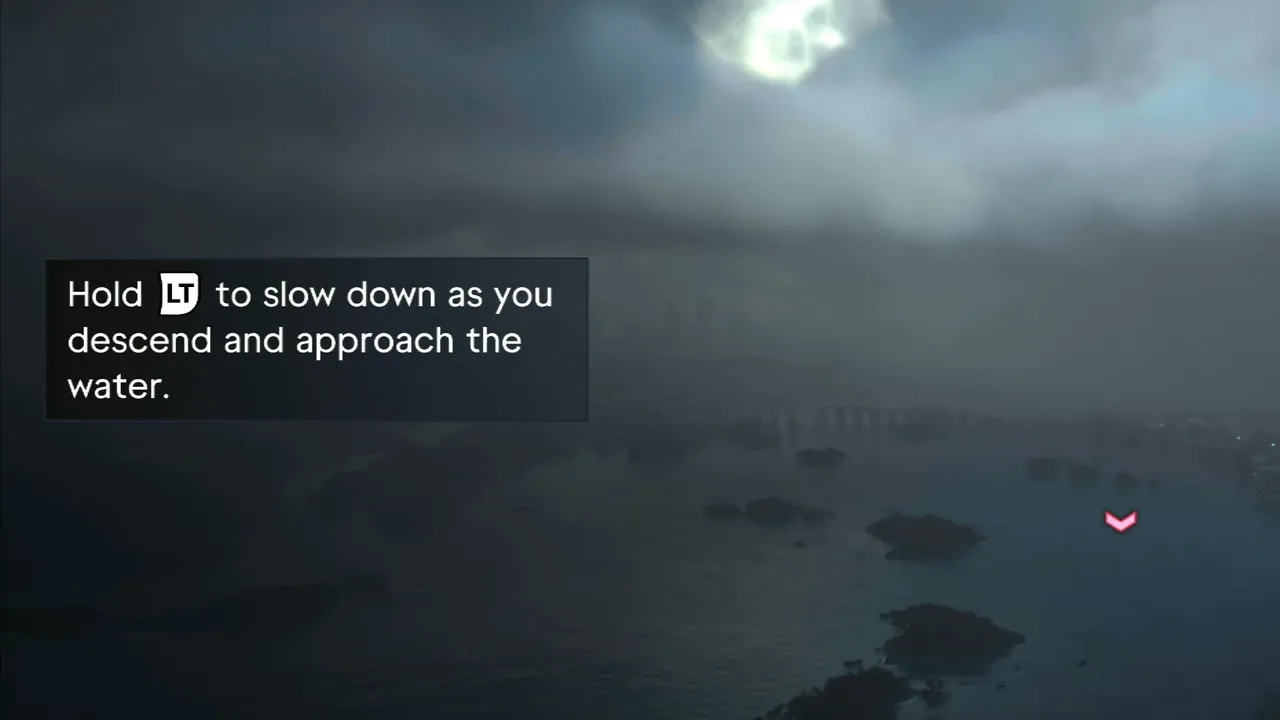
When “Land near the docks” appears, hold LT on Xbox or L2 on PlayStation to slow down as you descend toward the water.
If the plane goes down
In one run the plane crashed into the water and the game reported “The plane was destroyed.” The retry restarted in the air at “Land near the docks”.
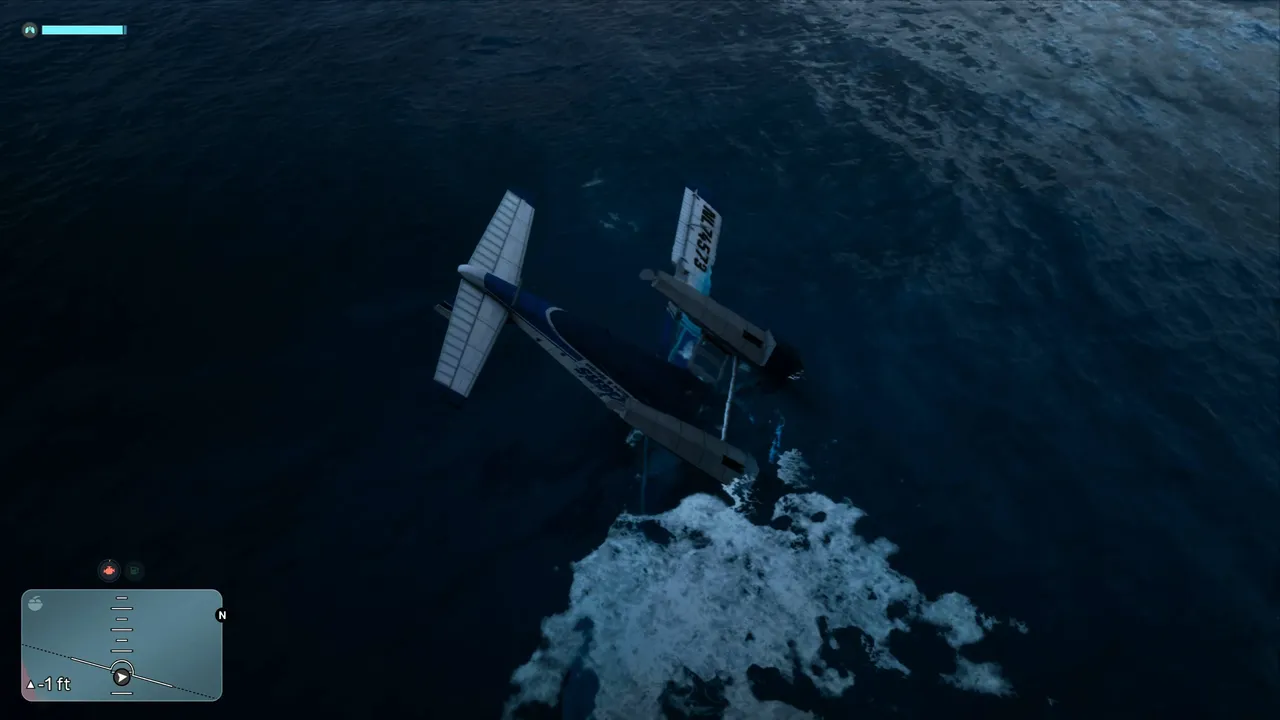
Take the plane to Brian’s marina
Once you’re on the water, follow “Take the plane to Brian’s marina” and taxi across the water toward the marina.
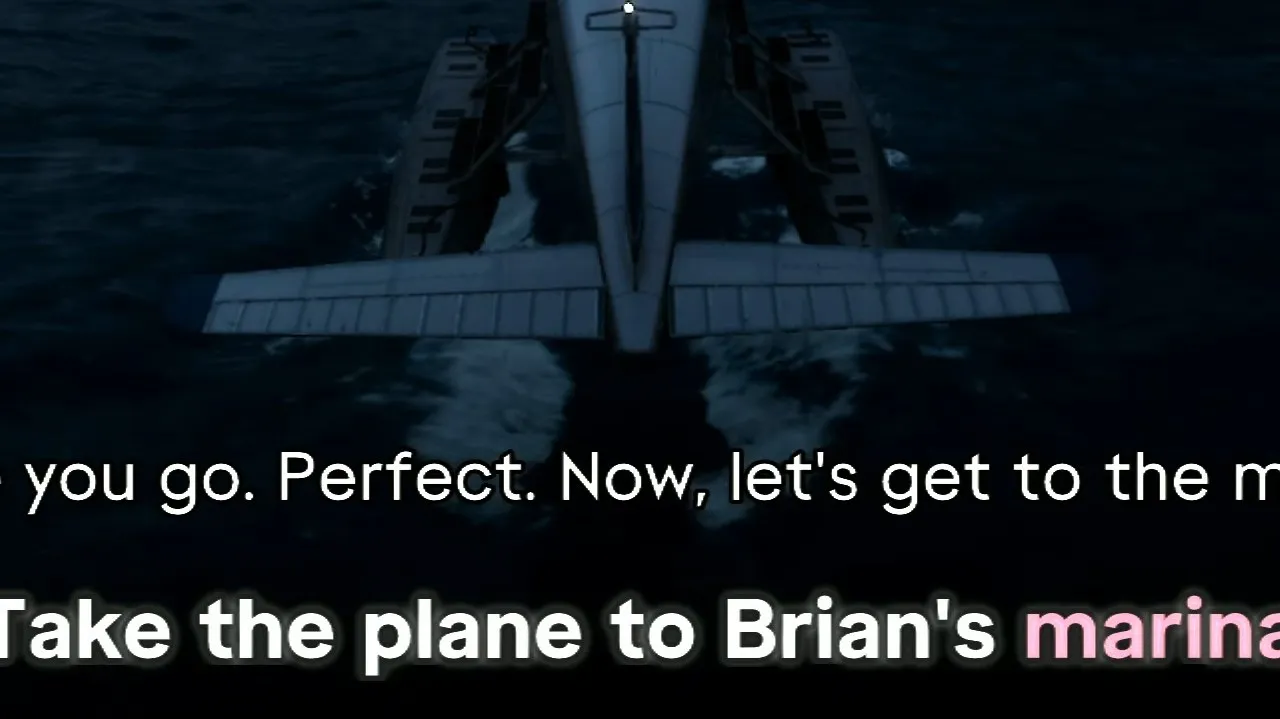
Get in your car
Back in the parking lot at night, follow “Get in your car”. The HUD identifies the car as “Jason’s ’70 Ganado”.
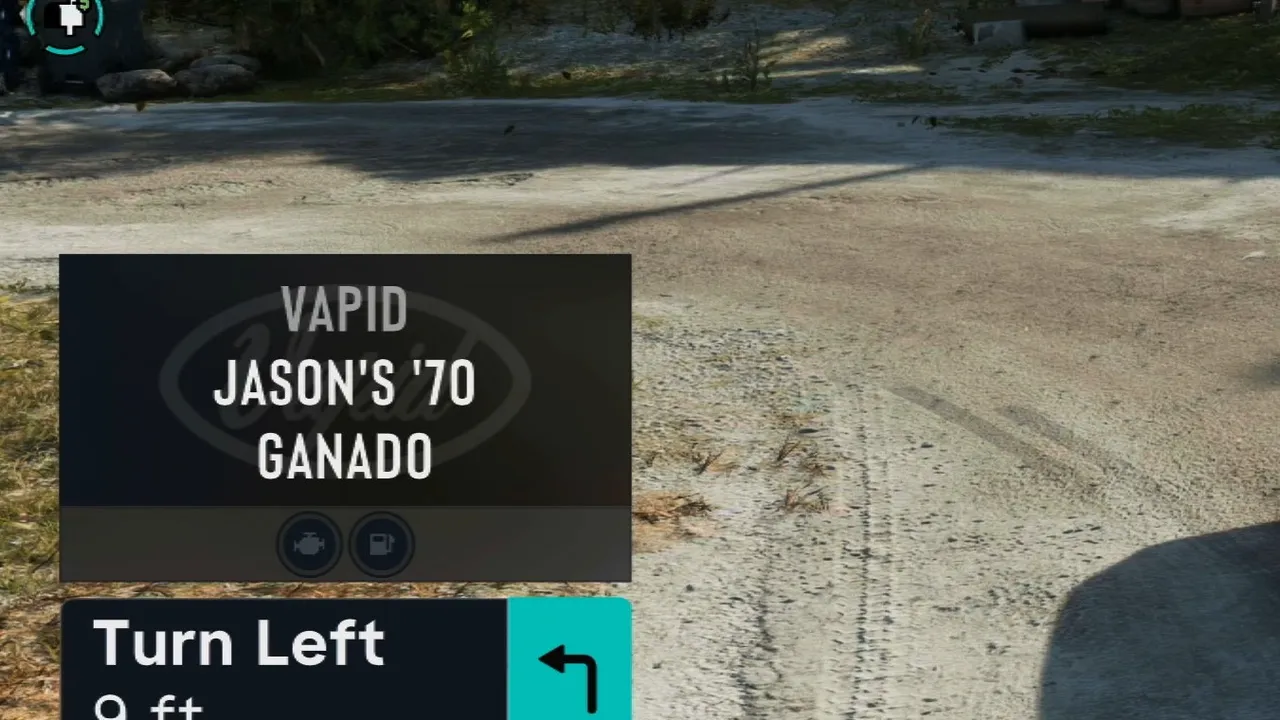
Drive to Cal’s house
When the objective becomes “Drive to Cal’s house”, follow the route on the minimap. After the scene at Cal’s house, the next objective is “Drive to your house”.
Drive to your house
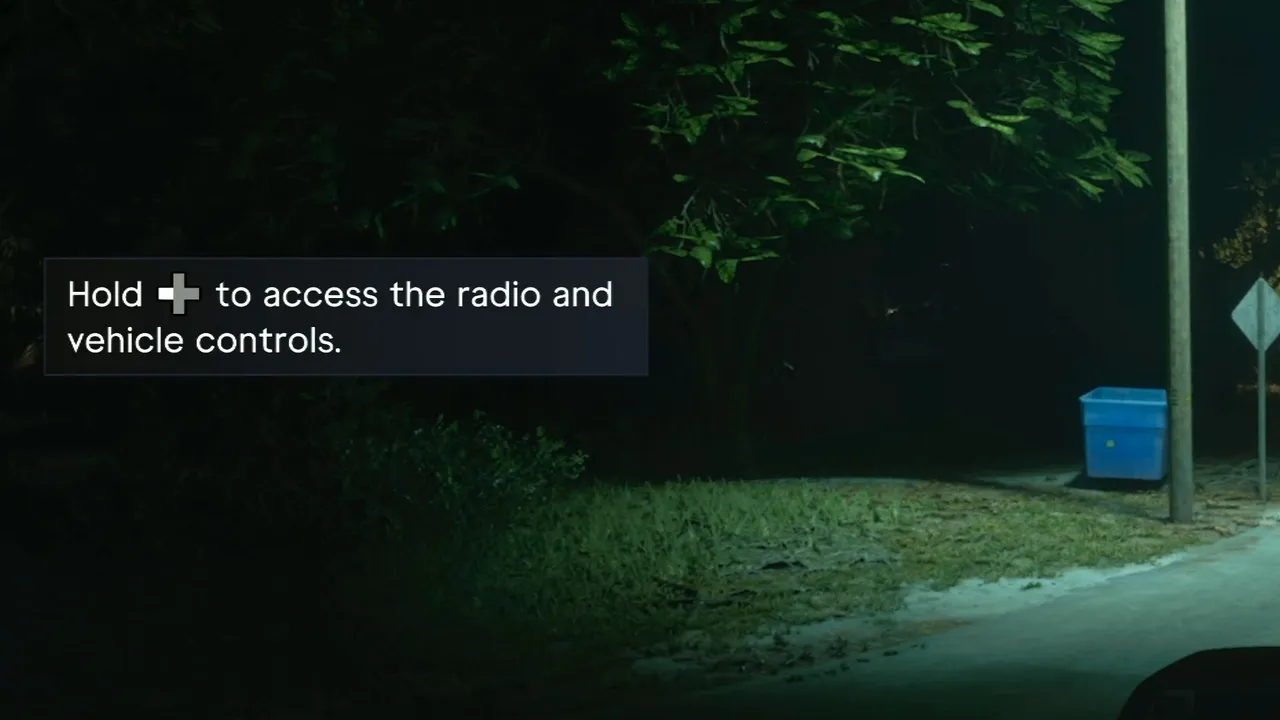
Follow the minimap route home. On the drive, the game displays a D-pad hint for opening the radio and vehicle controls.
Enter your house
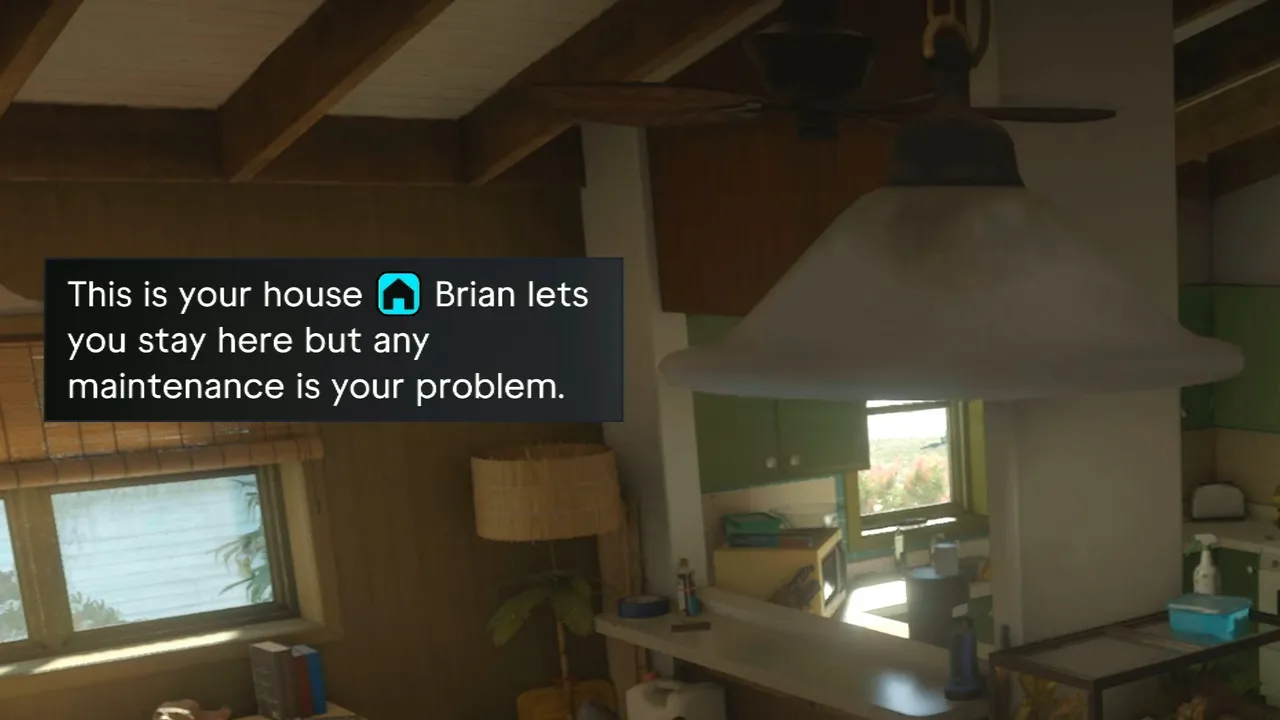
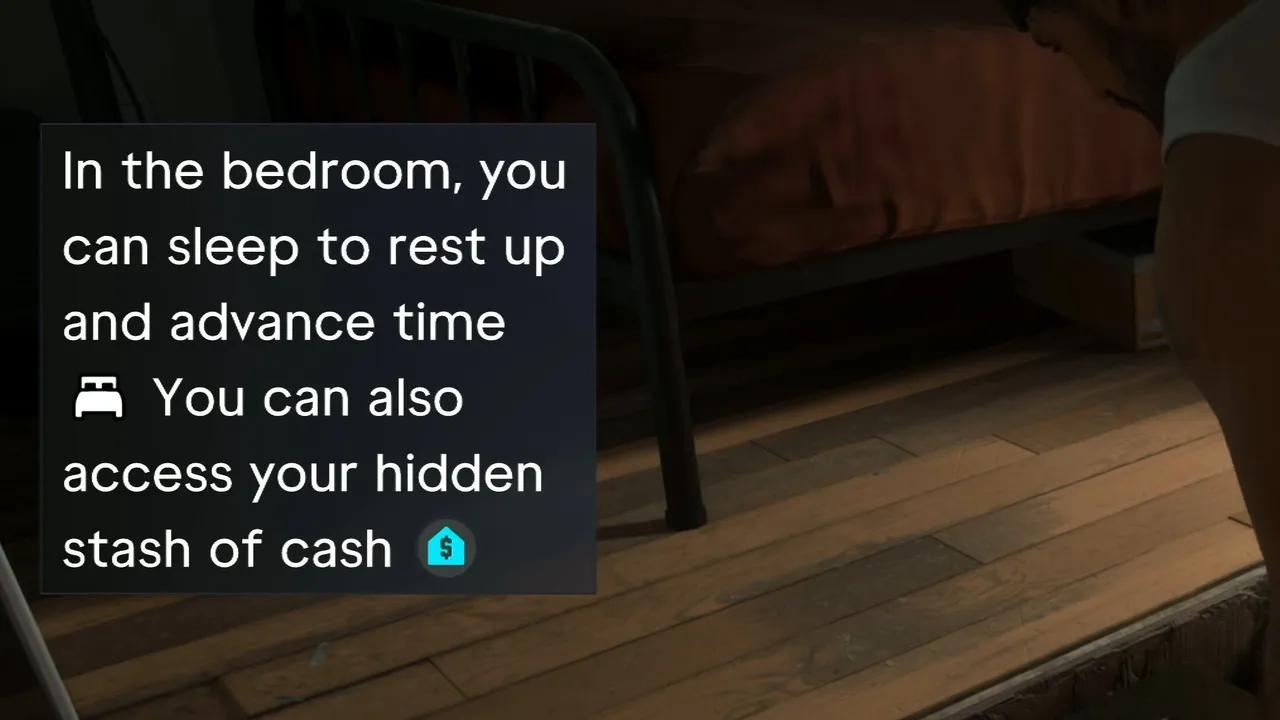
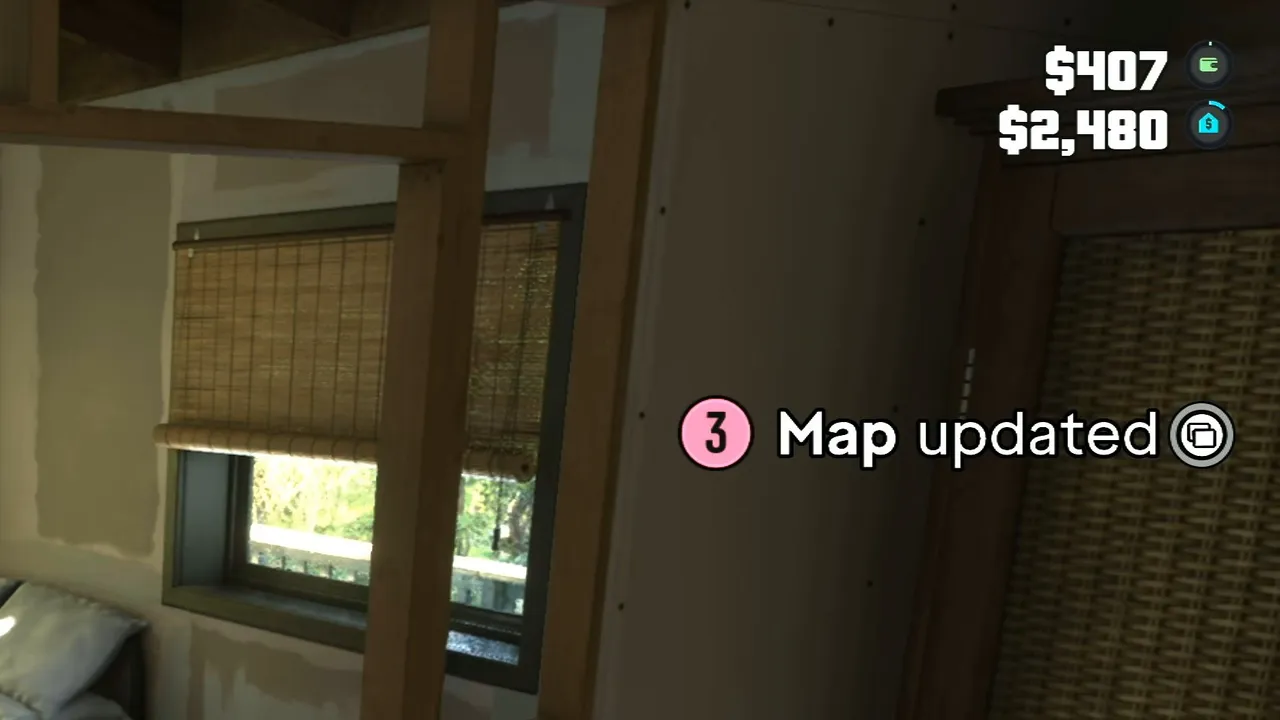
Park at home and go on foot when the objective switches to “Enter your house”. As Jason walks up the stairs, he receives a call that opens with “This is a free call from”. Brian lets Jason stay at the house and leaves the maintenance to him. The bedroom lets you sleep to advance time and access your hidden cash stash. The house tour points out drinks in the kitchen and clothes in the wardrobe. After the house sequence, “Map updated” appears. In the footage, the HUD shows $407 cash on hand and $2,480 beside the stash icon.
After the mission
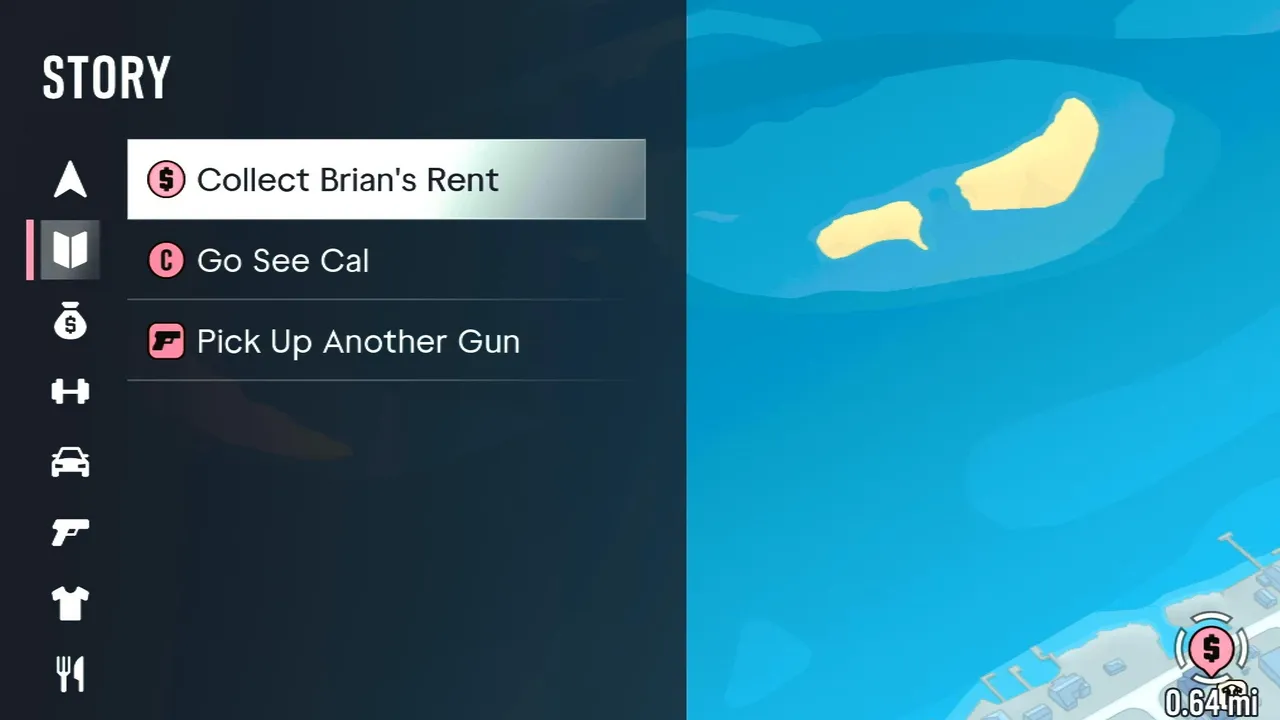
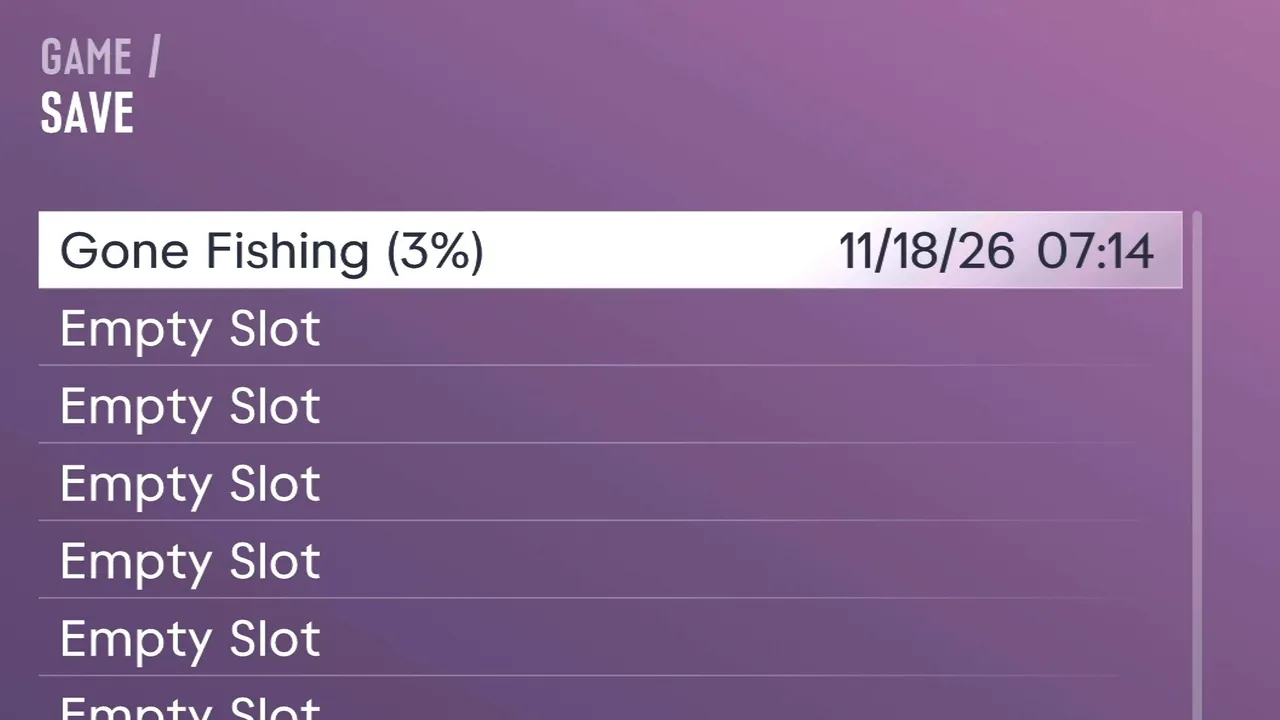
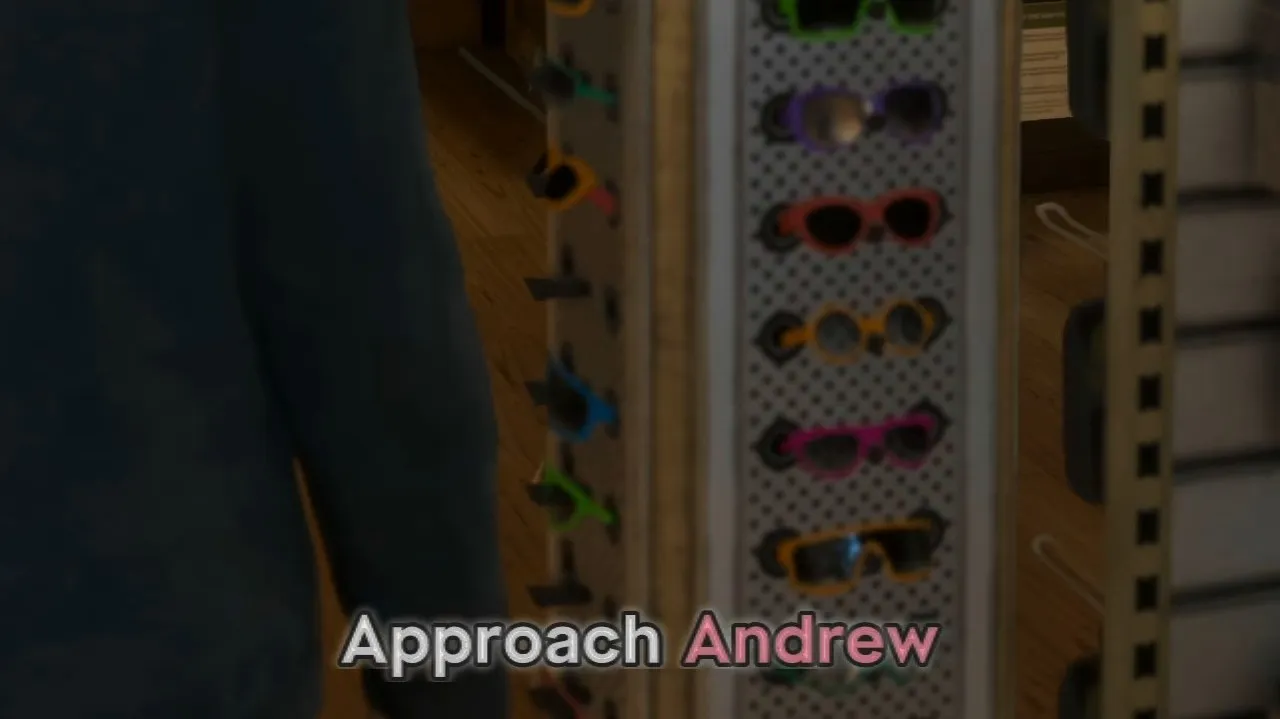
The “Just Like Paradise” trophy unlocked after Gone Fishing. Look for Donnie’s text and the tip to collect cash from completed jobs from your mailbox. Afterward, the pause map’s Story list shows “Collect Brian’s Rent”, “Go See Cal” and “Pick Up Another Gun”. The “Pick Up Another Gun” brief says to pick up a longarm at Chuck’s Tackle & Shot for Brian’s work. Joey from Coastal Auto Care sends a text, and the HUD shows “Map updated”. From the pause menu, open Game, then Save Game. The recorded save appears as “Gone Fishing (3%)” above the empty slots. At Chuck’s Tackle & Shot, follow “Approach Andrew” and then “Purchase a longarm”. Later in one run, the “Unwanted Attention” title appears and the first visible objective is “Get in Cal’s truck”.
Next: Gear Up
More in Missions