GTA 6 Combat Controls: Fist Fighting, Cover and Intimidating Guards
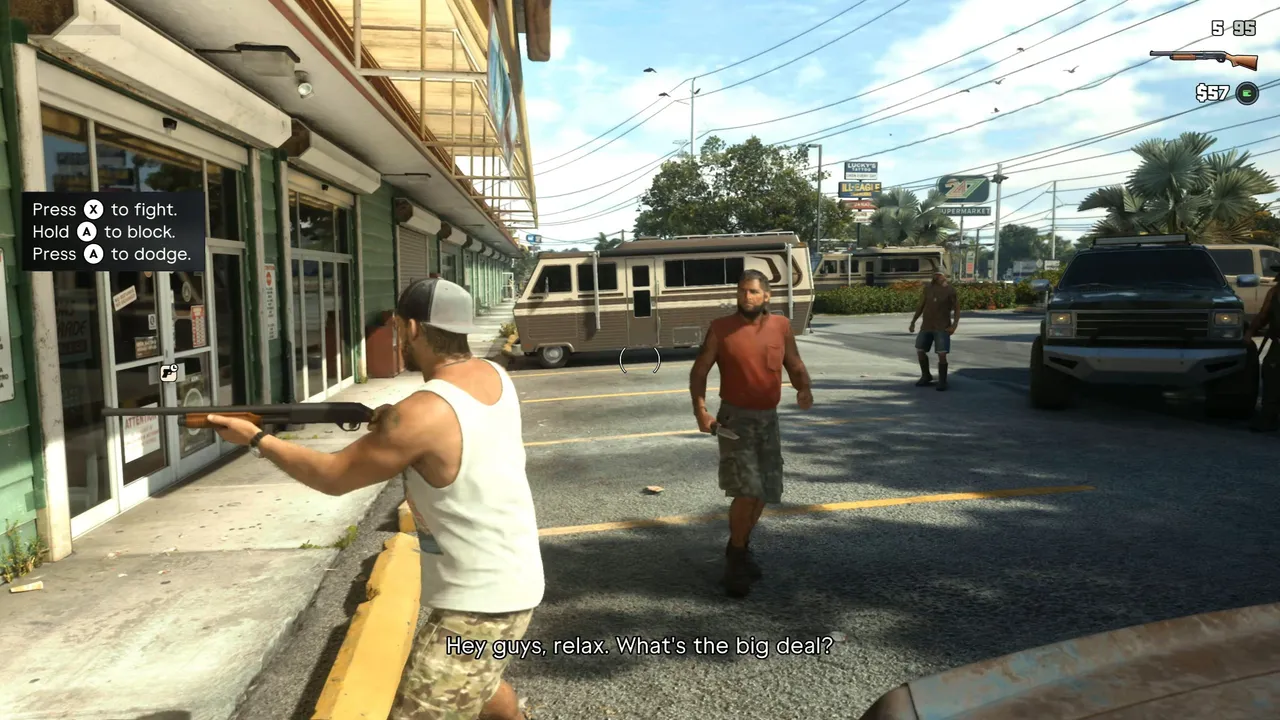
On Xbox, press X to fight, hold A to block or tap A to dodge. Press A just before an incoming hit to parry, then X to counterattack. On PS5, use Square to fight and follow up, and Cross to block, dodge or parry. Take cover with RB on Xbox or R1 on PS5, and on PS5 aim at a guard and hold Square to make them stand down.
Block
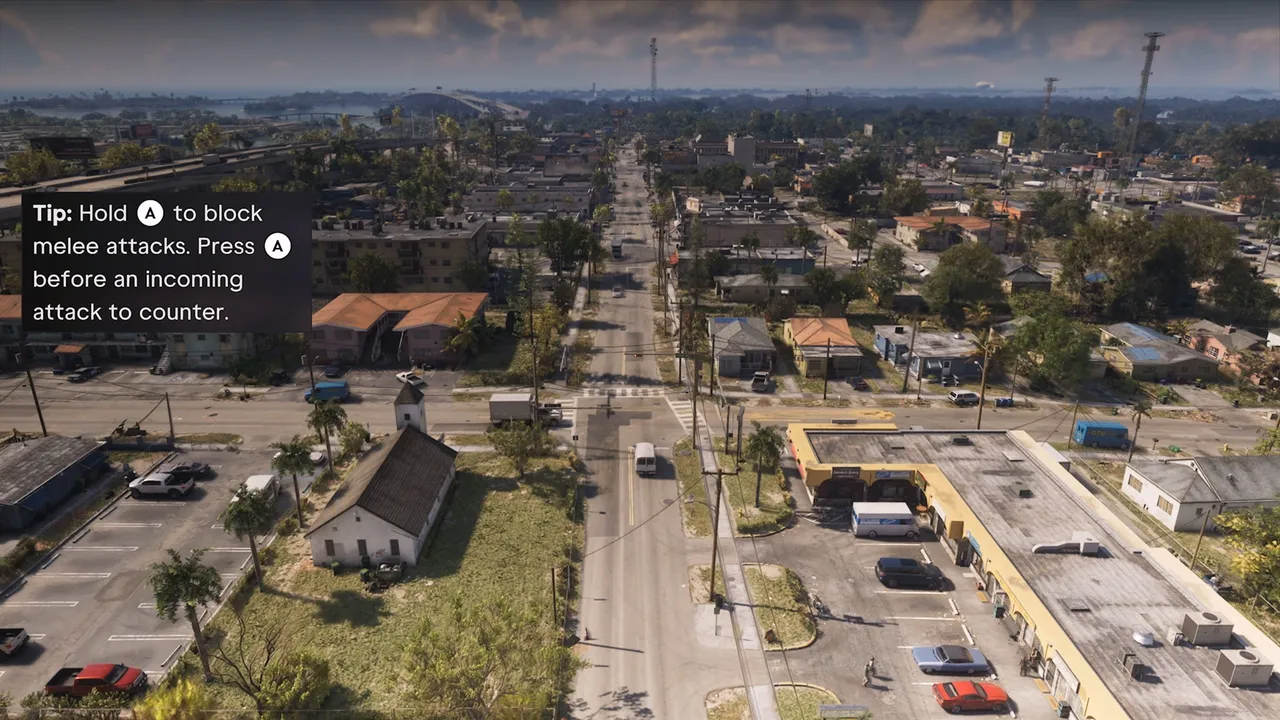
Hold A on Xbox or Cross on PS5 to block melee attacks.
Parry and counterattack
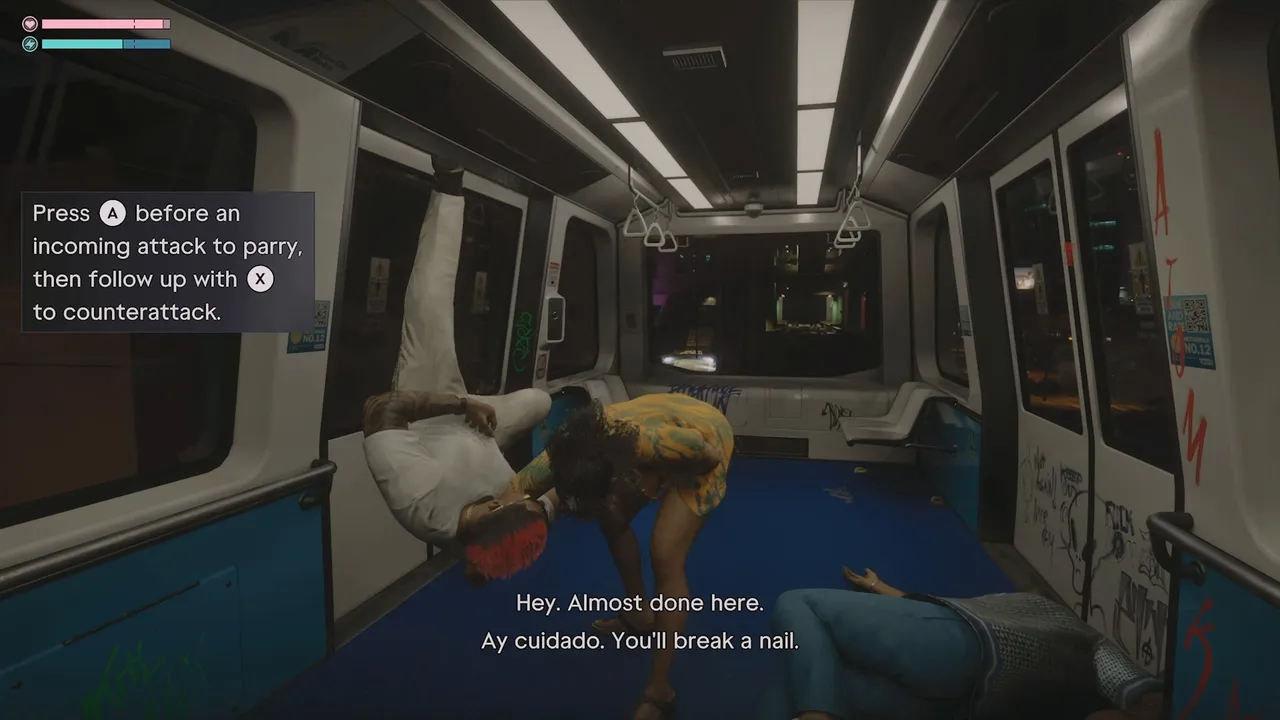
On Xbox, press A before an incoming attack to parry, then press X to counterattack. On PS5, press Cross to parry, then press Square to counterattack.
Melee weapons
At Chuck’s Tackle & Shot, look under Ammo & Equipment for Melee Weapons, alongside Firearm Ammo, Explosives and Equipment. In Jason’s Weapon Locker, open the Melee tab to see Jason’s Hunting Knife.
Take cover
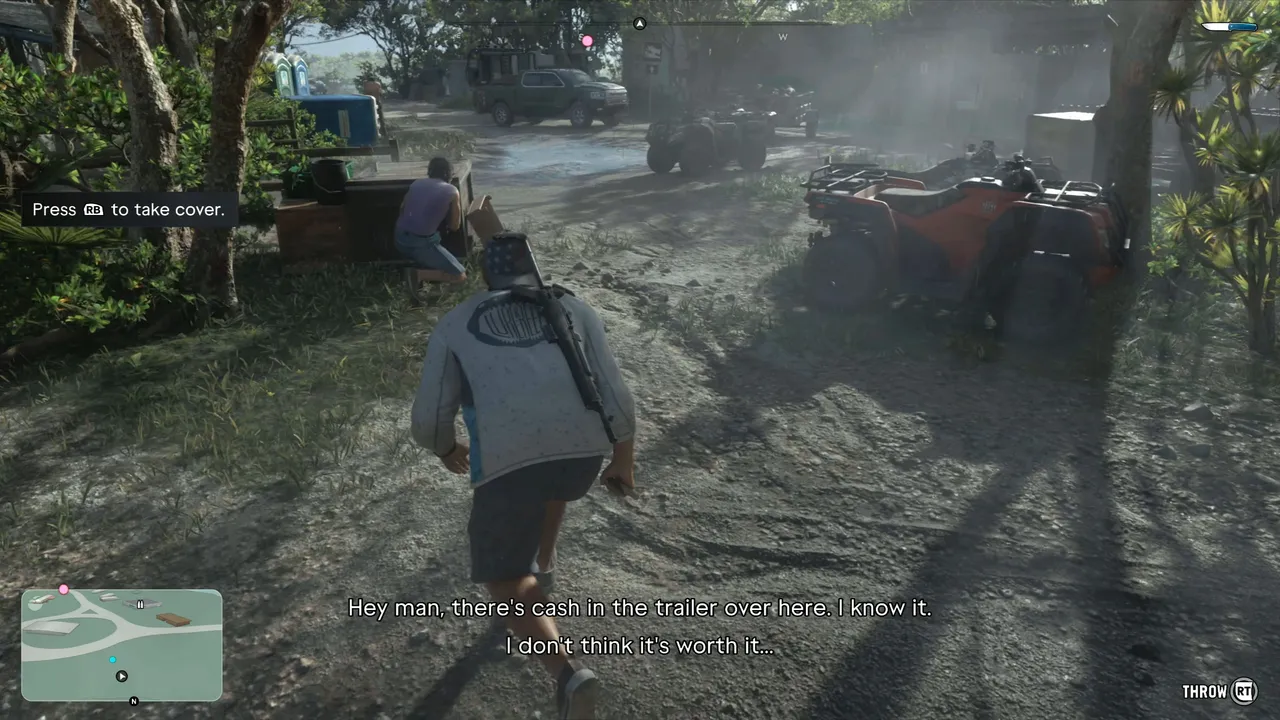
Press RB on Xbox or R1 on PS5 to take cover from enemies and gunfire.

Intimidate guards
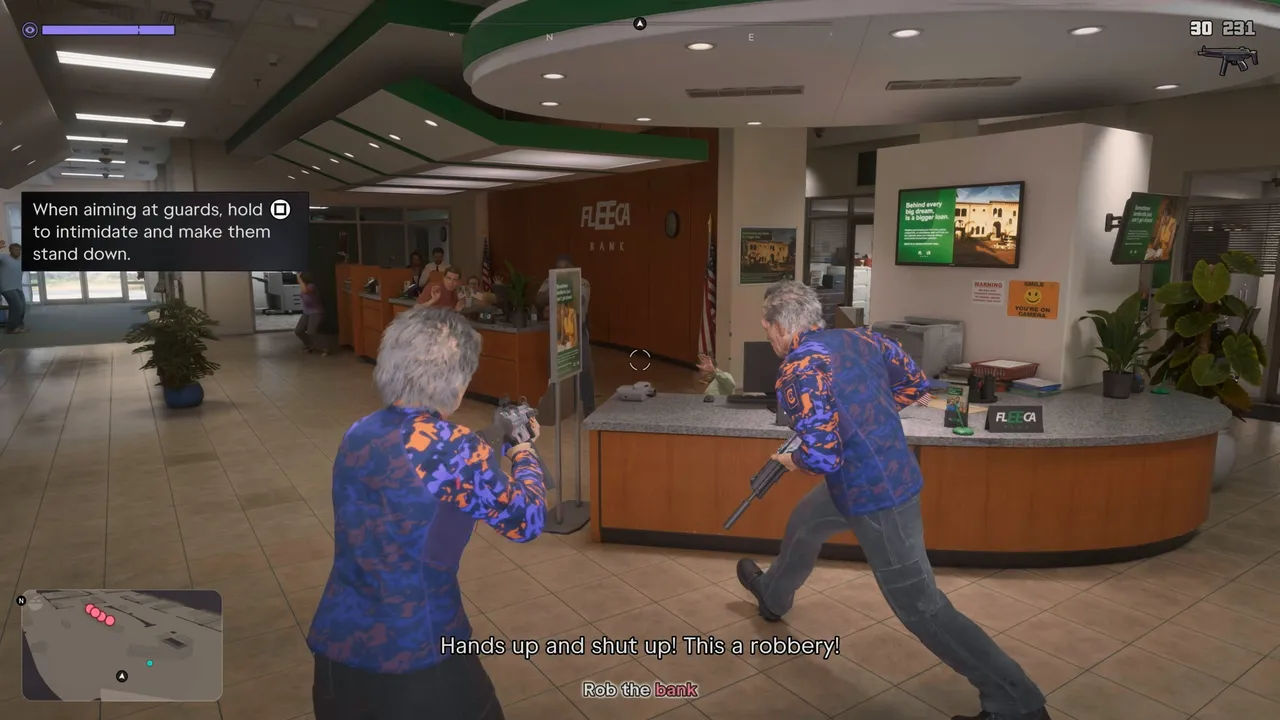
On PS5, aim at a guard and hold Square to intimidate them into standing down.
Suppress and incapacitate
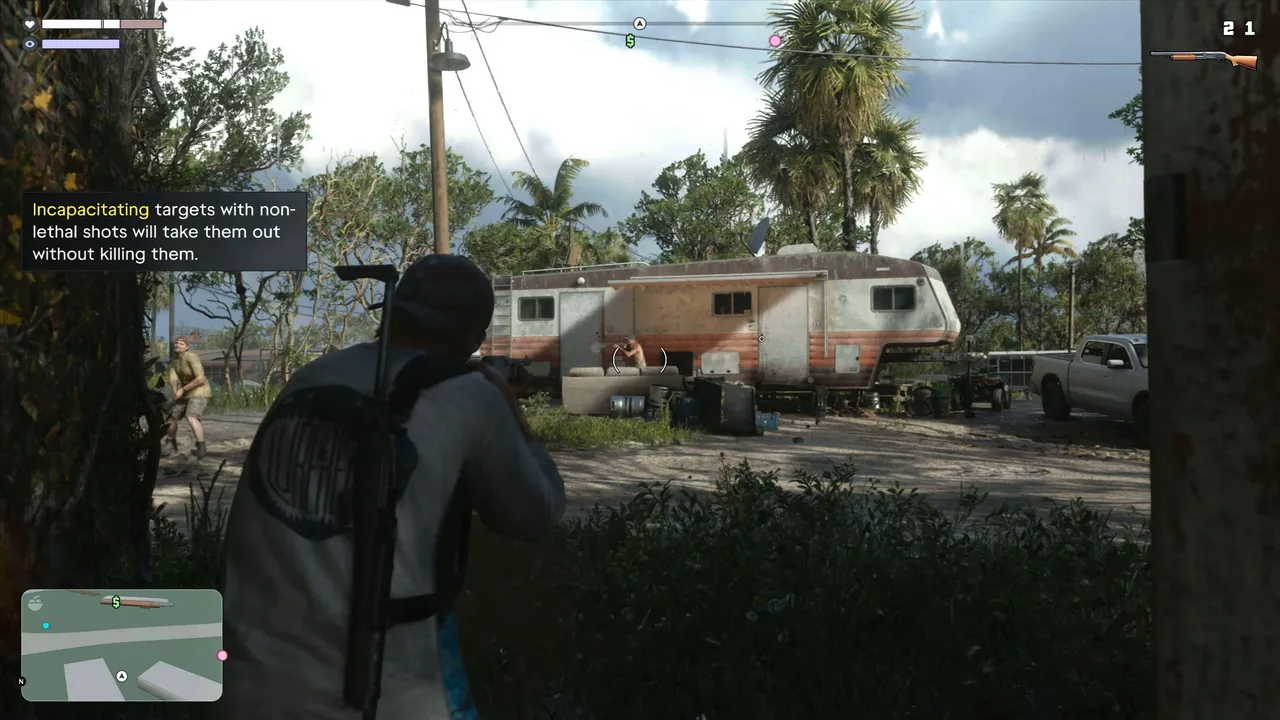
The game says you can suppress some enemies and hold them back with gunfire. The game’s combat hint says non-lethal shots can incapacitate targets without killing them.
Tactical flashlight
Press Up on the PS5 D-pad while aiming to toggle the tactical flashlight.
More in Getting started