GTA 6 ATMs: Cash Deposits, Withdrawals, and the ATM Finder
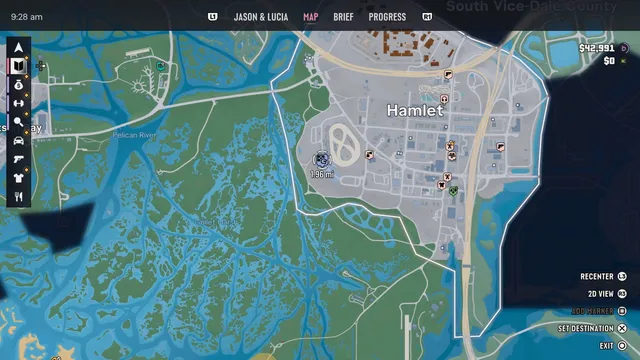
Once you have a bank account, use an ATM to deposit or withdraw cash. To find one, open BuckMe on your phone and choose ATM Finder, then Set Destination.
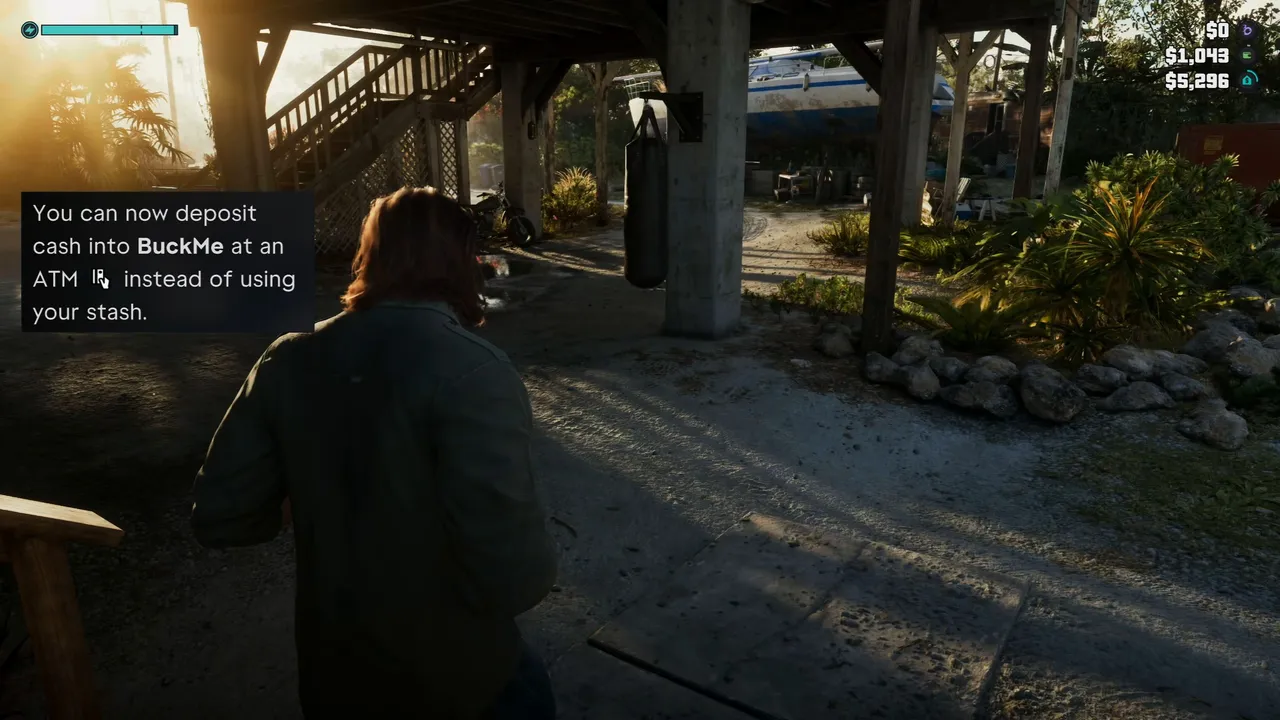
Why deposit
The game recommends depositing cash at an ATM to keep it safer. When you’re carrying a lot of cash, the game can show the reminder: “Deposit at an ATM to keep it safe.”
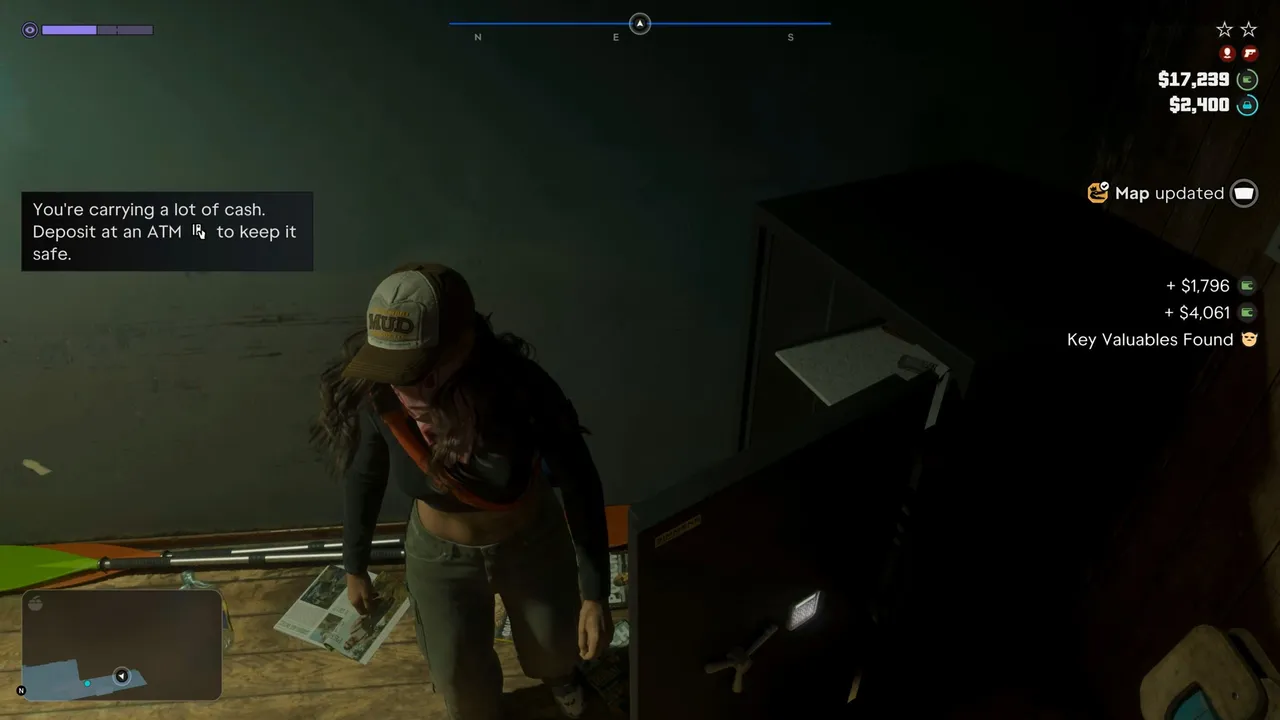
Find an ATM
In the BuckMe phone app, open ATM Finder and choose Set Destination to mark an ATM.
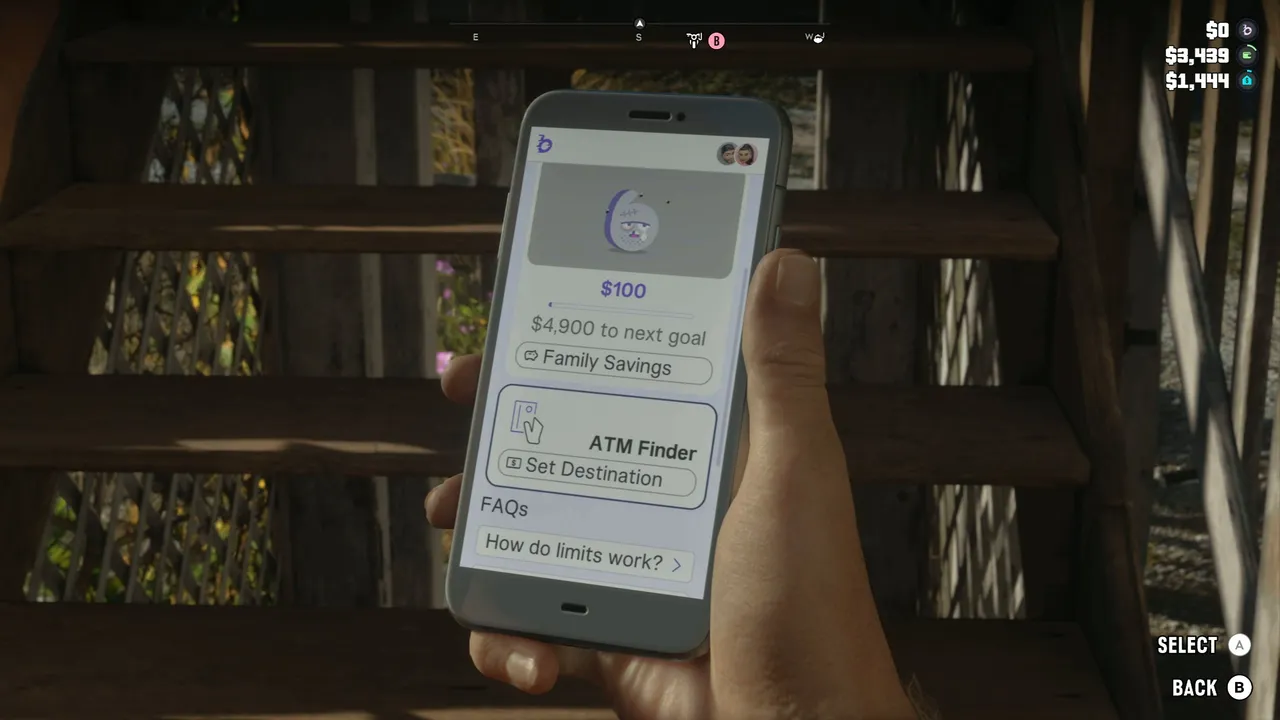
Check your balances
The Xbox hint shows a D-pad press to view your cash and BuckMe balances.
When you need cash
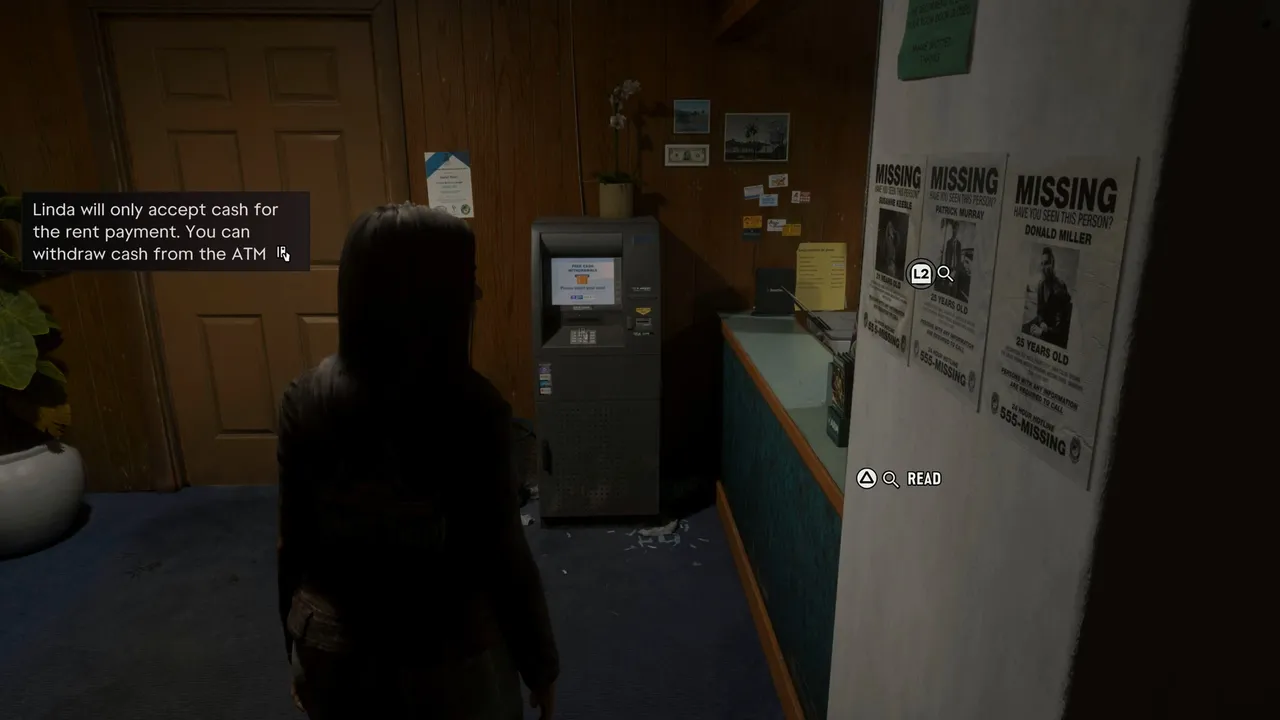
Linda only accepts cash for rent. The game points to the ATM so you can withdraw cash. The club’s hint says dancers only take cash and suggests withdrawing some at an ATM.
Carrying cash
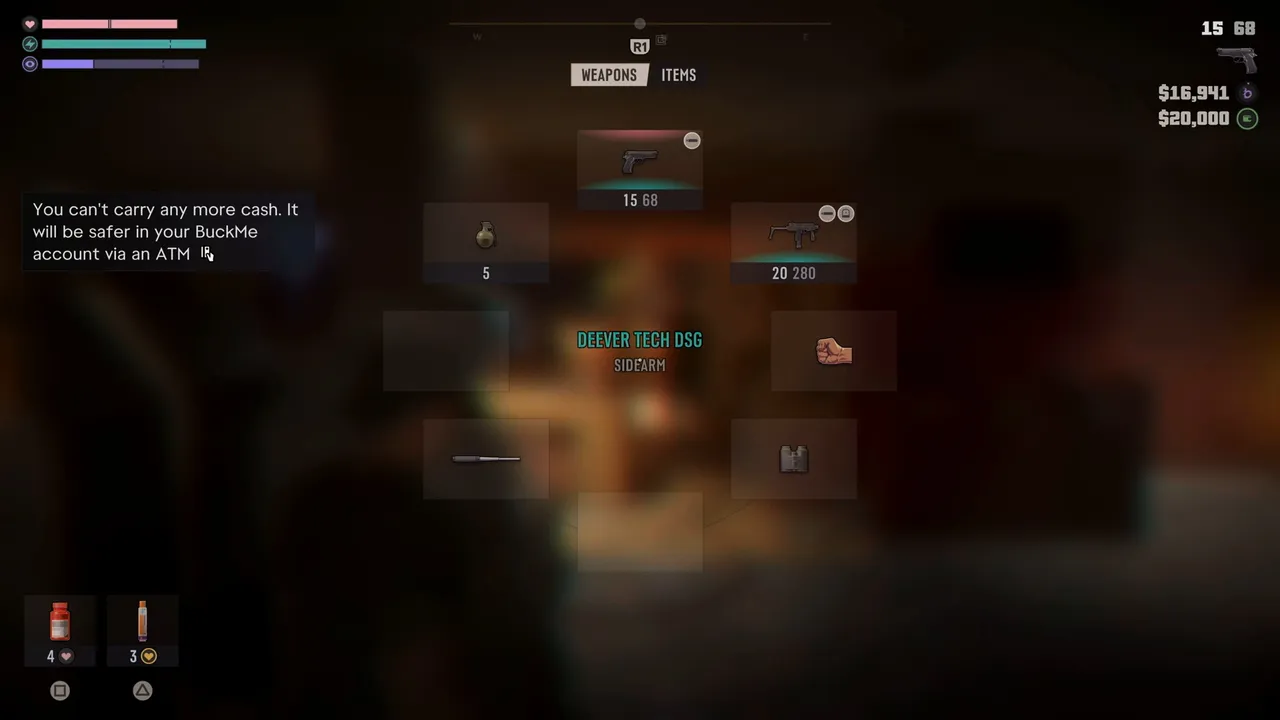
When you hit the cash carry limit, the game suggests putting your cash in your BuckMe account through an ATM. In one run, the notice appeared with $20,000 in cash on hand.
See how the cash stash works for the home storage option.
More in Money