Switching characters in GTA 6: What the Game Shows
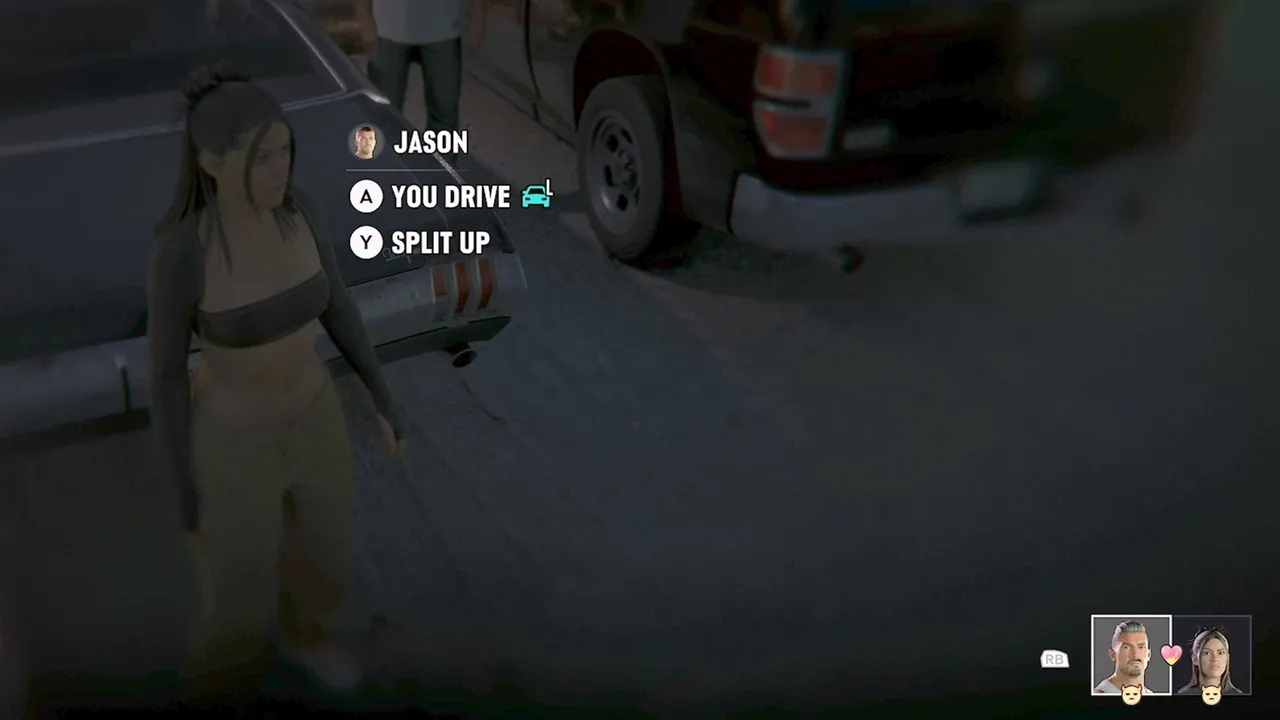
Open the character overlay in gameplay and highlight the character you want. In our GTA 6 footage, control switches from Lucia to Jason.
Good to know
-
The pause menu’s Jason & Lucia tab shows Jason Duval’s stats. Its profile selection screen displays Jason and Lucia side by side.
Scope — one captured pause menu sequence
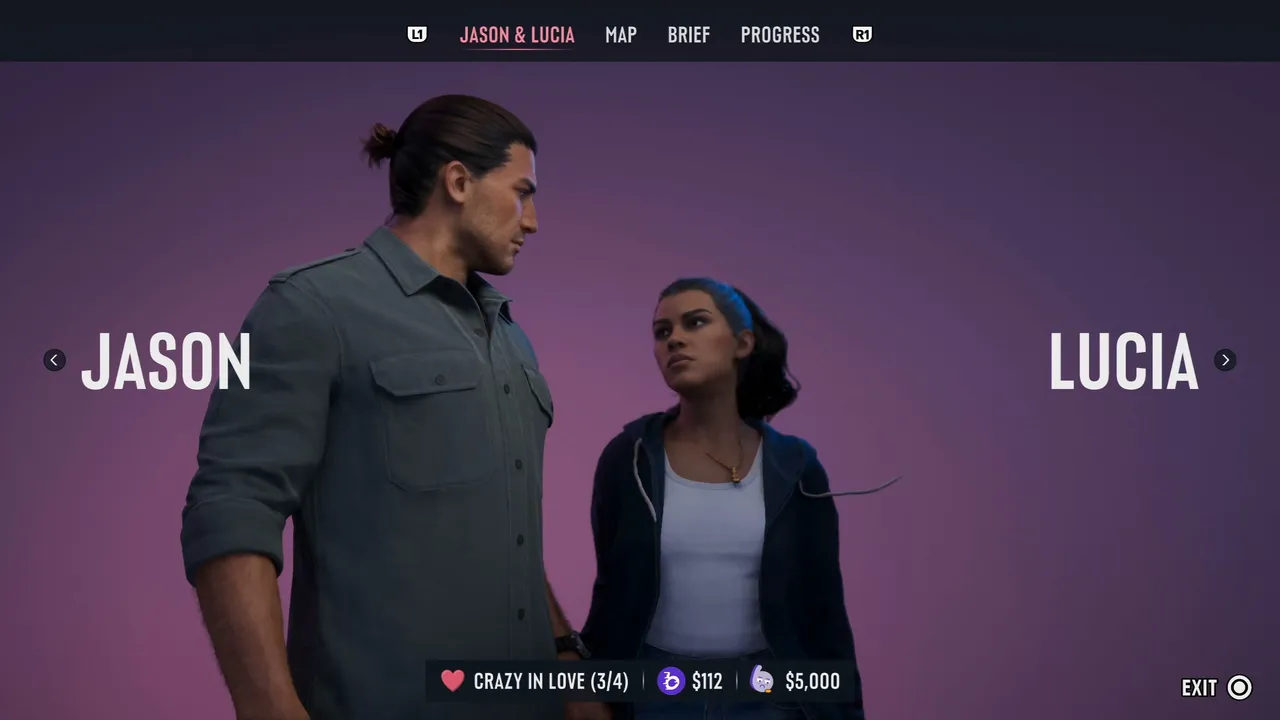
The pause menu displays both character profiles. -
While controlling Lucia beside a parked car, the character overlay shows Jason with You Drive and Split Up. The highlight moves to Jason’s portrait, and after a brief transition the view follows Jason on foot.
Scope — one continuous captured character switch
Highlight Jason in the gameplay overlay to switch from Lucia. -
While playing as Lucia, the Watch the Real Dimez card on the map shows Invite Jason. Back in gameplay, the character overlay shows both portraits and a Meet Up prompt. The highlight moves to Jason’s portrait before an overhead transition.
Scope — one captured sequence before and during the transition

Map activity card with the Invite Jason option.
More in Getting started