GTA 6 Beginner Guide: 11 Things to Know Before You Play
Eleven things to know in your first hours of GTA 6, using examples from our recorded saves.
1. Find your aim settings
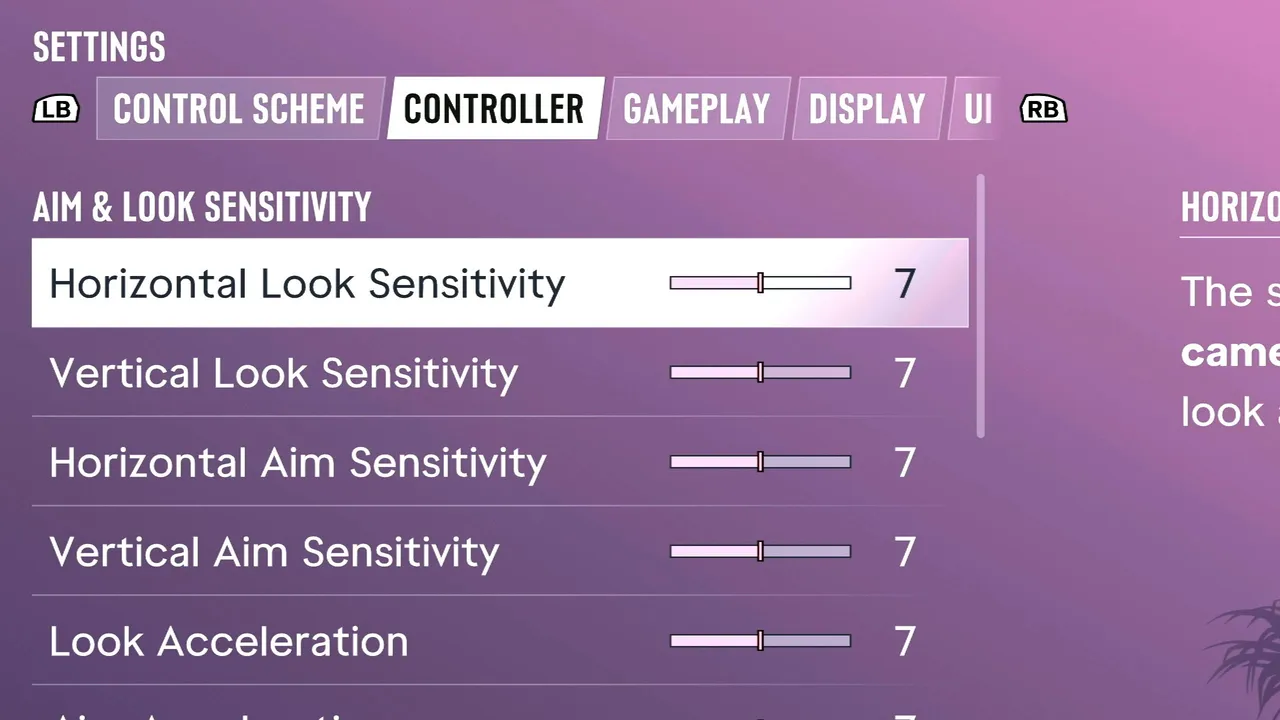
On Xbox, open Settings from the pause menu. Under Controller > Aim & Look Sensitivity there are separate horizontal and vertical sliders for looking and aiming, plus Look Acceleration and Aim Acceleration. Under Gameplay > Combat you set Targeting and Aim Assist Strength, alongside Shooting Assist, Drive-By Assist and Quick Draw.
2. The Prologue arrest
In the Prologue the game tells Lucia to lose the cops. In all three runs we recorded, the chase led into Lucia’s arrest scene and the story continued. The chases reached the arrest scene in different ways: a rooftop grab, a street detainment, and a Surrender prompt.
3. Your loadout and trunk
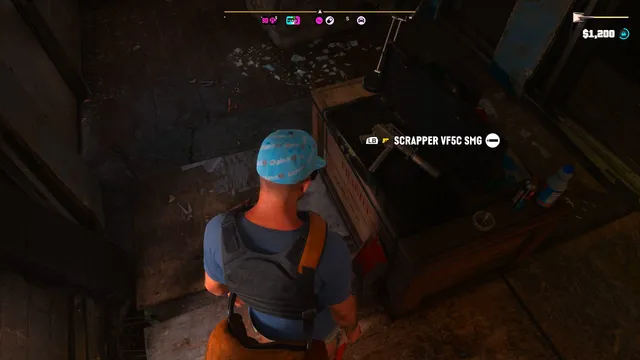
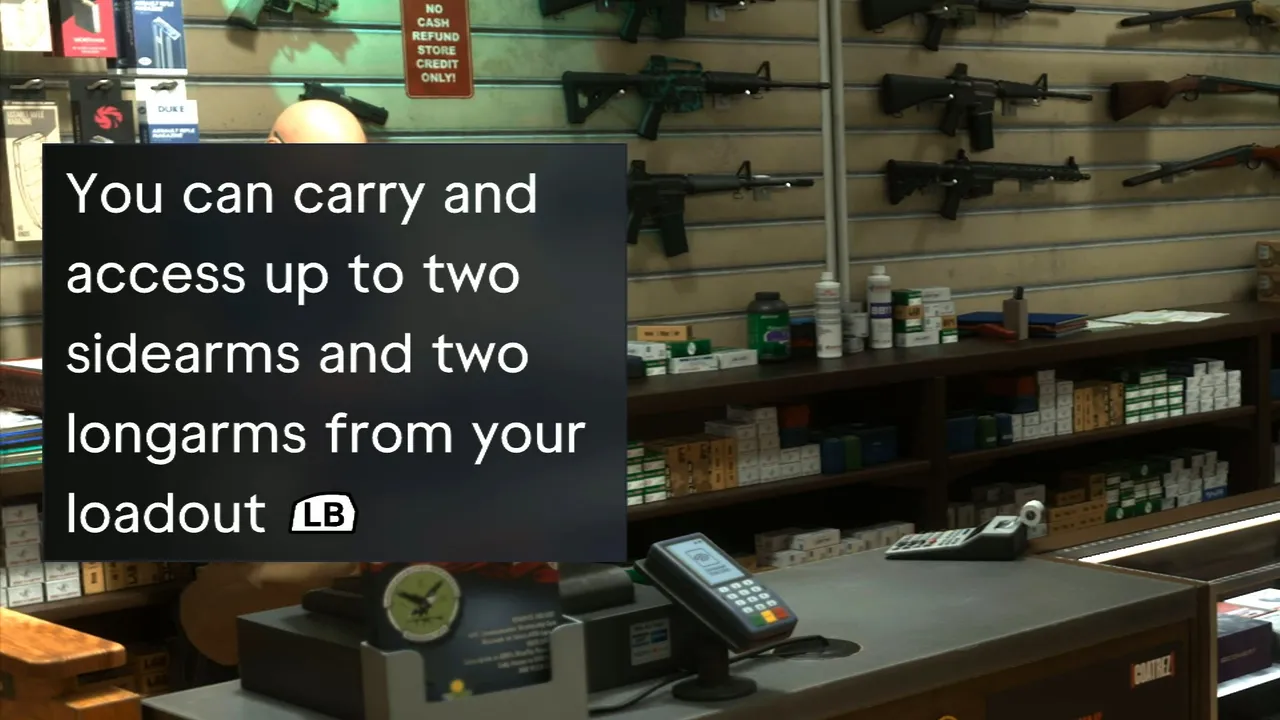
The game’s tip says you can carry up to two sidearms and two longarms from your loadout. Another tip says openly carrying weapons can be dangerous, and to manage them at any weapon locker and your vehicle’s trunk. At the open bed of a pickup, the game showed a Loadout prompt, and its wheel offered Stow Longarms, Take Ammo Pack and Take Explosives Pack.
4. Where to buy guns
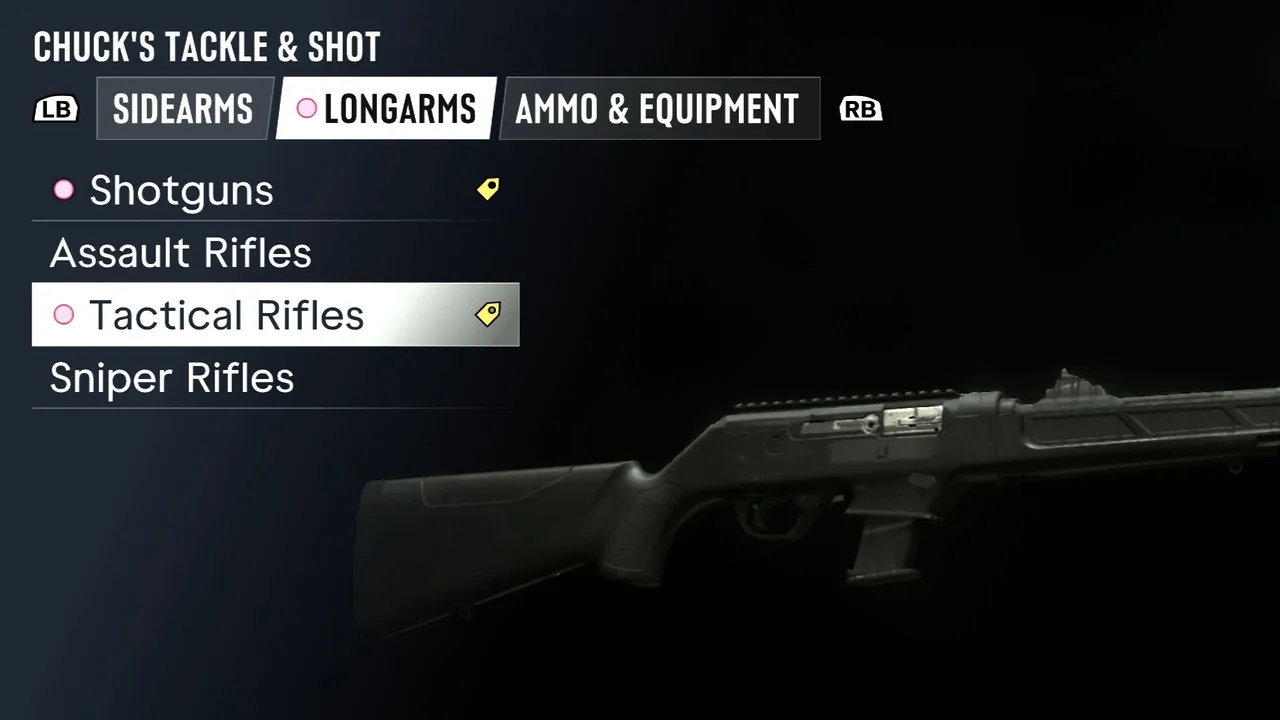
In the mission Gear Up, the Longarms tab at Chuck’s Tackle & Shot listed shotguns, assault rifles, tactical rifles and sniper rifles. Chuck’s is an Ammu-Nation, and the game says the shops get more stock as you buy weapons.
5. The Phoenix checkpoint
We got wasted during the Phoenix mission, and the game sent us back to the impound to look for the Phoenix again. That is one run.
6. What the stars did
- In one one-star chase, we kept riding until the star went out, and the game showed Heat cleared.
- In one two-star chase, officers caught us on foot and the game showed BUSTED.
- At three stars, several police cars closed in on one chase, and it ended upside down in a ditch.
- We logged 214 chases across five saves between 18 and 24 November 2026, and one reached five stars. The police caught up and the car was wrecked, and the game showed WASTED.
- Fifteen of the twenty times we reached four stars or more started during a mission we could identify.
7. Losing the cops
In one chase, the stars flashed grey when police lost sight of us, and they went out as we kept driving. One three-star chase lasted about four and a half minutes, and we got away in a van.
8. Recognition badges
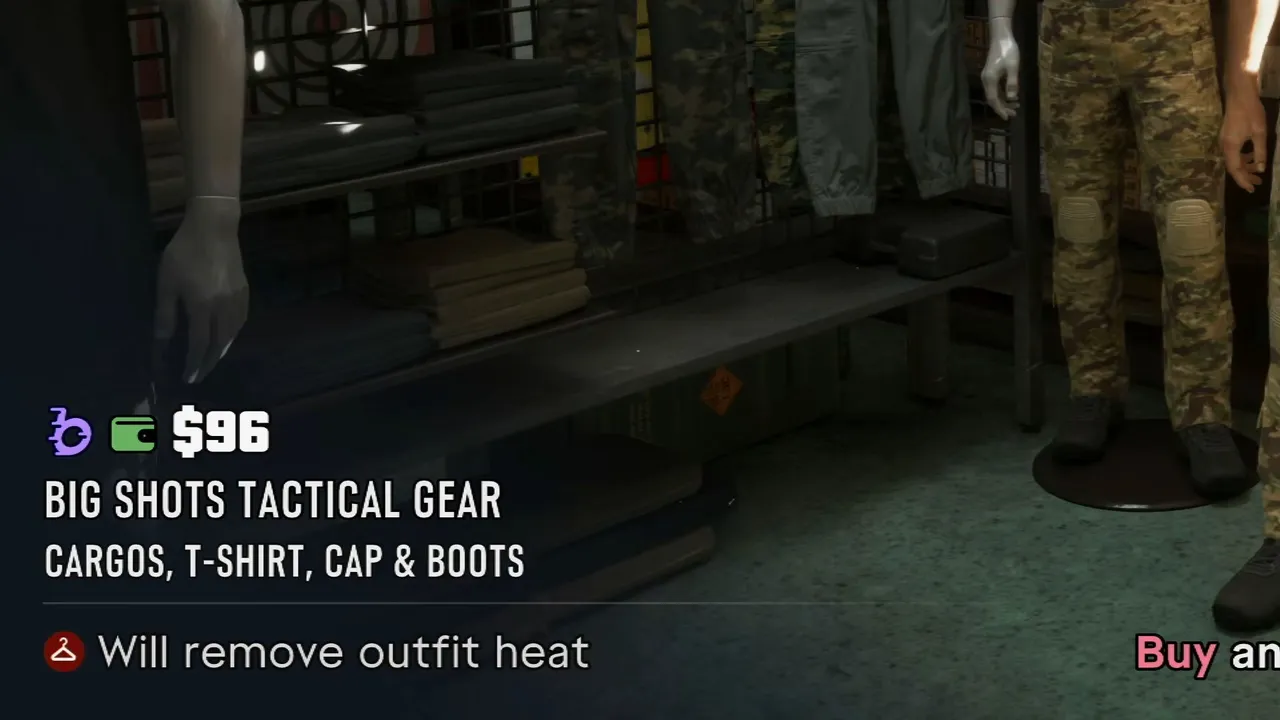
The red badges under the stars show what the police know about you. Clothes shops mark the outfits that will remove outfit heat: look for Will remove outfit heat on the buy screen. On one run, the outfit badge was gone the moment we paid, but the two stars stayed up. In Unwanted Attention, an objective asked us to adjust the hat and glasses to lower recognition, using the Items wheel, and the game’s tip says changing your accessories or hairstyle will make you harder to recognize.
9. Pay ‘n’ Spray
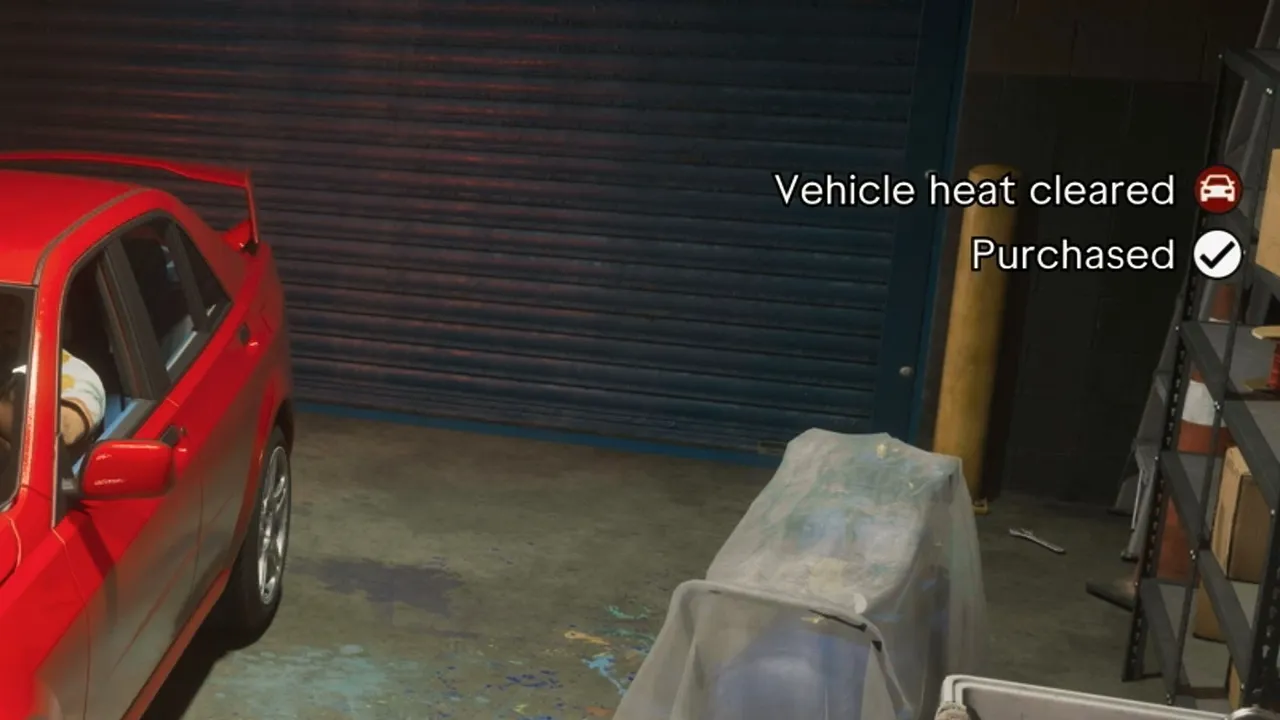
Once the cops know your car, the game tells you to get it resprayed. On one run, a blue car pulled into the Grassrivers Pay ‘n’ Spray with three stars searching for it; we resprayed it red, the game confirmed its vehicle heat was cleared, and it drove out with no stars on screen. At the Hamlet Pay ‘n’ Spray, the Repair menu says it repairs engine and collision damage. If a paint color is marked Too similar, pick one marked Available.
10. Getting your car back
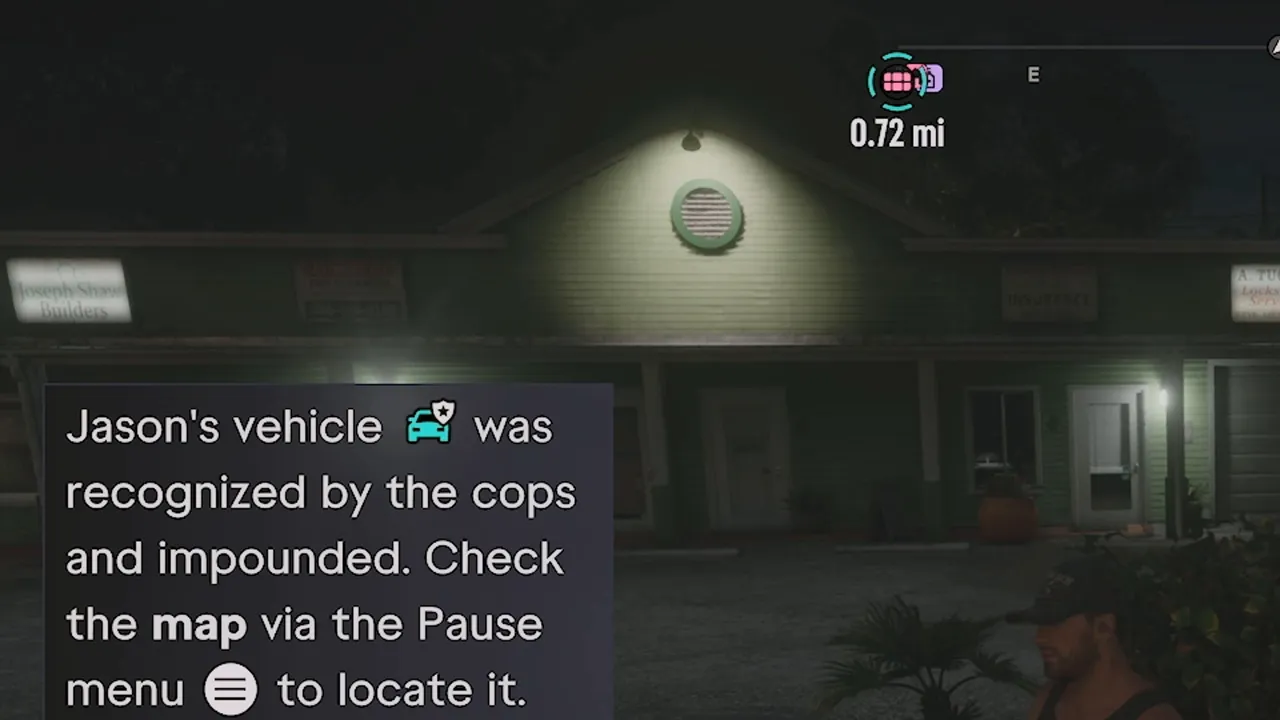
If your car is impounded, the game tells you to check the map via the Pause menu to locate it. On the run we checked, we found the car in a fenced police lot. We got in, stepped out to break open the closed exit gate, then drove out. The game reported the crime and two wanted stars appeared. The game mentions the Scooter Bros app for vehicle delivery; we haven’t tested it on an impounded car. Full steps: How to get your car out of the impound.
11. Yasmani’s Jewelry Jobs
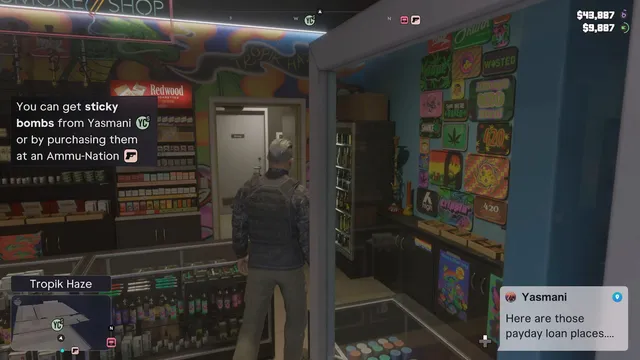
Boobie Time introduces Yasmani, who later calls about jewelry. Follow the map to Casa de Empeño (1680) for the Buffalo Skull Chain, Richardson Jewelry (6815) for the Diamond Ring, and Donovan Banks & Co. (0104) for the Amethyst Necklace. Sell the pieces to Yasmani in the back of Tropik Haze, the vape shop in Little Cuba. On our run the three pieces paid $6,300, $9,000 and $4,700, for $20,000 across two sales.
Credits
Gameplay captured by StreamerHouse. Narrated with an AI voice.
More in Getting started