Unwanted Attention Walkthrough: GTA 6 Chapter 1 Mission Guide
Unwanted Attention is a Chapter 1 mission. Cal says Brian’s payment is in the car’s trunk and that the car ended up at the Hamlet police impound. Brian directs Jason to cash he left behind. The pickup gives $150 in the recorded run.
- Chapter
- Chapter 1
- Previous mission
- Gone Fishing
- Next mission
- Hey Arnold!
At a glance
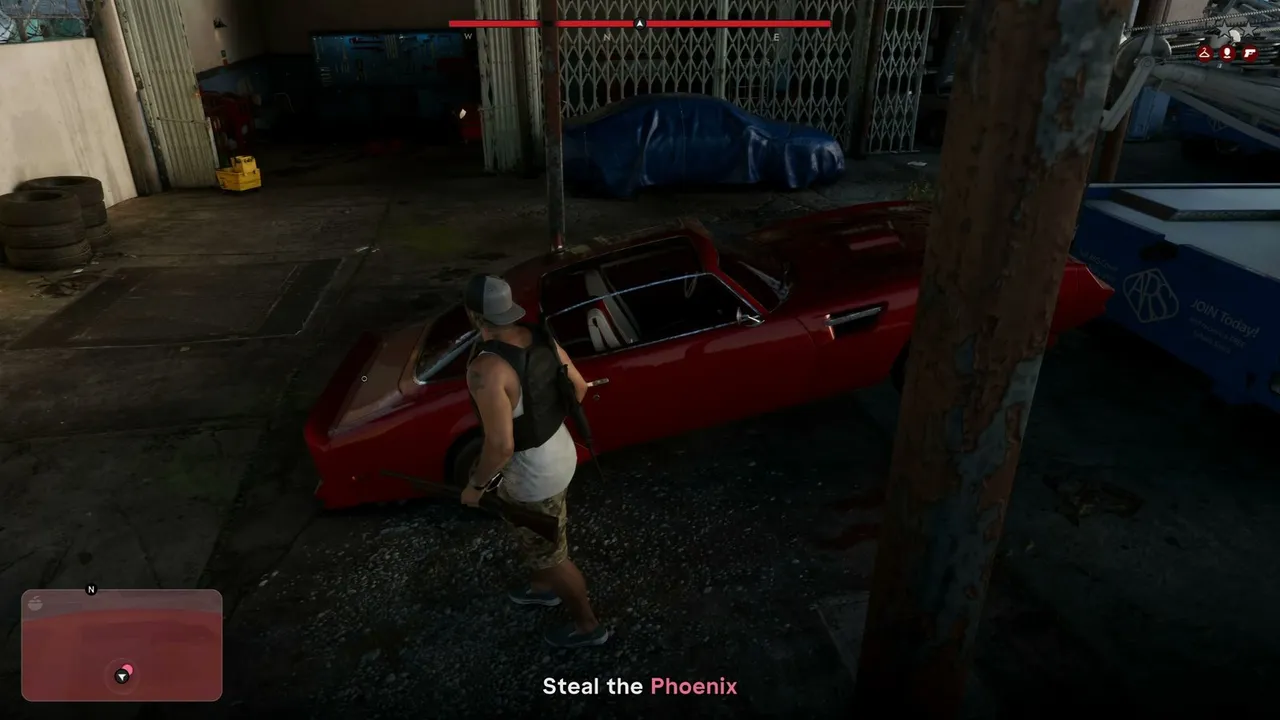
The car is an Imponte ’77 Phoenix. It is red with a gold phoenix on the hood in the recorded run. The route goes through the Hamlet police impound and then the Hamlet Pay ’n’ Spray.
Get in Cal’s truck
Cal recalls Brian mentioning a payment, suggests taking his truck and asks Jason to drive because his heart is still racing.
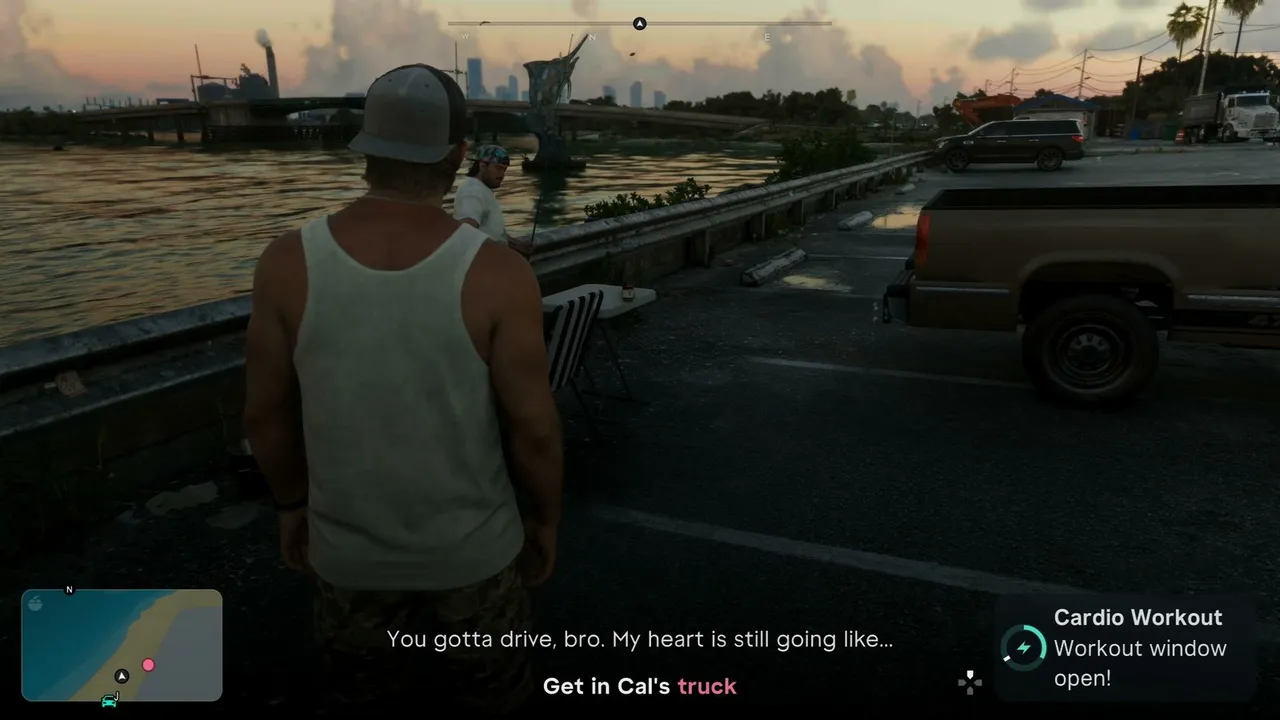
Drive to Hamlet with Cal
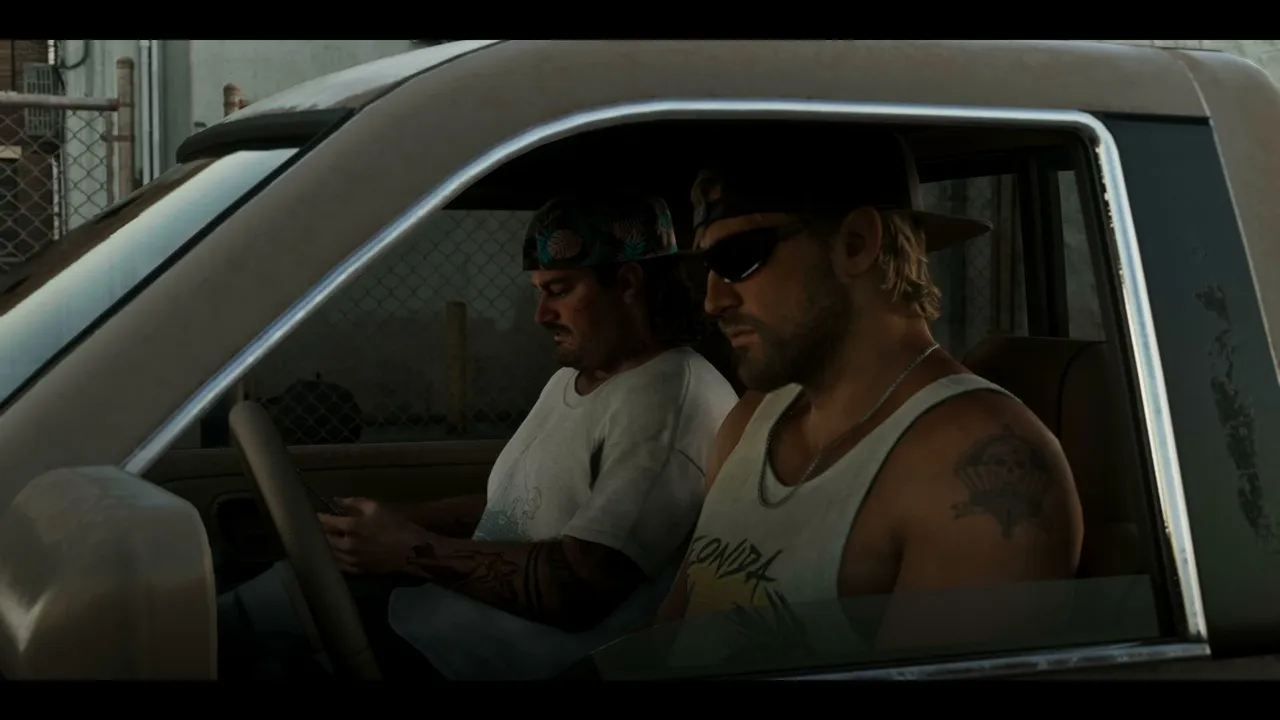
Cal points Jason toward Penny Bun Street in Hamlet and explains that a grower who pays Brian in weed left the payment in his car’s trunk. Cal says he got distracted and the car was in the police impound the next morning. He believes roughly twenty pounds of weed are still inside and asks Jason to jump the fence and drive the car out.
Drive to the impound with Cal
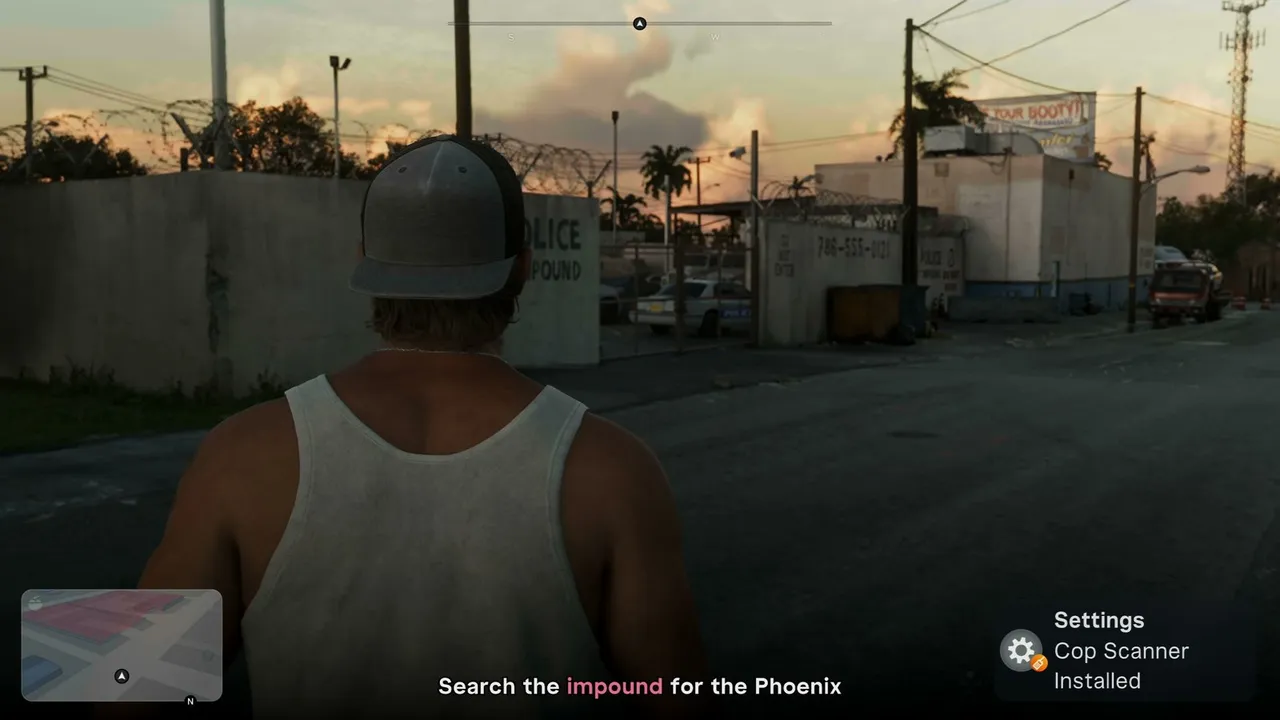
Cal installs the Cop Scanner on Jason’s phone during the impound mission. The game displays “Cop Scanner Installed”. The Cop Scanner lets Jason listen to police radio and get notifications for dispatch areas. Cal identifies the target as a red Imponte Phoenix.
Search the impound for the Phoenix
Inside the impound, the game tells you to move quietly and stay out of sight to avoid detection.
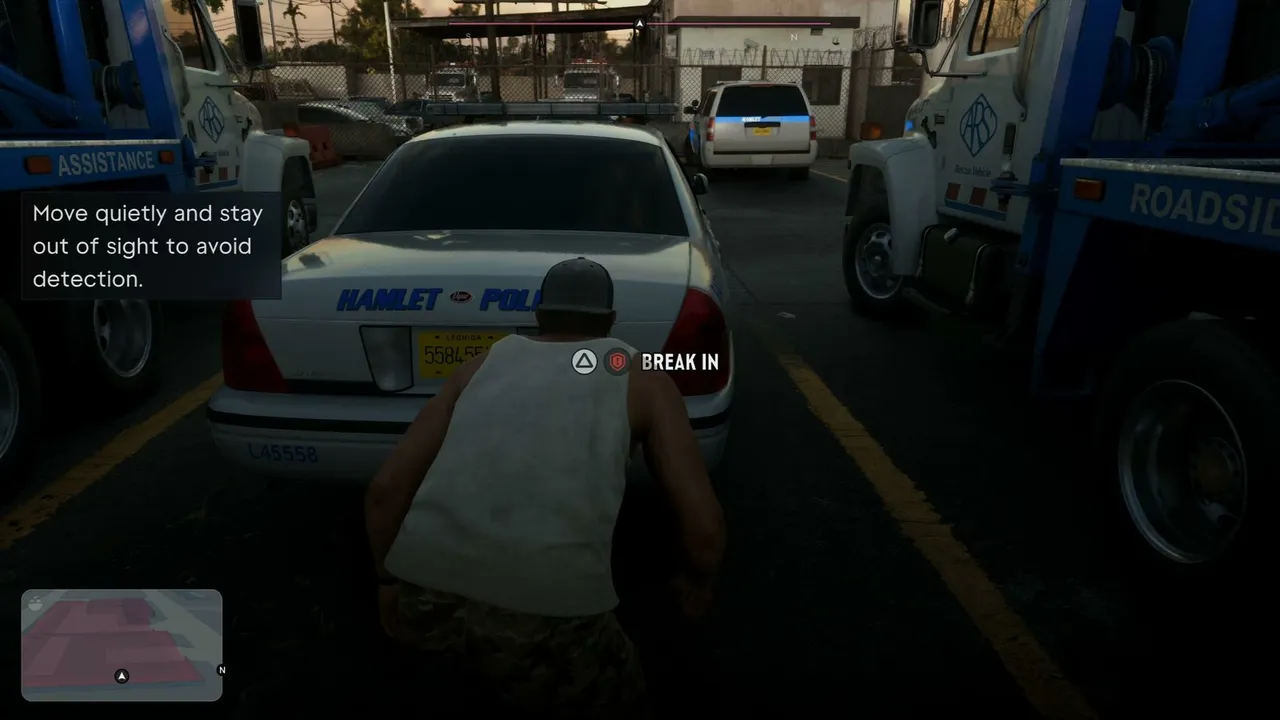
Finding the car
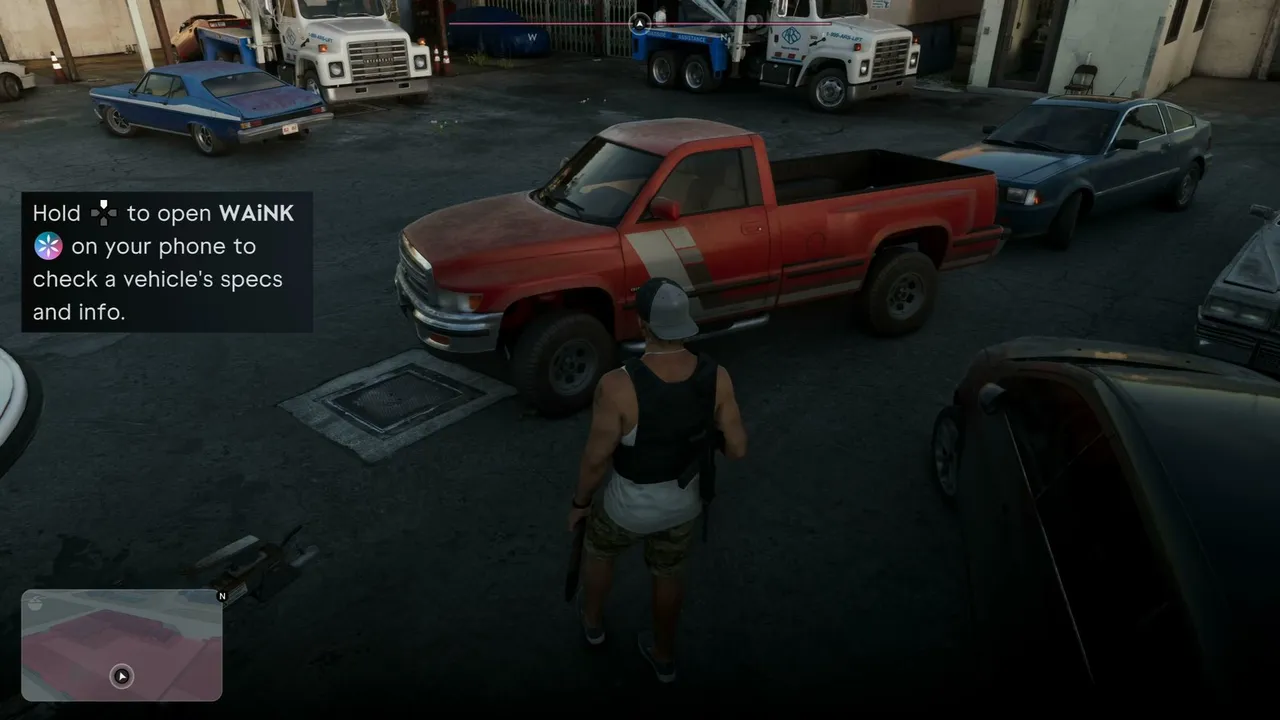
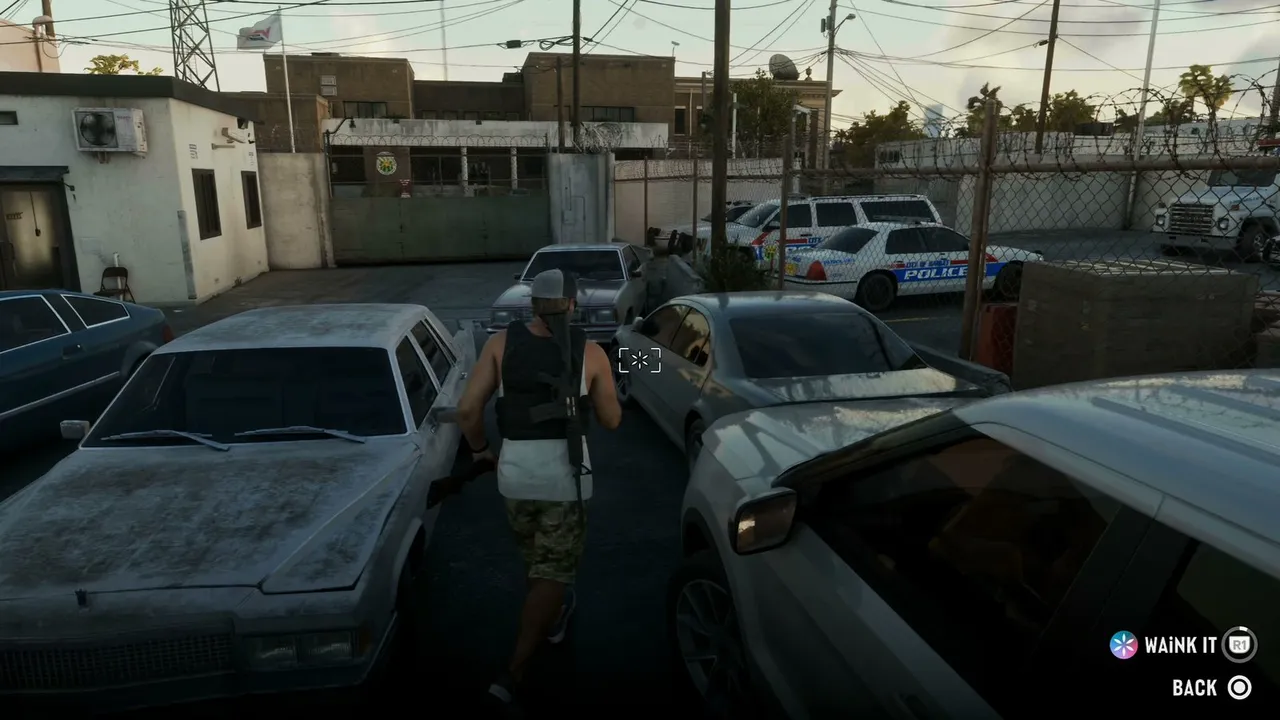
Hold Up on the D-pad to open WAiNK and check a vehicle’s specs and information. Use WAiNK It to read the vehicle cards as you look for the red Imponte ’77 Phoenix.
Breaking locks
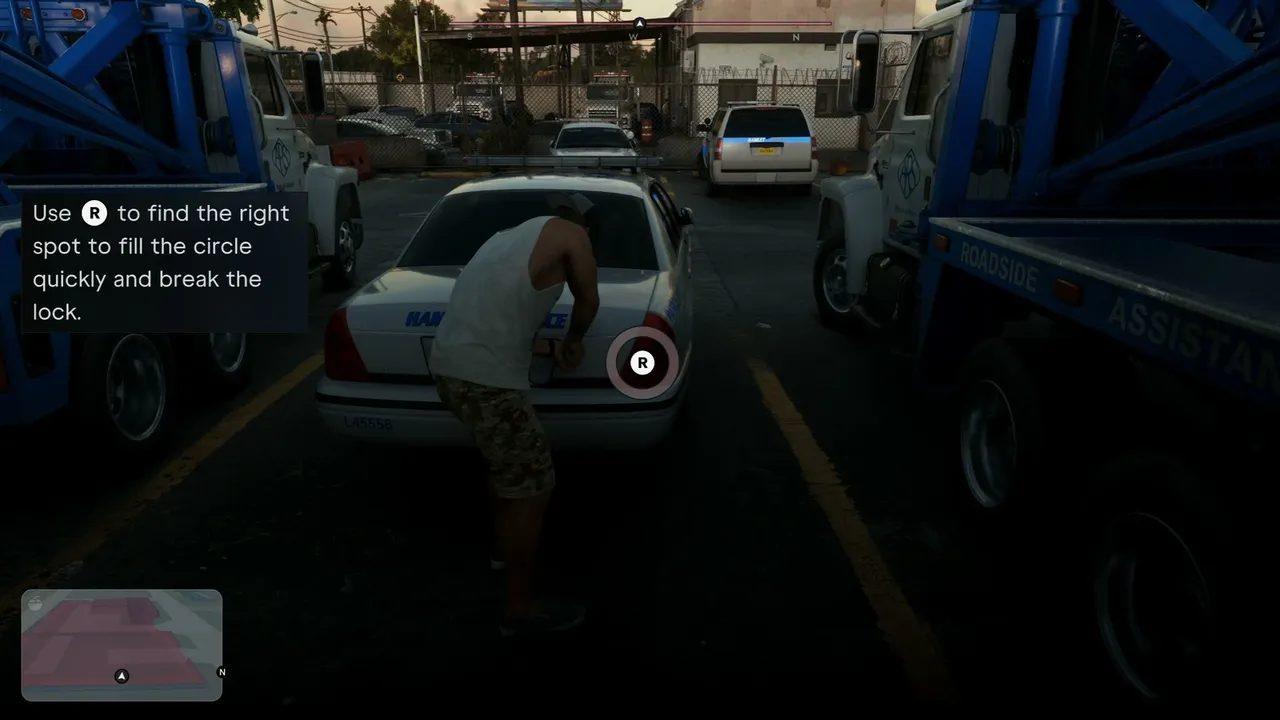
In the game’s lock minigame, move the right stick to find the spot that fills the circle quickly.
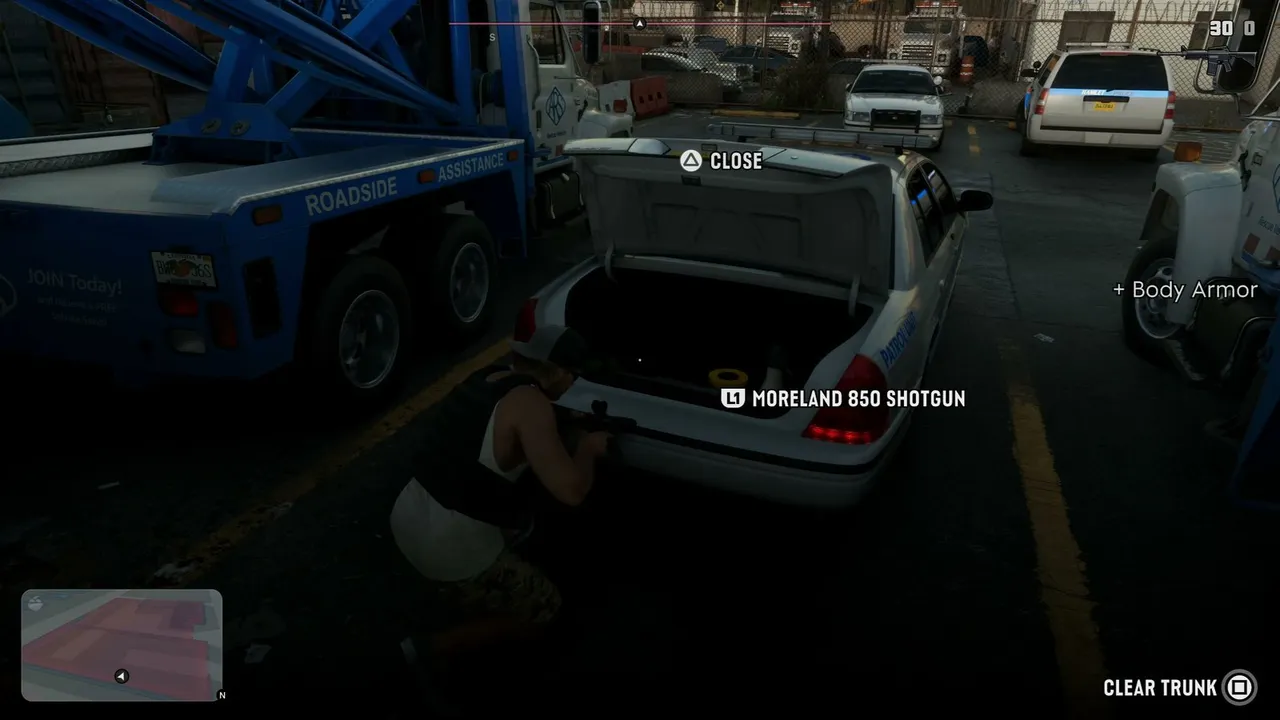
Weapons and body armor in police car trunks
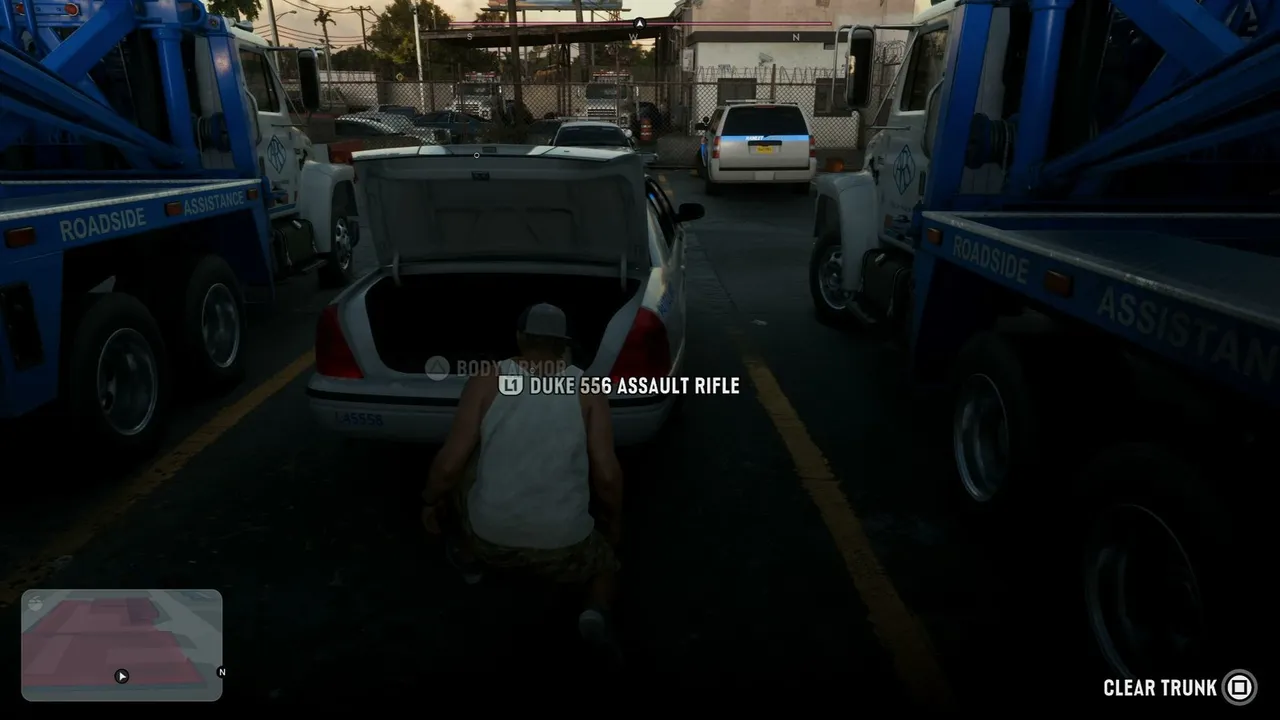
Manage body armor from your Items loadout.
If an officer spots you
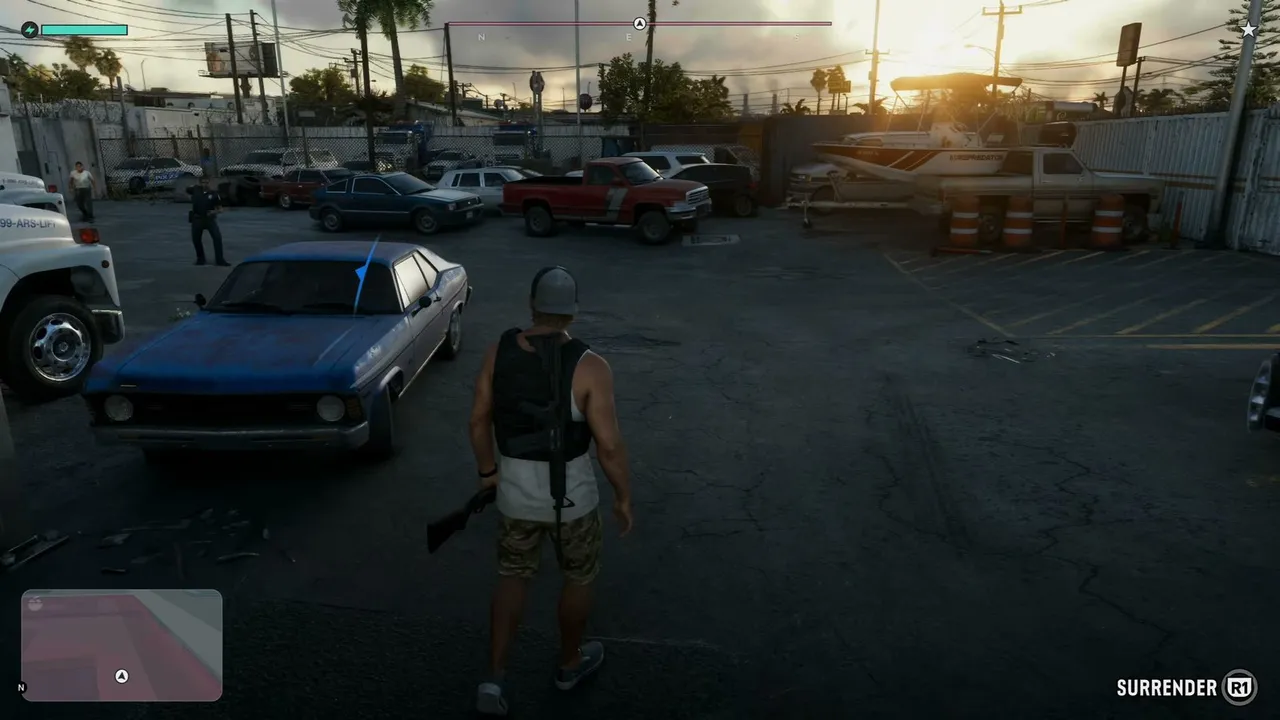
If an officer spots Jason, the HUD can show SURRENDER.
Steal the Phoenix
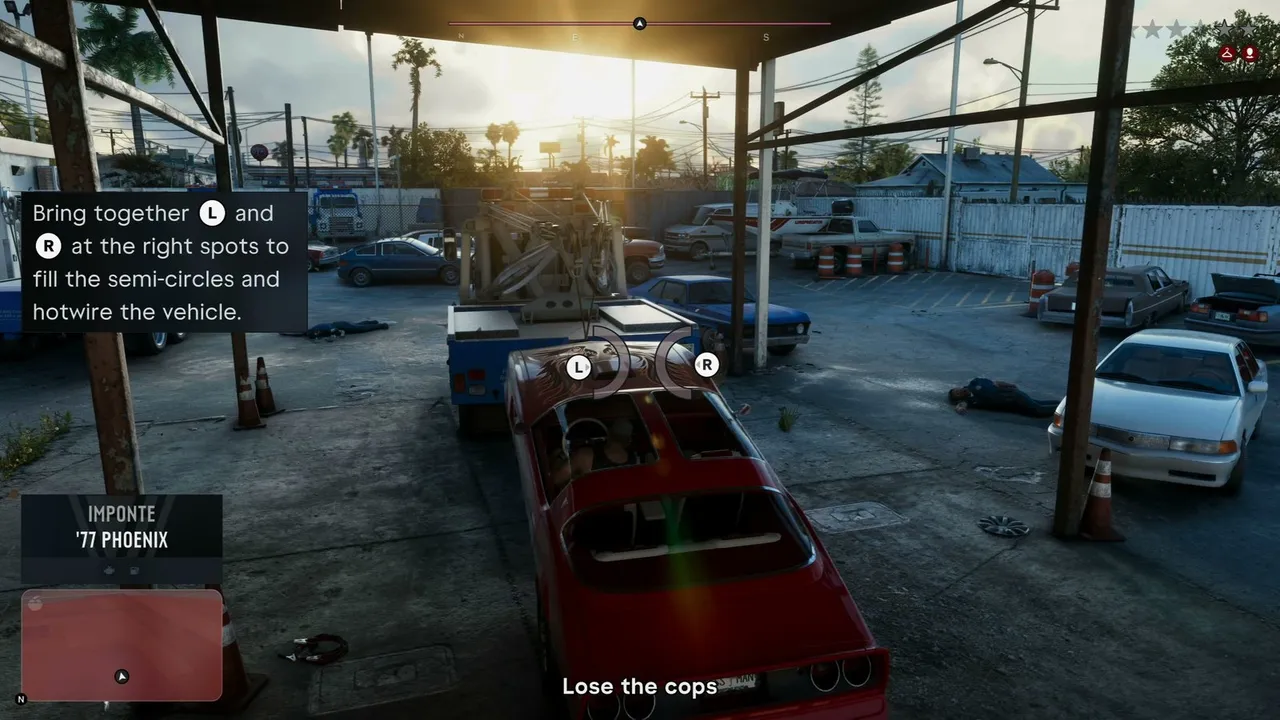
In the game’s hotwire minigame, move both sticks into the indicated positions to fill their semicircles.
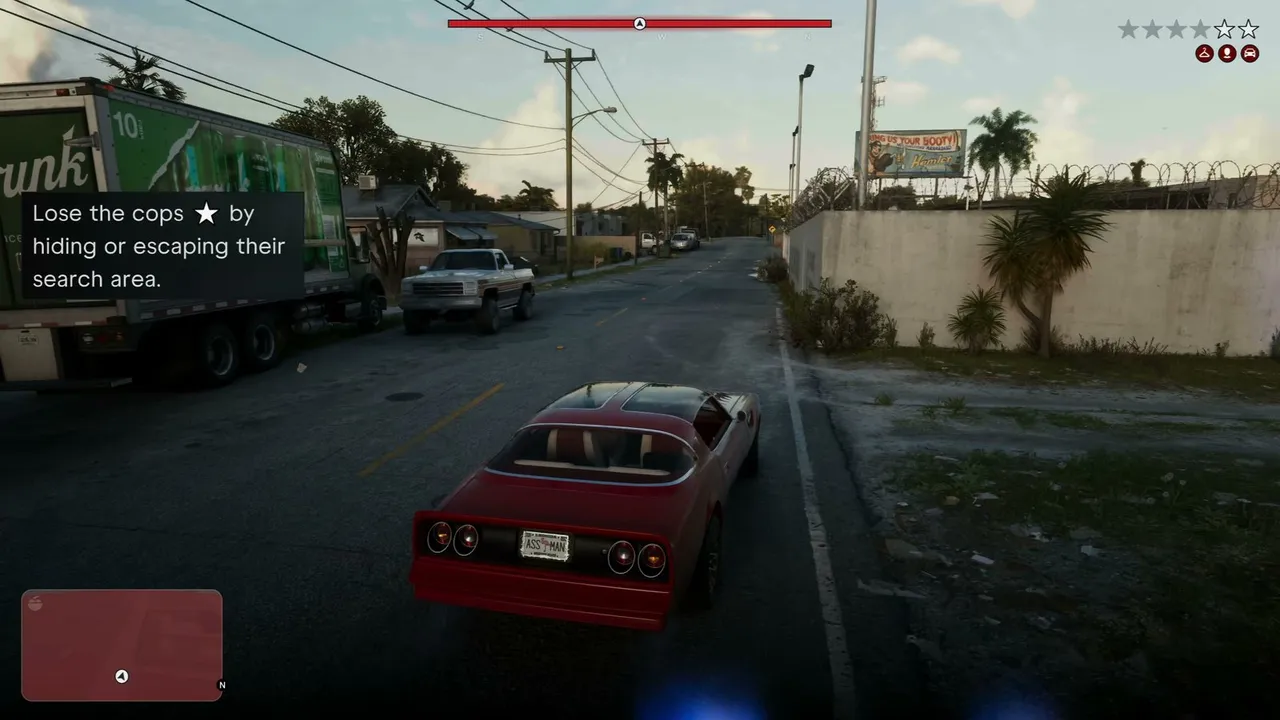
Lose the cops
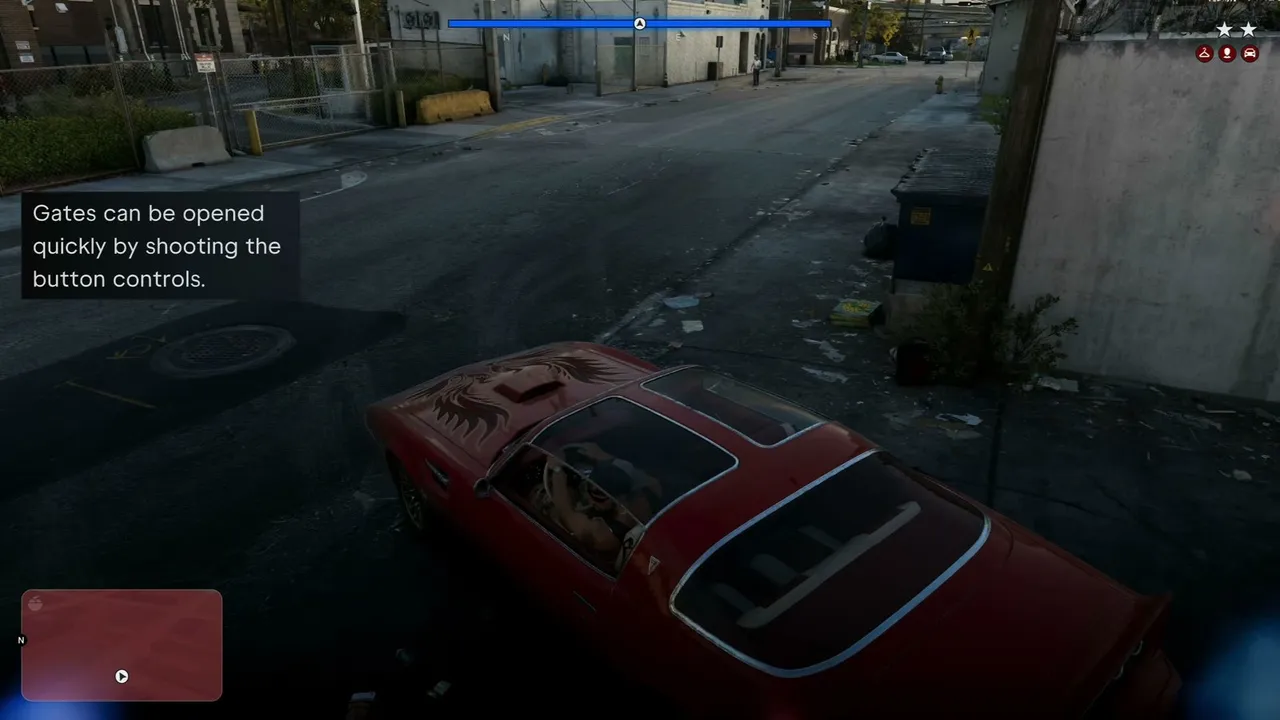
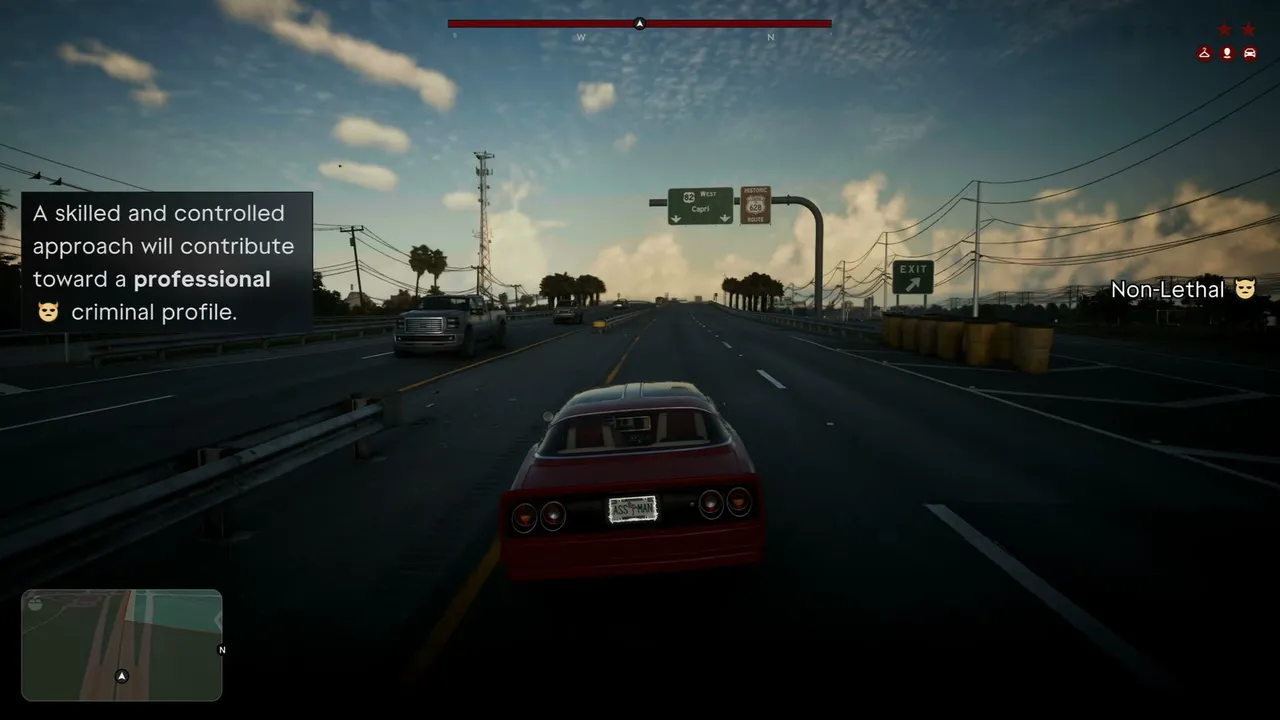
The in-game hint says shooting the gate’s button controls opens the gate quickly. The game tells you to lose the cops by hiding or escaping their search area. As the pursuit phase ends in the recorded run, the Non-Lethal tag appears. The game says a skilled and controlled approach contributes toward a professional criminal profile.
Take the Phoenix to the Pay ’n’ Spray
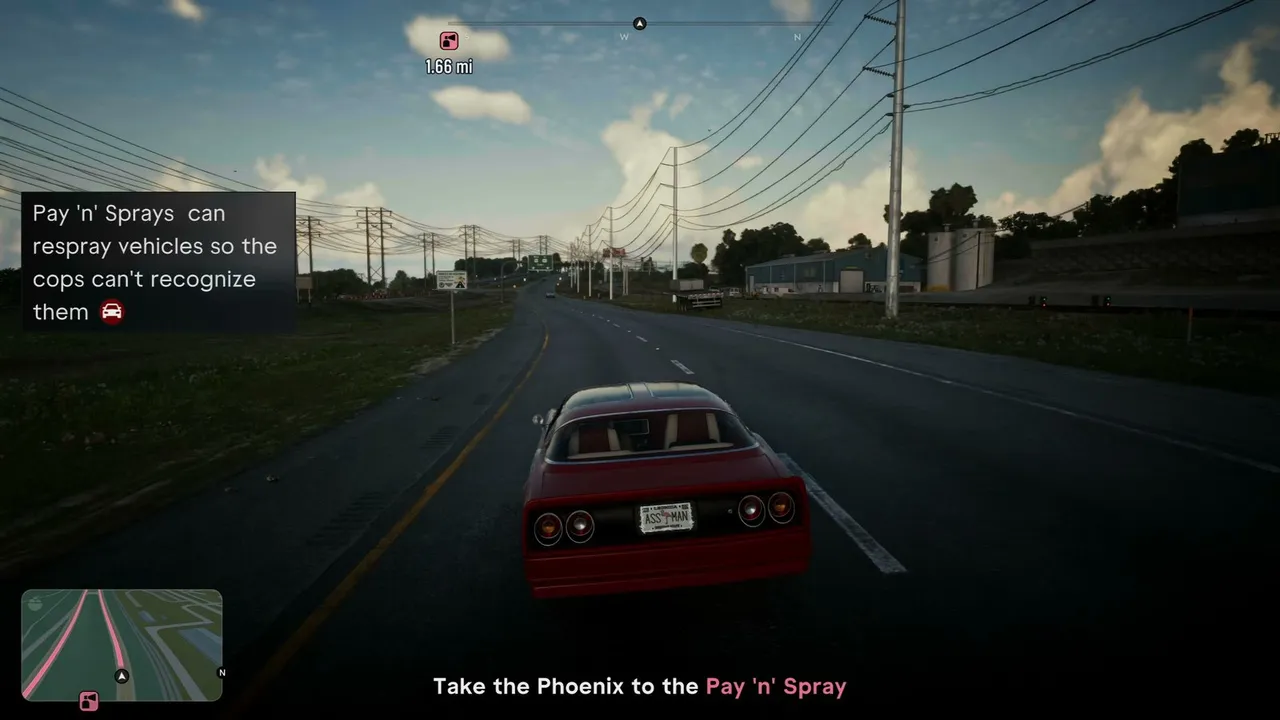
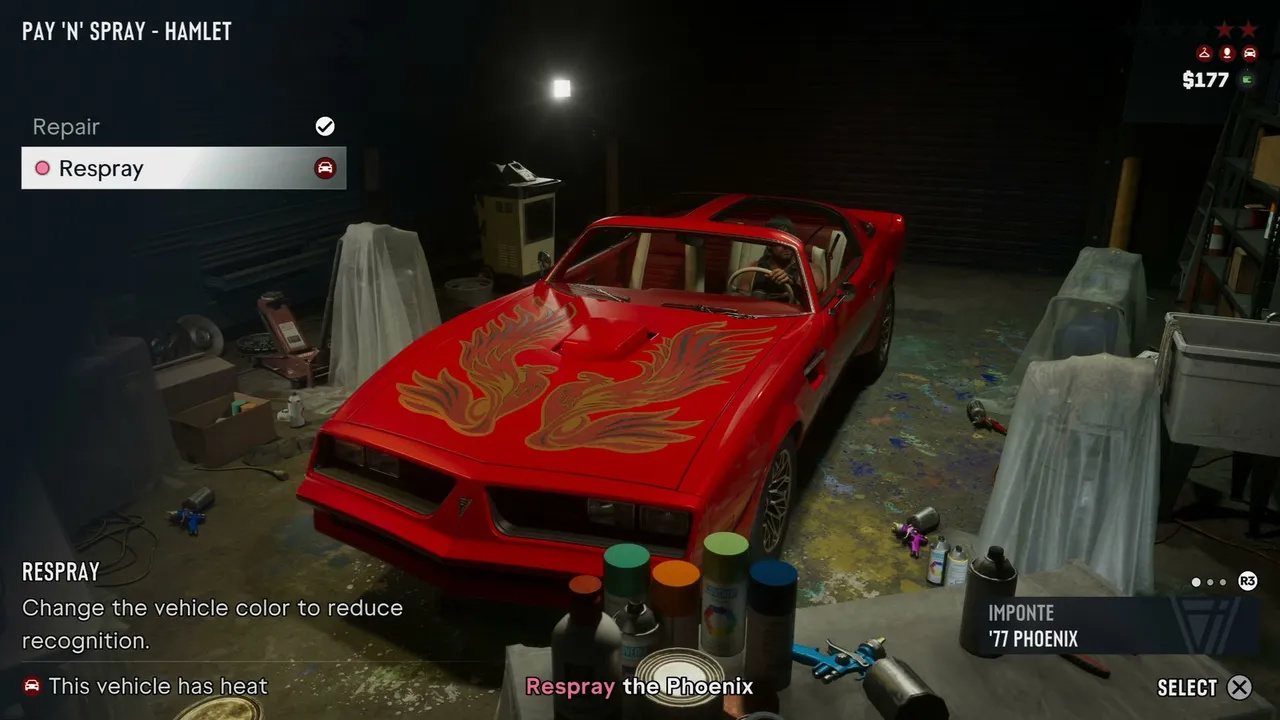
The game tells you that Pay ’n’ Sprays can change the vehicle color to help avoid police recognition. On the way to the Pay ’n’ Spray, the HUD says the cops are still searching and have your description.
Respray the Phoenix
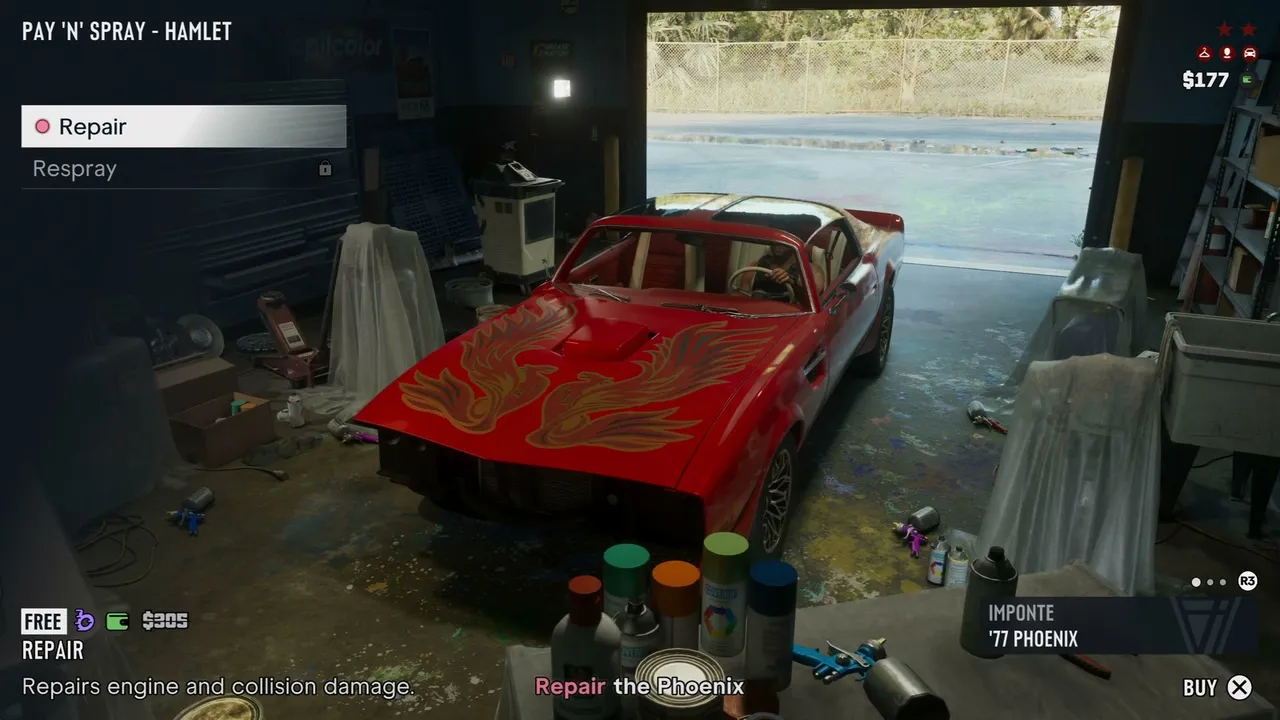
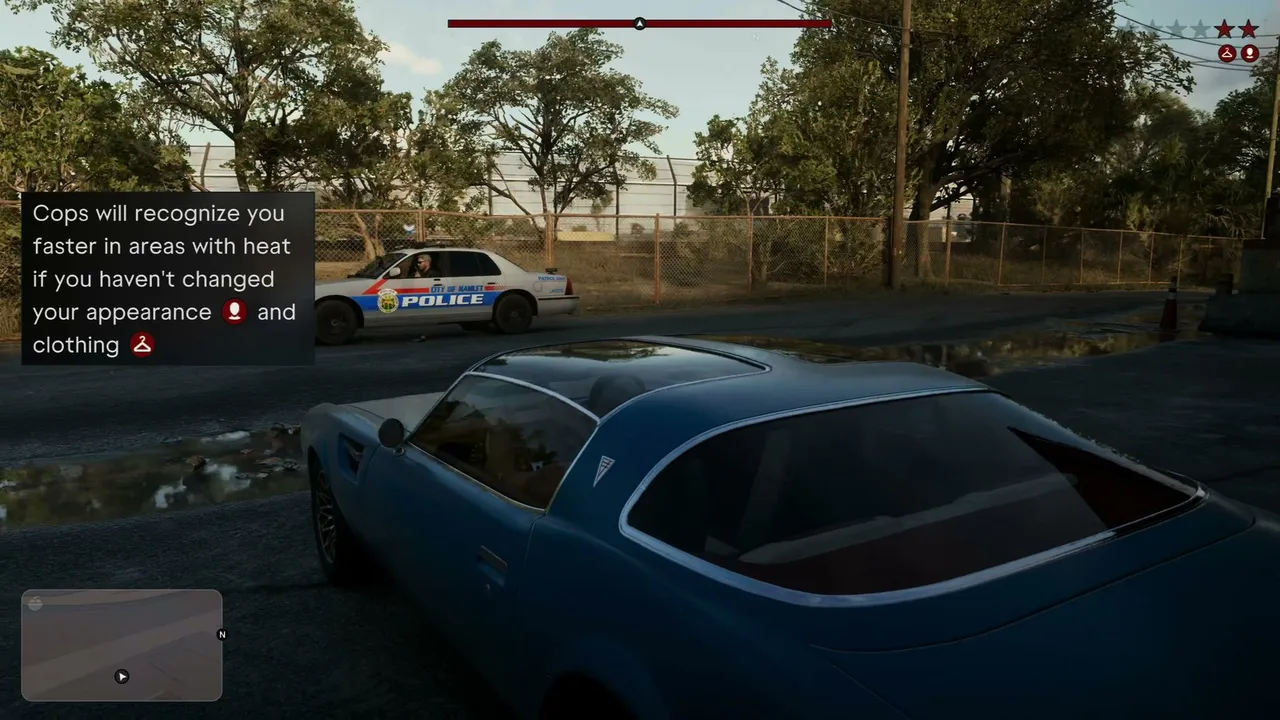
The Respray option changes the paint color to reduce recognition. The Respray menu warns, “This vehicle has heat.” The red Phoenix comes out of the respray shop blue in this run. The game warns that the police recognize Jason faster in areas with heat if he has not changed his appearance and clothing.
Deliver the Phoenix to Brian’s garage
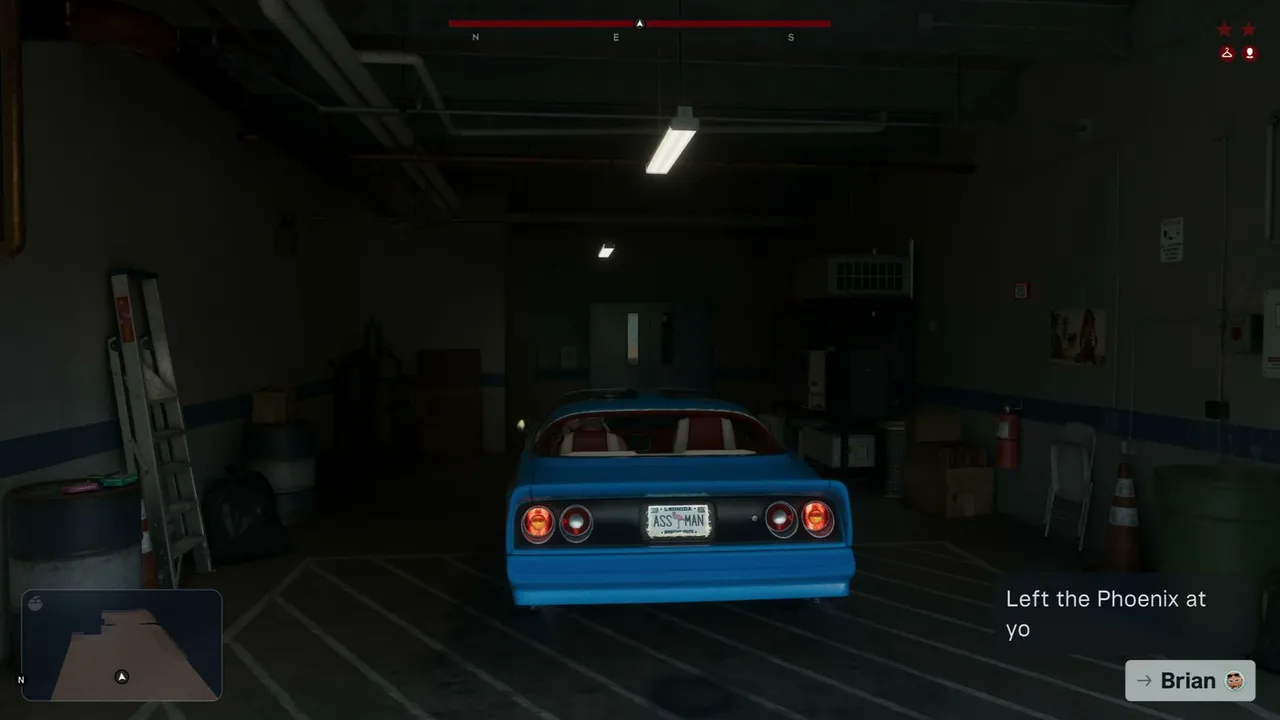
Jason texts Brian that he left the Phoenix at his place. Brian replies that there’s cash in the back.
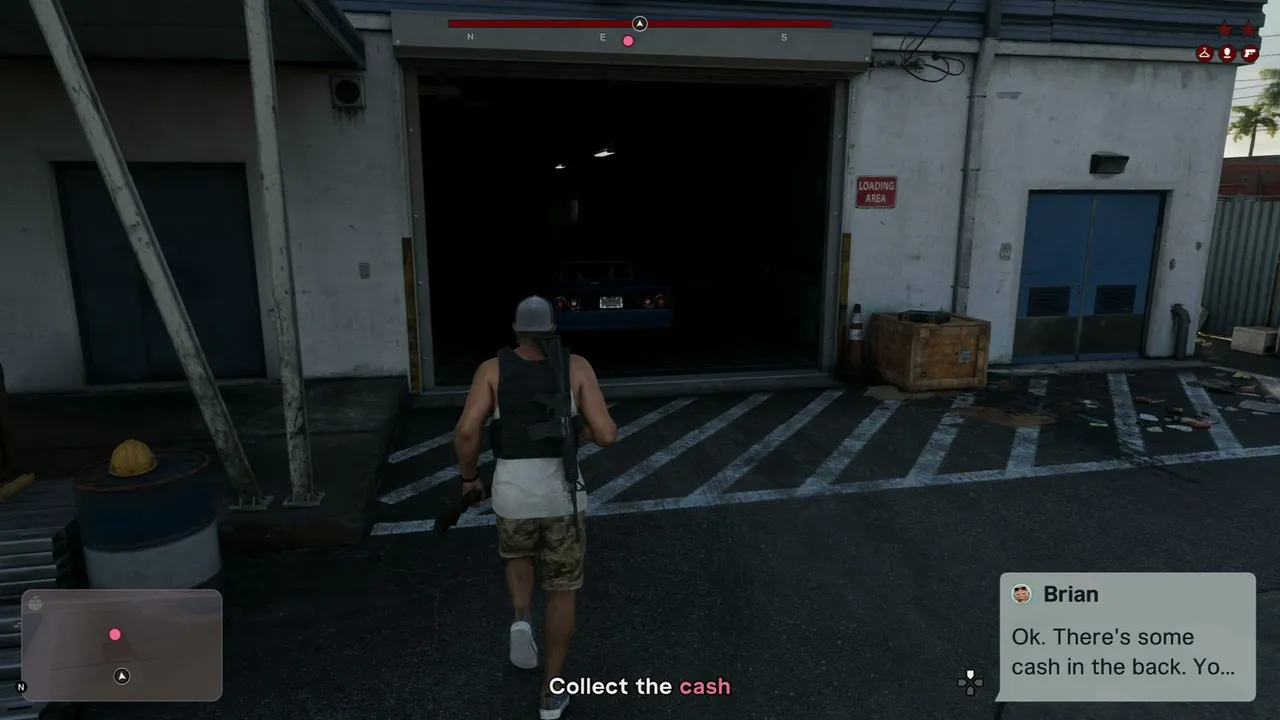
Collect the cash
Picking up the cash at Brian’s garage added $150 in the recorded run.
Adjust your hat and glasses to lower recognition
Changing accessories or hairstyle makes you harder to recognize.
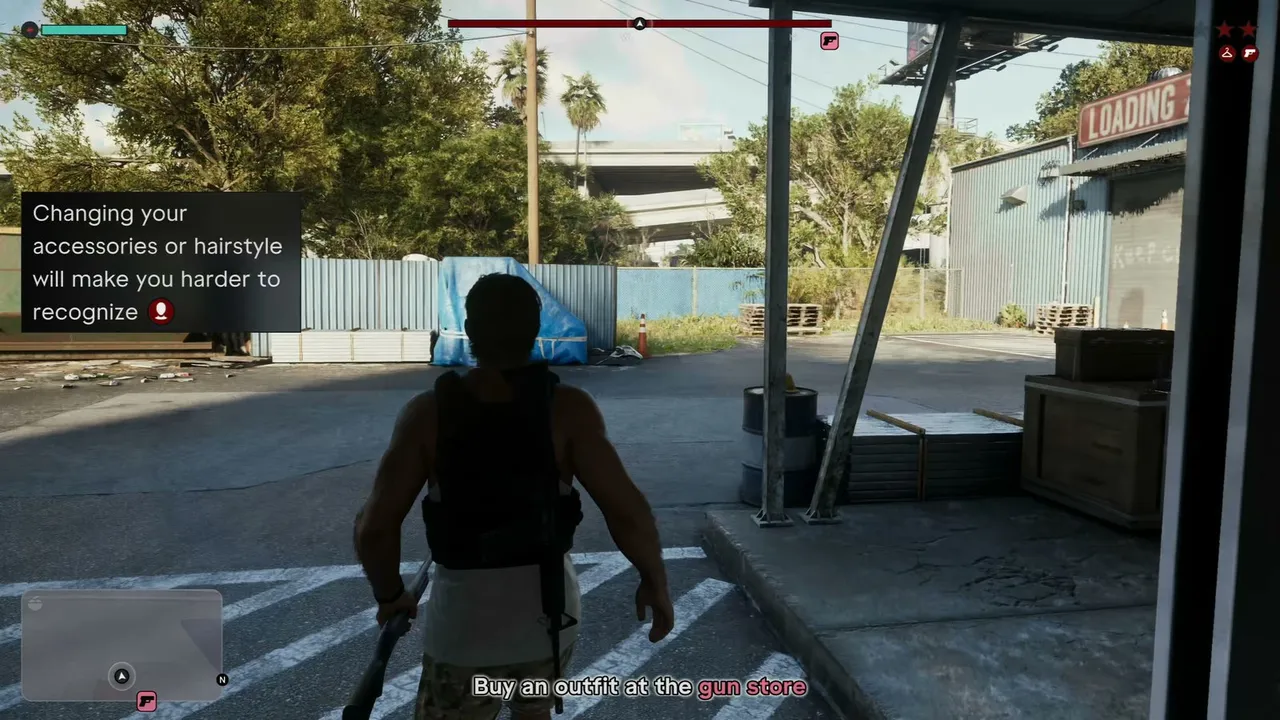
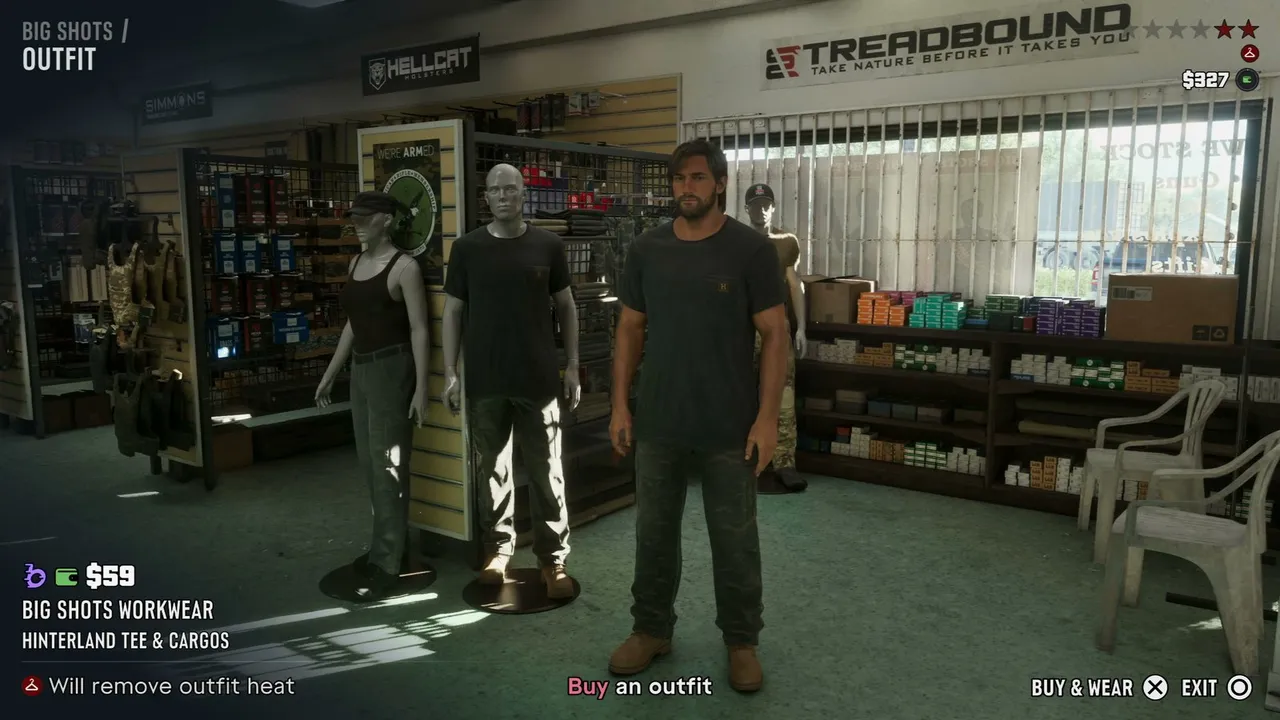
Buy an outfit at the gun store
Big Shots Workwear’s Hinterland Tee & Cargos is listed at $59 and says “Will remove outfit heat.”
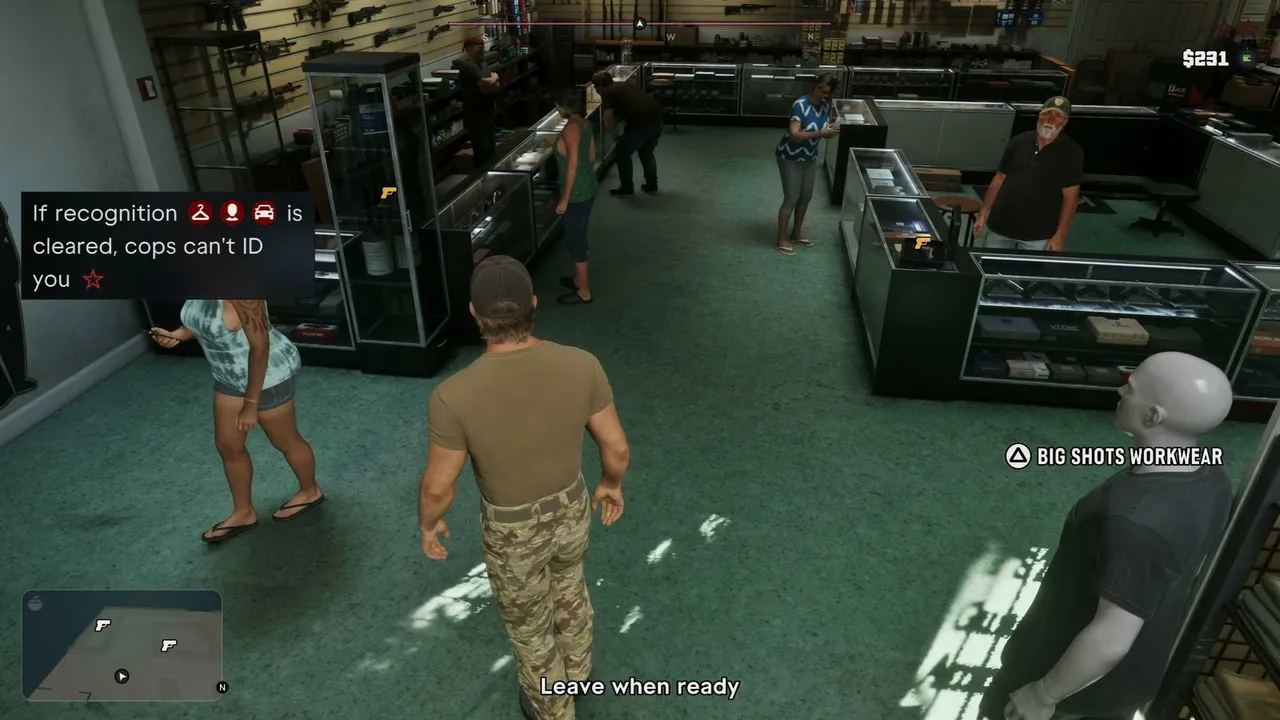
Leave when ready
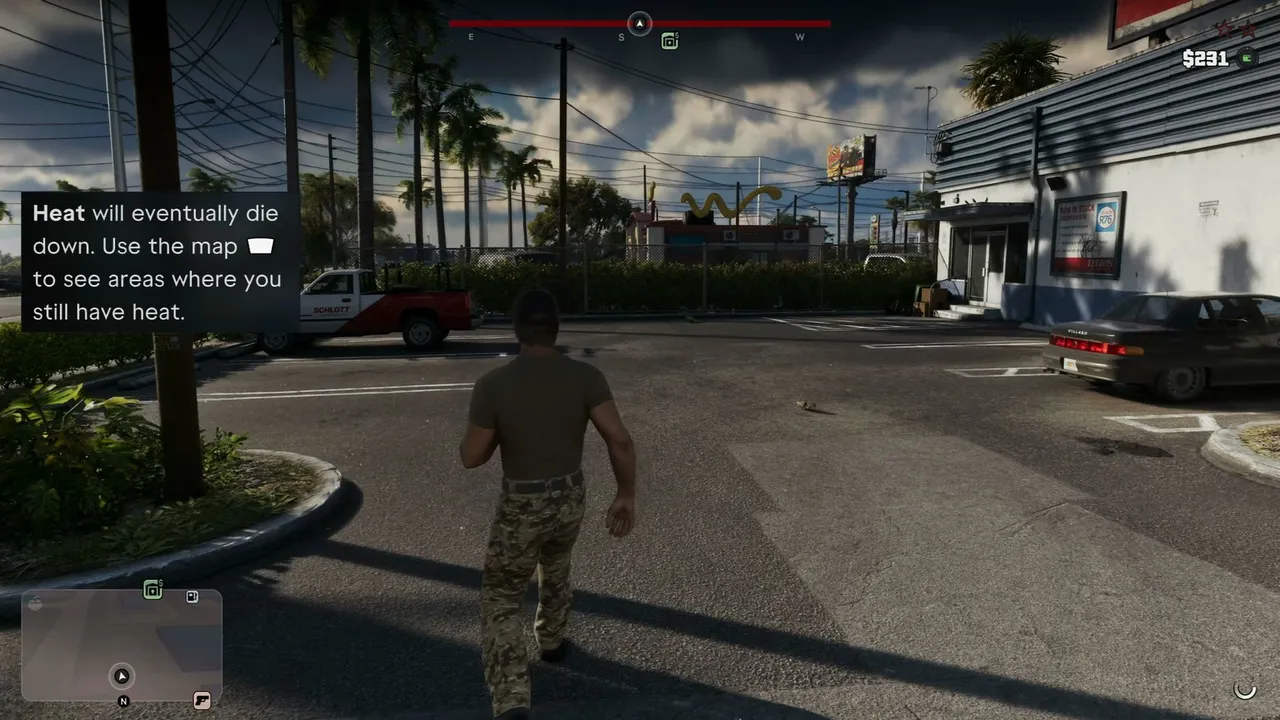
The in-game help says “If recognition is cleared, cops can’t ID you.” Heat eventually dies down. Use the map to see areas where you still have heat.
More in Missions