GTA 6 Base Jumps: How to Use the Parachute and Hit the Checkpoints
Quick answer
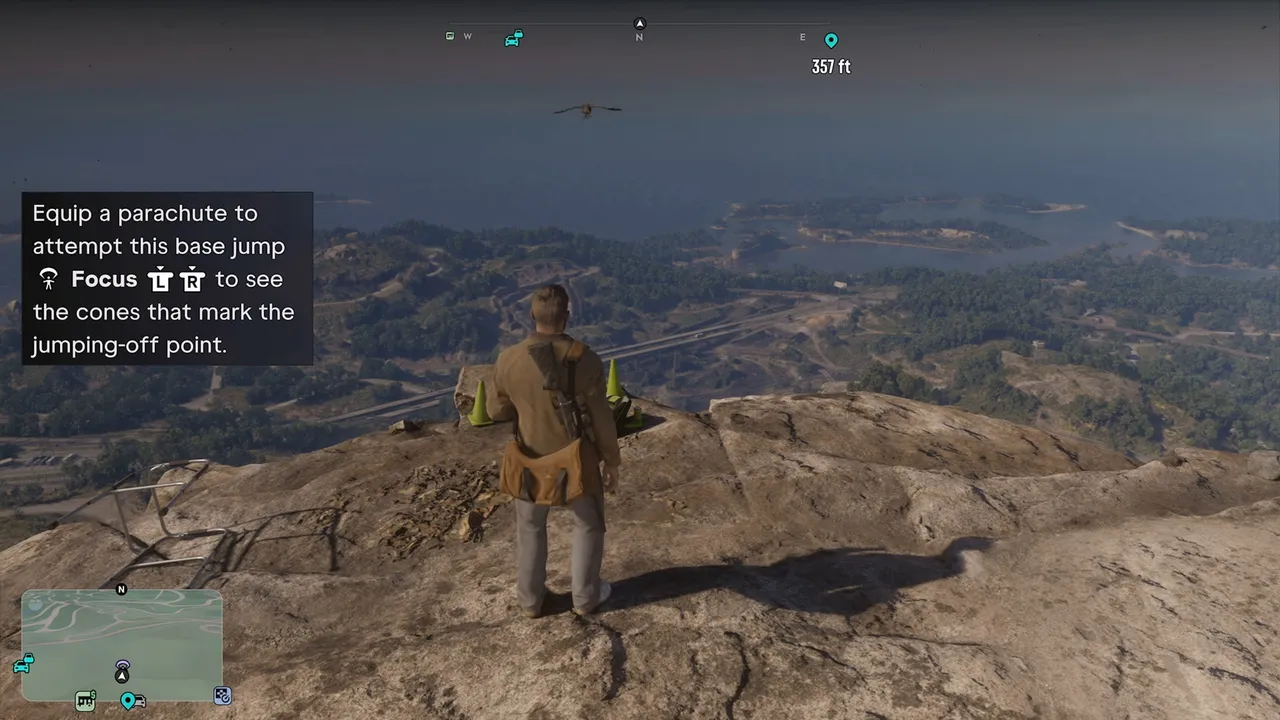
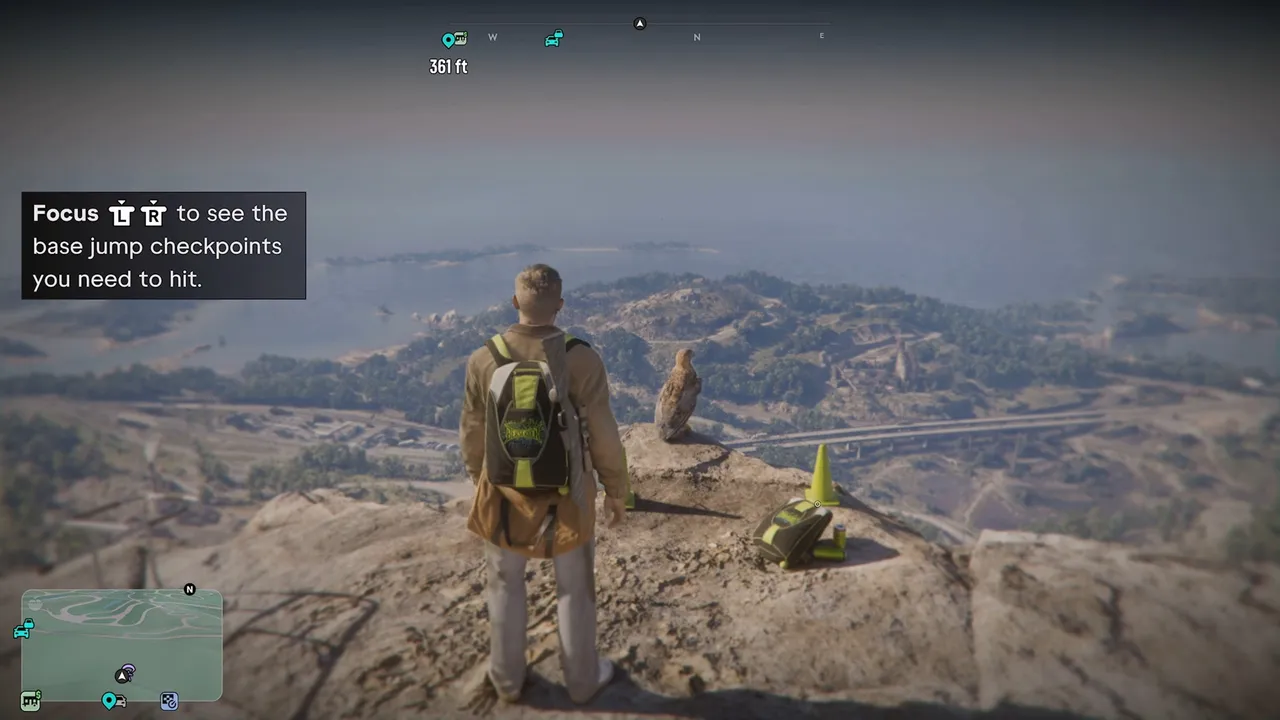
Equip a parachute before attempting the base jump. Use Focus to see the cones marking the jumping-off point.
Find base jumps
On the pause map, open Exploration and look under Stunt Spots for Base Jumps. At this clifftop jump, there’s a parachute pickup by the cones. It shows “PARACHUTE (FULL)” when you already have one.
Parachute controls
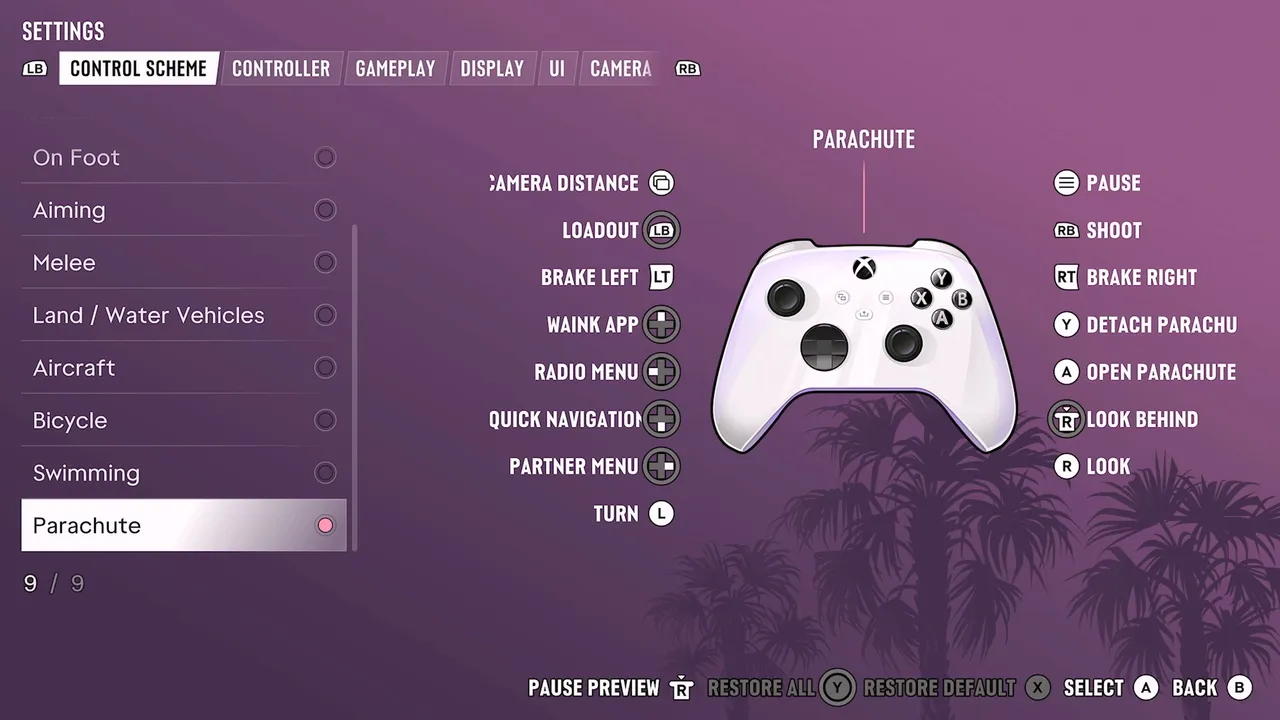
On Xbox, press A to open the parachute, Y to detach it, LT to brake left and RT to brake right. Use the left stick to turn.
Hit the checkpoints
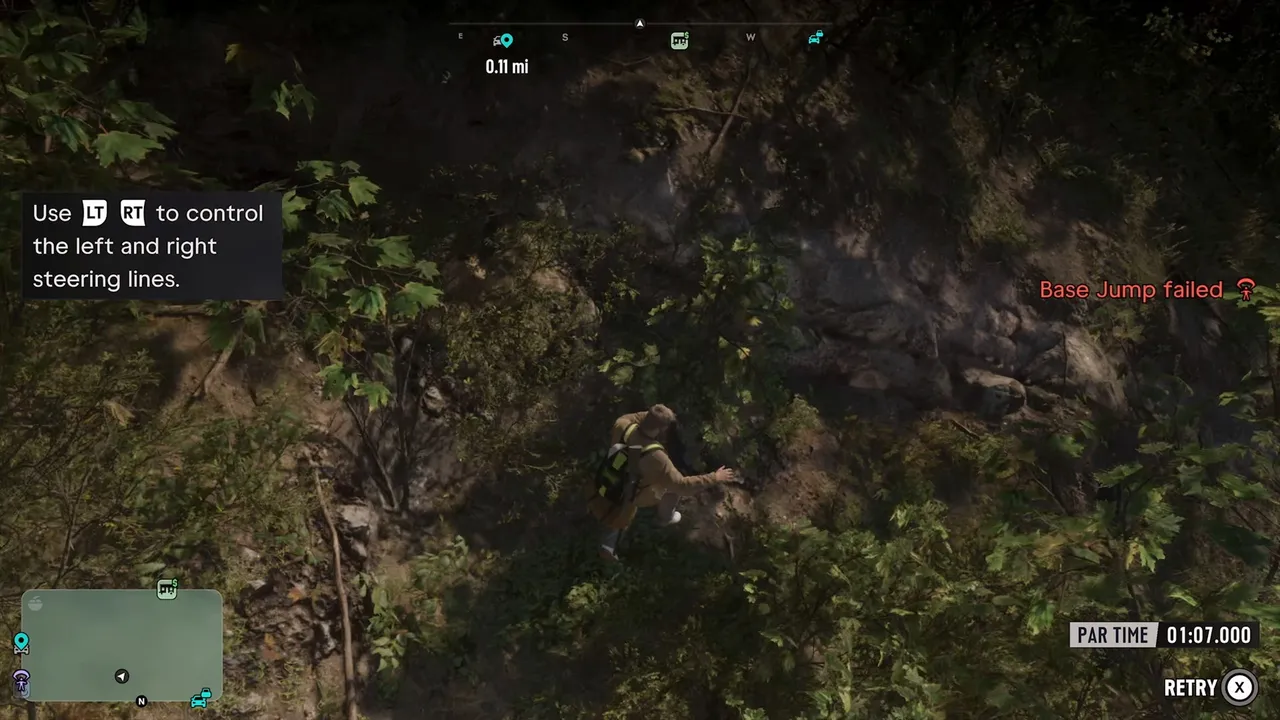
Use Focus to see which base jump checkpoints you need to hit. When the base jump failed, the HUD showed “Base Jump failed,” the par time and a Retry option.
More in Getting started