Buck Me Walkthrough: GTA 6 Fleeca Bank, BuckMe App and Family Savings
In Buck Me, Jason and Lucia try to open a bank account at Fleeca. The manager offers them BuckMe accounts on their phones instead. The BUCK ME title appears as Jason enters Fleeca Bank.
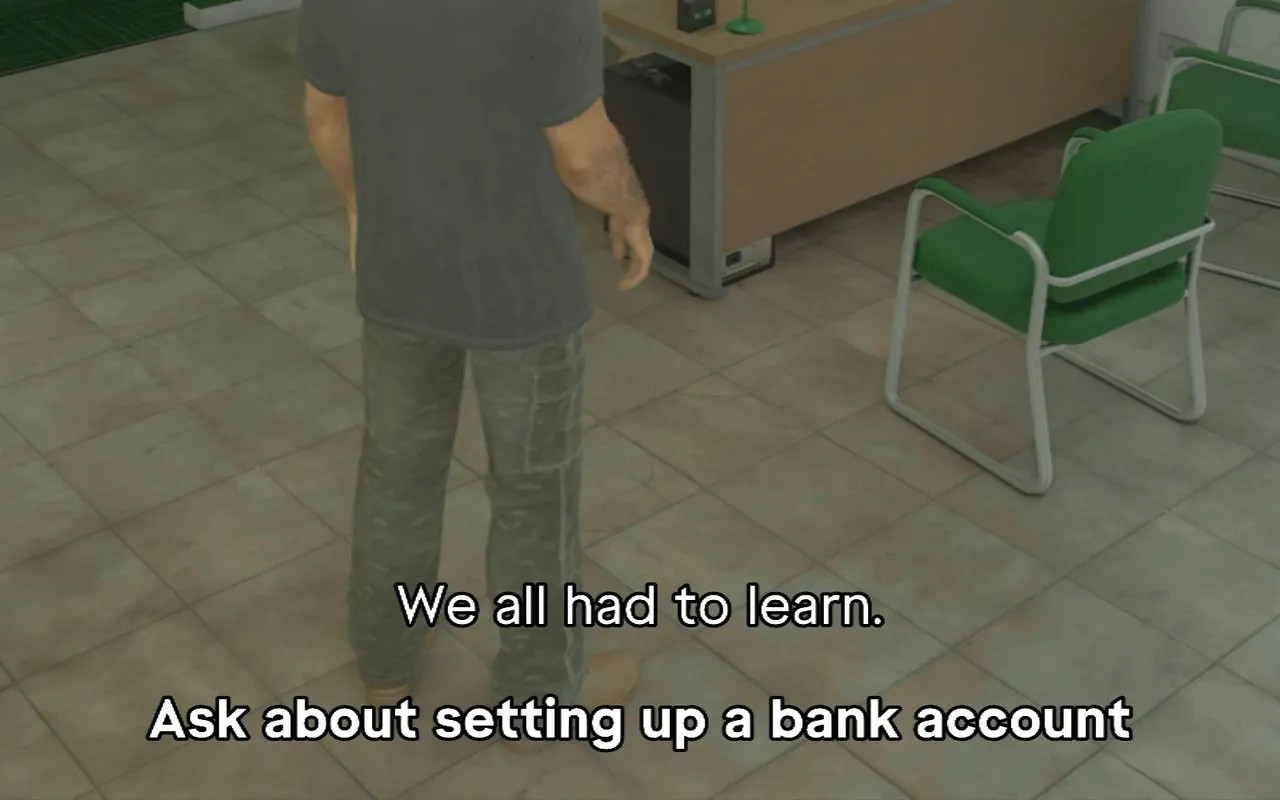
Ask about setting up a bank account
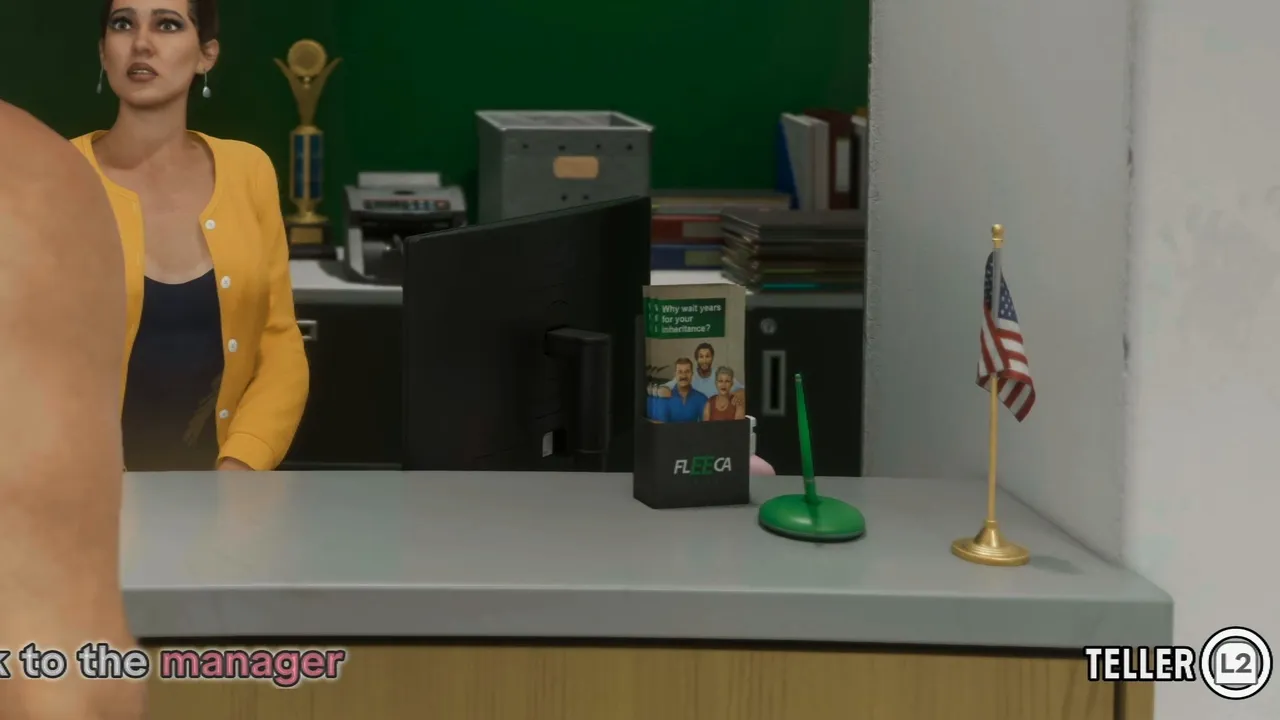
Walk up to the bank staff and ask to open a new account. The manager agrees to take Jason into the back.
Speak to the manager
At the manager’s desk, look for the “BANK ACCOUNT?” interaction. The counter has a separate “TELLER” interaction.
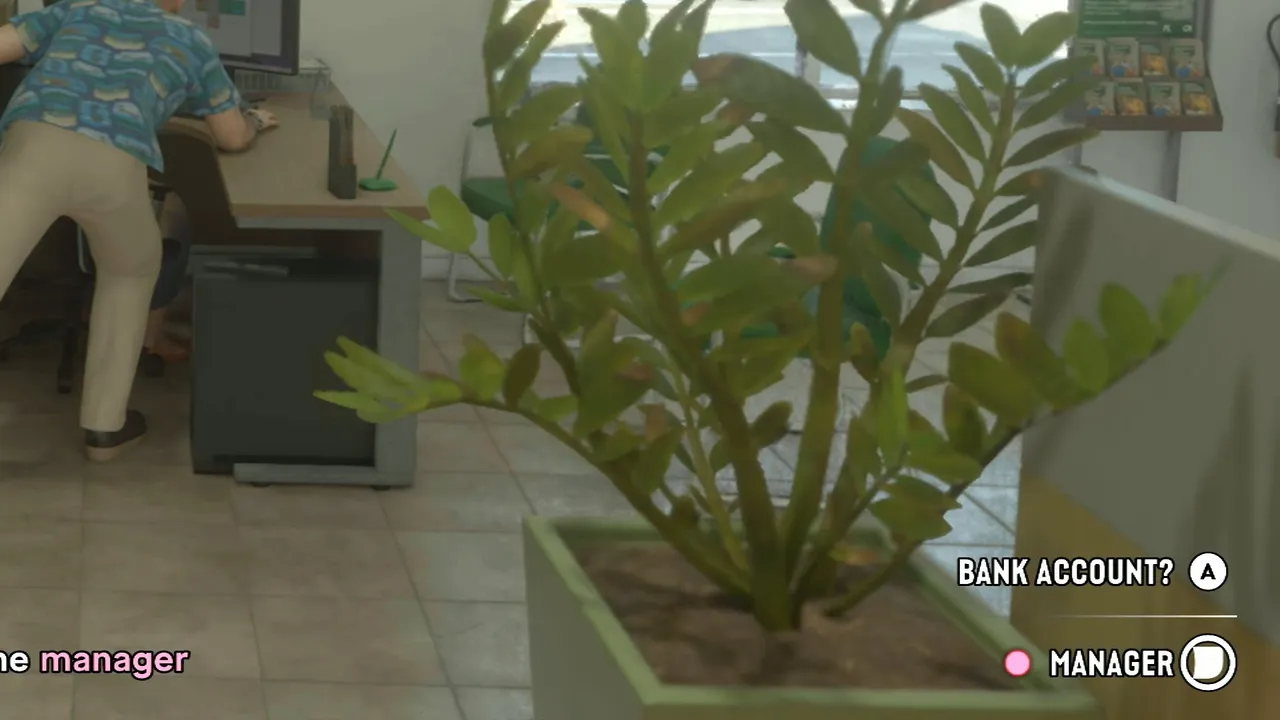
Approaches: Who you talk to first
In two of four recordings, “Speak to the manager” appeared before “Follow the manager.” In the other two, “Follow the manager” was the next objective observed after asking about an account.
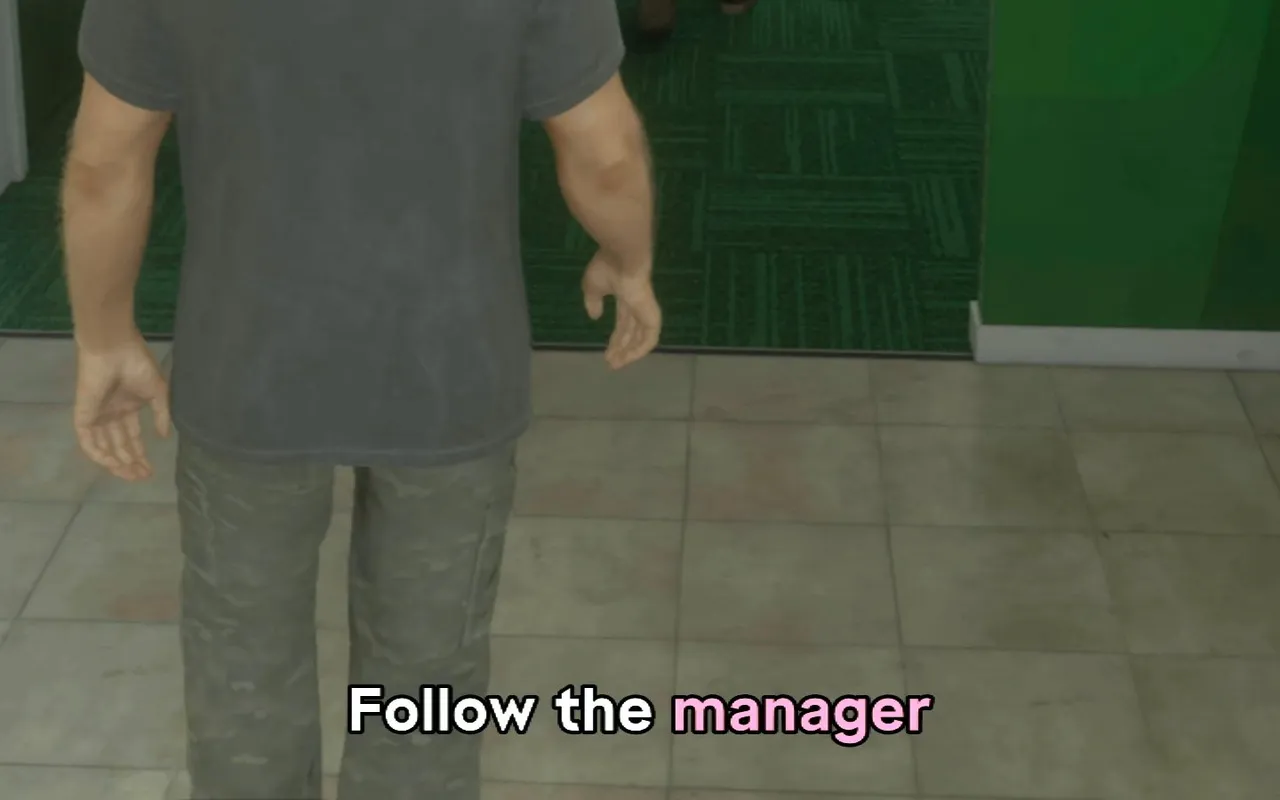
Follow the manager
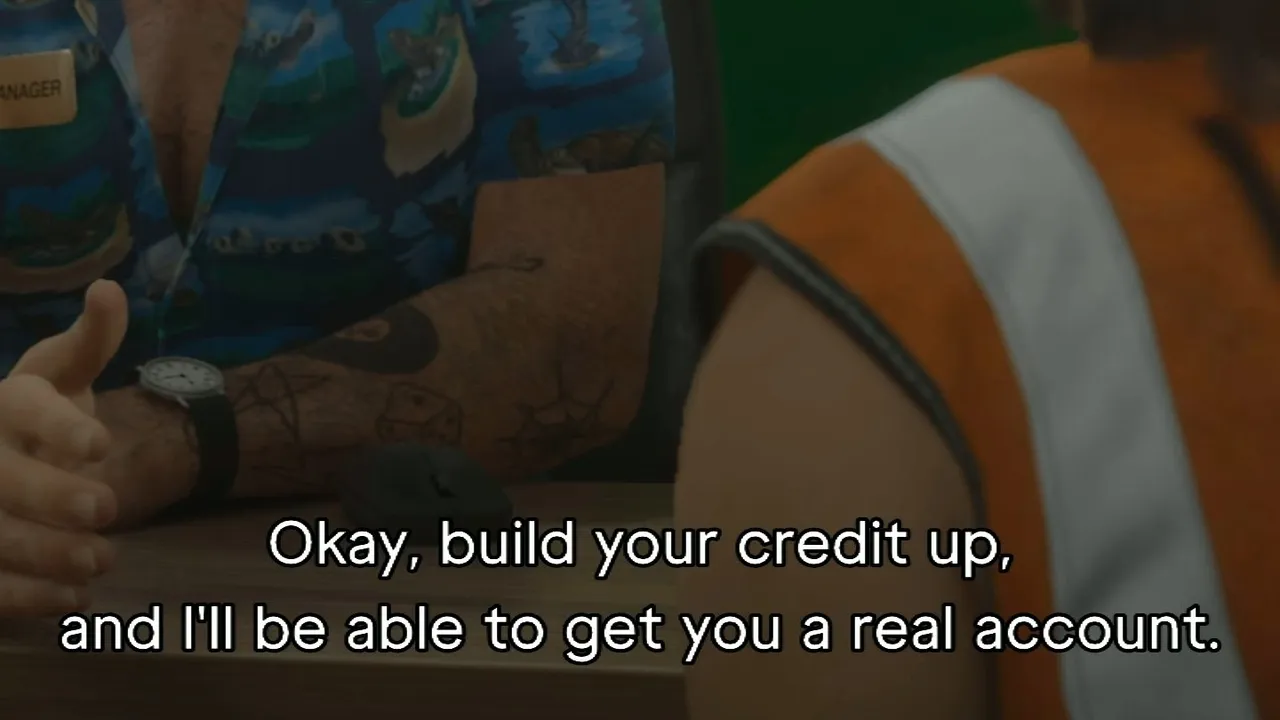
Follow the manager past the Fleeca sign into the back office. Jason says he didn’t take the bank account he was offered when he was discharged. Jason and Lucia also ask the manager about mortgages. The manager says the computer won’t let him open a bank account for them, much less offer a mortgage. The manager offers to set them up with BuckMe accounts instead. The manager warns that BuckMe has transaction limits. The manager tells them to build up their credit before he can open a regular bank account for them. Back at Jason’s house, a welcome message arrives from BuckMe, Fleeca’s payment app. At the house, they discuss using BuckMe’s joint savings and say they can’t touch the money once it’s deposited.
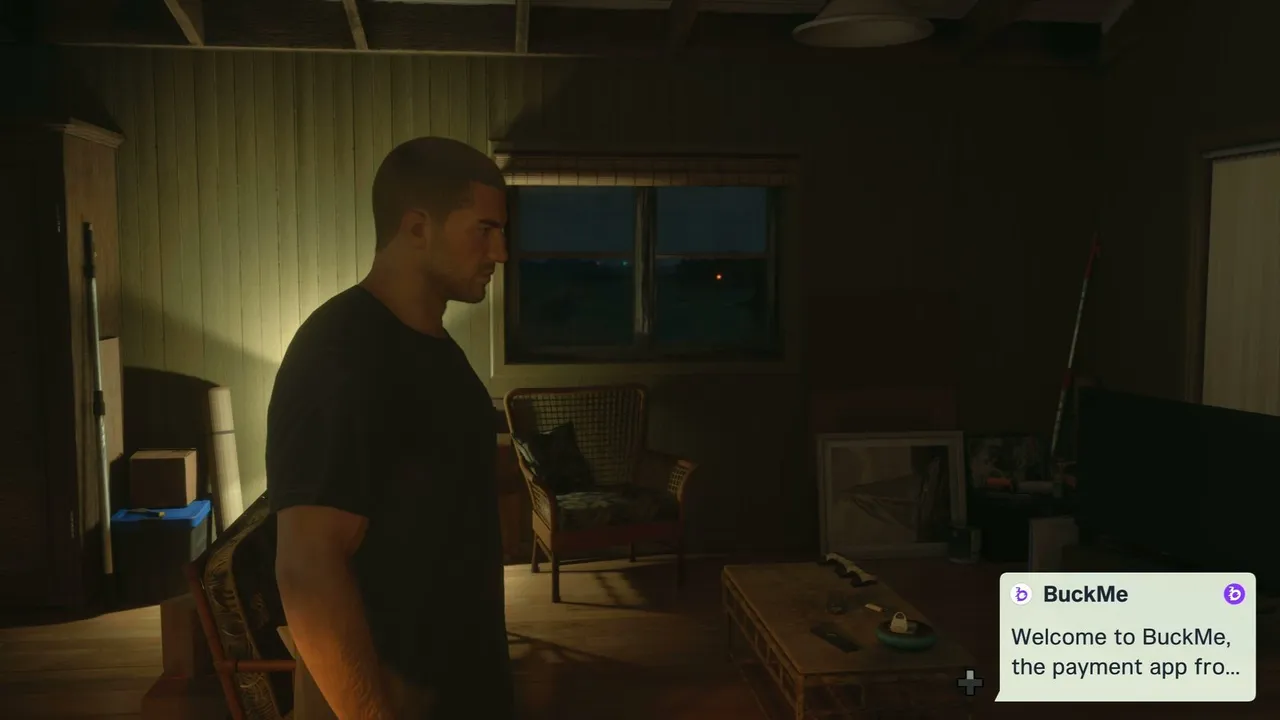
Open BuckMe
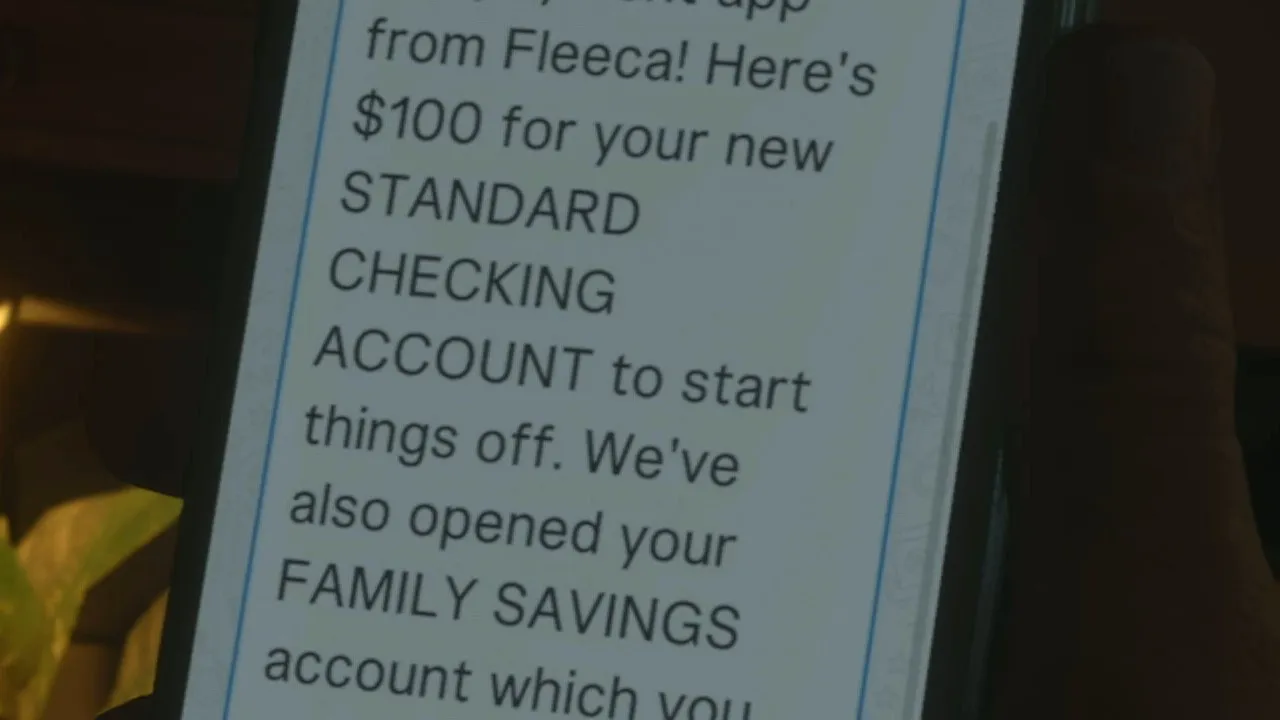
Open BuckMe on your phone. The welcome message gives you $100 in Standard Checking and says you can add money to Family Savings and earn interest.
Select your checking account
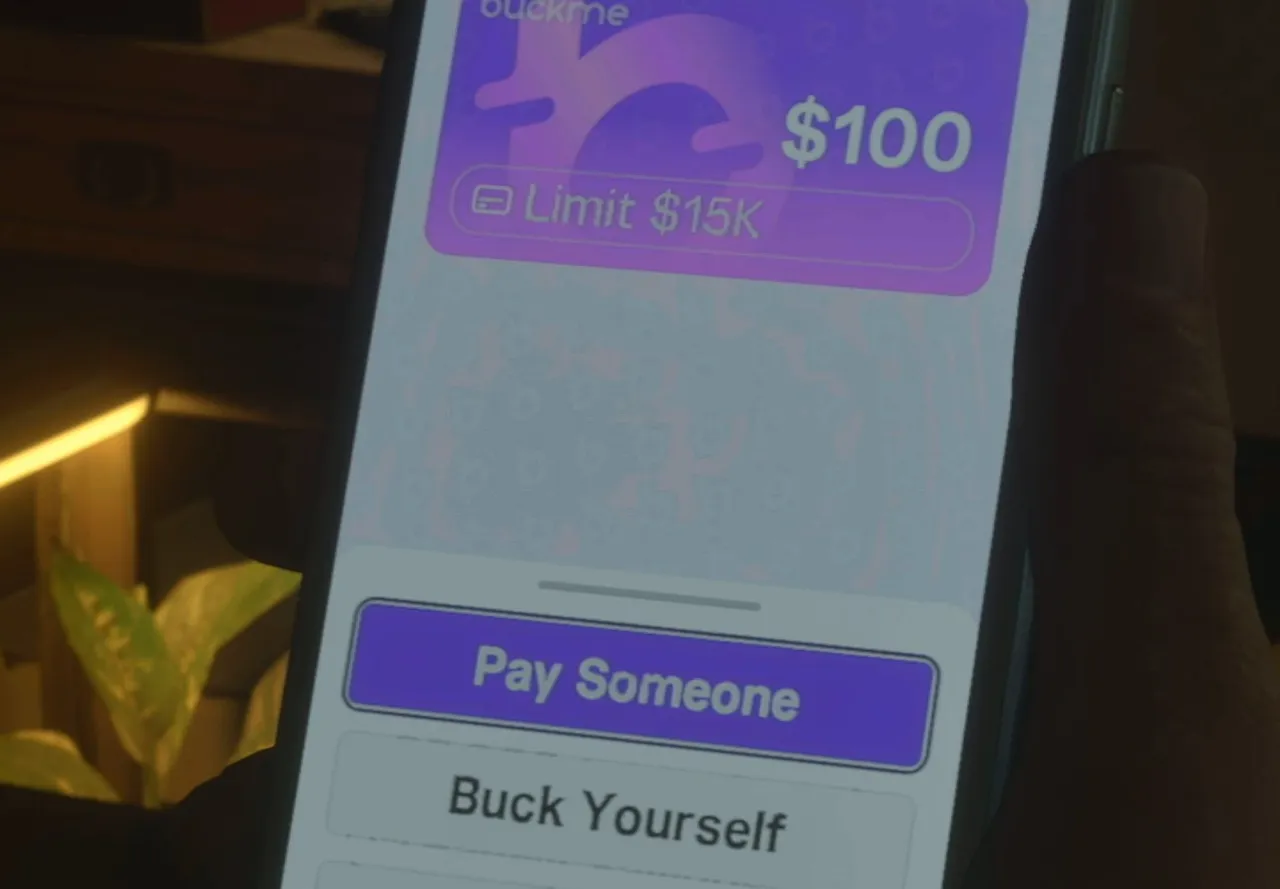
The Checking Account screen shows a $100 balance and a $15K limit, with Pay Someone, Buck Yourself and View Transactions below.
Select Buck Yourself
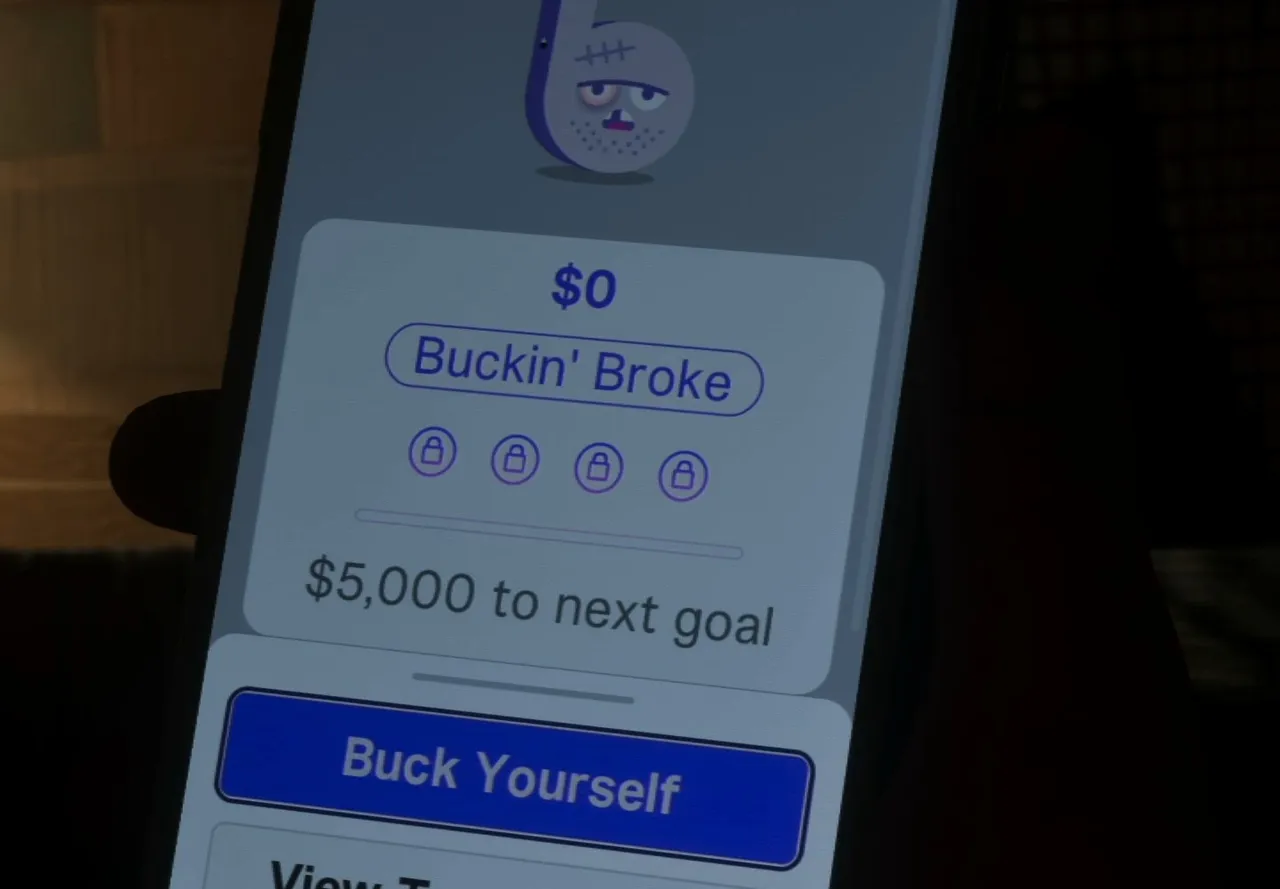
Select “Buck Yourself” in Checking to move money into Family Savings. The Family Savings card has a Buck Yourself button and shows $0, “Buckin’ Broke,” and “$5,000 to next goal” before the transfer.
Move money into Family Savings account
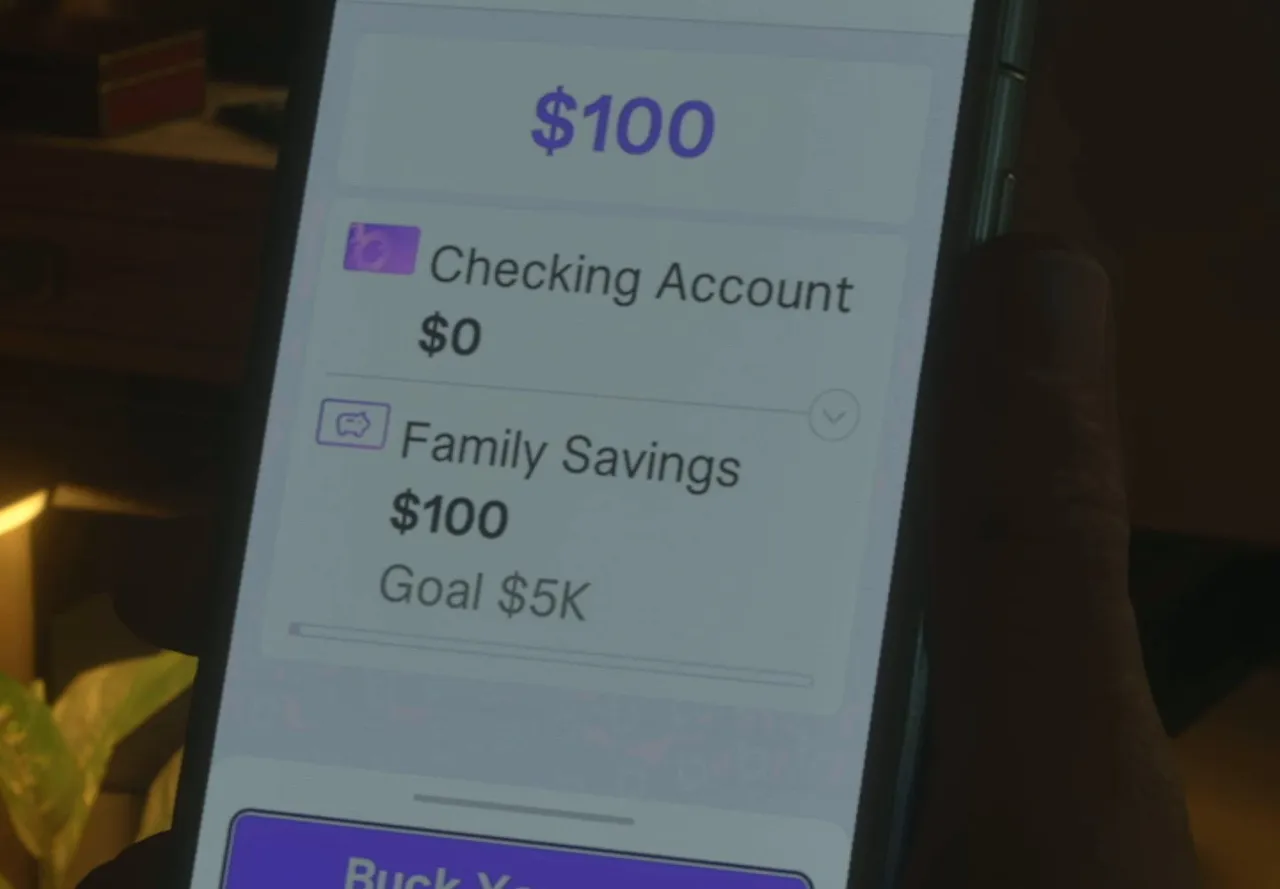
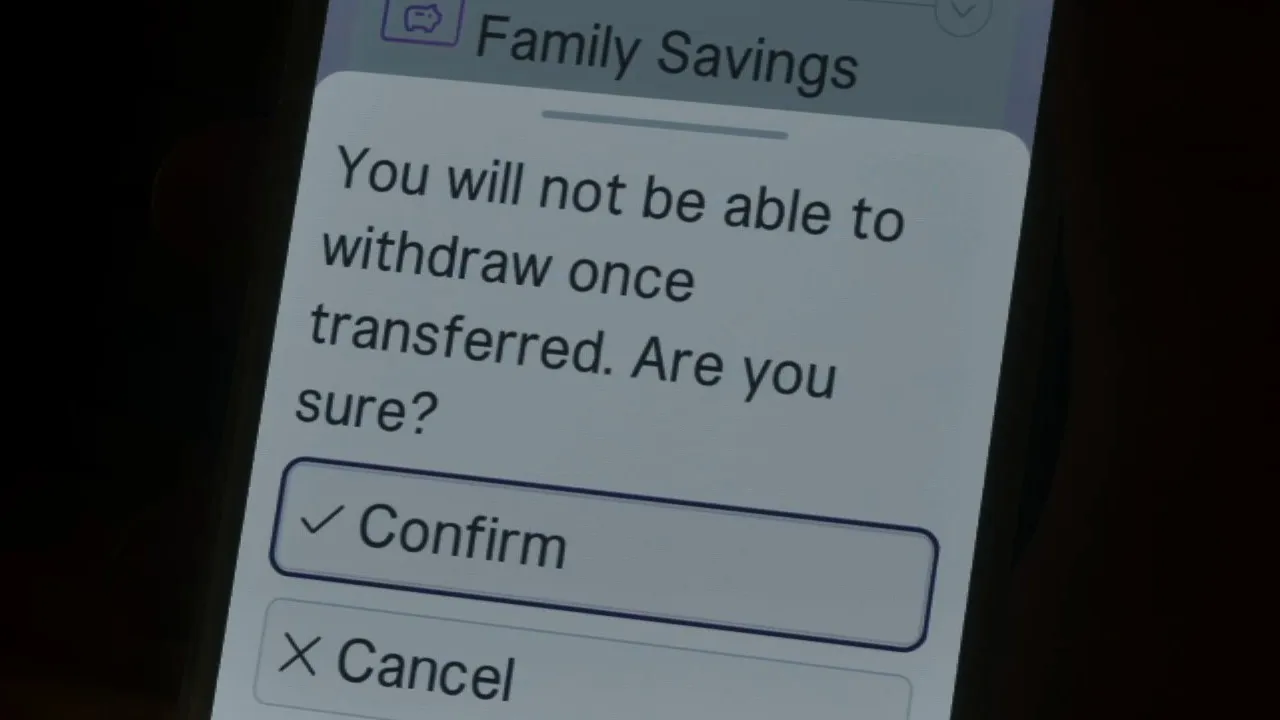
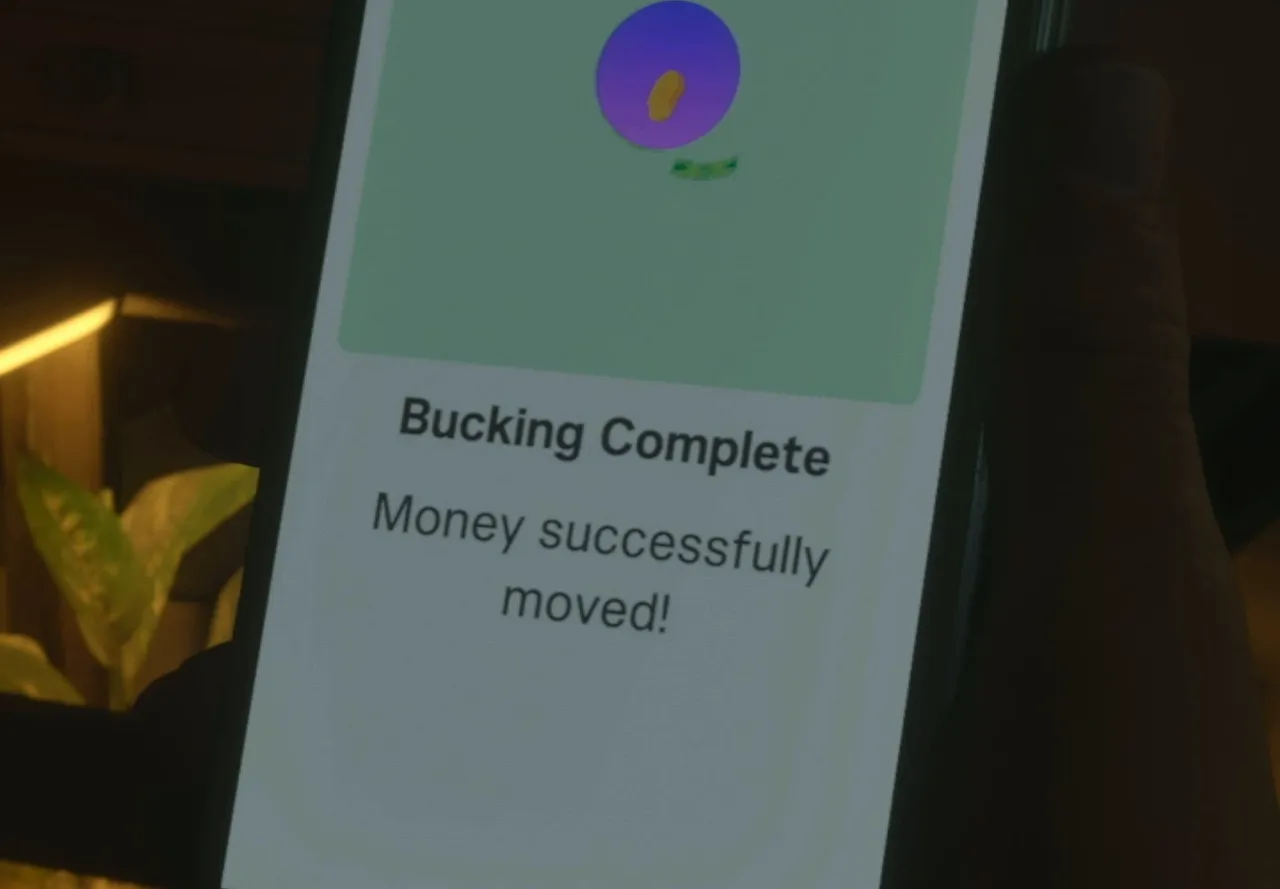
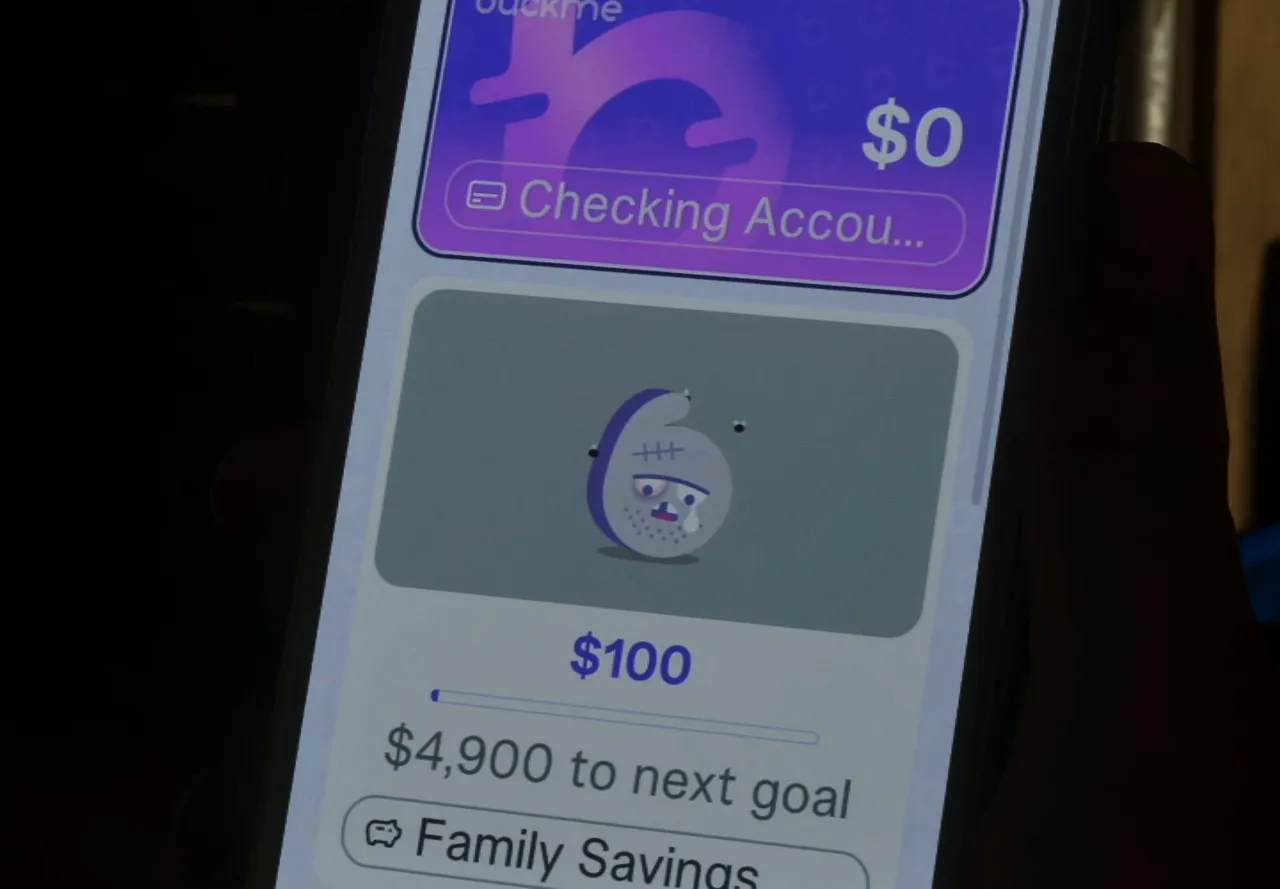
Set Amount to $100 to move it from Checking Account to Family Savings. The preview shows a $0 checking balance, $100 in savings and a $5K savings goal. The Family Savings confirmation warns: “You will not be able to withdraw once transferred. Are you sure?” Confirmation displays “Bucking Complete” and “Money successfully moved!” alongside the “$100 → Family” notice. Family Savings then shows a $100 balance and “$4,900 to next goal,” alongside “Map updated.”
What comes next
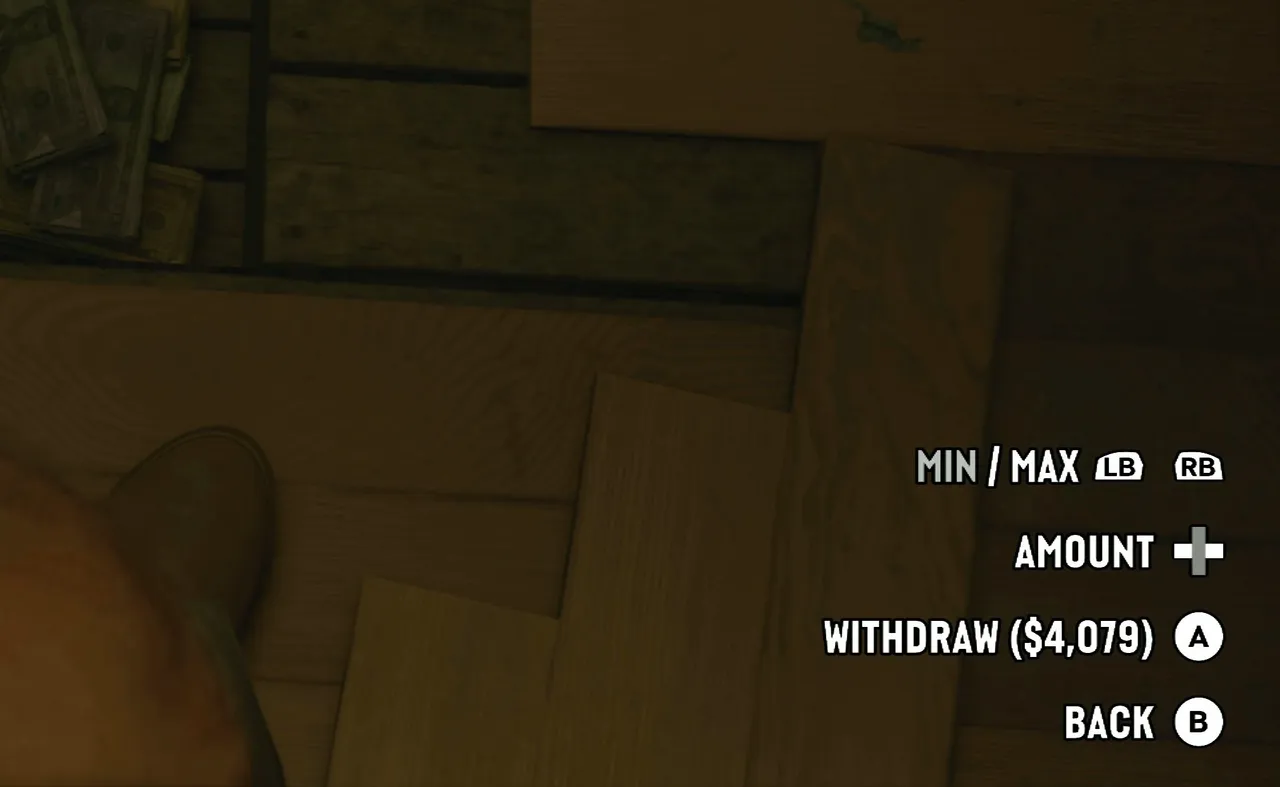
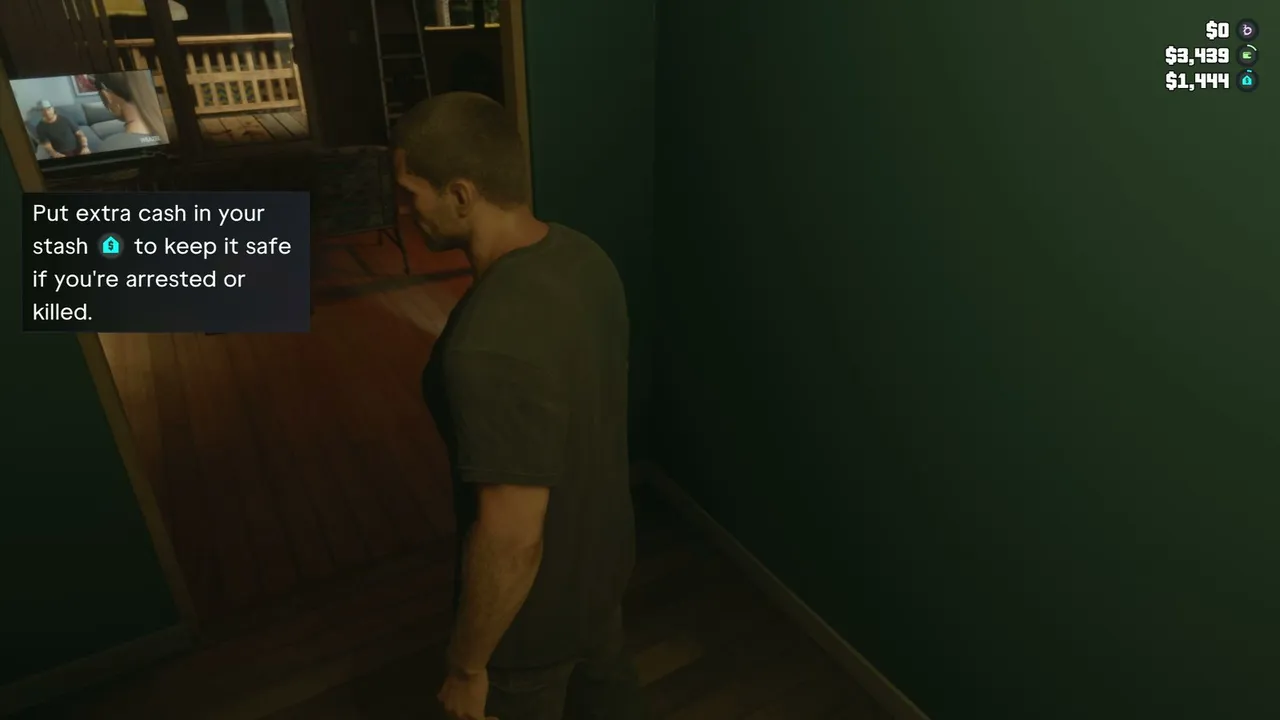
The floor stash shows WITHDRAW and DEPOSIT, and opening the withdrawal menu shows an AMOUNT control. The stash hint reads: “Put extra cash in your stash to keep it safe if you’re arrested or killed.” Immediately after the stash hint, the pause menu displays its standard navigation without an active mission title. The save menu lists “Buck Me (13%).” Later dialogue says they have hit the savings account’s deposit limit and cannot put any more into it for now. The later Ocean Beach scene includes the subtitled line “BuckMe Premium? Oh, you’re kidding me.”
More in Missions