GTA 6 BuckMe Limit: How to Upgrade It, Family Savings Goals and Interest
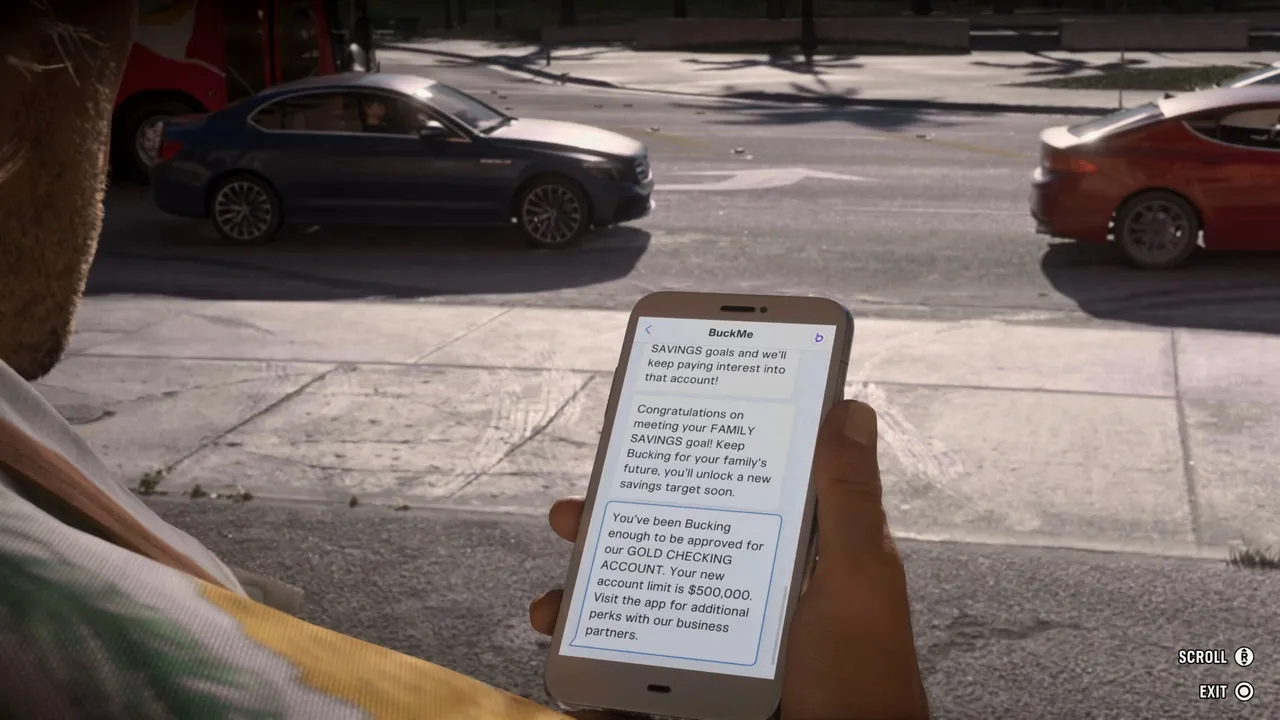
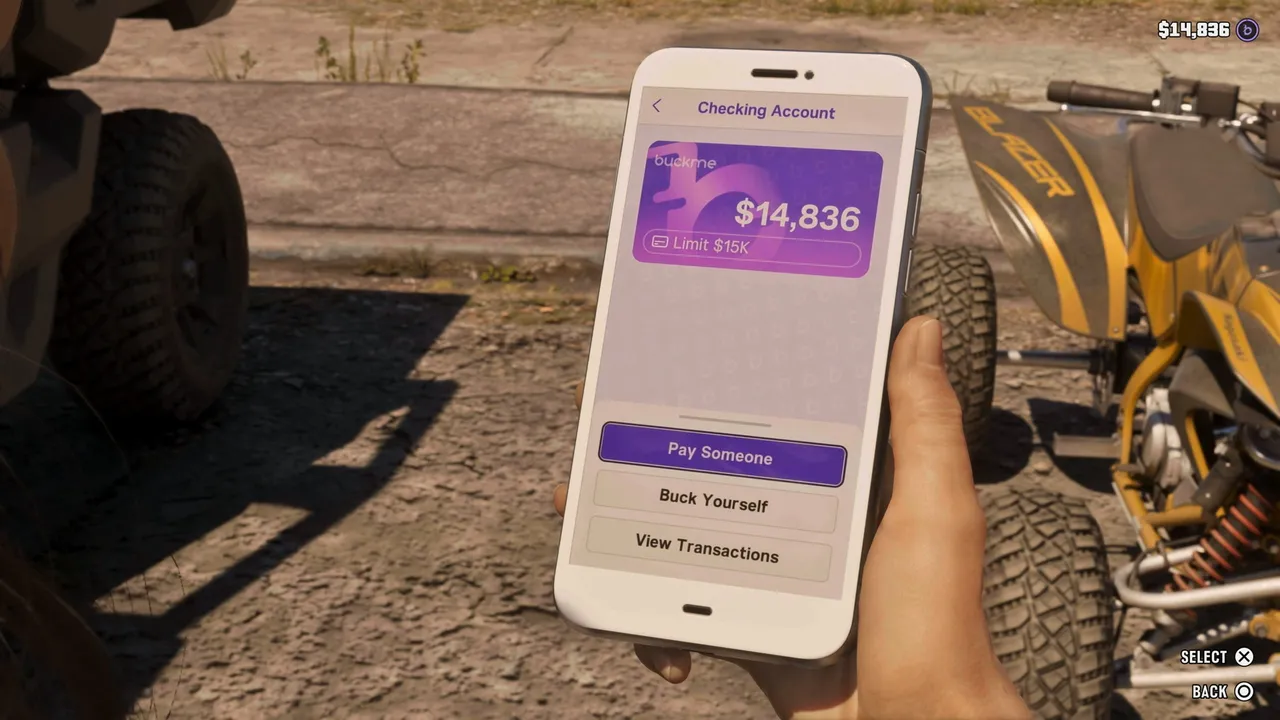
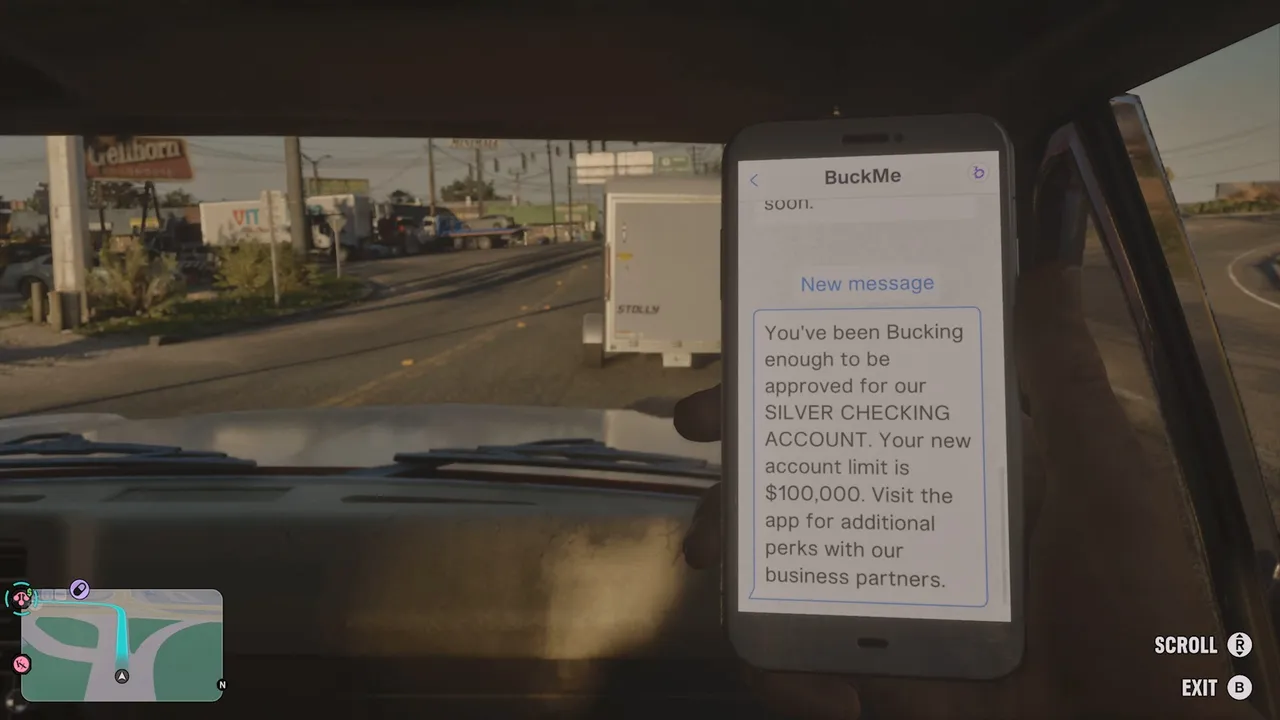
The starting BuckMe Standard Checking card shows “Limit $15K.” The setup sequence shows this alongside the opening $100 balance. The tip reads: “Progress through the story to increase your BuckMe checking account limit.” The BuckMe message thread shows a Silver Checking approval for $100,000 and a Gold Checking approval for $500,000.
How the limit goes up
The starting Standard Checking account shows “Limit $15K” during the tutorial. The account opens in the Buck Me mission.
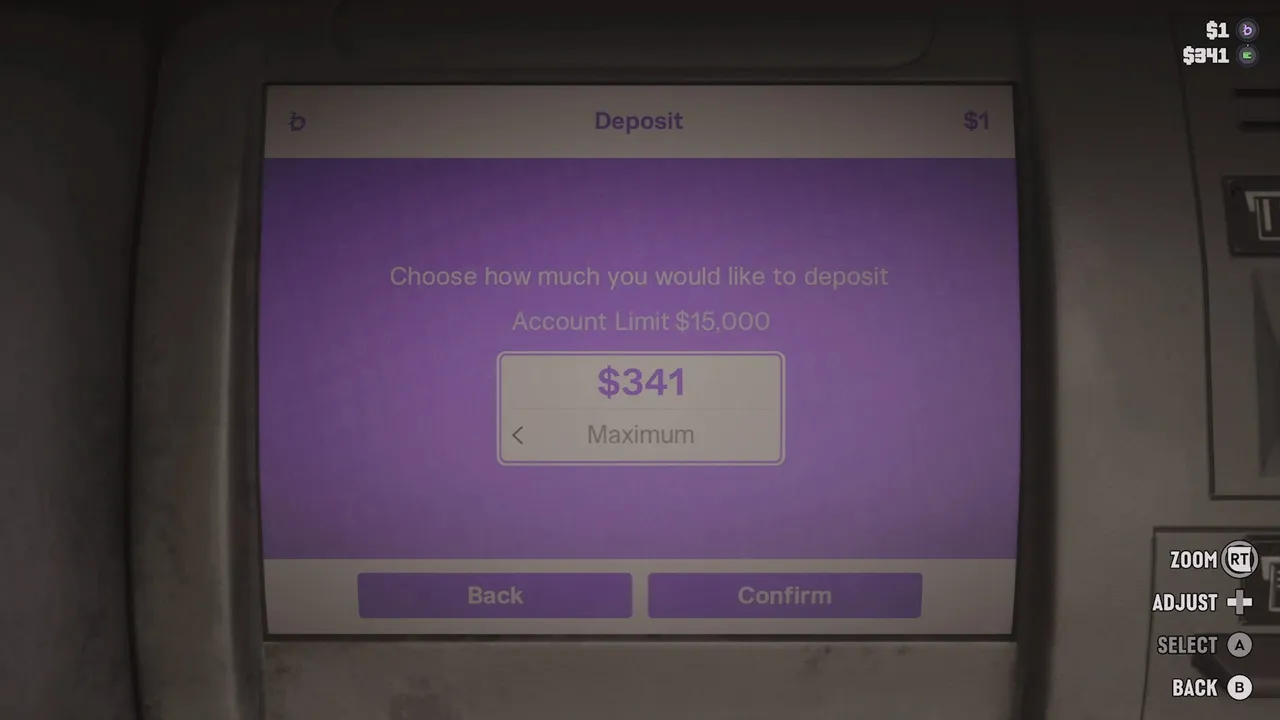
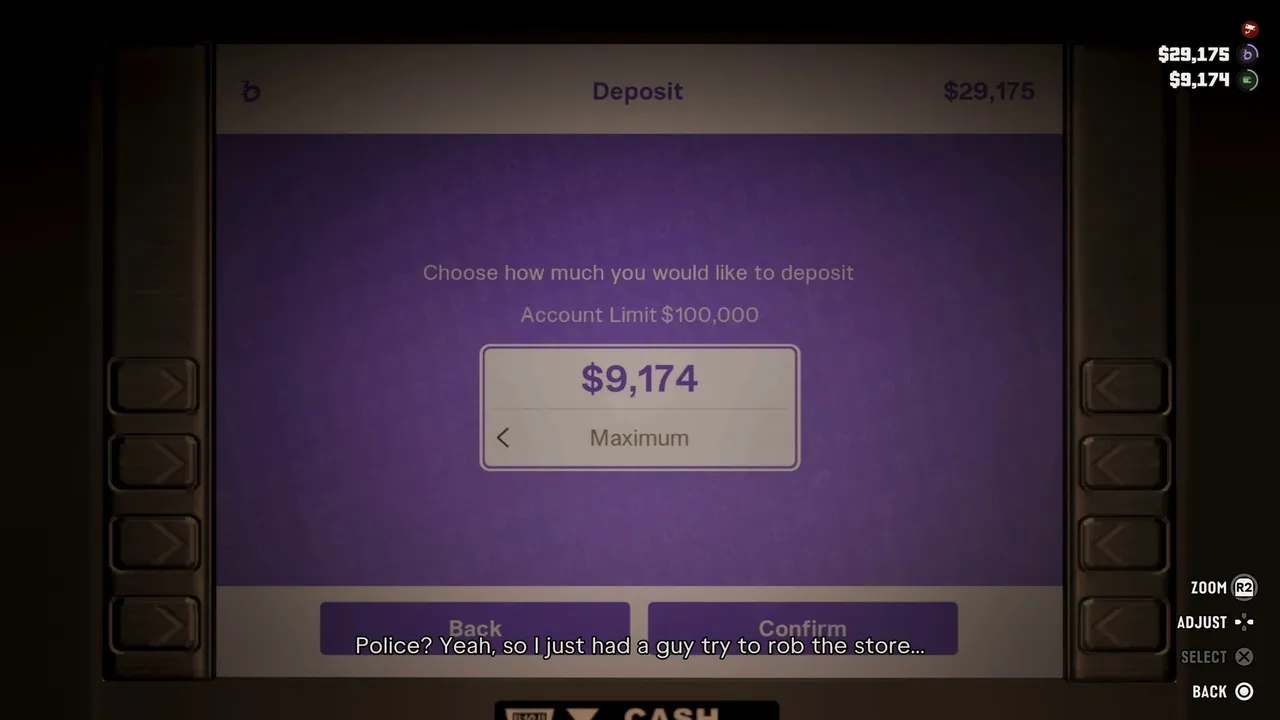
The ATM Deposit screen displays the checking account cap. In the Standard Checking example, it reads “Account Limit $15,000.”
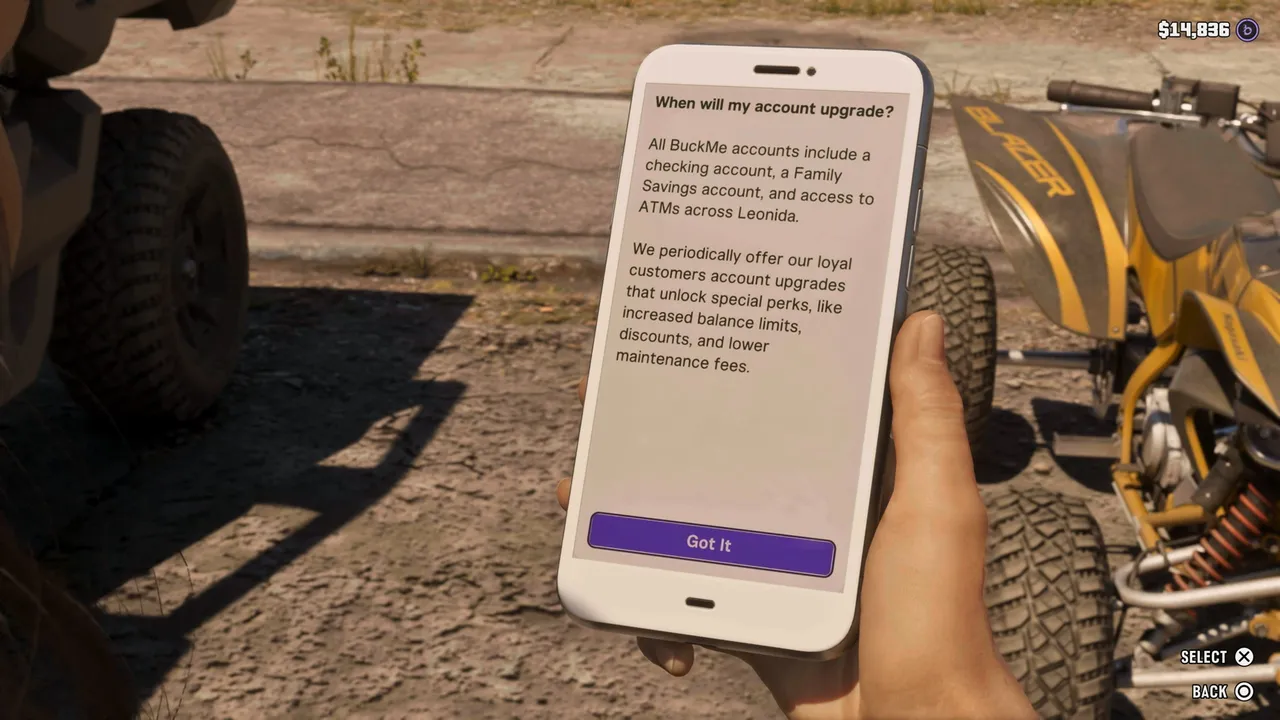
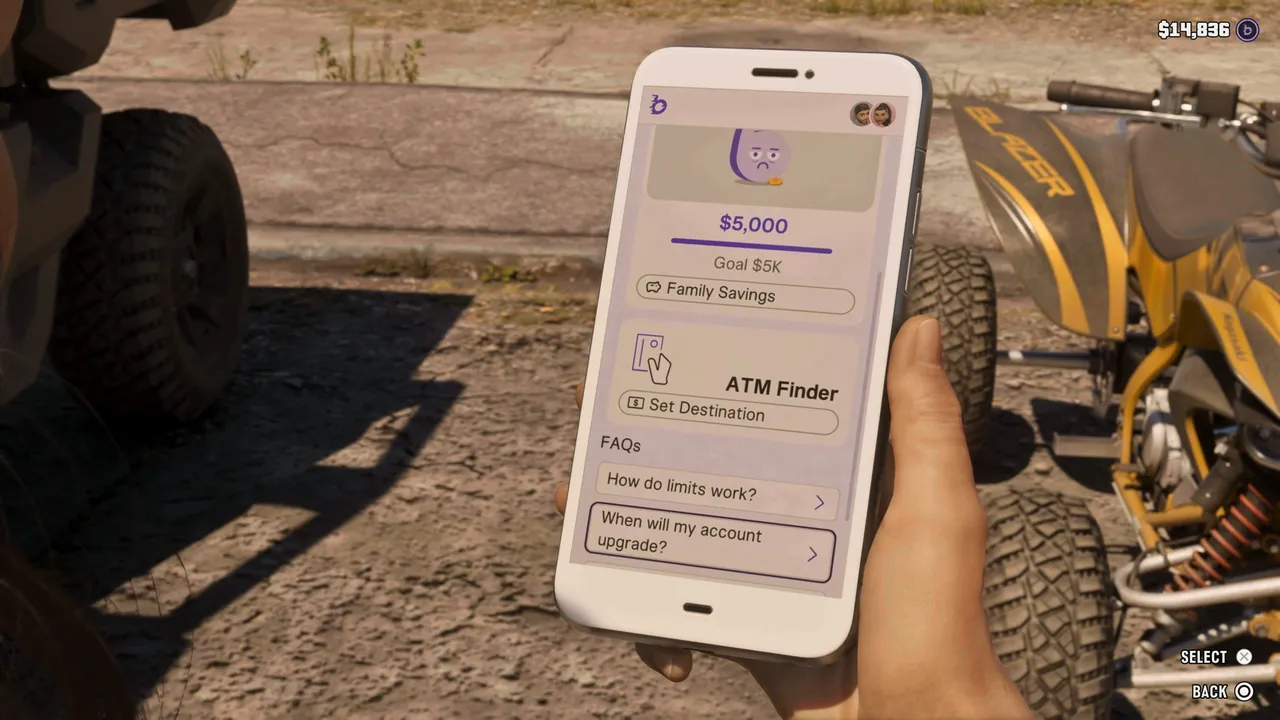
The in-app FAQ lists checking, Family Savings and ATMs across Leonida, and says upgrades periodically offer perks such as higher balance limits, discounts and lower maintenance fees.
The Silver Checking approval text gives a new $100,000 limit and points to the app for additional perks with business partners.
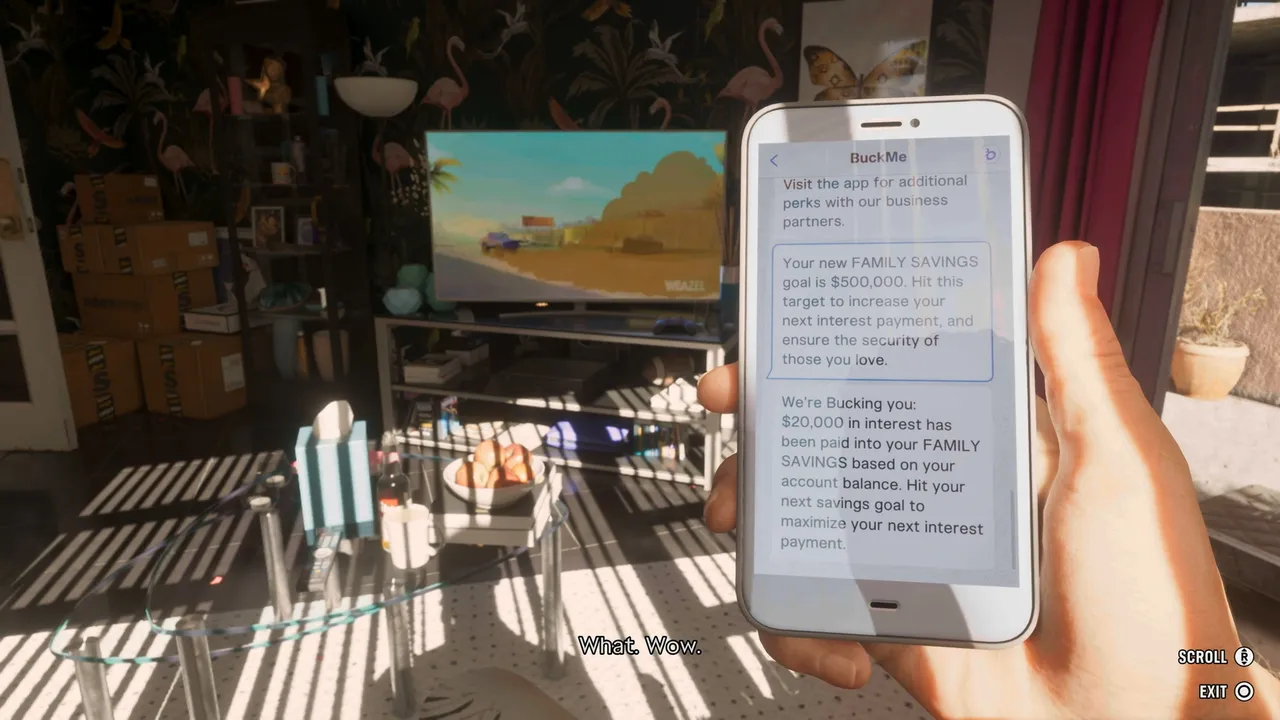
The Gold Checking approval text gives a new $500,000 limit. It arrived right after “Congratulations on meeting your FAMILY SAVINGS goal!”
The Checking Account card appears gold on Gold Checking and purple on Standard Checking.
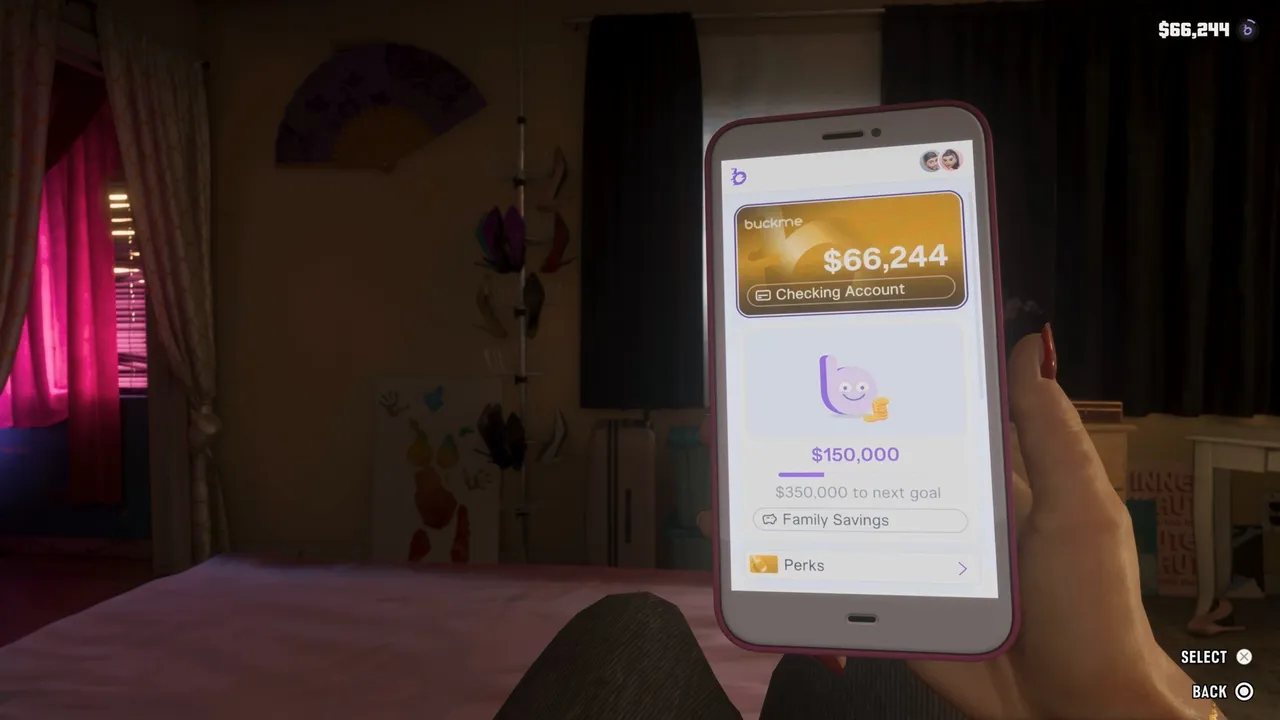
BuckMe Premium, with its high deposit limit, comes up in the Ocean Beach walkthrough.
Family Savings goals and interest
The recorded Family Savings goals progress from $5,000 on Standard Checking to $100,000 on Silver and $500,000 on Gold. BuckMe sets a new $500,000 Family Savings goal at Gold and says reaching it increases the next interest payment.
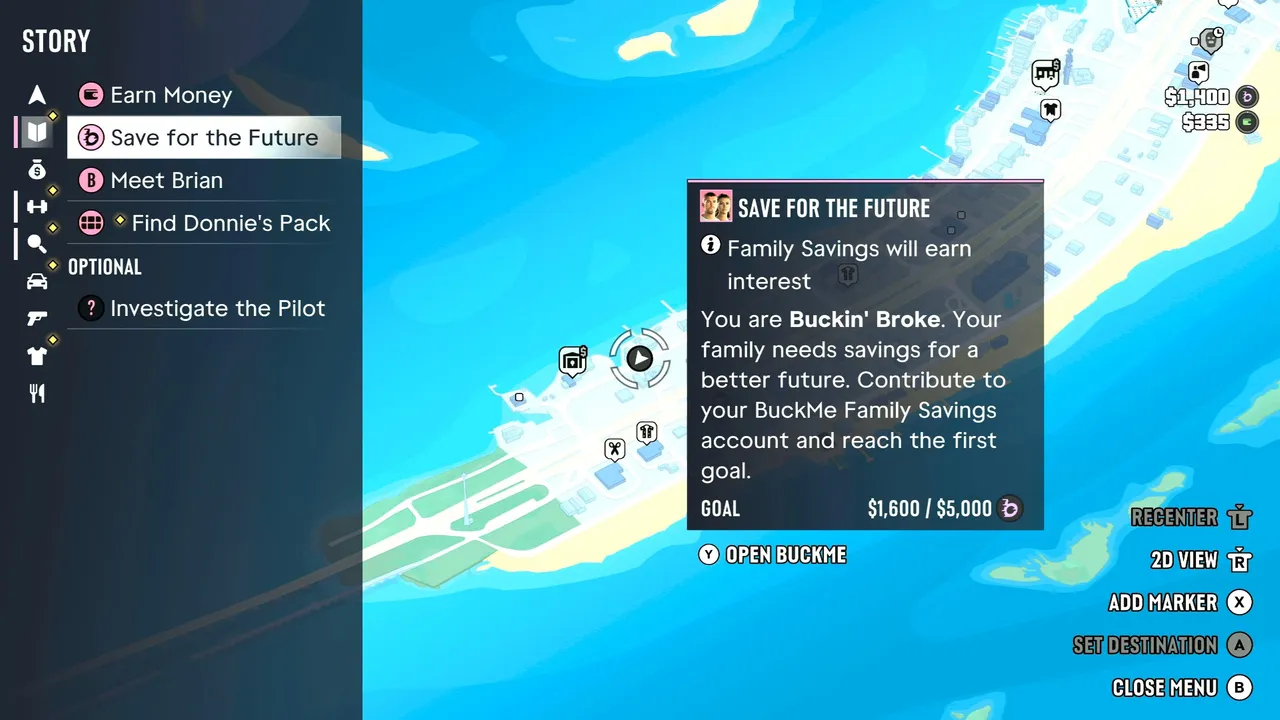
Find Save for the Future in the map’s Story list under the description “Family Savings will earn interest.” The early Save for the Future card reads “You are Buckin’ Broke,” with $1,600 toward a $5,000 goal.
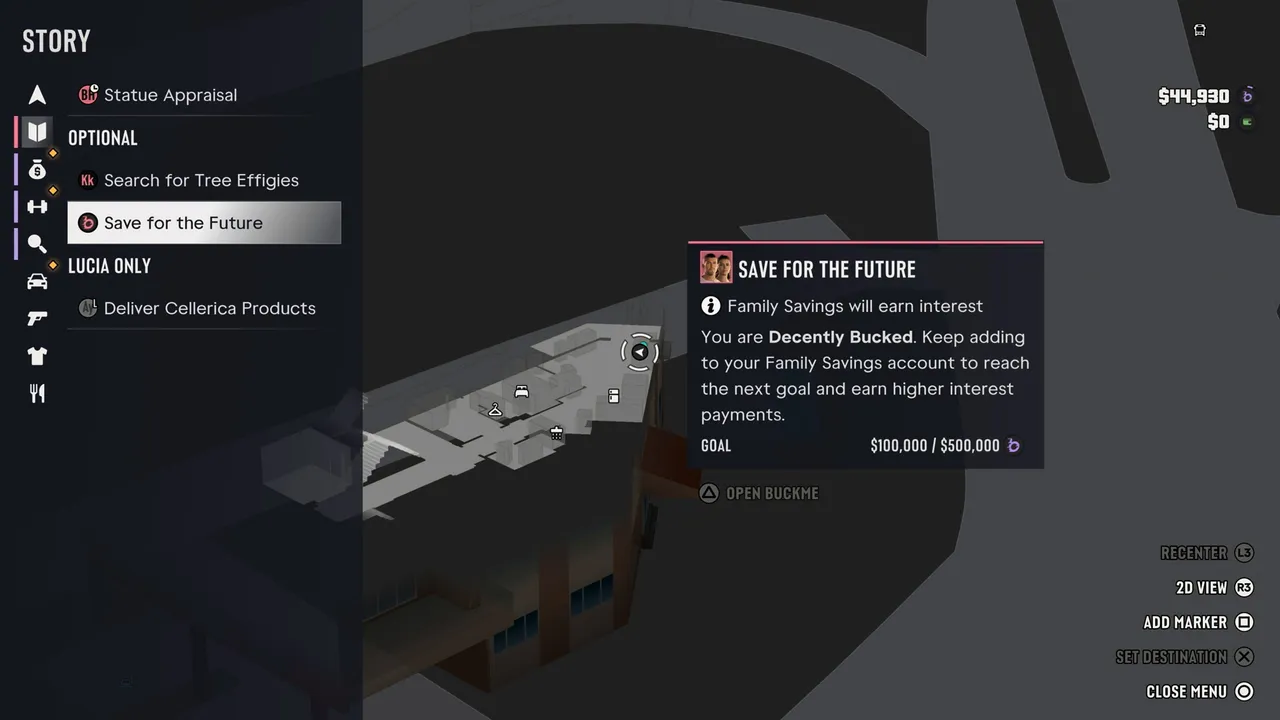
The later Save for the Future card reads “You are Decently Bucked,” with $100,000 toward a $500,000 goal.
Moving money into Family Savings with Buck Yourself, and why it stays locked, is covered in the Buck Me walkthrough.
Reaching a Family Savings goal can earn interest. BuckMe reports a $2,000 Family Savings interest payment for reaching the first goal and says each goal unlocks a new level of interest.
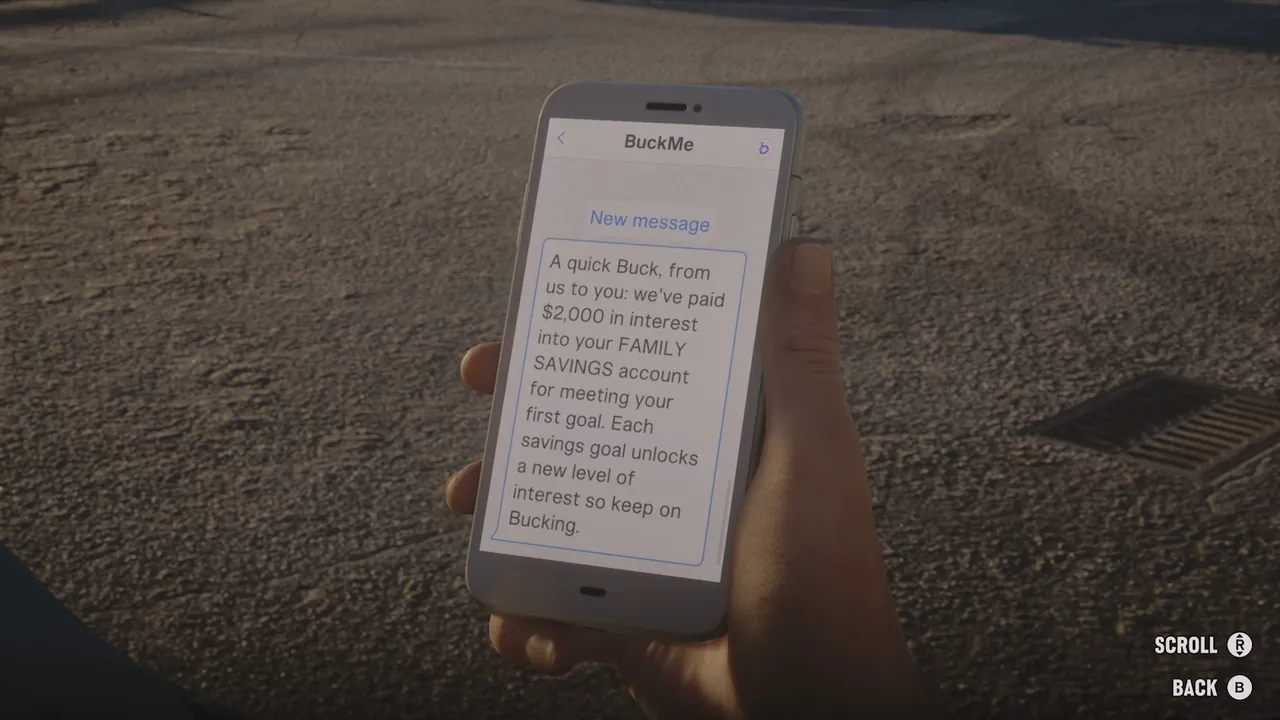
A later BuckMe message reports $20,000 in Family Savings interest based on the account balance.
Depositing cash at an ATM
BuckMe has an ATM Finder with a Set Destination option.
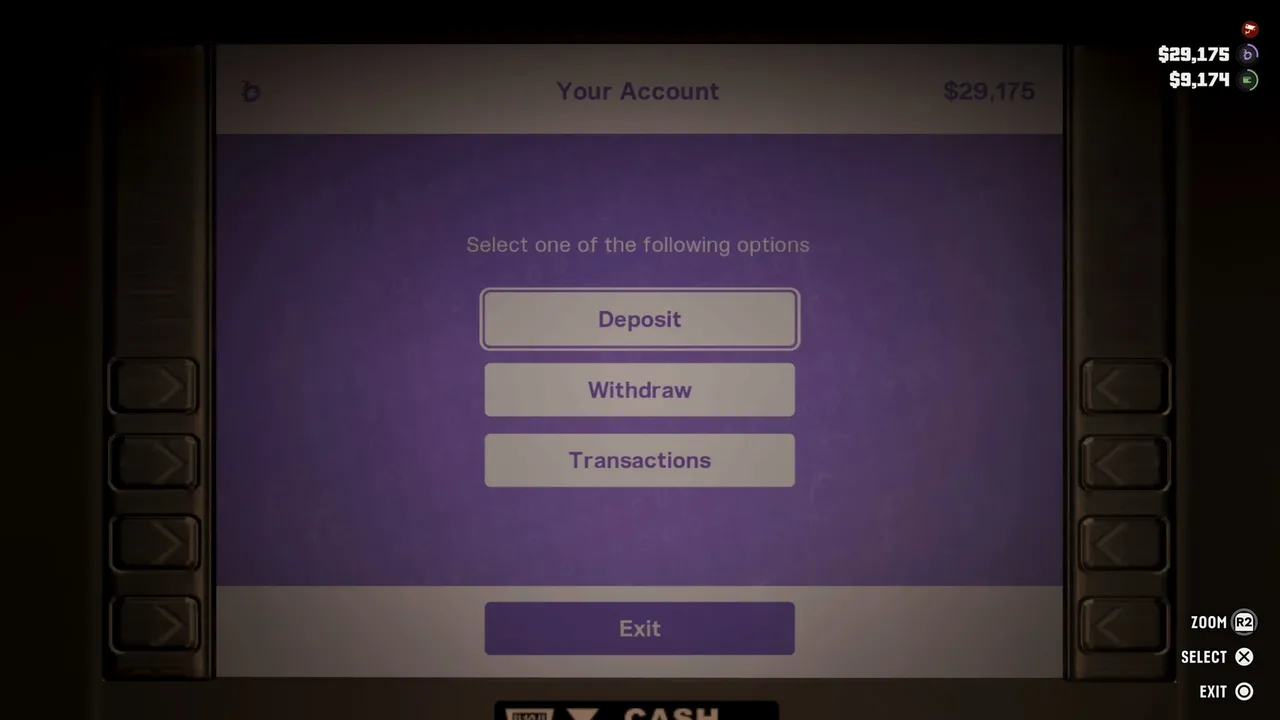
The in-game ATM’s Your Account screen offers Deposit, Withdraw and Transactions.
The deposit screen shows your Account Limit and a Maximum button: with $9,174 in cash on a $100,000 account, Maximum was $9,174.
When you hit the limit
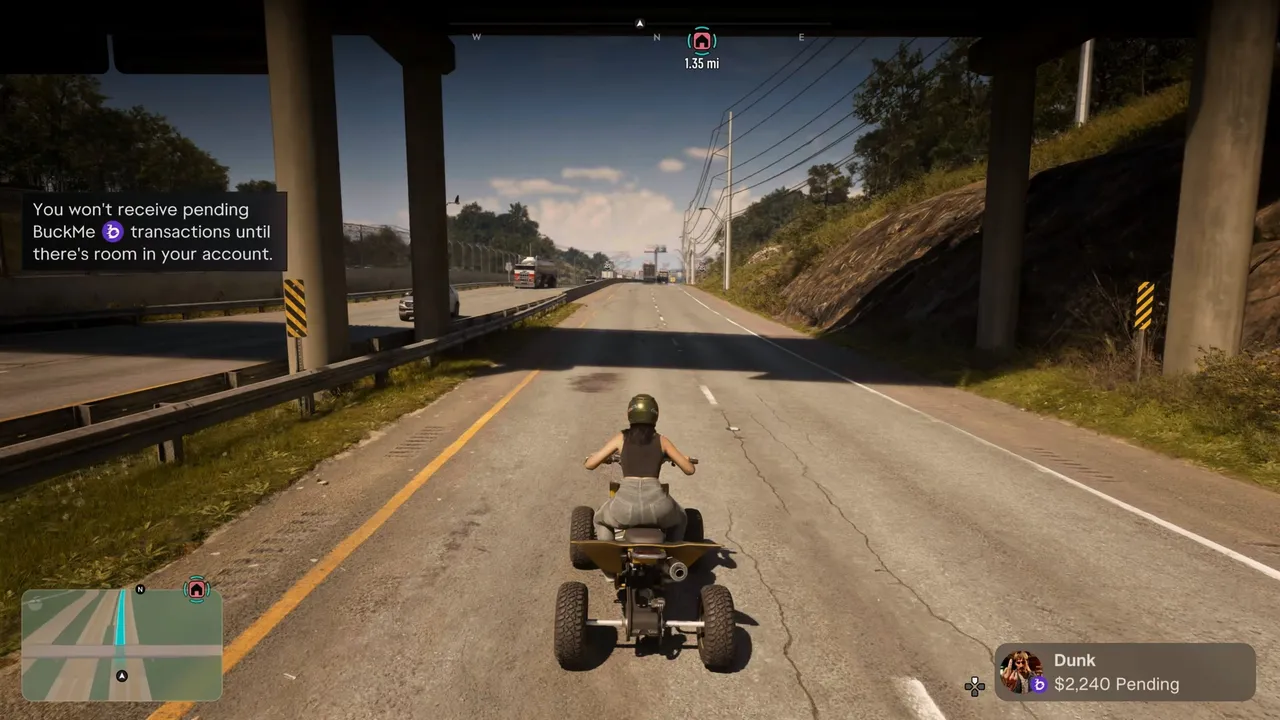
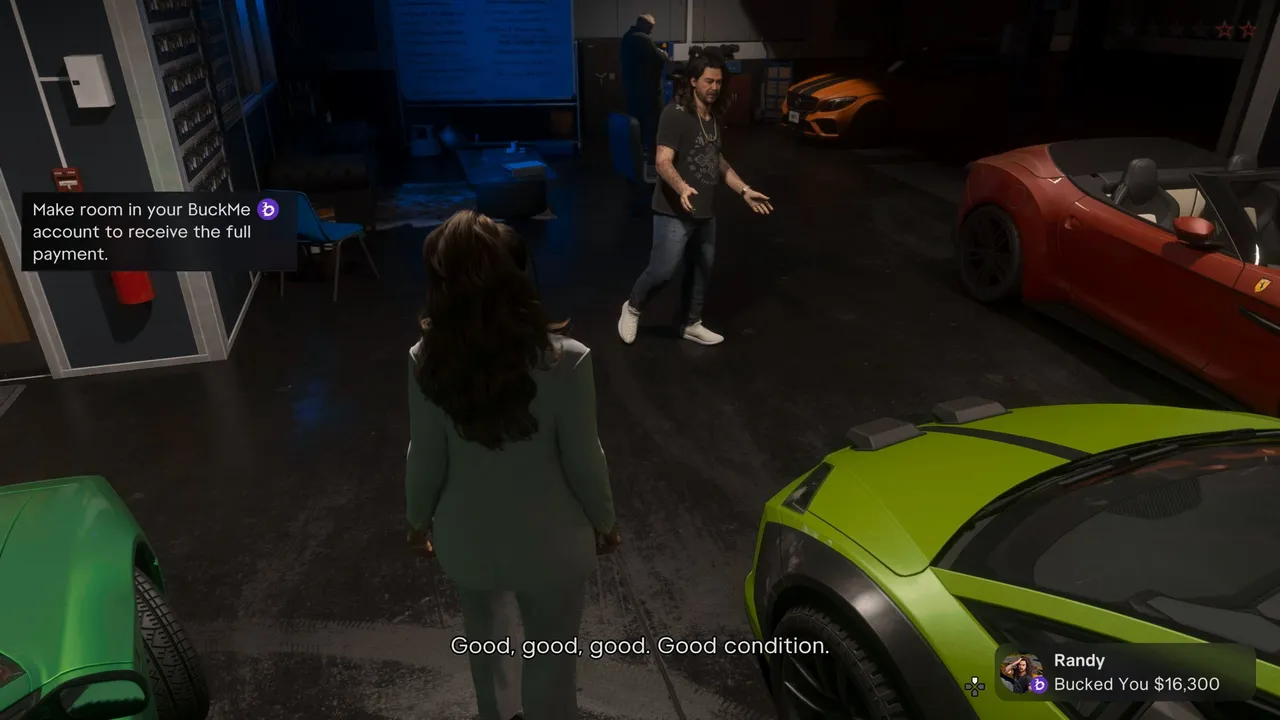
BuckMe displays “Nearing balance limit” when the balance is close to the cap. Pending BuckMe transactions wait until there is room in the account.
At Randy’s showroom, the game reports “Randy Bucked You $16,300” and advises making room in BuckMe to receive the full payment.
A later notice from Randy reads “$10,000 Pending.”

Credits
Gameplay captured by StreamerHouse.
More in Money