Moses Walkthrough: GTA 6 Slim Jim, Suitable Vehicle and Registering Your Car
In the Chapter 2 mission Moses, Lucia gets a vehicle registered in her name. Moses opens at Watkins Auto Parts, and the first objective is “Follow Moses.” The mission’s hints say Moses won’t take vehicles with trackers and that using a slim jim can avoid setting off a vehicle’s alarm. You play as Lucia in Moses. Choose Keep Current to stick with the vehicle you have, or Find Another to get the “Steal a suitable vehicle” objective. In the recorded runs, it took about six minutes to reach the registration objective with Keep Current and about ten with Find Another.
Follow Moses
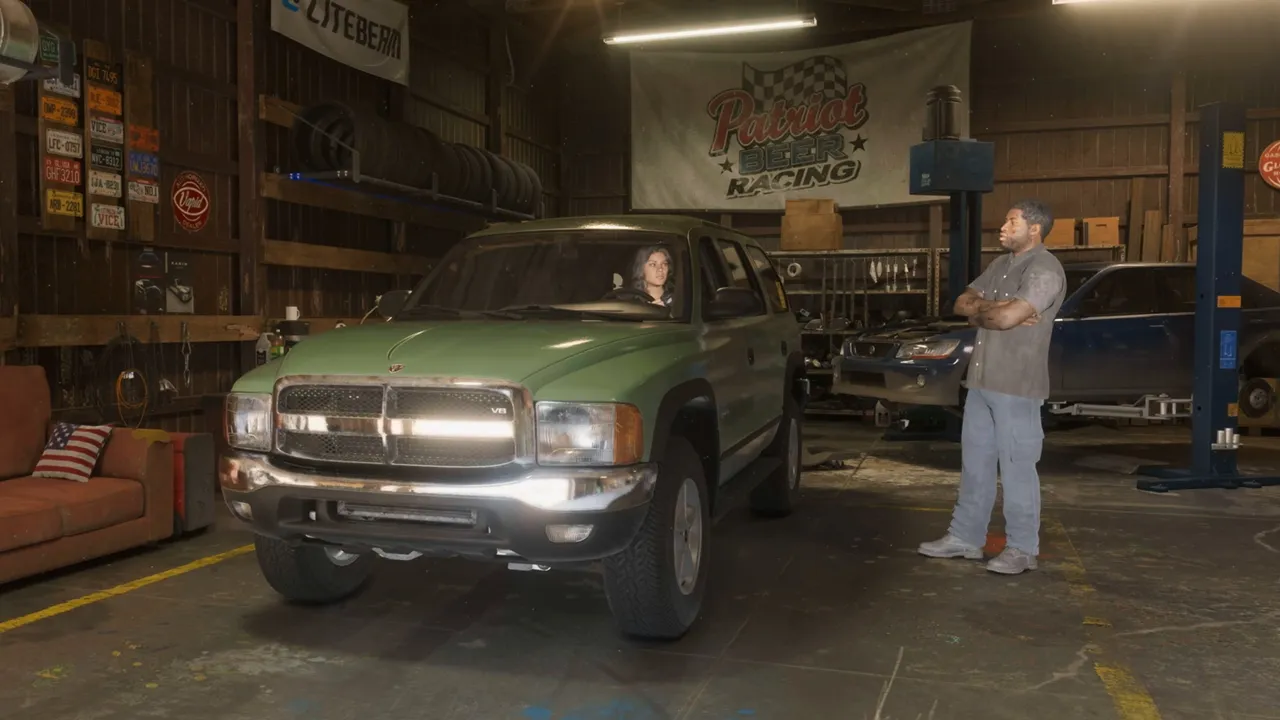
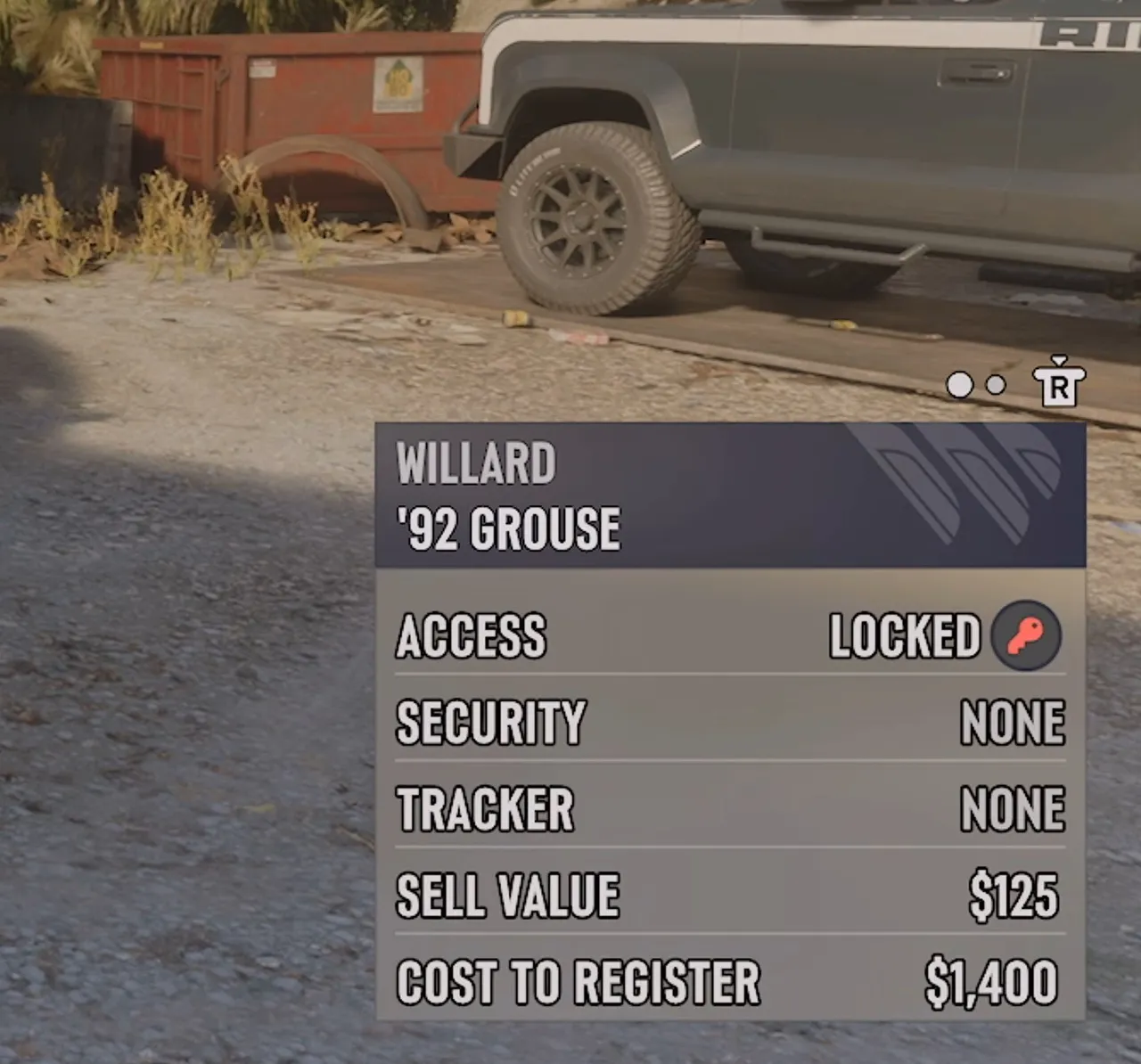
The Moses title appears inside his garage. Follow Moses out of the garage and along the side of the shop. In the WAiNK app, aim at a vehicle and hold RB on Xbox or R1 on PlayStation to scan it. The WAINK IT prompt is at the bottom right. The game tells you to bring Moses vehicles in top condition for maximum value and says he won’t take vehicles with trackers installed.
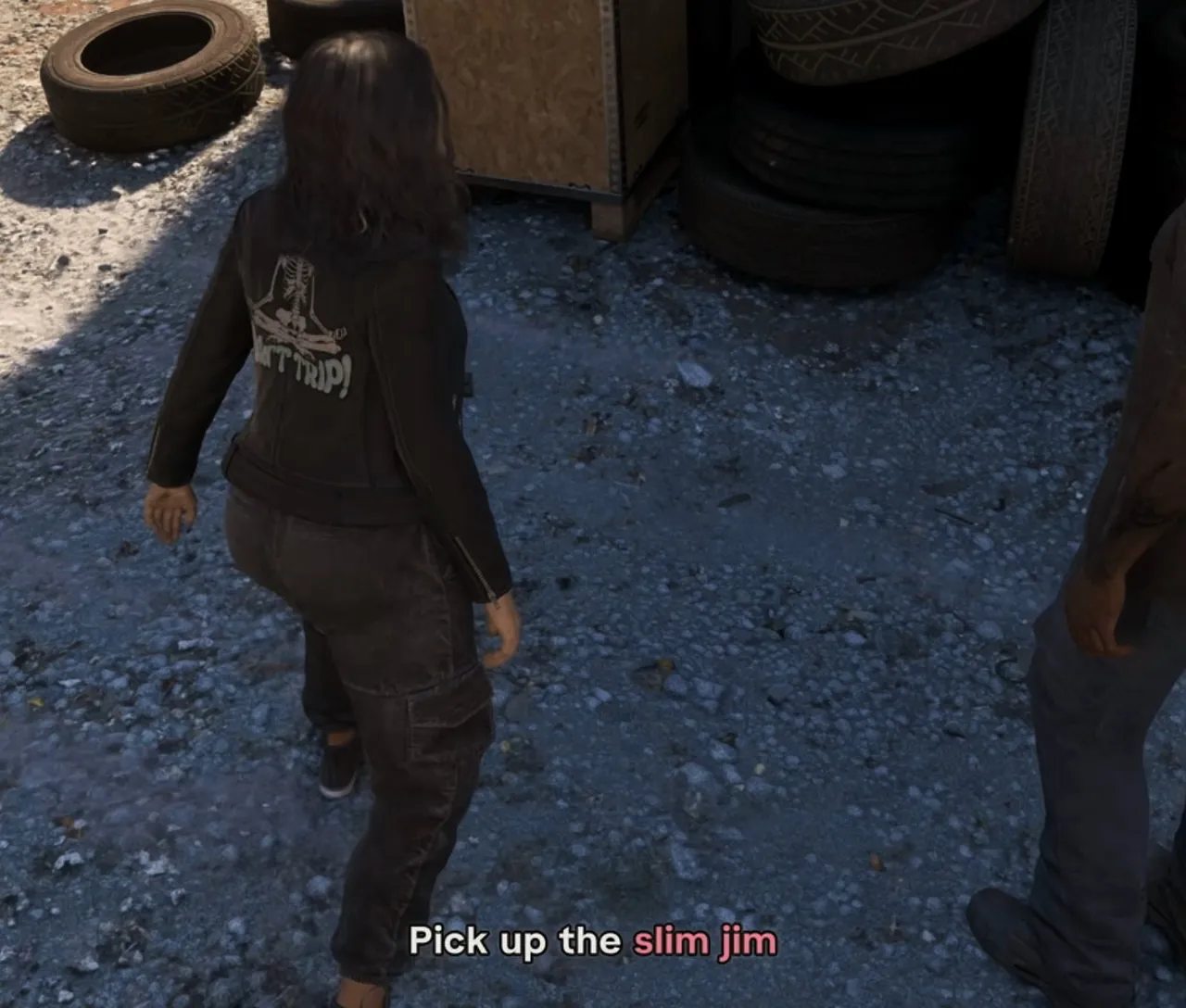
Pick up the slim jim
Pick up the slim jim beside the stack of tires.
Break into the Montagne XL
In the yard, the mission tells Lucia to use the slim jim on the brown Montagne XL. A hint reads “Using a slim jim can avoid setting off a vehicle’s alarm.”
Follow Moses (back to the garage)
Follow Moses back inside the garage. Moses offers two options, Keep Current or Find Another. Two recorded runs kept their current vehicle, and two went to find another. If you choose KEEP CURRENT, the next service objective is “Respray your new personal vehicle.” Choosing FIND ANOTHER adds a separate step: “Get in the vehicle.”
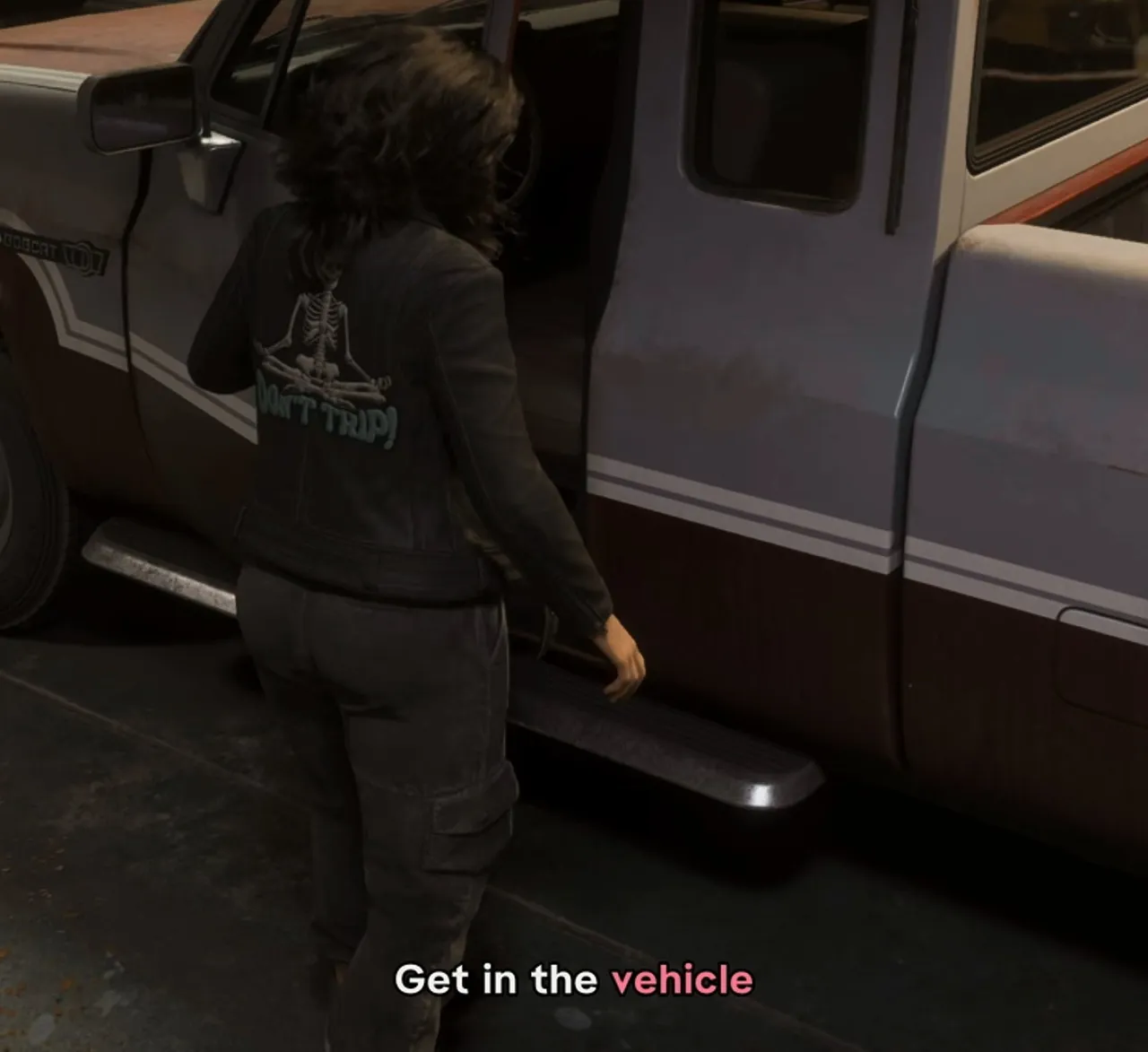
Get in the vehicle
After choosing FIND ANOTHER, get into the pickup in Moses’ garage.
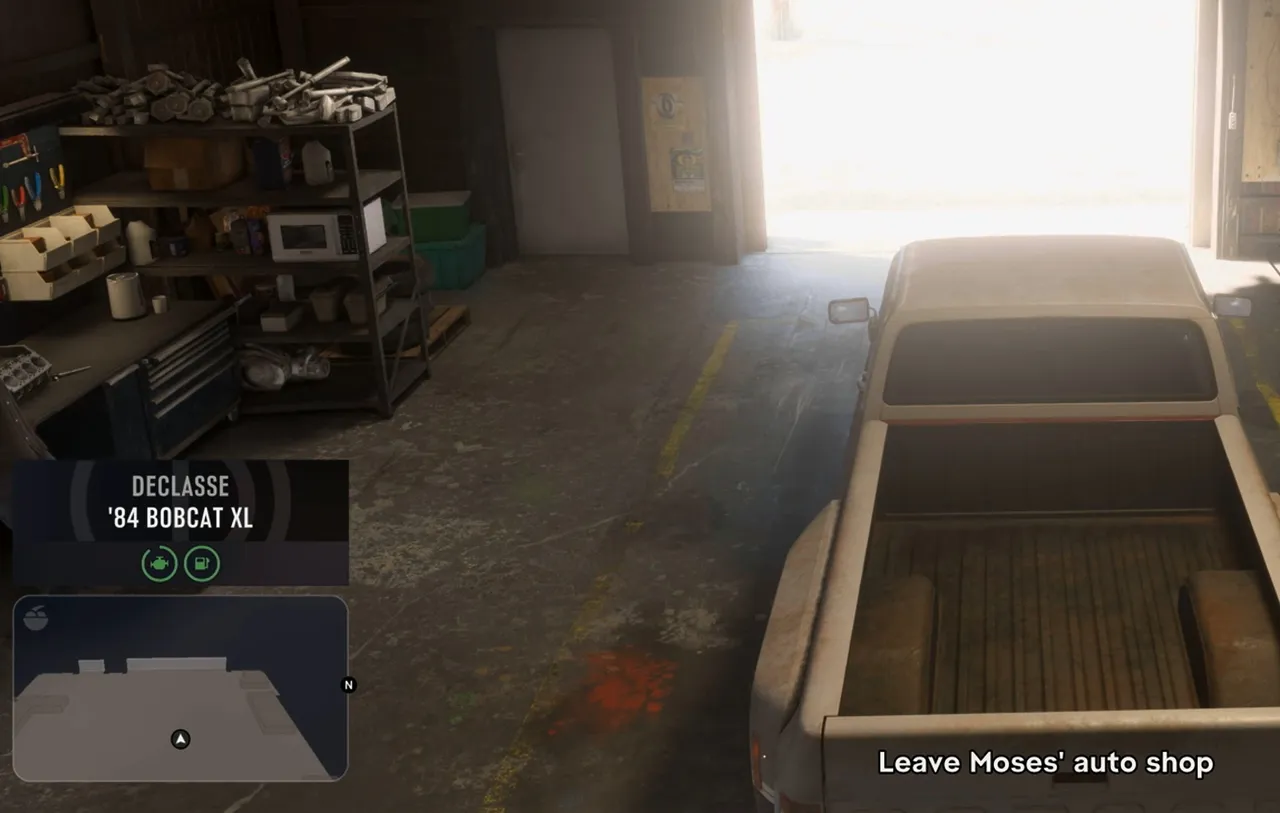
Leave Moses’ auto shop
Drive the pickup out of Moses’ garage. The pickup in Moses’ garage is a Declasse ’84 Bobcat XL.
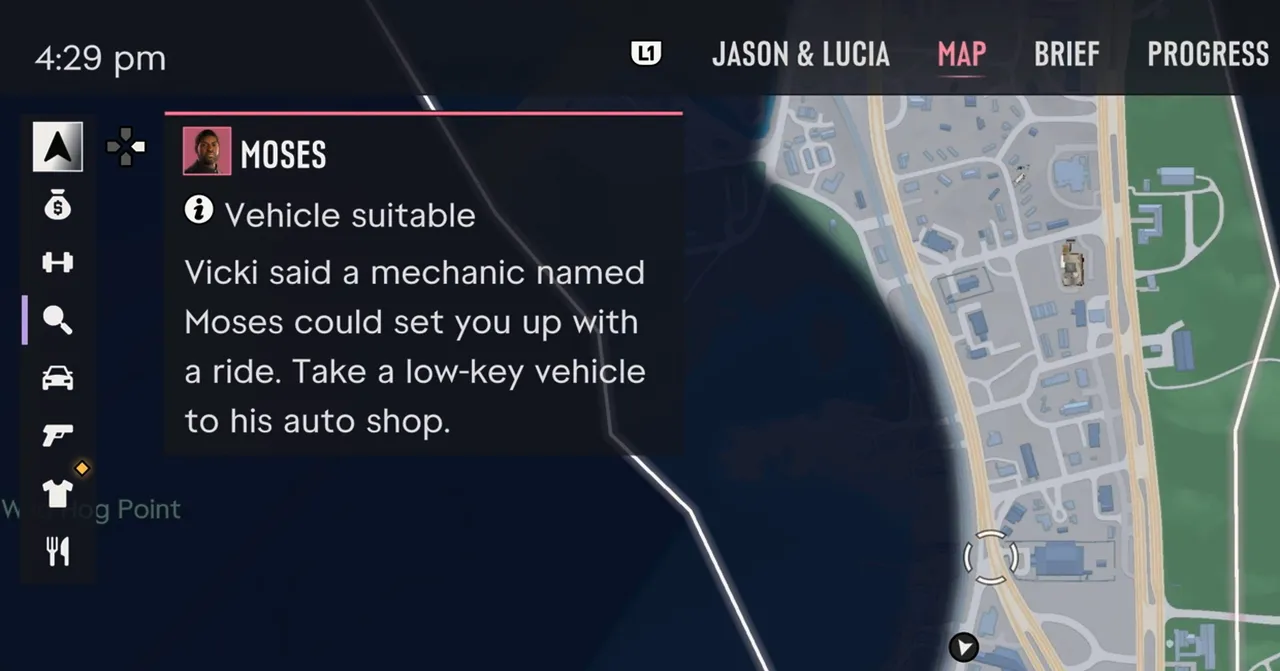
Steal a suitable vehicle
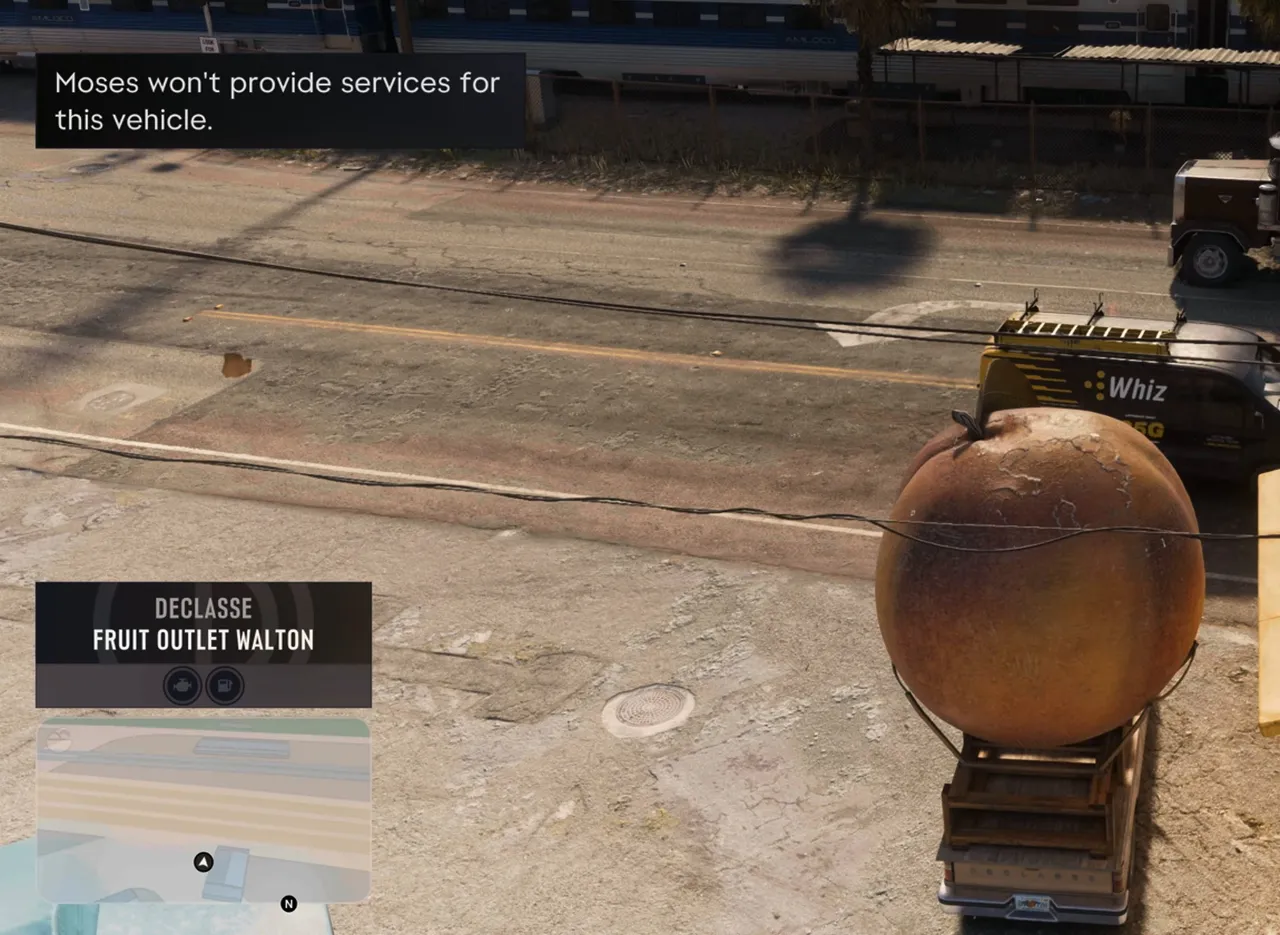
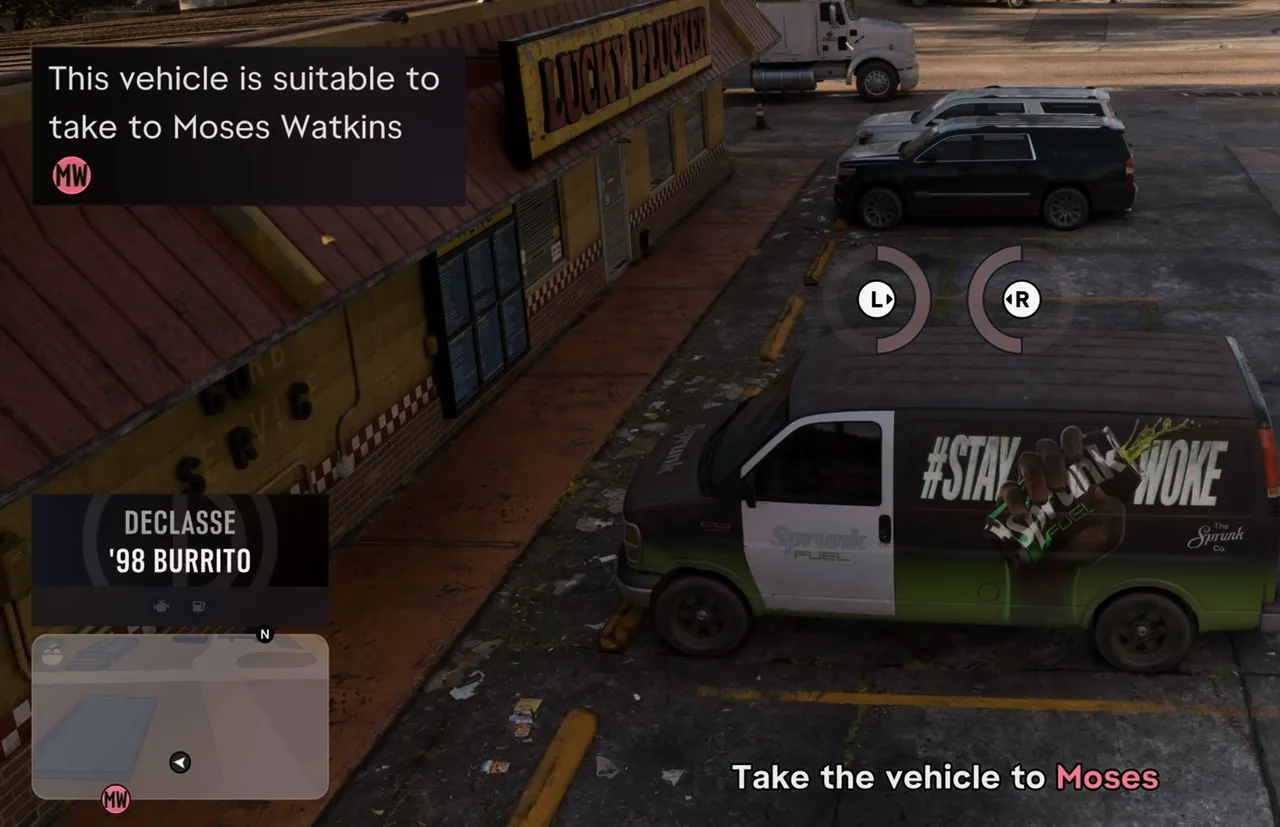
Look for a low-key vehicle to take back to Moses. The pause-map brief says, “Vicki said a mechanic named Moses could set you up with a ride. Take a low-key vehicle to his auto shop.” If Moses rejects your choice, the game shows “Moses won’t provide services for this vehicle.” The two Find Another runs registered different vehicles, a Declasse ’98 Burrito and a Bravado Dorado. One run registered a green Bravado Dorado.
Take the vehicle to Moses
Look for the hint “This vehicle is suitable to take to Moses Watkins” before driving back to the shop.
Respray your new personal vehicle
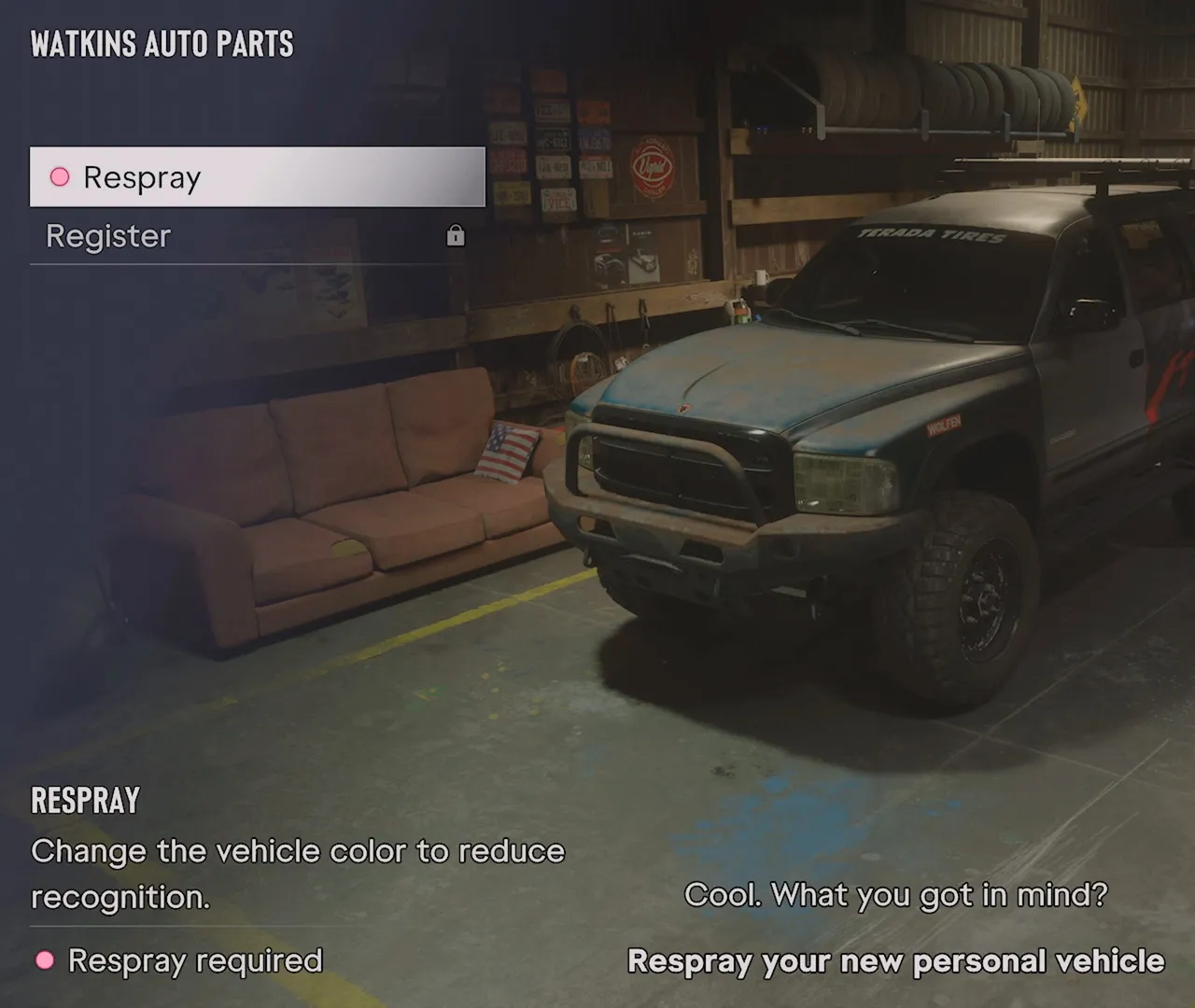
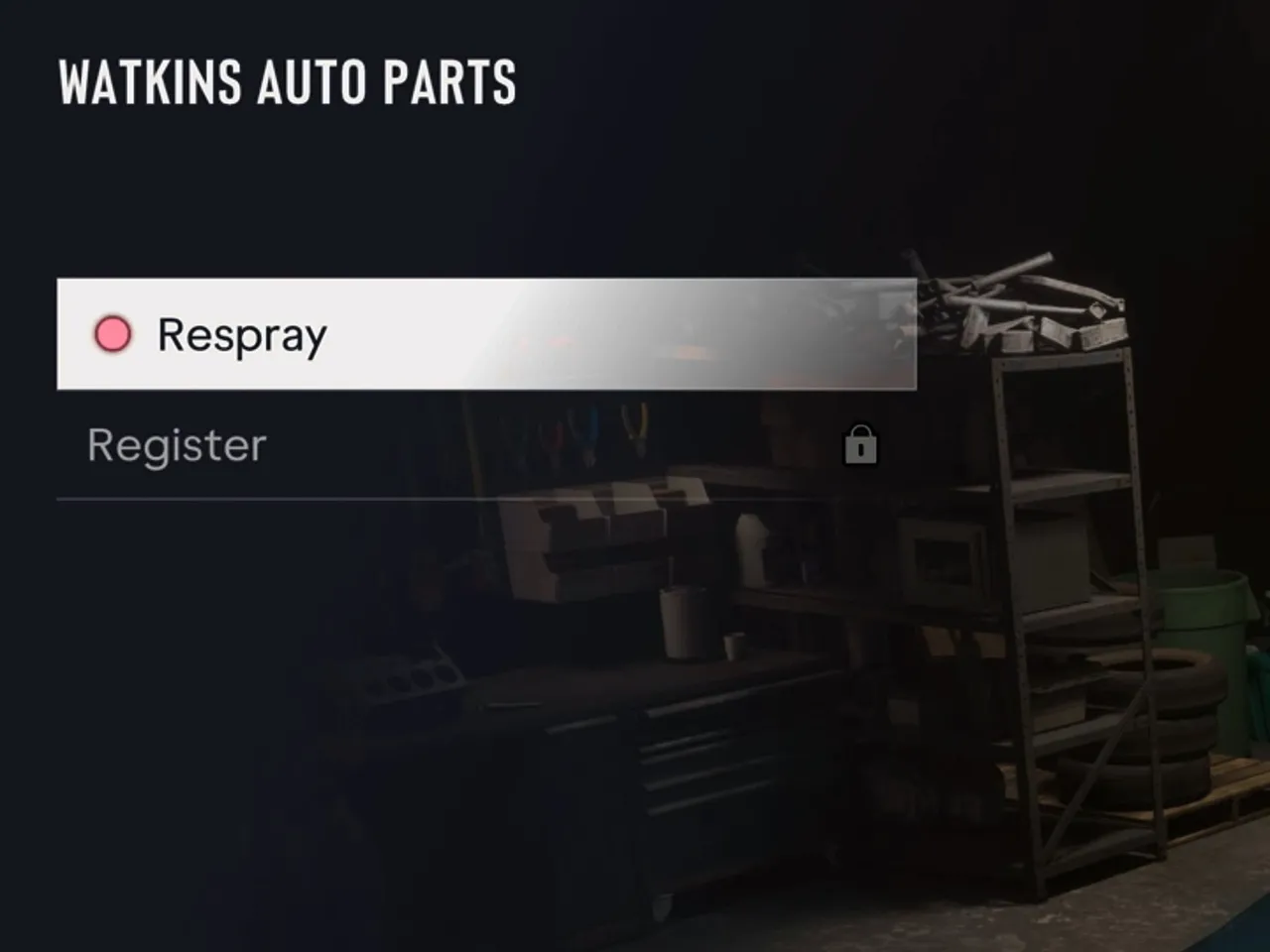
Choose Respray first at Watkins Auto Parts. The service menu shows Register locked and marks the respray as required. The Respray menu says changing the vehicle’s color reduces recognition.
Register your new personal vehicle
After respraying, select Register to make the vehicle yours. The hint says “Moses has registered you as the owner of this vehicle.”
What comes next
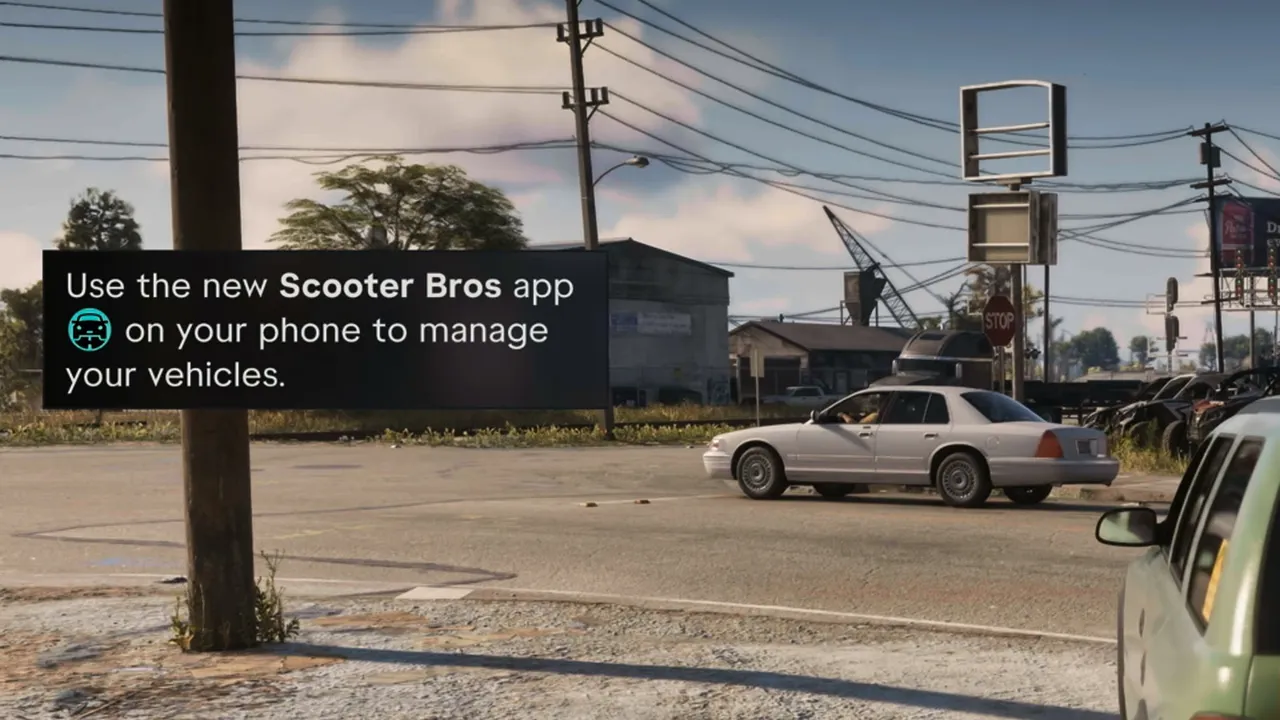
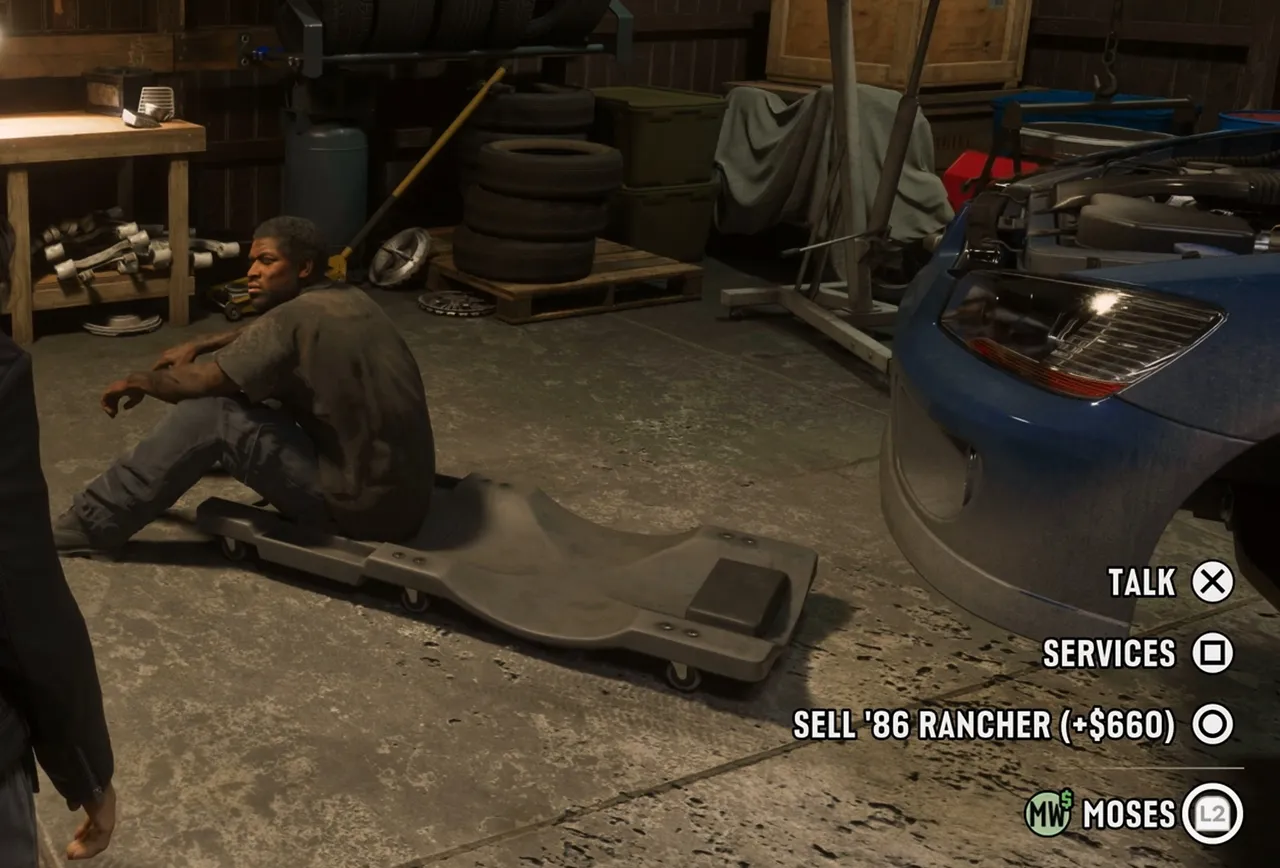
Two tips follow: Moses buys untracked vehicles he’s looking for and registers personal vehicles for a fee. The Scooter Bros app lets you manage your vehicles. The hint says “He’ll also register a new personal vehicle for a fee.” The other says “Use the new Scooter Bros app on your phone to manage your vehicles.” Moses’ interaction menu includes a SELL option. In this sale, Moses paid $660 for an ’86 Rancher as a Bucked transfer.
More in Missions