How to Save, Load and Start a New Game in GTA 6 Without Losing Progress
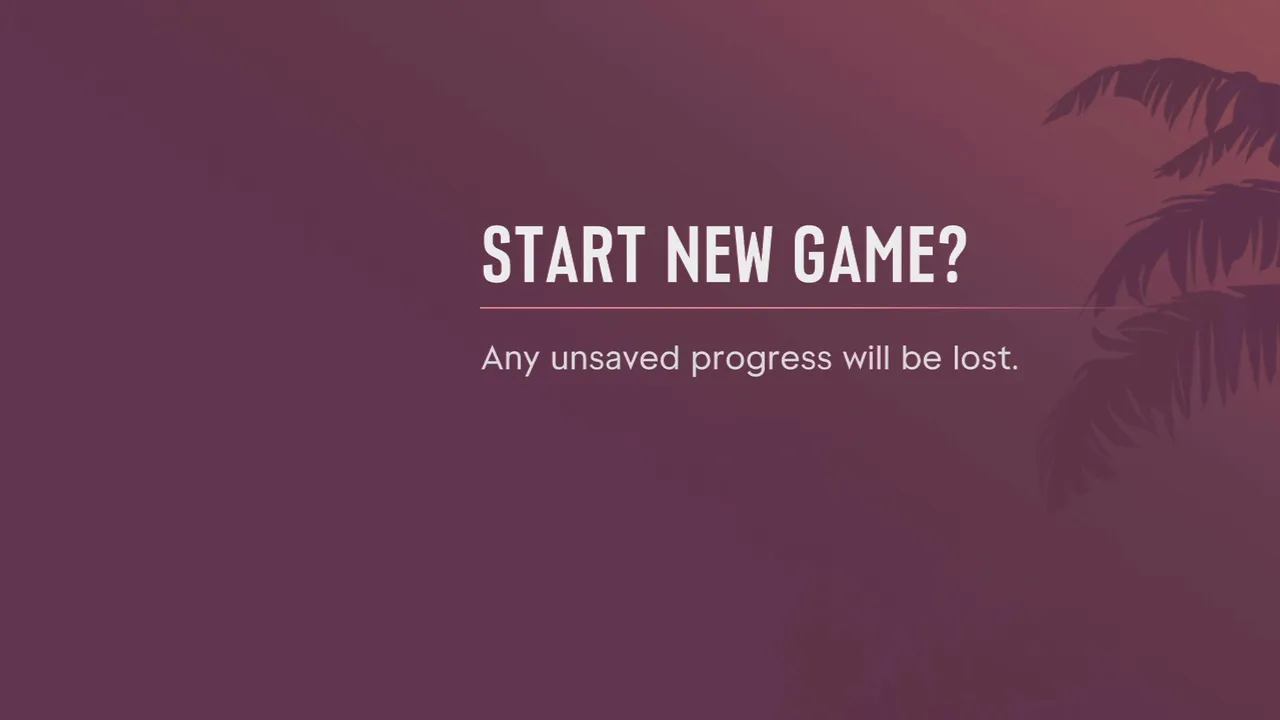
To save manually, open the pause menu’s Game tab and select Save Game. The tab also lists Load Game and New Game. Starting a new game warns “Any unsaved progress will be lost.” Save to a manual slot first if you want to keep your current progress.
How to save
-
The manual Save screen has 15 slots, with unused entries labeled “Empty Slot.”
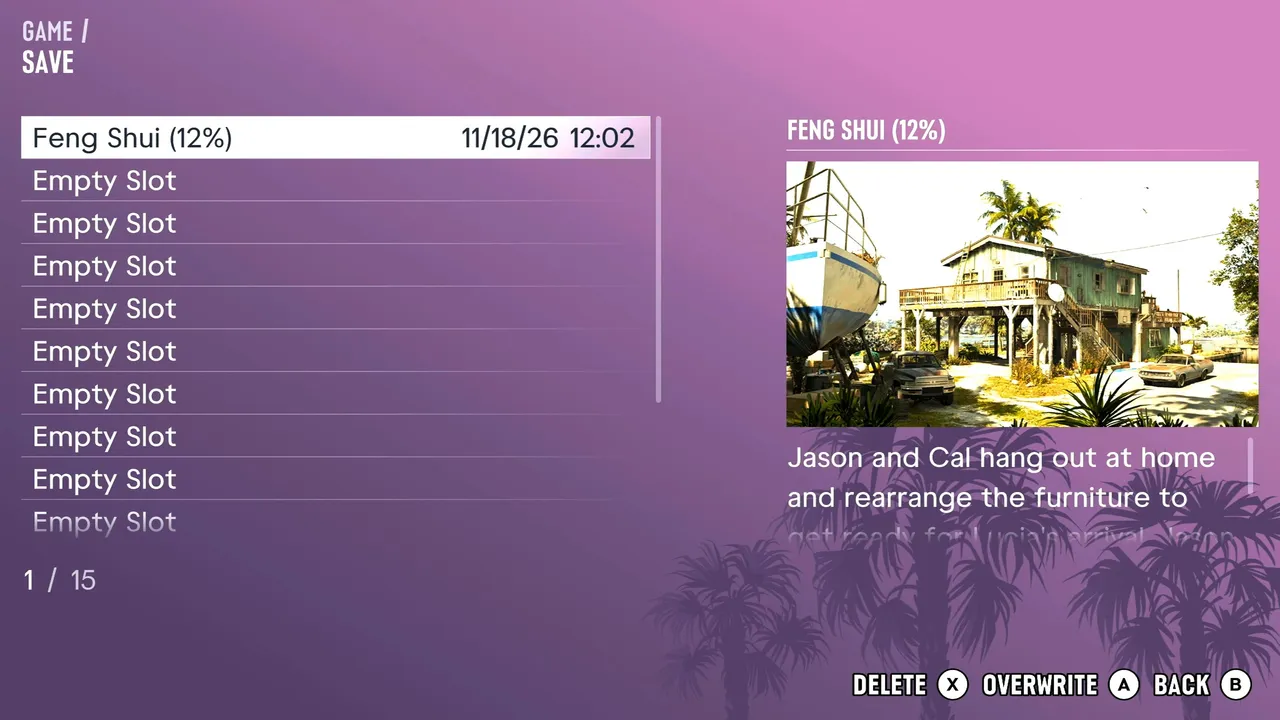
The Save screen. -
Each save is named after the current mission and a percentage, with its date and time.
-
When you choose Overwrite on a filled slot, the game asks “Overwrite Saved Game?” and warns that the slot “will be permanently overwritten with your new save.”

The overwrite prompt.
Starting a new game
- Choose New Game and the game asks “Start New Game?” with Yes and No. The warning reads “Any unsaved progress will be lost.”
Loading a save
-
Load Game lists manual saves and autosaves together, newest first.
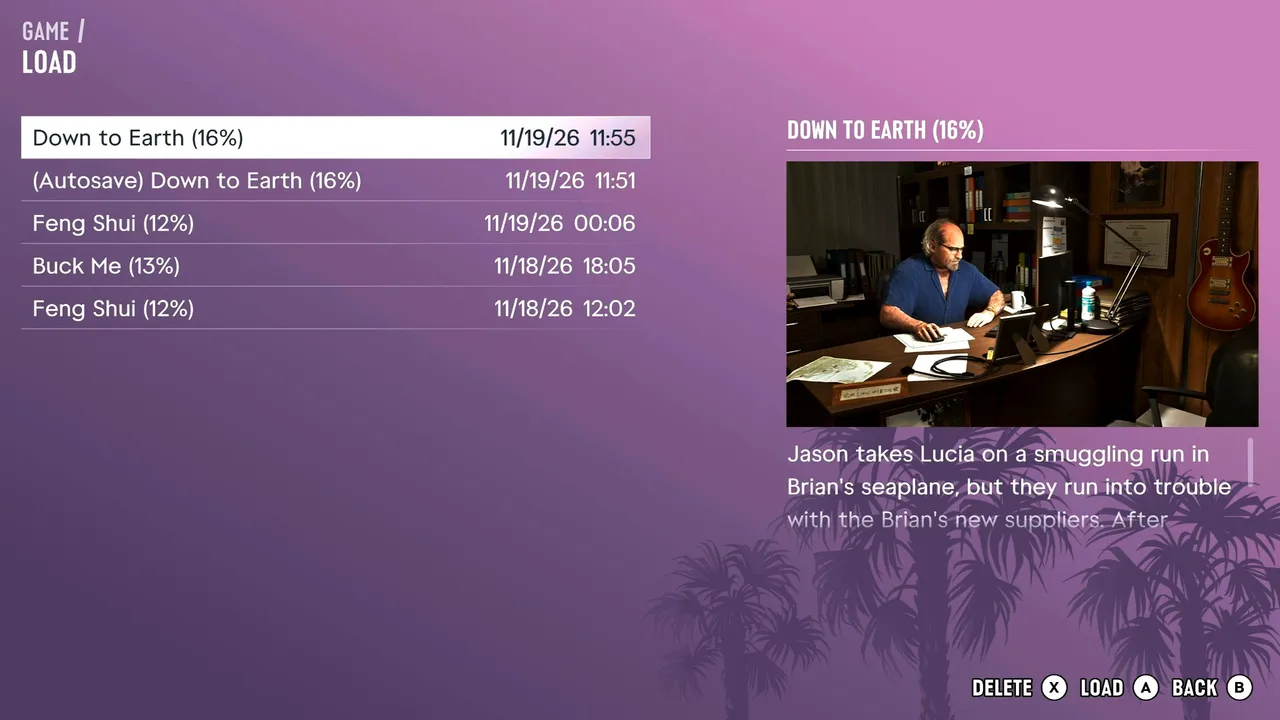
The Load list with manual saves and an autosave. -
The Load Saved Game confirmation warns that loading loses unsaved progress from the current session.
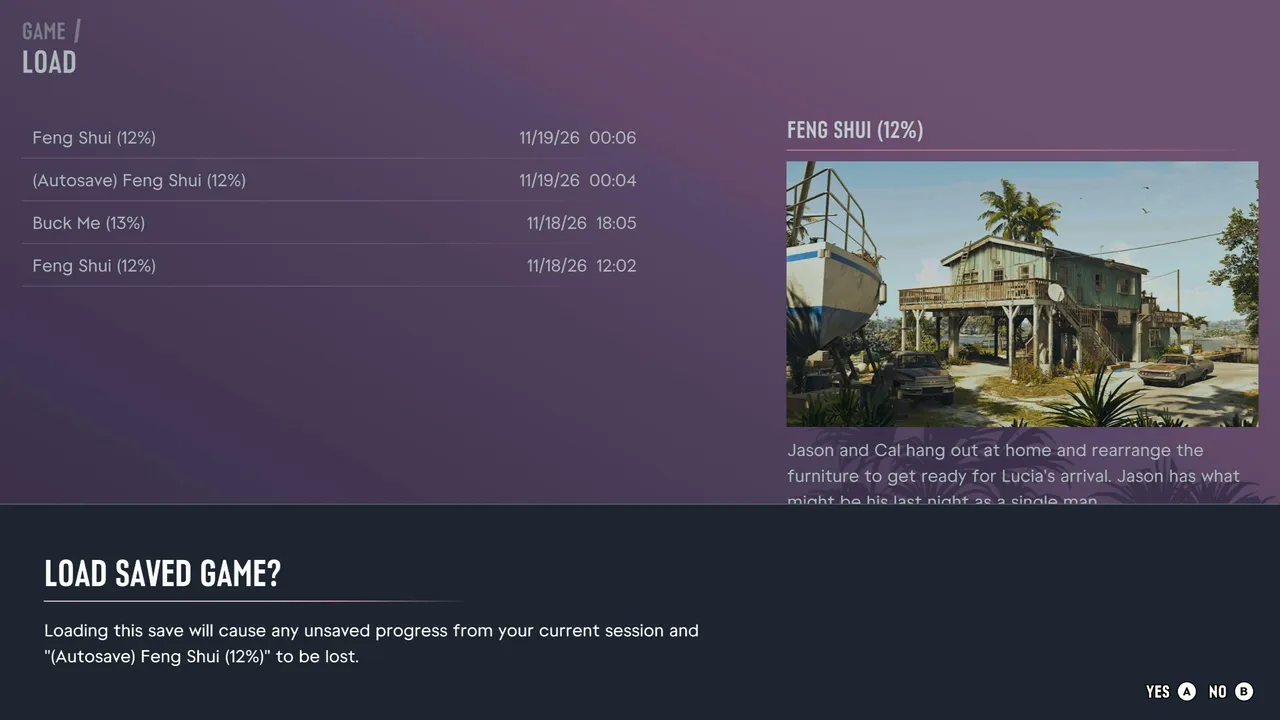
The load confirmation.
Autosaves and the percentage
-
The Load list puts “(Autosave)” before the mission name.
-
The recorded Load list shows Feng Shui at 12%, Buck Me at 13%, and Down to Earth at 16%.
-
Two recorded Afternoon Delight saves show 35% and 38%.
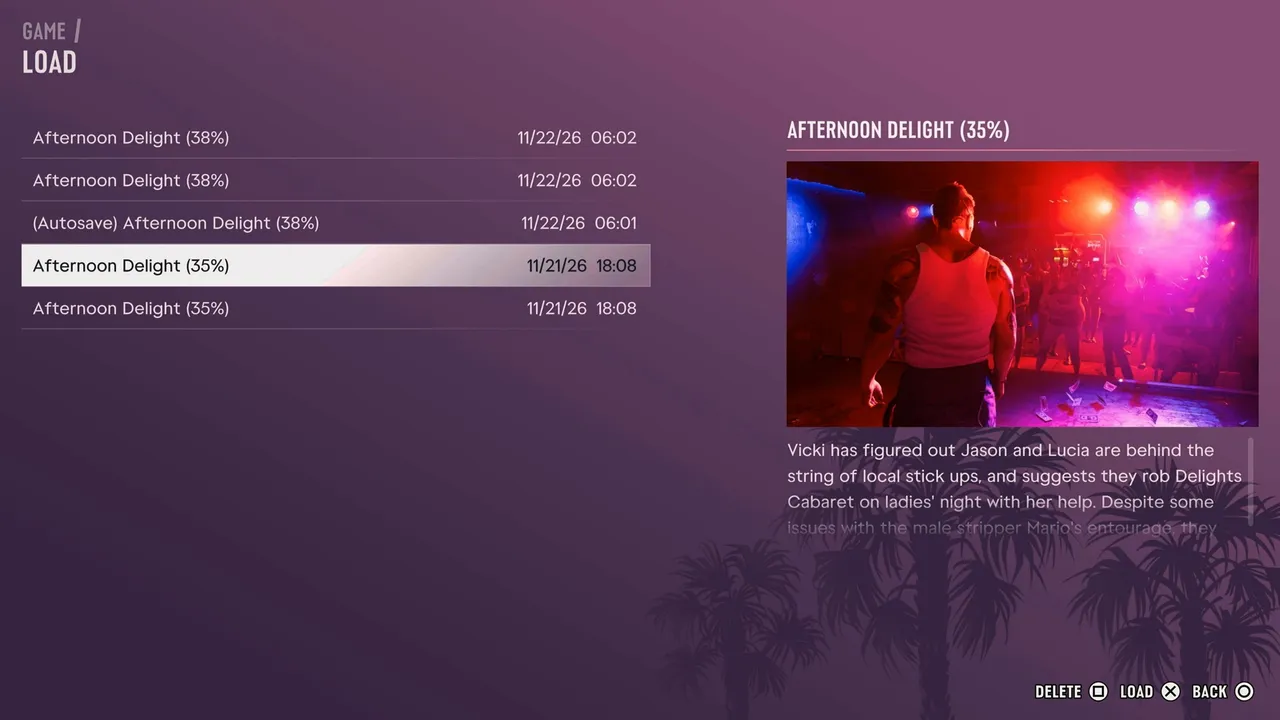
Afternoon Delight saves in the Load list. -
The Load list displays a mission summary for the selected save, including the Feng Shui summary about Jason and Cal rearranging furniture before Lucia arrives.
Credits
Gameplay captured by StreamerHouse.
More in Getting started