GTA 6 Phone Contacts: How to Call Someone and Who to Call
Quick answer
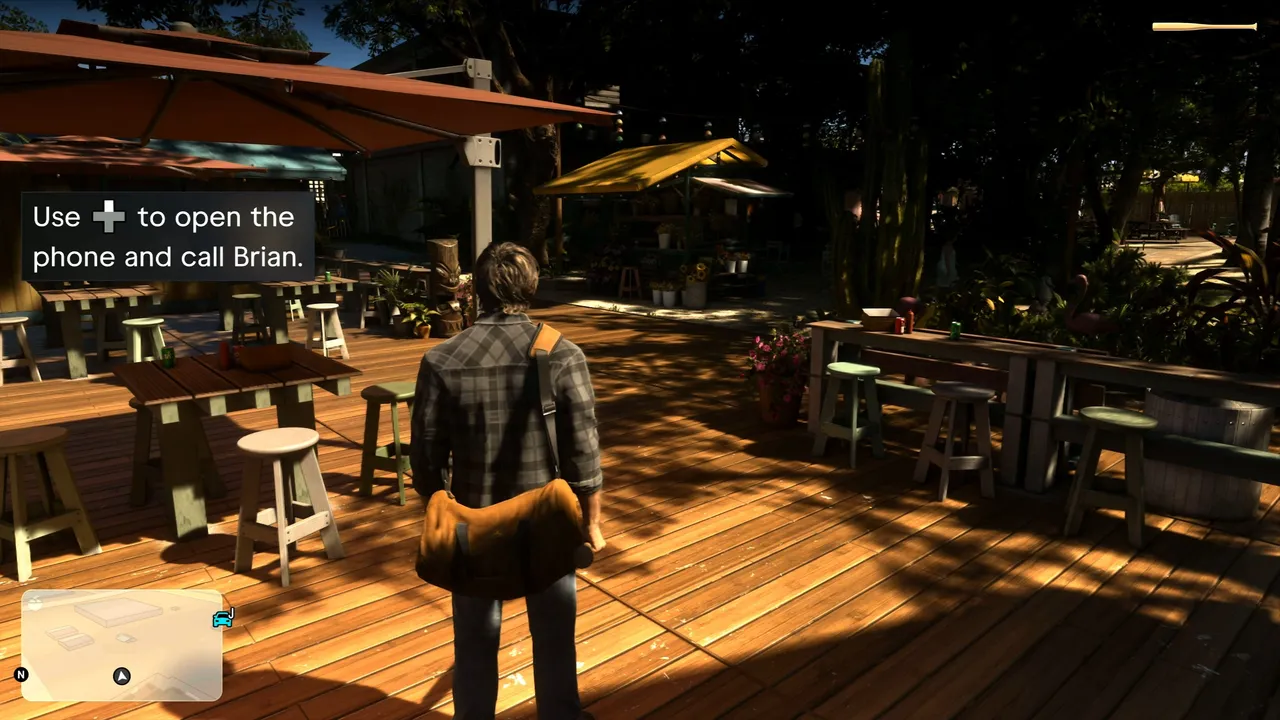
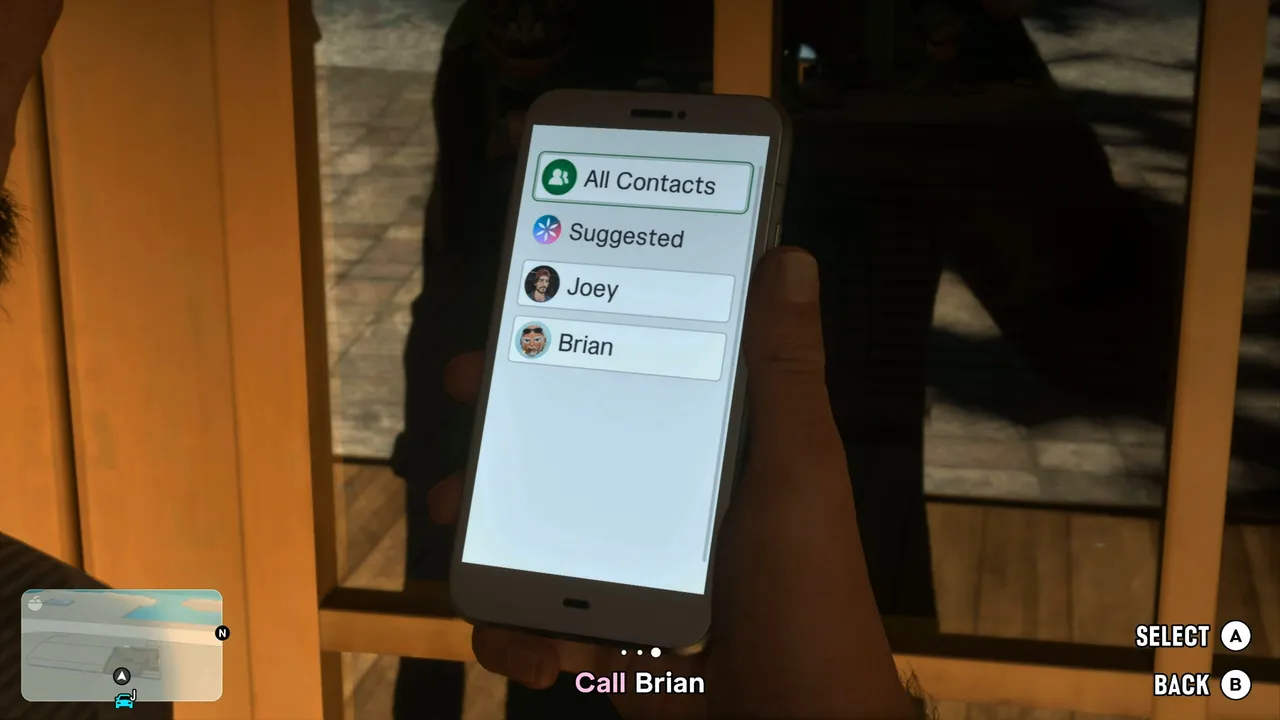
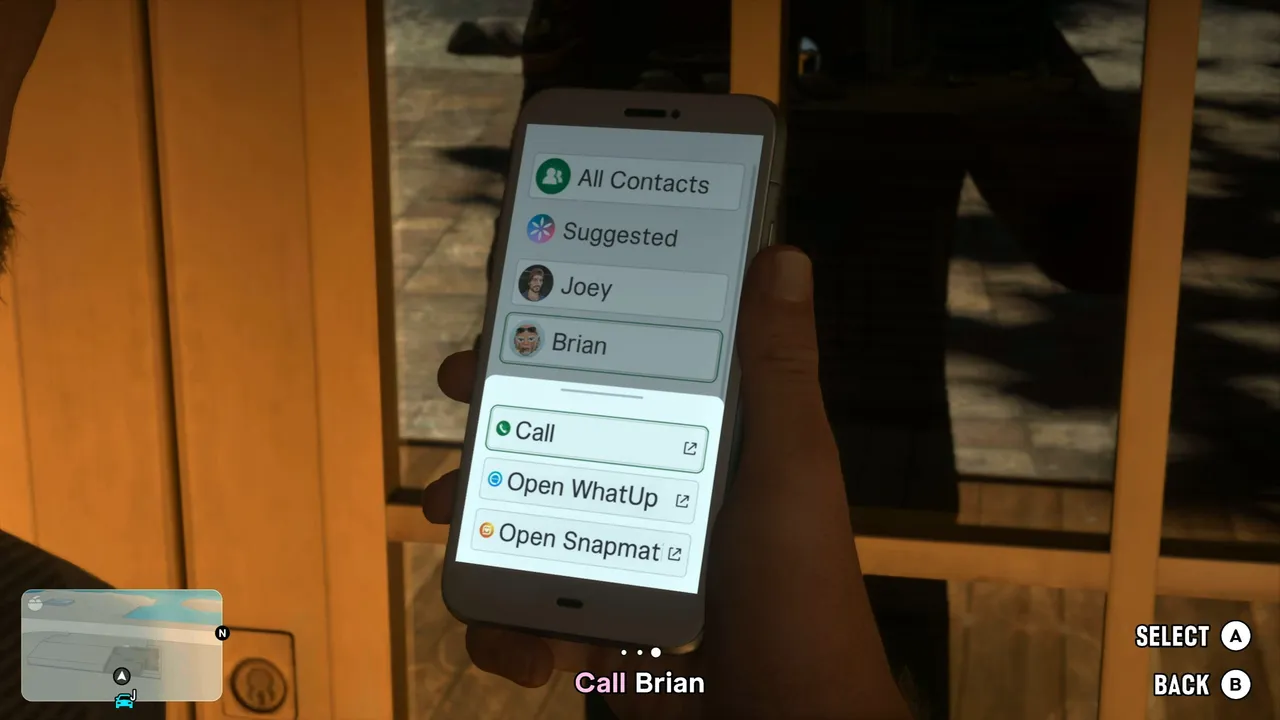
Press D-pad Up to open the phone, then select Brian in Contacts and choose Call.
The Contacts app
Contacts shows All Contacts and Suggested above the saved names. Selecting Brian in Contacts brings up Call and shortcuts to WhatUp and Snapmatic. In WhatUp, Suggested appears above the Messages list. A Suggested message can include a location pin, as Brian’s “Cal’s fishing spot” message does.
Who to call
If the Ganado needs repairs or delivery, call Joey from Contacts. Call Paradise Taxi from Contacts for a ride to a destination such as your house or vehicle. When the option appears, hold D-pad Right to call Lucia for backup.
More in Getting started