Auto drive in GTA 6: What the Game Shows
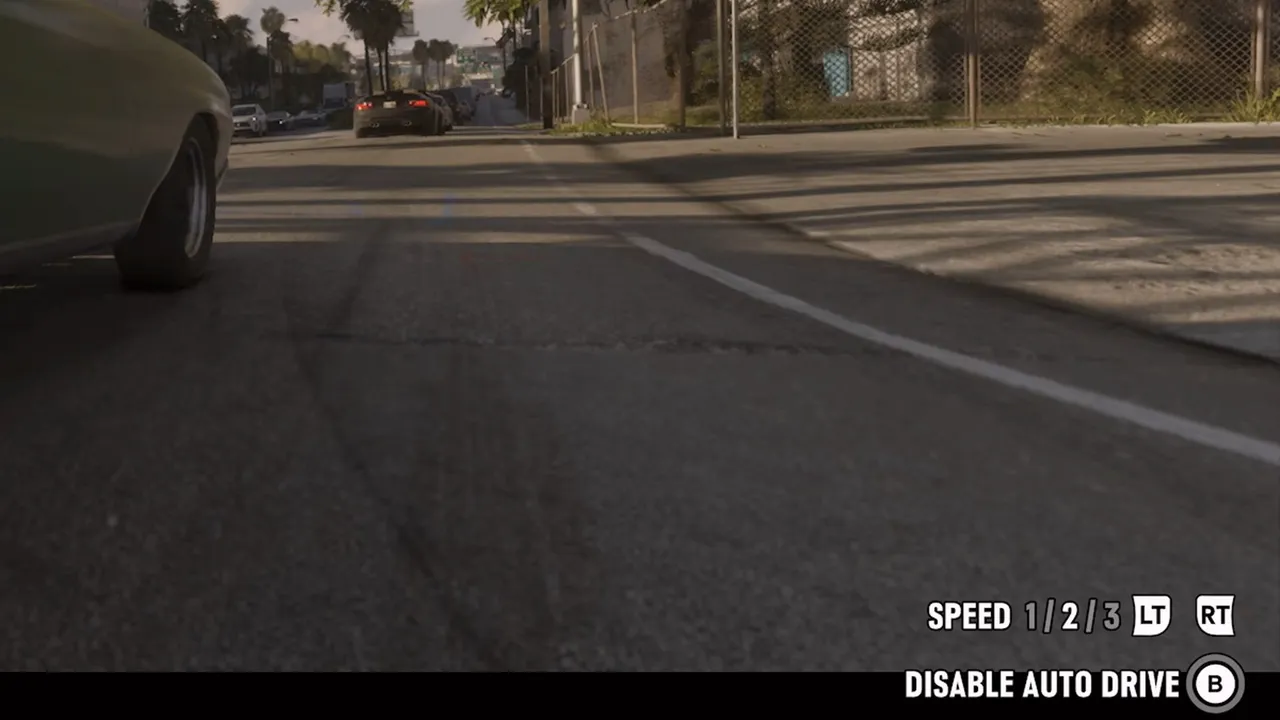
With a route set, switch to the cinematic view and use Enable Auto Drive. The HUD changes to Disable Auto Drive when it’s on.
Good to know
-
In the same night ride, the vehicle overlay shows Cinematic and a destination is set. The view switches to a cinematic angle, where “Enable Auto Drive” changes to “Disable Auto Drive.” Both Auto Drive prompts use B.
Scope — one captured ride
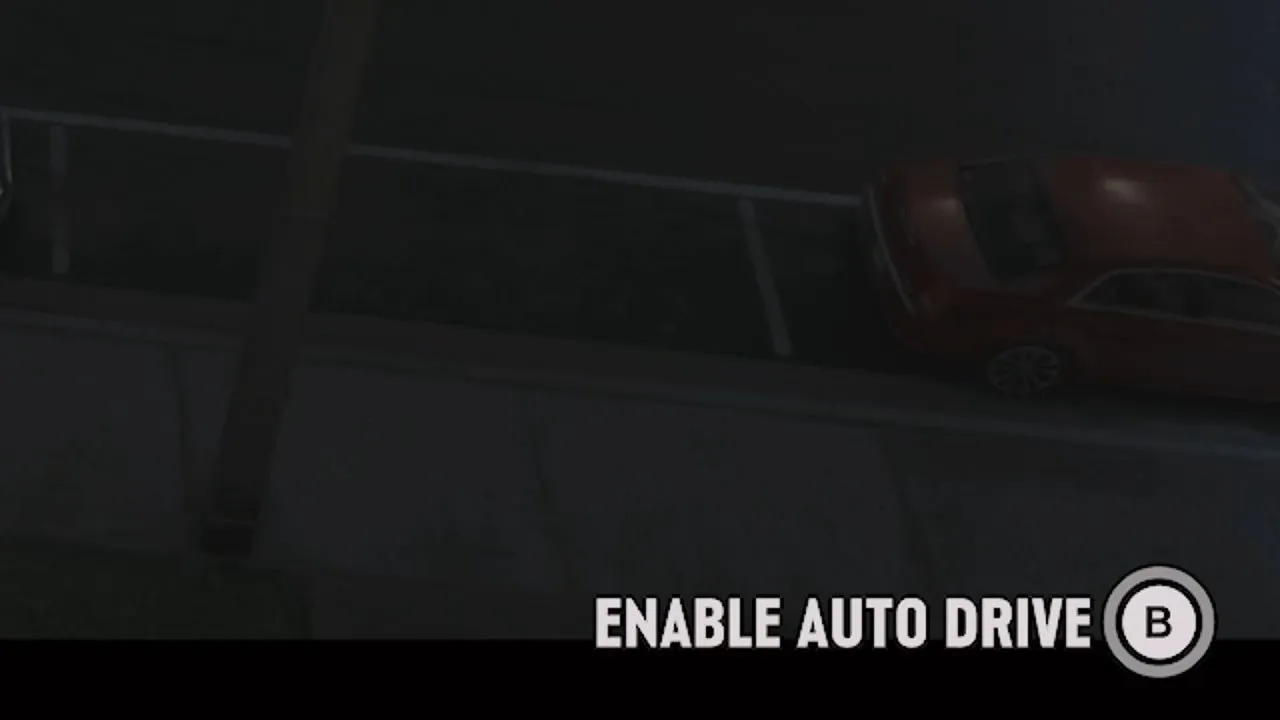
Enable Auto Drive prompt with B button shown. -
In one city drive in the green car, the cinematic HUD shows “Enable Auto Drive,” then “Disable Auto Drive,” then “Enable Auto Drive” again.
Scope — one continuous drive showing both prompt states
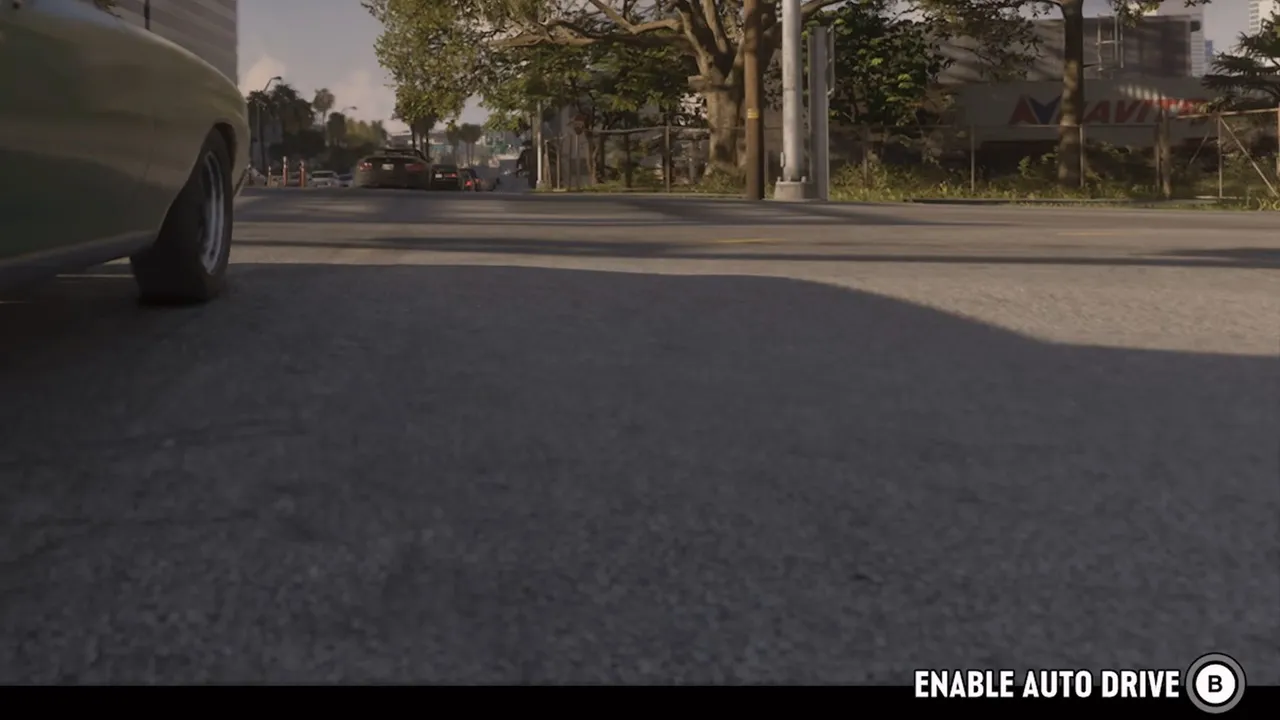
The cinematic HUD offers Enable Auto Drive. -
In the cinematic interior view, the on-screen HUD shows “Speed 1/2/3” with LT and RT and “Disable Auto Drive” with B.
Scope — one captured drive
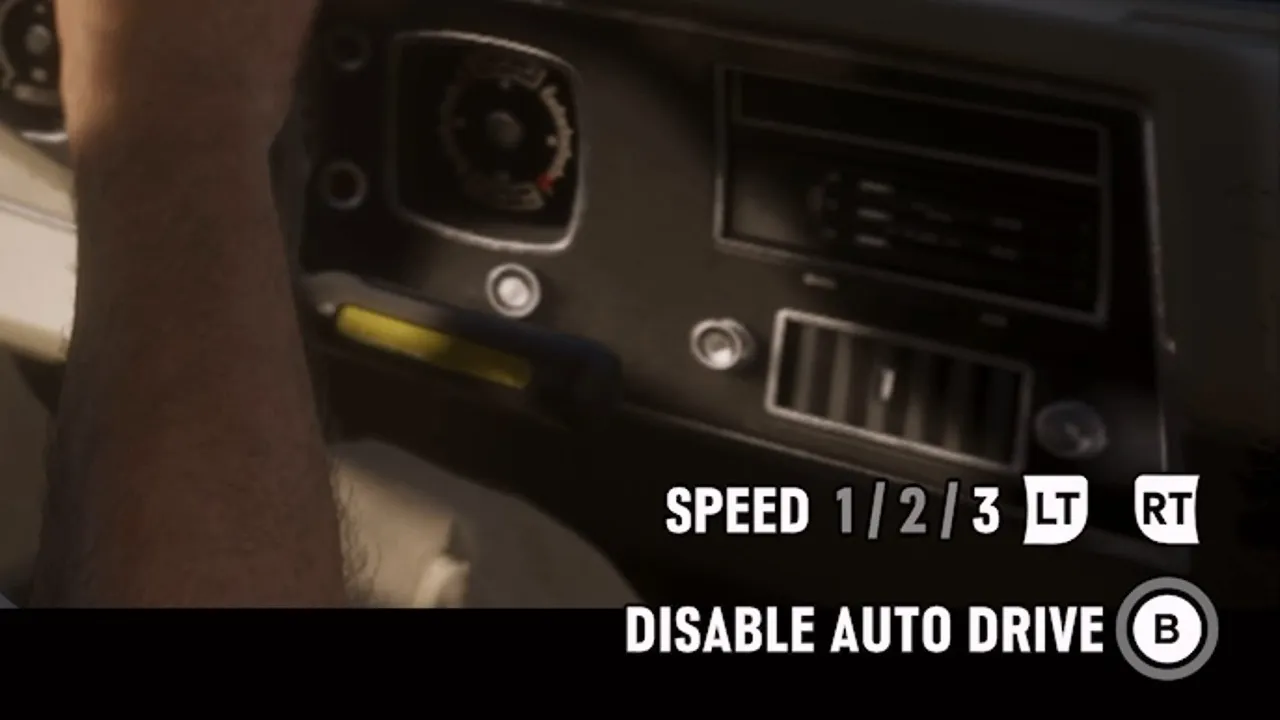
Dashboard view with speed and auto drive prompts on screen. -
During a nighttime motorcycle ride, the cinematic HUD shows “Disable Auto Drive” and “Speed 1/2/3.”
Scope — one captured motorcycle ride
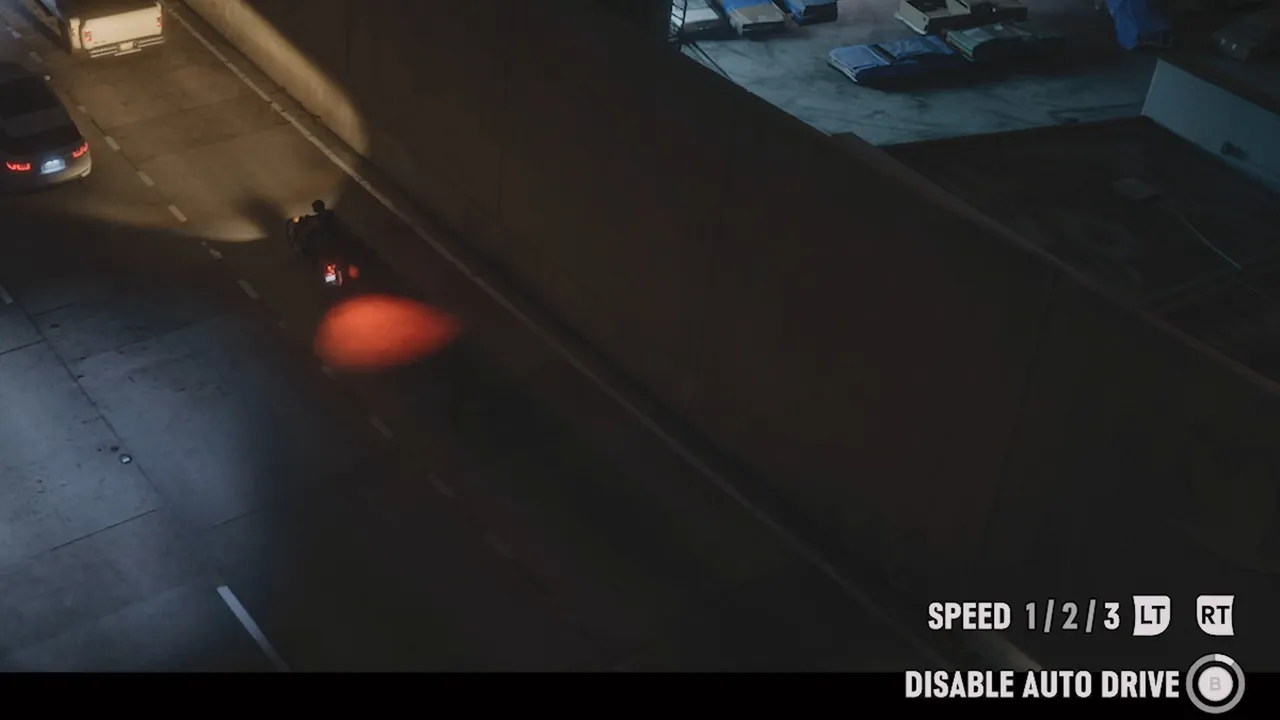
The nighttime motorcycle ride shows the same Auto Drive controls.
More in Getting started